


1DM+: Browser & Video Download
Play on PC with BlueStacks – the Android Gaming Platform, trusted by 500M+ gamers.

Page Modified on: Apr 7, 2025
Run 1DM+: Browser & Video Download on PC or Mac
1DM+: Browser & Video Download is a Tools app developed by Vicky Bonick. BlueStacks app player is the best android emulator to use this android app on your PC or Mac for an immersive Android experience.
About the App
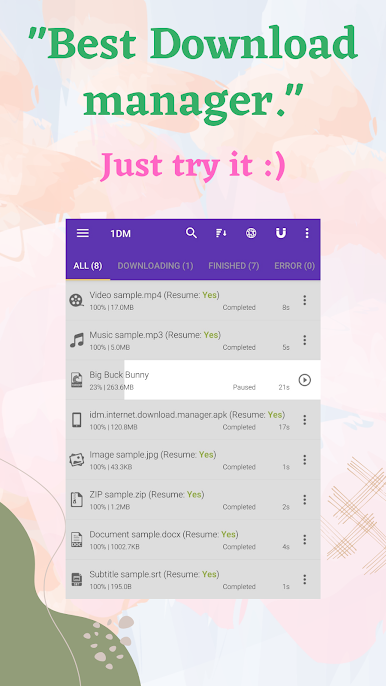
1DM+: Browser & Video Download, crafted by Vicky Bonick, is your go-to app for supercharging your downloads! It’s a tool that claims to make downloading files on Android up to 500% faster compared to typical ways. Plus, with no unnecessary background processes, it’s kind on your battery.
App Features
General Features:
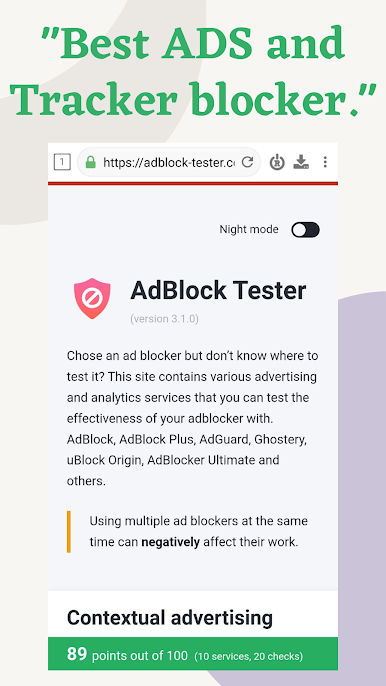
- Ad-free experience with dark and light themes.
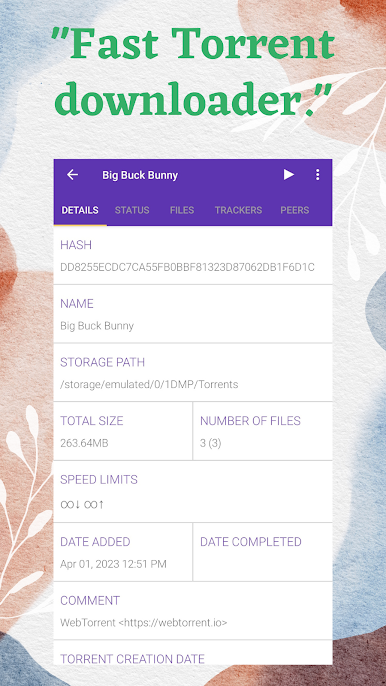
- Effortlessly download torrents from magnet links, torrent URLs, or your device.
- Smartly downloads when links are copied to the clipboard.
- Secure your downloads by hiding files and saving passwords for easy access.
Advanced Features:
- Manage up to 30 downloads simultaneously with multipart downloading.
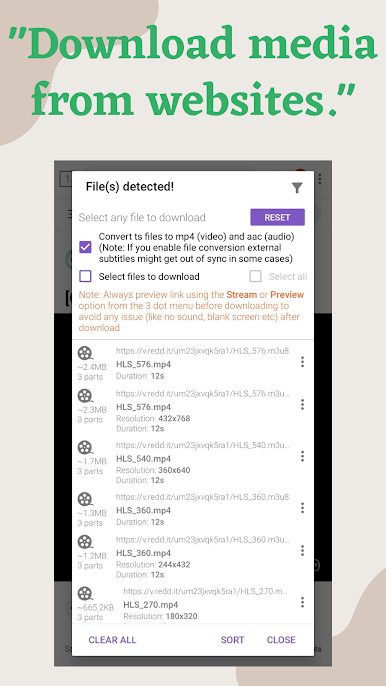
- Handle expired links and download password-protected files using the built-in browser.
Additional Functionality:
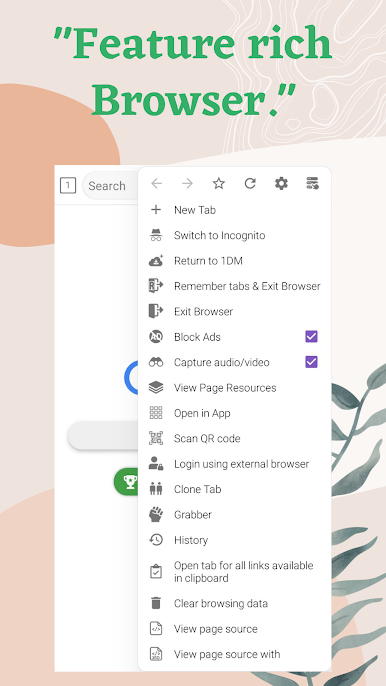
- Includes a full-featured web browser with incognito mode for private browsing.
- Customize download settings with a scheduler and speed limiter.
Experience a smoother, faster way to download with 1DM+: Browser & Video Download. Try it once with BlueStacks for an extra edge!
Play 1DM+: Browser & Video Download on PC. It’s easy to get started.
-
Download and install BlueStacks on your PC
-
Complete Google sign-in to access the Play Store, or do it later
-
Look for 1DM+: Browser & Video Download in the search bar at the top right corner
-
Click to install 1DM+: Browser & Video Download from the search results
-
Complete Google sign-in (if you skipped step 2) to install 1DM+: Browser & Video Download
-
Click the 1DM+: Browser & Video Download icon on the home screen to start playing

