

1DM: Browser & Video Download
Play on PC with BlueStacks – the Android Gaming Platform, trusted by 500M+ gamers.

Page Modified on: Apr 7, 2025
Run 1DM: Browser & Video Download on PC or Mac
Upgrade your experience. Try 1DM: Browser & Video Download, the fantastic Tools app from Vicky Bonick, from the comfort of your laptop, PC, or Mac, only on BlueStacks.
About the App
1DM: Browser & Video Download brings fast, private browsing together with a powerful, no-nonsense download manager. This Tools app makes it easy to save videos, music, torrents, and other files while keeping everything tidy and under control. Prefer a bigger screen? It runs smoothly on BlueStacks, too.
App Features
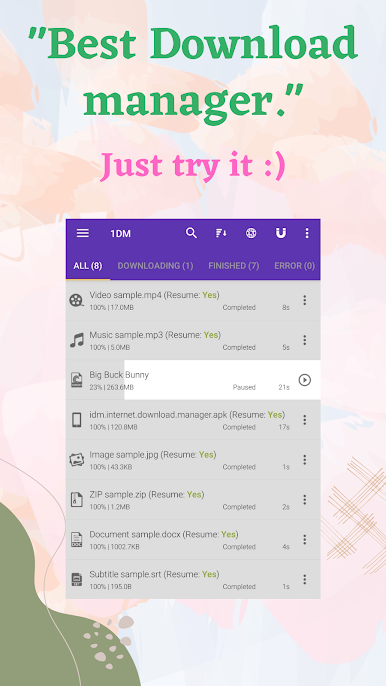
- Multi-thread speed: Splits files into up to 16 parts to accelerate downloads and squeeze the most out of your connection.
- Reliable pause/resume: Stop anytime and pick up later, with smart recovery that refreshes expired links right from the built-in browser.
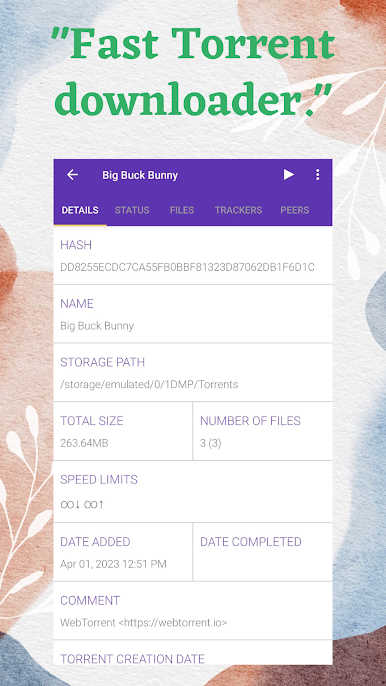
- Full torrent support: Add magnet links, paste torrent URLs, or open .torrent files and manage them like your other downloads.
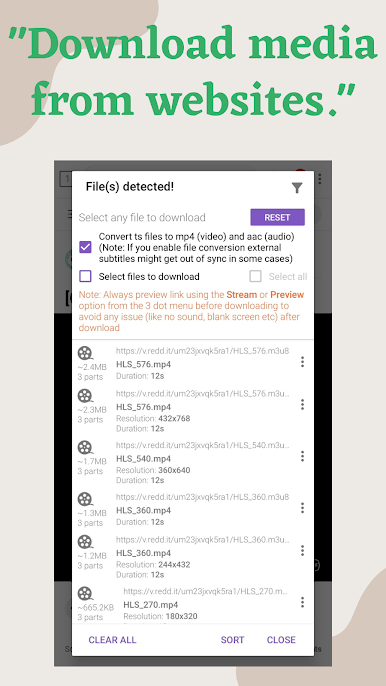
- Smart capture & auto-detect: 1DM spots downloadable media on webpages and from social apps, and it watches your clipboard for links you copy.
- Wide format coverage: Handles M3U, M3U8, and DASH streams, and can auto-convert TS videos to MP4 when the download finishes.
- Big jobs made easy: Queue large files, run several downloads at once, continue in the background, or keep items in a hidden folder.
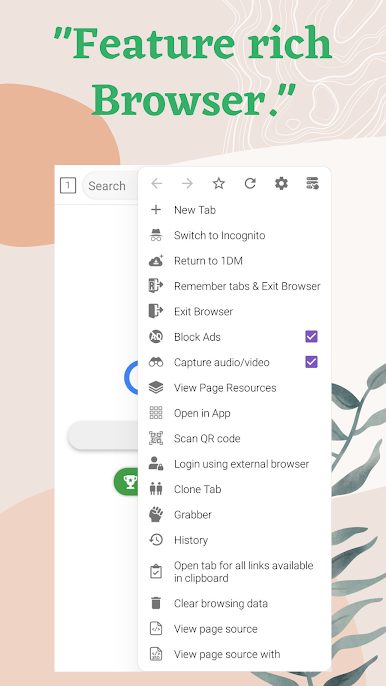
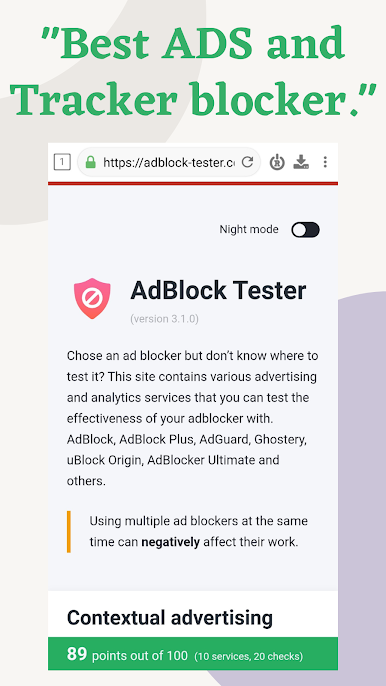
- Private, ad-free browsing: Built-in ad and tracker blocking, a tough pop-up blocker, incognito mode, and quick one-tap cleanup.
- Built-in player & tabs: Watch or listen without leaving the app; enjoy tabs, bookmarks, and history for everyday browsing.
- Neat organization: Sorts files by type, supports themes, keeps memory use low, and lets you import links from text files.
- Batch tools & page grabber: Download multiple files that follow a pattern or grab all the static media on a page in one go.
- Notes & limits: YouTube downloads aren’t supported to respect their terms.
BlueStacks brings your apps to life on a bigger screen—seamless and straightforward.
Play 1DM: Browser & Video Download on PC. It’s easy to get started.
-
Download and install BlueStacks on your PC
-
Complete Google sign-in to access the Play Store, or do it later
-
Look for 1DM: Browser & Video Download in the search bar at the top right corner
-
Click to install 1DM: Browser & Video Download from the search results
-
Complete Google sign-in (if you skipped step 2) to install 1DM: Browser & Video Download
-
Click the 1DM: Browser & Video Download icon on the home screen to start playing

