


Disney+
Play on PC with BlueStacks – the Android Gaming Platform, trusted by 500M+ gamers.

Page Modified on: Mar 23, 2026
Main Disney+ on PC
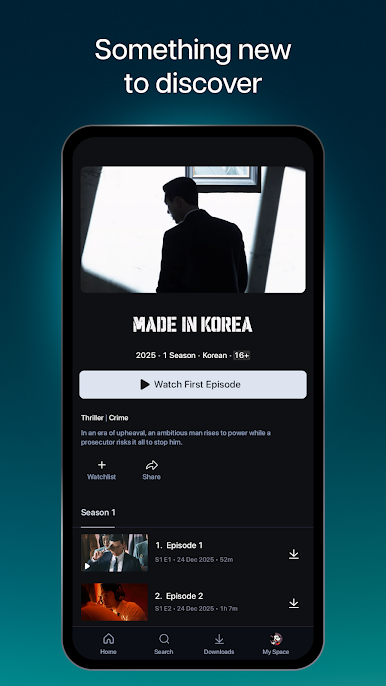
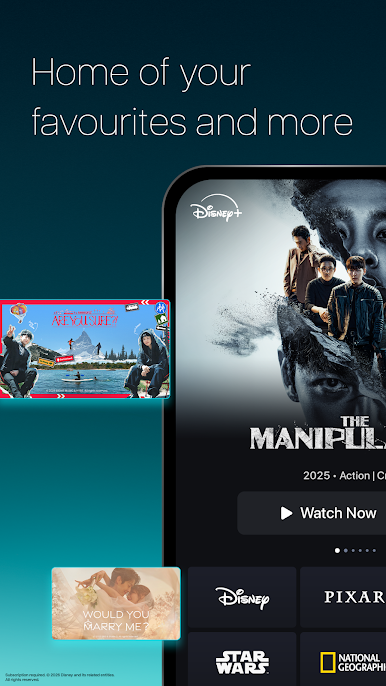
With new titles added regularly, you can watch Disney's latest blockbusters, series, documentaries and so much more. You can stream at home, on-the-go or download selected content to watch offline on compatible devices today!
With Disney+, you can watch:
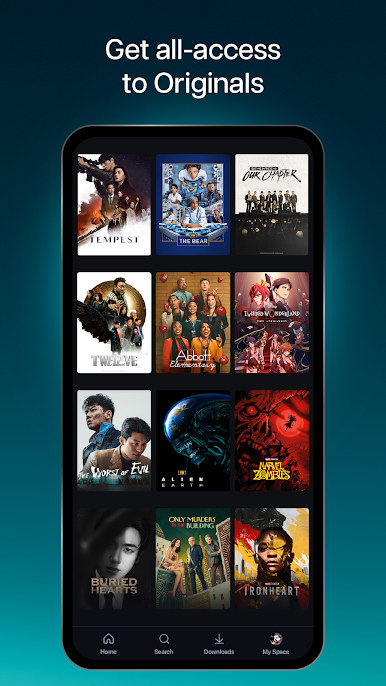
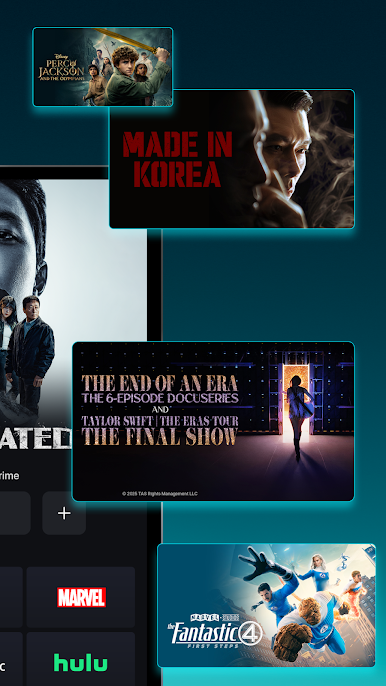
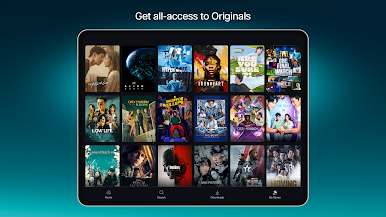
• Original blockbuster films, live-action and animated series, short-form content and documentaries
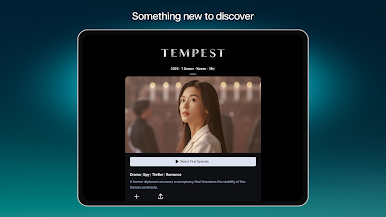
• Popular Korean dramas & a wide selection of other Asian content
• From the latest releases and popular TV series to Disney classics
Enjoy these features, based on your chosen plan:
Premium Plan
• Watch on max. 3 screens at once
• Stream up to 4K Ultra HD^ for selected content
• Log in max. 10 devices
Basic & Premium Plans
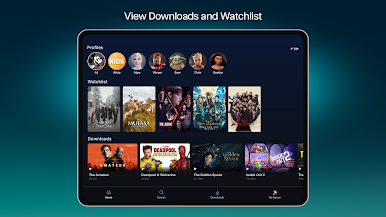
• Download selected content on max. 10 mobile devices only*
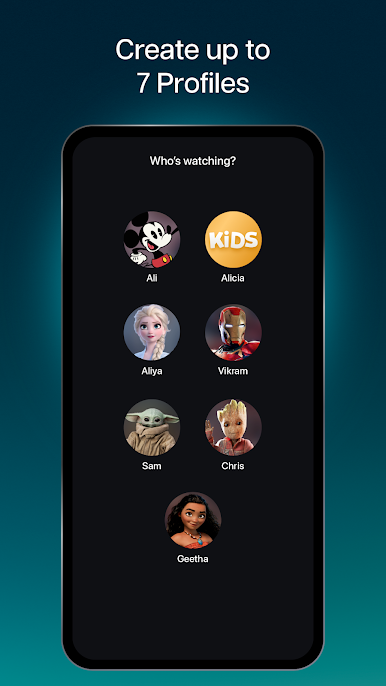
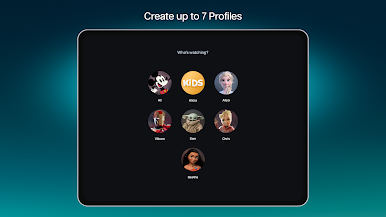
• Create up to 7 profiles under 1 account
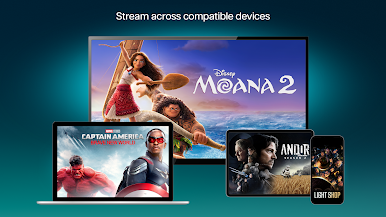
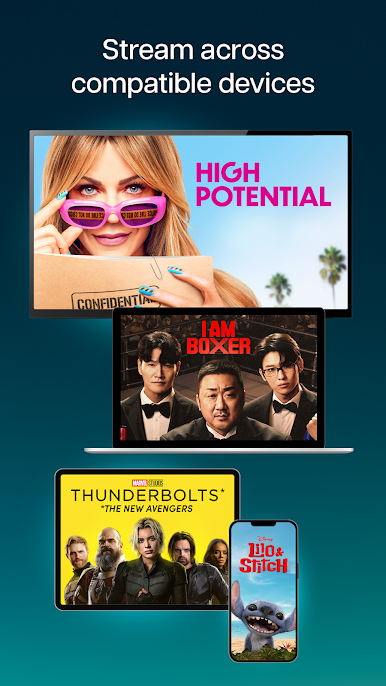
• Watch all our titles on compatible Phones, Tablets, Laptops, TVs
Subscription is required. Additional bank charges may apply. The content available on Disney+ may vary by region. Some titles shown on this page may not be available in your country. ^Video and/ or audio quality subject to internet service, device capabilities, content and subscription plan. Please note that Smart TVs require HDCP V2 & HDCP V2.2 for Full HD (1080p) and 4K Ultra HD (2160p) content playback, respectively. *Downloaded content will remain on your device for a limited amount of time as long as you are an active Disney+ subscriber and your device is connected to the internet at least once every 30 days.
For more information on plans, price, features and more, please visit: help.disneyplus.com
Terms of Use: https://www.apps.disneyplus.com/terms-of-use/my-eng
Privacy Policy: https://privacy.thewaltdisneycompany.com/en/current-privacy-policy/
Supplemental Privacy Policy for Malaysia: https://privacy.thewaltdisneycompany.com/en/current-privacy-policy/supplemental-privacy-policy-for-malaysia/

Play Disney+ on PC. It’s easy to get started.
-
Download and install BlueStacks on your PC
-
Complete Google sign-in to access the Play Store, or do it later
-
Look for Disney+ in the search bar at the top right corner
-
Click to install Disney+ from the search results
-
Complete Google sign-in (if you skipped step 2) to install Disney+
-
Click the Disney+ icon on the home screen to start playing

