


Atleia
Play on PC with BlueStacks – the Android Gaming Platform, trusted by 500M+ gamers.

Page Modified on: Feb 23, 2026
Play Atleia on PC
Stop guessing what to eat or how to train. Atleia (formerly Around) is your all-in-one smart companion that combines advanced AI nutrition planning with personalized workout routines to help you reach your goals faster.
Whether you want to lose weight, build muscle, or just live healthier, Atleia’s AI engine analyzes your body and lifestyle to create the perfect plan just for you.
Why Choose Atleia?
🥗 AI-Powered Nutrition
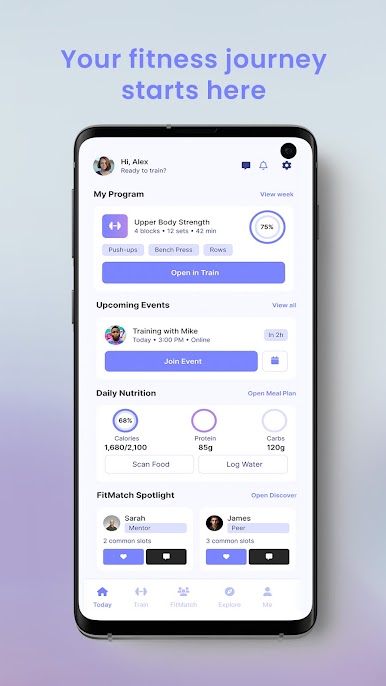
Forget generic diets. Get meal plans tailored to your taste, allergies, and goals. Track calories and macros effortlessly with our smart food scanner.
💪 Smart Workout Plans
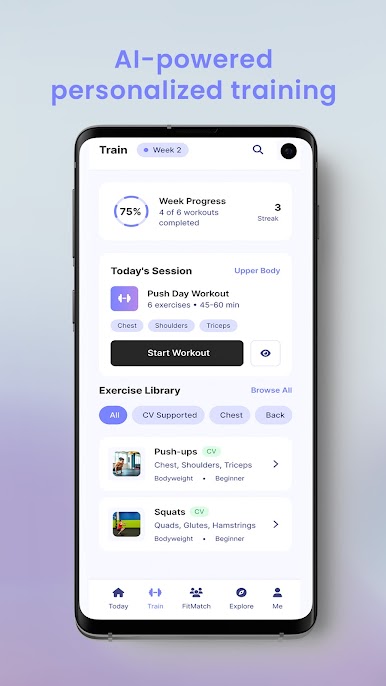
Gym or Home? 30 minutes or 1 hour? Atleia builds a workout schedule that fits your life. Our AI adjusts the intensity as you get stronger.
📈 Real-Time Feedback
Train safely with motion analysis features that correct your form and prevent injury (powered by your camera).
🤝 Connect & Compete
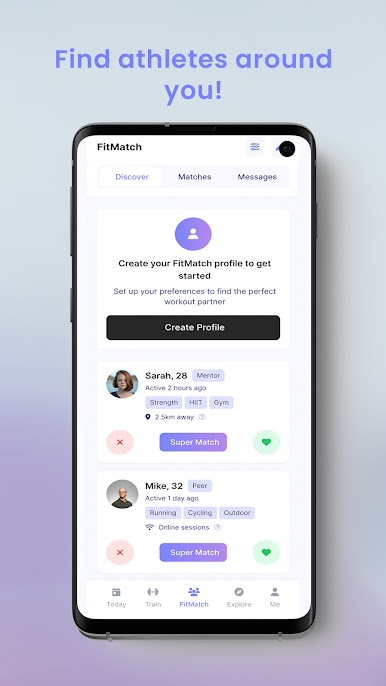
Join a thriving community of athletes. Find training partners nearby, join challenges, and climb the leaderboard.
Key Features:
✅ Hyper-personalized Diet & Meal Plans
✅ AI Workout Generator (Home & Gym)
✅ Calorie & Macro Tracker
✅ Real-time Form Correction
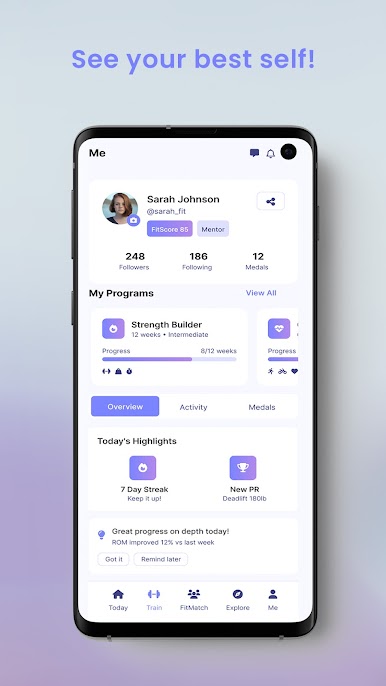
✅ Progress Analytics & Insights
✅ Community Challenges & Social Hub
Download Atleia today and let AI unlock your best version!
Play Atleia on PC. It’s easy to get started.
-
Download and install BlueStacks on your PC
-
Complete Google sign-in to access the Play Store, or do it later
-
Look for Atleia in the search bar at the top right corner
-
Click to install Atleia from the search results
-
Complete Google sign-in (if you skipped step 2) to install Atleia
-
Click the Atleia icon on the home screen to start playing

