


Timetable (Widget)
Play on PC with BlueStacks – the Android Gaming Platform, trusted by 500M+ gamers.

Page Modified on: Oct 20, 2025
Play Timetable (Widget) on PC
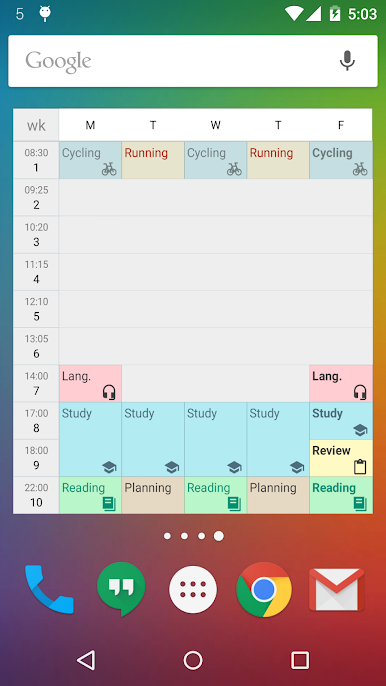
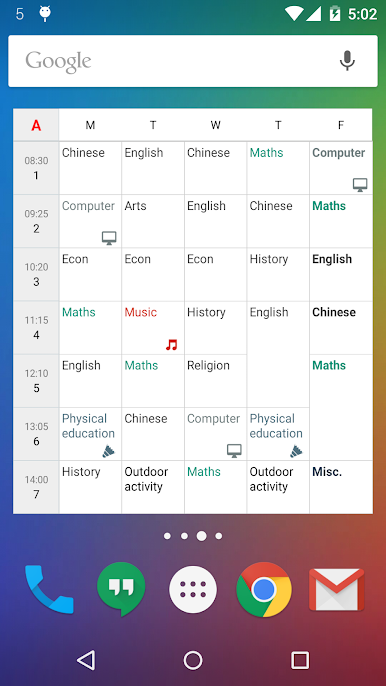
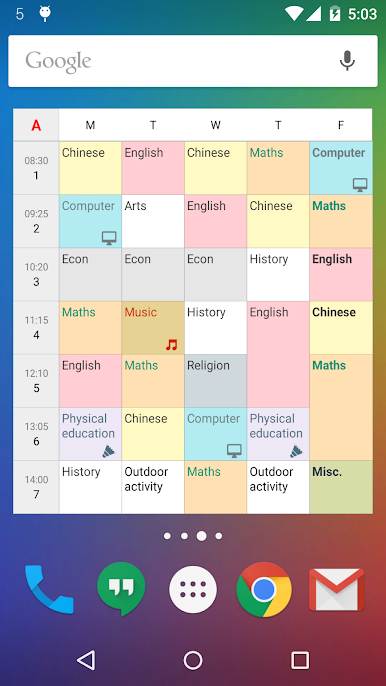
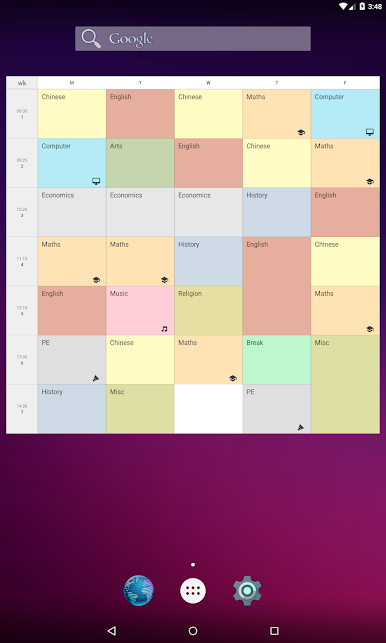
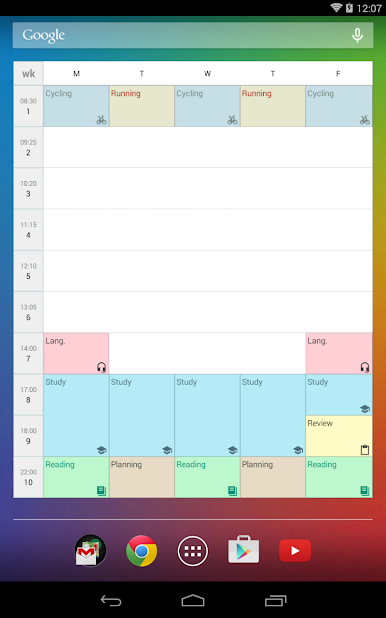
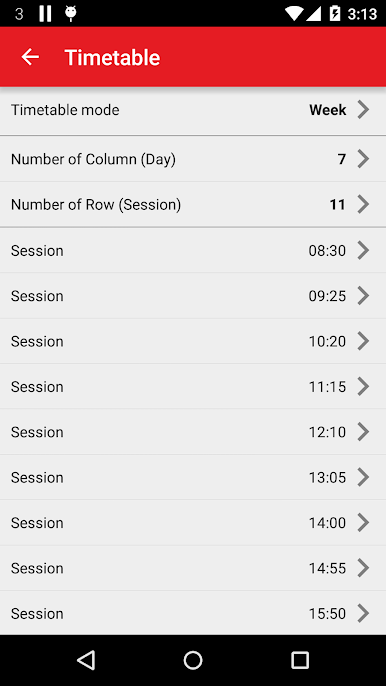
The timetable support different modes. It includes "singe week", "A/B week", "A/B/C week", "A/B/C/D week", "6-day cycle week", and "7-day cycle week". Multiple timetables are supported. You can manage more than one timetable for your family members, or friends. It can help you to plan your life, and develop good habit.
It is highly customizable. You can define your widget's background color, text color, font size, icons, etc.
Back to school now!
If you need calendar or reminder function, please try our "New Calendar" app.
https://play.google.com/store/apps/details?id=info.kfsoft.calendar


Play Timetable (Widget) on PC. It’s easy to get started.
-
Download and install BlueStacks on your PC
-
Complete Google sign-in to access the Play Store, or do it later
-
Look for Timetable (Widget) in the search bar at the top right corner
-
Click to install Timetable (Widget) from the search results
-
Complete Google sign-in (if you skipped step 2) to install Timetable (Widget)
-
Click the Timetable (Widget) icon on the home screen to start playing

