


FaceApp: Perfect Face Editor
Play on PC with BlueStacks – the Android Gaming Platform, trusted by 500M+ gamers.

Page Modified on: Sep 12, 2026
Run FaceApp: Perfect Face Editor on PC or Mac
Why limit yourself to your small screen on the phone? Run FaceApp: Perfect Face Editor, an app by FaceApp Technology Ltd, best experienced on your PC or Mac with BlueStacks, the world’s #1 Android emulator.
About the App
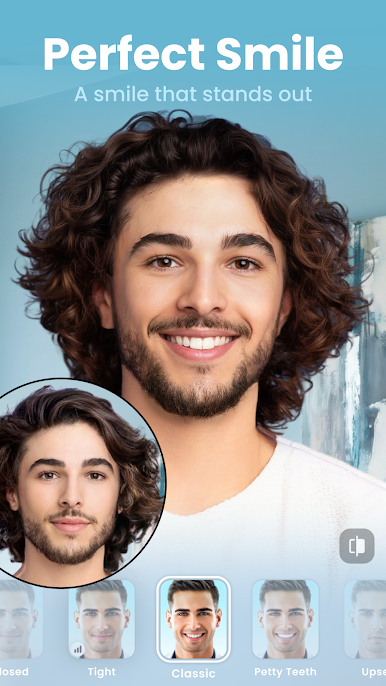
FaceApp: Perfect Face Editor makes quick, realistic face edits feel easy and fun. Tap once for a fresh look, then fine-tune the details until it feels like you—only better. Whether you’re cleaning up a selfie or experimenting just because, this Photography app from FaceApp Technology Ltd keeps the process simple and surprisingly natural. Prefer a bigger canvas? You can run it on BlueStacks and edit comfortably on your desktop.
App Features
- One-tap magic: Get natural-looking transformations instantly—no complicated layers or masking.
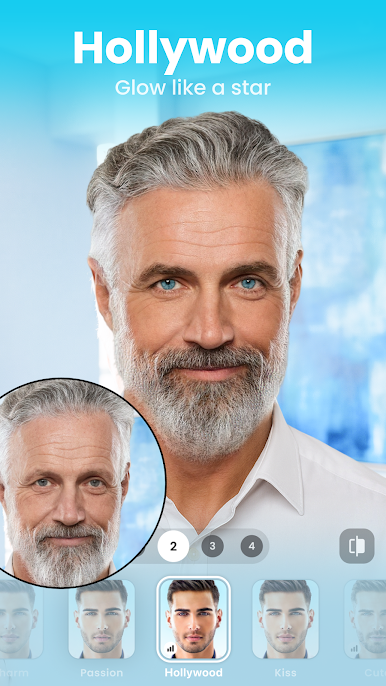
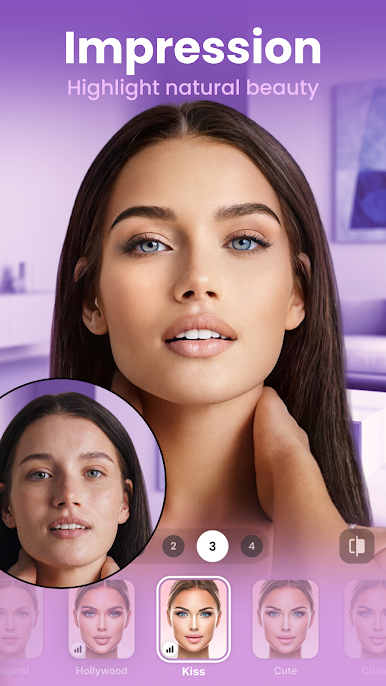
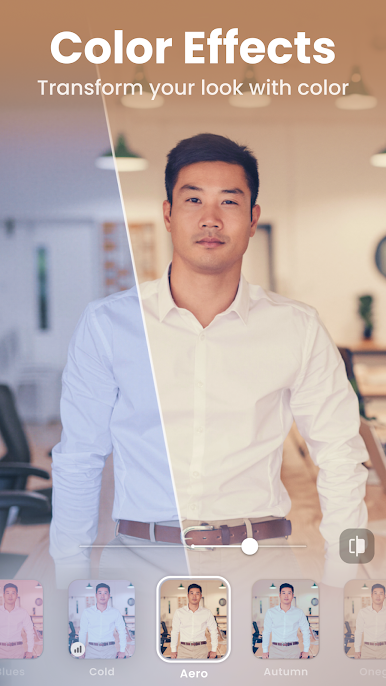
- Realistic filters: Choose from a wide range of looks designed to match lighting and skin tones.
- Facial hair try-ons: Add a beard, mustache, or stubble and tweak the style to see what suits you.
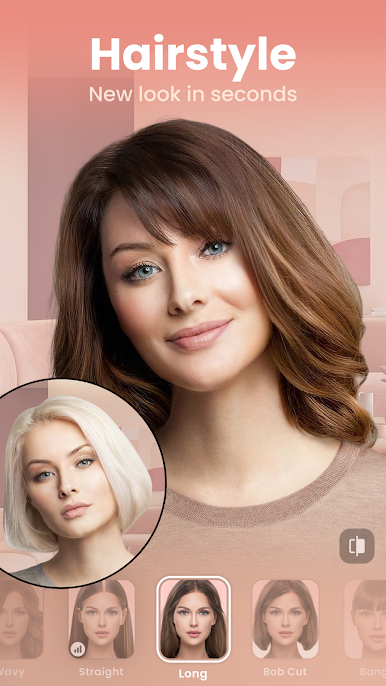
- Hair color and styles: Test new shades, switch cuts, and even add volume without committing in real life.
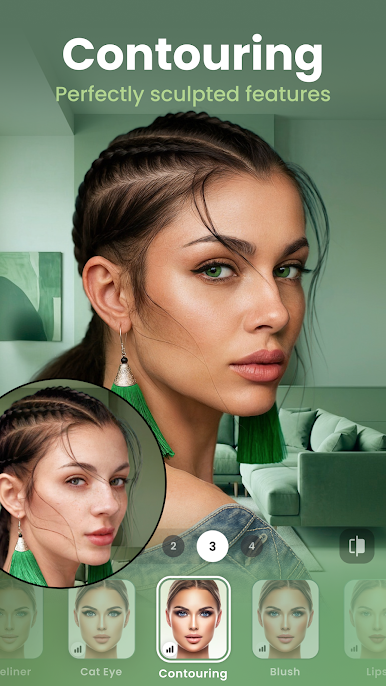
- Makeup that blends: From soft touch-ups to bold glam, looks that sit naturally on your skin.
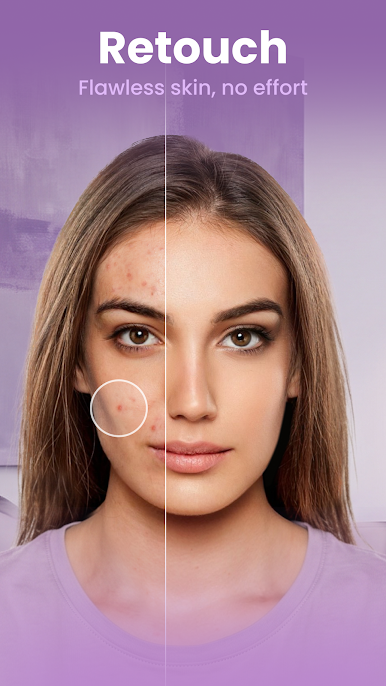
- Skin cleanup: Smooth blemishes and fine lines while keeping texture so photos don’t look overdone.
- Creative lighting and backgrounds: Adjust light effects or swap scenes for a cleaner portrait vibe.
- Feature refinement: Gently shape or resize facial features—subtle edits or bold changes, your call.
- Color contacts: Preview realistic lens colors that pop without looking fake.
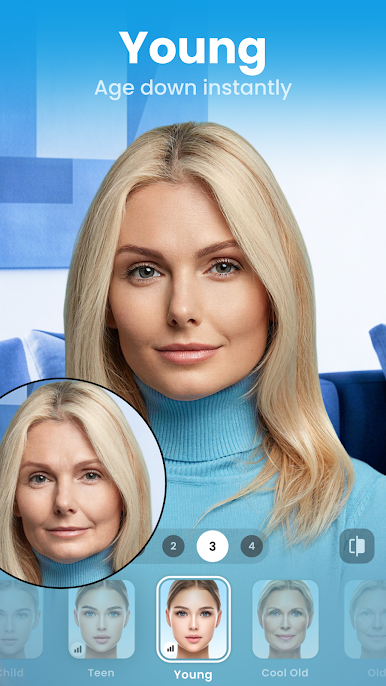
- Before/after compare: Slide between your original and edits at any step to see progress.
- Manual controls: Adjust temperature, saturation, and more when you want precise tuning.
- Gender swap: See a convincing take on how you might look as a different gender.
- Age shift: Try younger or older versions of yourself—surprisingly fun and shareable.
- Style match: Borrow a look from another photo to keep a consistent aesthetic.
- Weight effects: Preview slimmer or fuller variations just to explore different looks.
- Quick sharing: Post straight to your favorite social channels when you’re happy with the result.
Ready to experience FaceApp: Perfect Face Editor on a bigger screen, in all its glory? Download BlueStacks now.
Play FaceApp: Perfect Face Editor on PC. It’s easy to get started.
-
Download and install BlueStacks on your PC
-
Complete Google sign-in to access the Play Store, or do it later
-
Look for FaceApp: Perfect Face Editor in the search bar at the top right corner
-
Click to install FaceApp: Perfect Face Editor from the search results
-
Complete Google sign-in (if you skipped step 2) to install FaceApp: Perfect Face Editor
-
Click the FaceApp: Perfect Face Editor icon on the home screen to start playing

