


Car Evolve
Play on PC with BlueStacks – the Android Gaming Platform, trusted by 500M+ gamers.

Page Modified on: Sep 17, 2026
Play Car Evolve on PC or Mac
Step into the World of Car Evolve, a thrilling Simulation game from the house of Heseri Games. Play this Android game on BlueStacks App Player and experience immersive gaming on PC or Mac.
About the Game
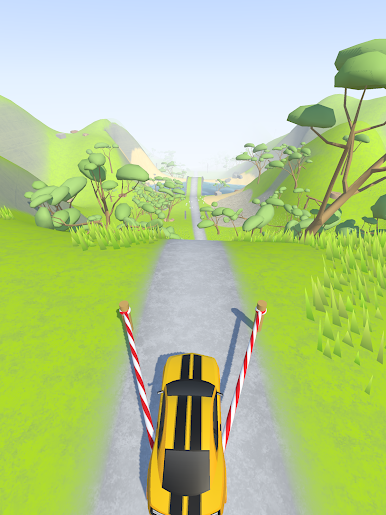
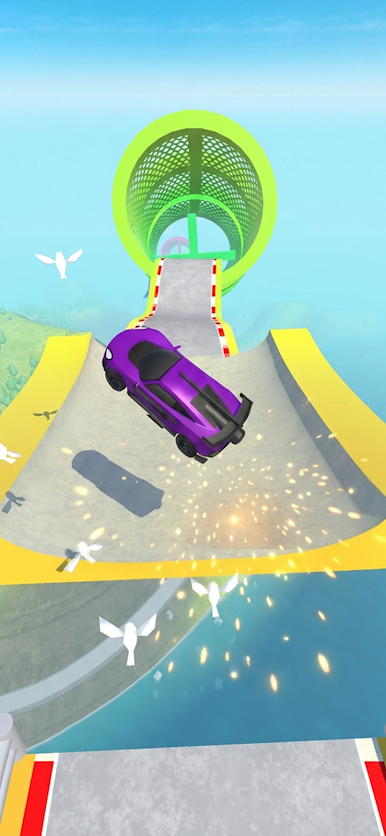
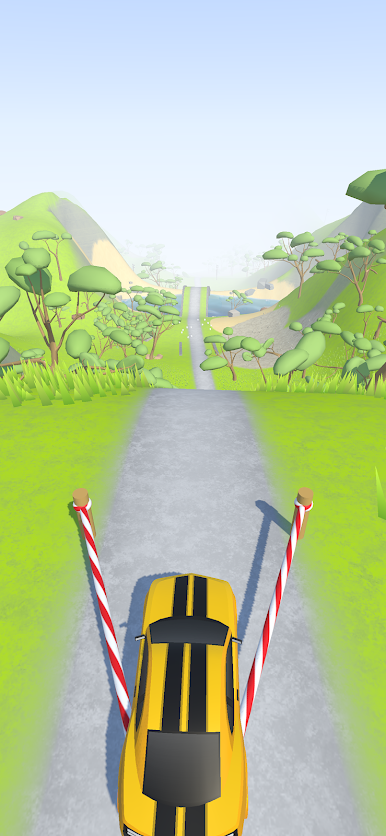
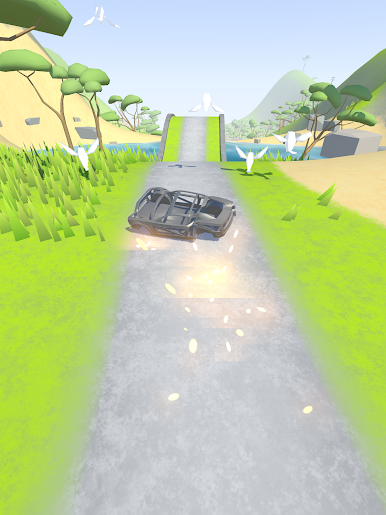
Car Evolve from Heseri Games is a pick-up-and-play Simulation where your clunky starter ride slowly turns into something you’re proud to launch down the track. Each attempt nets a little cash, a few smarter parts, and a fresh chance to go farther than before. It’s the kind of loop that’s easy to learn, surprisingly strategic, and perfect for quick sessions—or “just one more run” marathons. If you prefer playing on PC, it runs smoothly on BlueStacks with comfy controls.
Game Features
- Evolving Runs: Send your car out, see how far it goes, bring the earnings back, and reinvest. Every try teaches you something about what the build needs next.
- Meaningful Upgrades: Choose where to spend—engine, tires, suspension, aero, and more. Small changes can make a big difference in traction, speed, and stability.
- Physics You Can Feel: Hills, bumps, and momentum actually matter. Nail the throttle at the right time, or watch your gains slip away.
- Risk vs. Reward: Push for that extra stretch of distance for bigger payouts, or play it safe to safeguard your current build’s progress.
- Easy, Satisfying Controls: Simple inputs keep the focus on timing and decisions, not finger gymnastics. Great for quick runs on the go.
- Short Sessions, Long Payoff: Rounds are snappy, but progress stacks up. Break your record, then rebuild smarter and go again.
- Clear Goals and Milestones: Track personal bests, chase new distance targets, and use each achievement to guide your next upgrade path.
- Smooth on BlueStacks: Prefer a bigger screen and steady performance? Car Evolve feels great with keyboard or gamepad mappings on BlueStacks.
Slay your opponents with your epic moves. Play it your way on BlueStacks and dominate the battlefield.








Play Car Evolve on PC. It’s easy to get started.
-
Download and install BlueStacks on your PC
-
Complete Google sign-in to access the Play Store, or do it later
-
Look for Car Evolve in the search bar at the top right corner
-
Click to install Car Evolve from the search results
-
Complete Google sign-in (if you skipped step 2) to install Car Evolve
-
Click the Car Evolve icon on the home screen to start playing

