

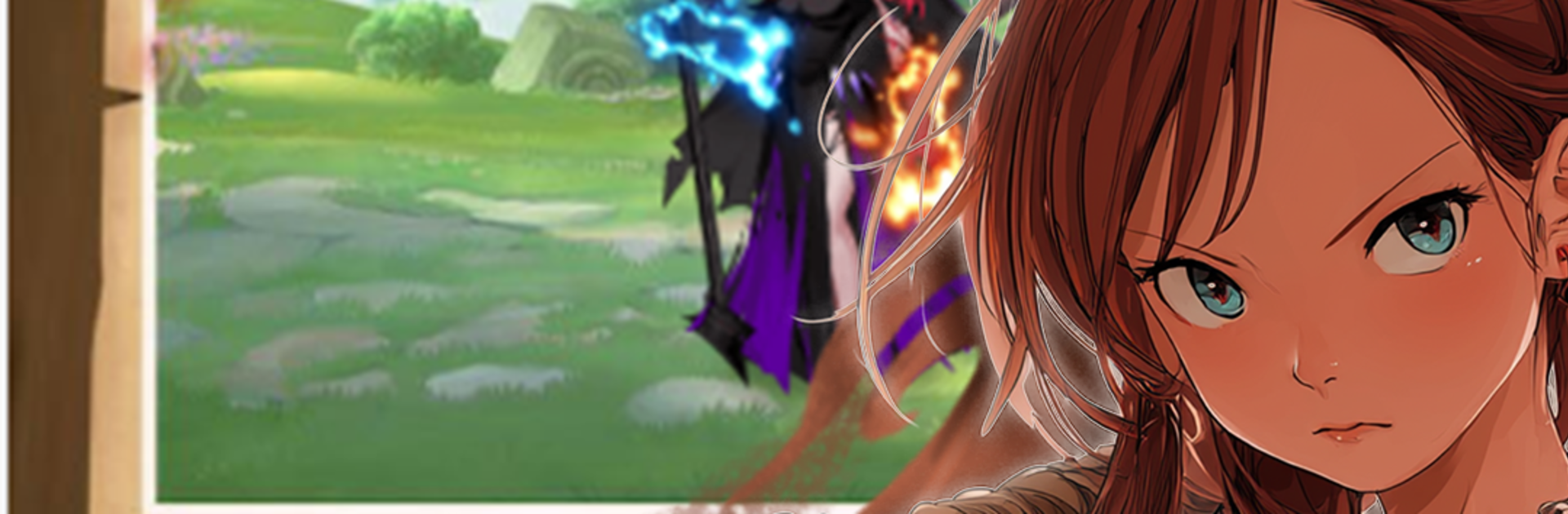
Mystic Eden: Girls from Afar
Play on PC with BlueStacks – the Android Gaming Platform, trusted by 500M+ gamers.

Page Modified on: May 9, 2025
Play Mystic Eden: Girls from Afar on PC or Mac
Mystic Eden: Girls from Afar brings the Puzzle genre to life, and throws up exciting challenges for gamers. Developed by Soft Lead Technologies, this Android game is best experienced on BlueStacks, the World’s #1 app player for PC and Mac users.
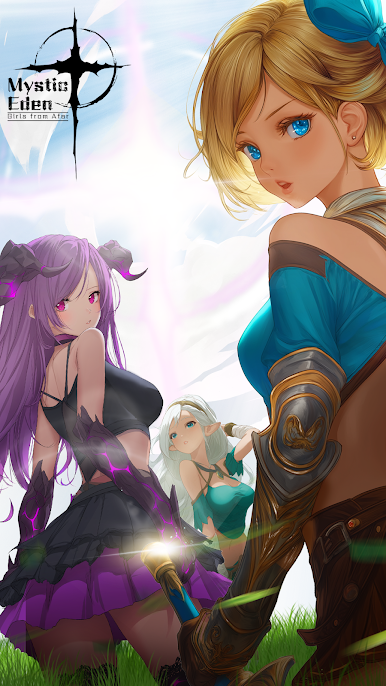
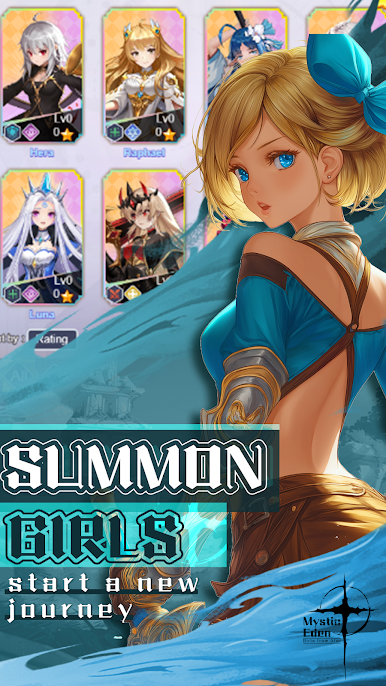
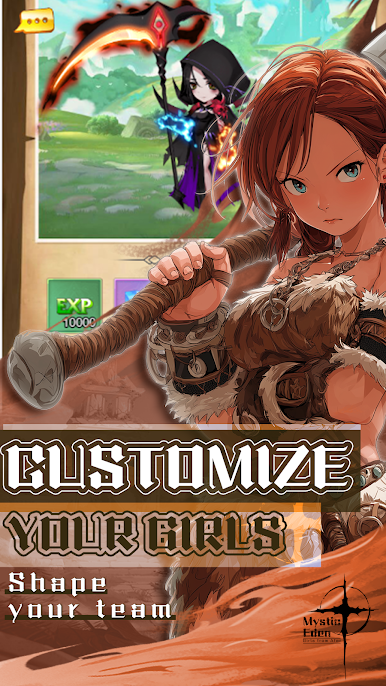
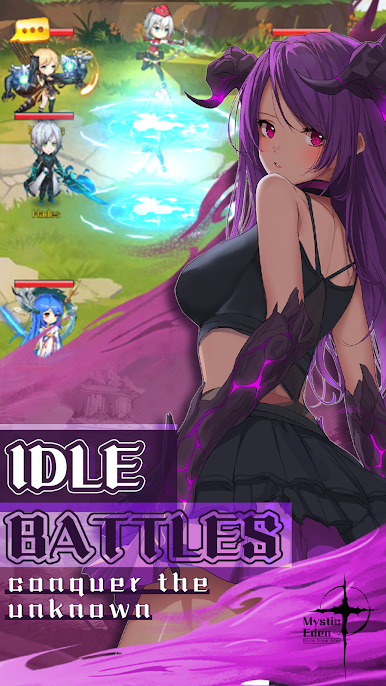
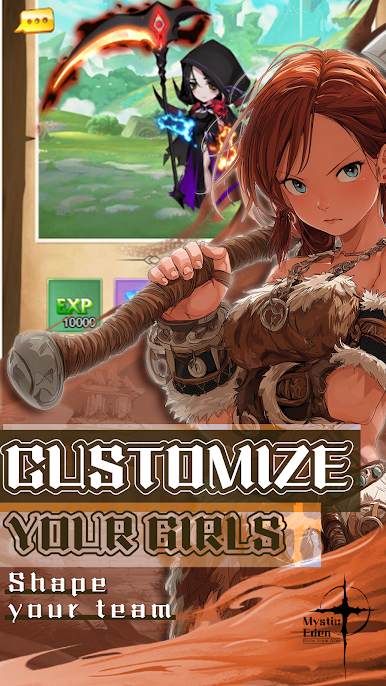
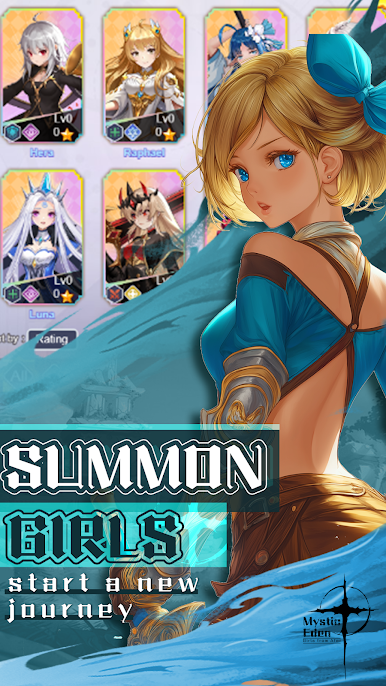
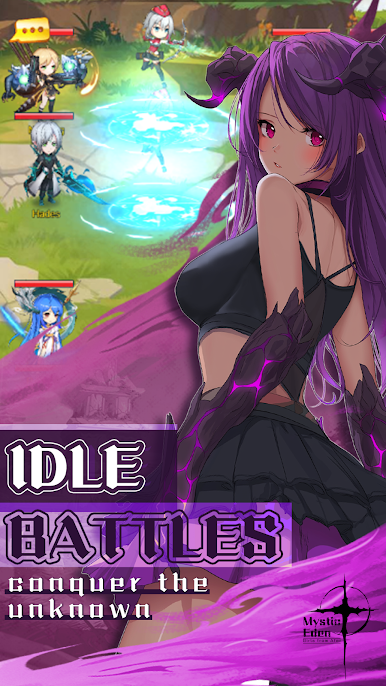
Mystic Eden: Girls from Afar feels like a calm card battler wrapped in a cute anime package. The player gets dropped into a strange garden world and starts collecting girls from different realms, each one a card with her own role, element, and little quirks. Fights are quick and mostly hands-off, but there is room to time skills, set a formation that actually matters, and pair units that chain well together. Progress is about building a squad that clicks, upgrading cards and gear, and deciding who gets resources first. The story pops up as light scenes between stages, just enough to give the characters some charm without slowing things down. It has that easy pace where a stage or two fits between other stuff, which suits the relaxing tone.
There are daily resource maps, bosses that check whether the team synergy works, and events that hand out materials for upgrades. The art is soft and colorful, animations are snappy, and the music sits in the background without getting annoying. The gacha is there for new characters, so luck plays a part, but the early game hands out a decent starter roster and some pulls. Playing on PC with BlueStacks makes the menus and dragging feel smoother, and the bigger screen helps with reading skill text and sorting gear. It is not a twitchy game, more a gentle strategy loop where seeing a well-built team auto through a tough node feels satisfying.
Get ready for a buttery smooth, high-performance gaming action only on BlueStacks.
Play Mystic Eden: Girls from Afar on PC. It’s easy to get started.
-
Download and install BlueStacks on your PC
-
Complete Google sign-in to access the Play Store, or do it later
-
Look for Mystic Eden: Girls from Afar in the search bar at the top right corner
-
Click to install Mystic Eden: Girls from Afar from the search results
-
Complete Google sign-in (if you skipped step 2) to install Mystic Eden: Girls from Afar
-
Click the Mystic Eden: Girls from Afar icon on the home screen to start playing

