


Aduuchin Game
Play on PC with BlueStacks – the Android Gaming Platform, trusted by 500M+ gamers.

Page Modified on: Jan 6, 2026
Main Aduuchin Game on PC
Challenge yourself in multiple authentic gameplay modes:
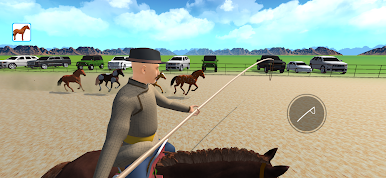
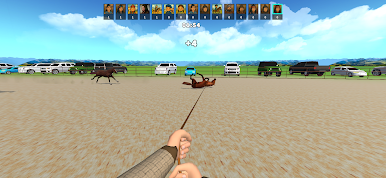
🐎 Catch horses using a traditional lasso
🎯 Grab the lasso and whip with perfect timing
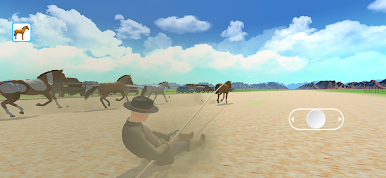
🏃 Lasso horses on foot
🏇 Lasso horses while riding at full speed
🐴 Break and train wild horses
Each challenge tests your speed, accuracy, and control, just like a real Mongolian horseman. Simple controls, immersive gameplay, and cultural authenticity make the experience fun and rewarding for all players.
Train your skills, improve your performance, and prove yourself as a true master of the steppe.
Download now and experience Mongolian horsemanship!
Play Aduuchin Game on PC. It’s easy to get started.
-
Download and install BlueStacks on your PC
-
Complete Google sign-in to access the Play Store, or do it later
-
Look for Aduuchin Game in the search bar at the top right corner
-
Click to install Aduuchin Game from the search results
-
Complete Google sign-in (if you skipped step 2) to install Aduuchin Game
-
Click the Aduuchin Game icon on the home screen to start playing

