

Chroma Strike: Color Knife
Play on PC with BlueStacks – the Android Gaming Platform, trusted by 500M+ gamers.

Page Modified on: Oct 12, 2026
Play Chroma Strike: Color Knife on PC or Mac
Play Chroma Strike: Color Knife by Orelia on PC or Mac with BlueStacks. Use a bigger screen, mouse and keyboard controls, and smoother performance while you play.
About the Game
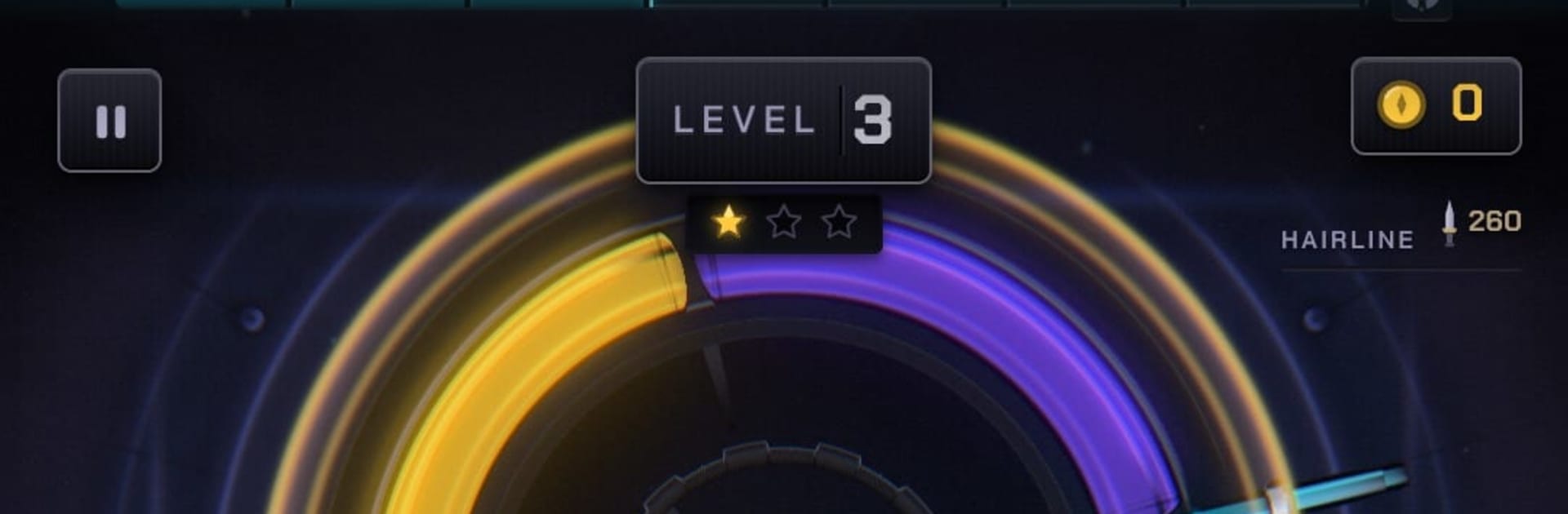
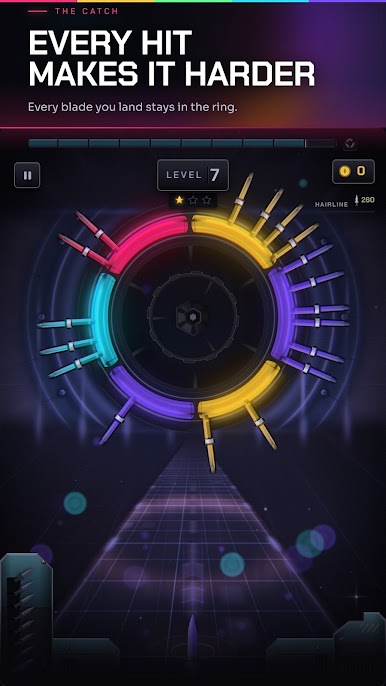
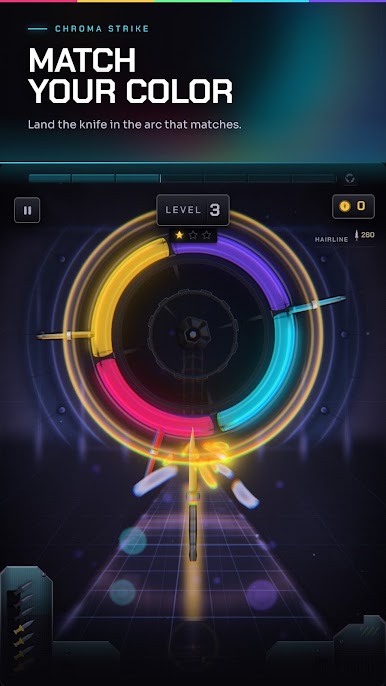
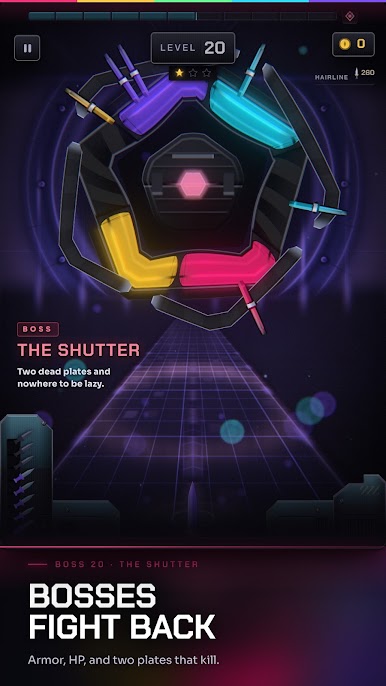
Chroma Strike: Color Knife is a quick, clean Arcade challenge built around a single idea: match your color and stick the landing. A neon ring spins, your knife flashes its hue, and you’ve got a split-second window to nail the right slice—while every knife you’ve already landed keeps spinning there, tightening the space for your next throw. It’s crisp, tense, and super replayable, whether you’re chasing perfect shots or checking out its alternate modes. It even feels great with simple taps or mapped keys on BlueStacks.
Game Features
- Match-and-throw core: Toss a color-coded knife into the matching arc on a rotating ring, then deal with the mess you just created—every successful stick stays in play, squeezing your next shot.
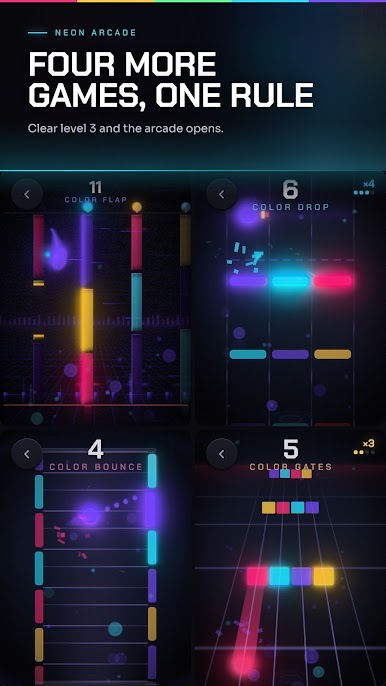
- Four twists on the same rule: Unlock the NEON ARCADE with modes like COLOR FLAP (thread gates of your hue), COLOR DROP (hit the right platform or miss entirely), COLOR BOUNCE (only touch tiles that match), and COLOR GATES (run the lane in your color).
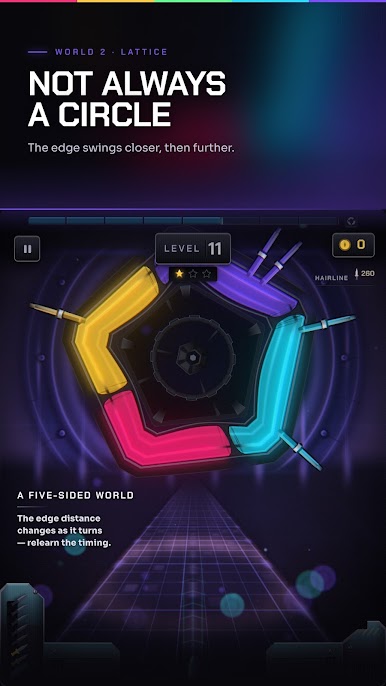
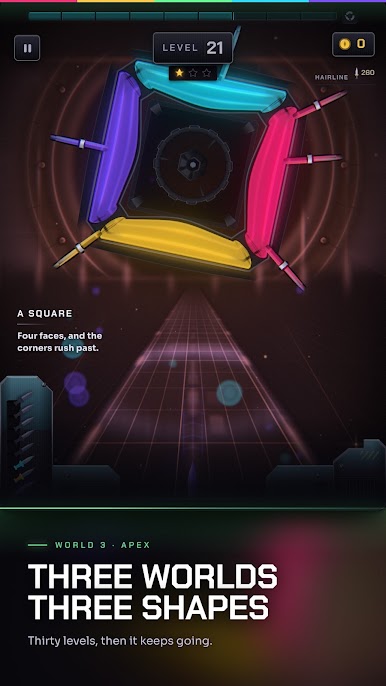
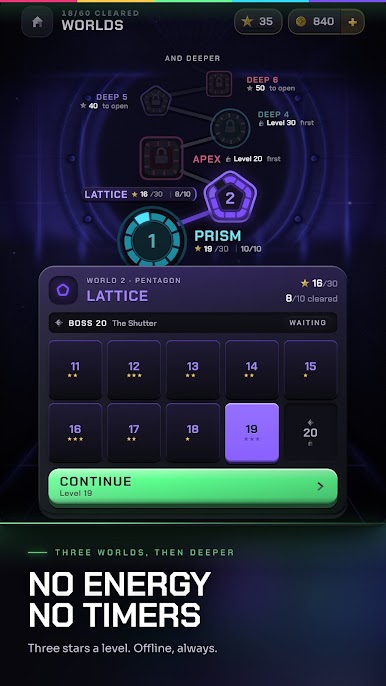
- Shifting arenas that change timing: PRISM, LATTICE, and APEX swap the playfield’s shape—circle, pentagon, and square—so angles, corners, and speed cues all mess with your rhythm in different ways.
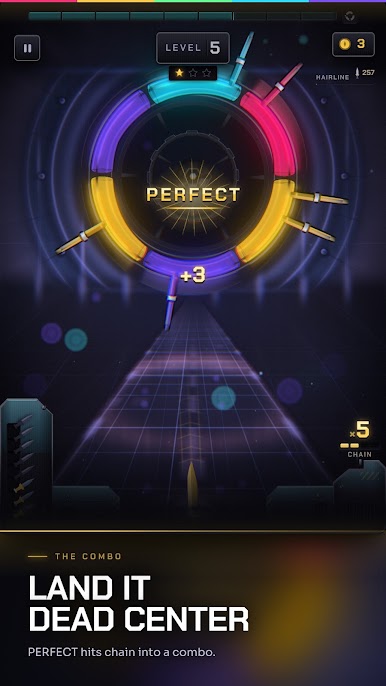
- Perfects, combos, and stars: Hit the dead center for a Perfect, chain them to ramp the audio and score, and chase three-star clears where the last star actually makes you sweat.
- Customize your look: Earn new knives, trails, and impact effects with coins or achievement payouts—no energy bars, no timers, no sitting around.
- One-thumb precision: Tap to throw, that’s it—simple to learn, sneaky to master, and satisfying with quick clicks or key mapping on BlueStacks.
Start your journey now. Download the game on BlueStacks, invite your friends, and march on a new adventure.
Play Chroma Strike: Color Knife on PC. It’s easy to get started.
-
Download and install BlueStacks on your PC
-
Complete Google sign-in to access the Play Store, or do it later
-
Look for Chroma Strike: Color Knife in the search bar at the top right corner
-
Click to install Chroma Strike: Color Knife from the search results
-
Complete Google sign-in (if you skipped step 2) to install Chroma Strike: Color Knife
-
Click the Chroma Strike: Color Knife icon on the home screen to start playing

