


ProtoPie Player — Prototyping
Play on PC with BlueStacks – the Android Gaming Platform, trusted by 500M+ gamers.

Page Modified on: Mar 2, 2026
Run ProtoPie Player on PC or Mac
Why limit yourself to your small screen on the phone? Run ProtoPie Player, an app by Studio XID Inc, best experienced on your PC or Mac with BlueStacks, the world’s #1 Android emulator.
About the App
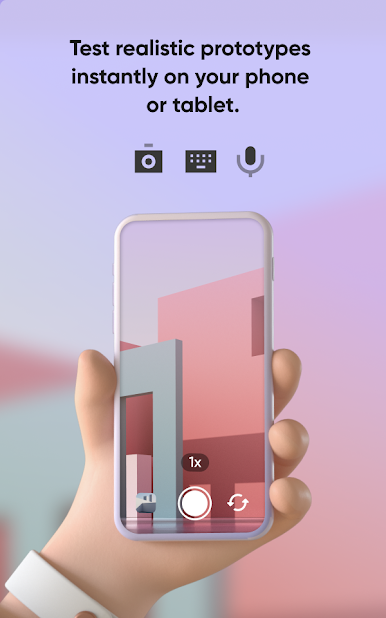
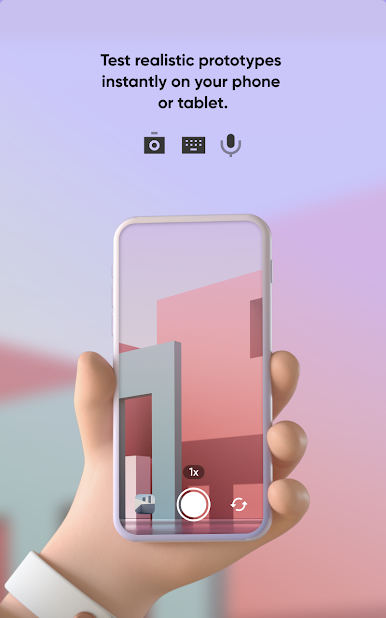
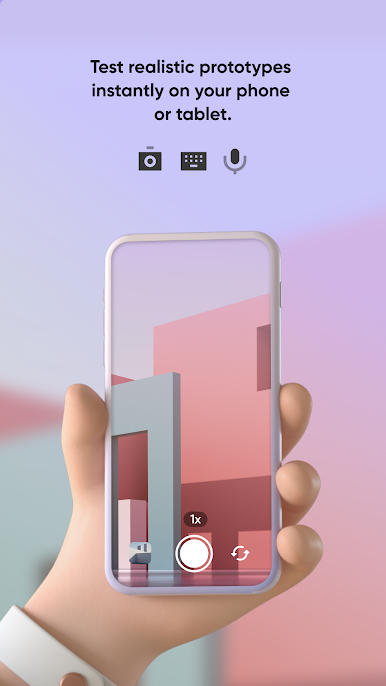
ProtoPie Player makes checking out interactive designs a breeze. If you’re using ProtoPie Studio to create rich prototypes—think motion, gestures, all the cool stuff—this handy app lets you experience them right on your Android device. Preview, test, and share those smart interactive projects, whether you’re solo or working with a team.
App Features
-
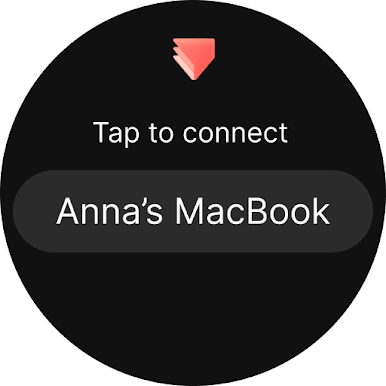
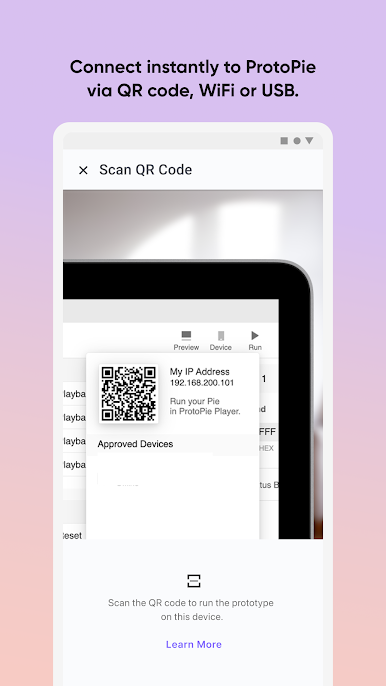
Wireless Preview
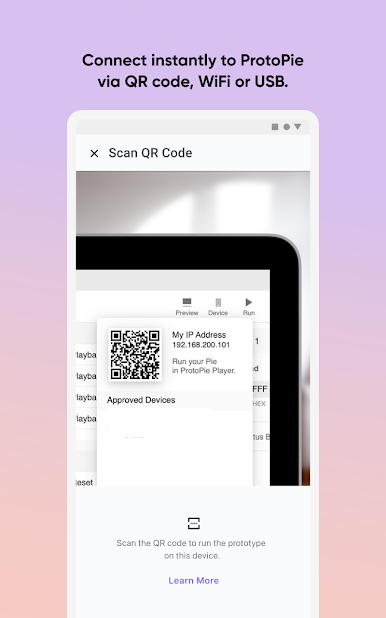
Connect to ProtoPie Studio over Wi-Fi and instantly see your latest prototype in action. No fuss with cables or extra steps—just tap and go. -
Team Sharing
Need to show off your work? Easily share your prototypes during meetings or brainstorms. Multiple devices can hook up to ProtoPie Studio at once, so everyone gets an up-close look. -
Send and Receive Prototypes
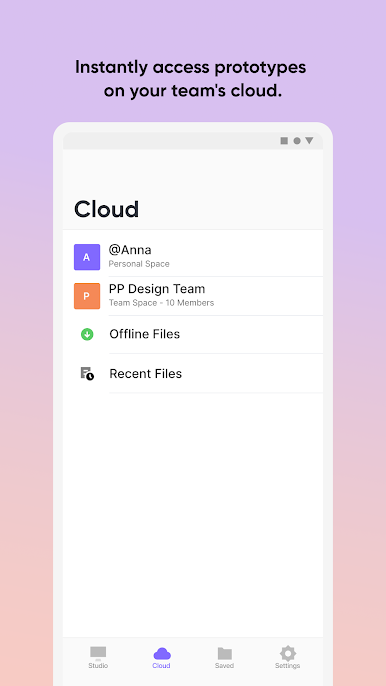
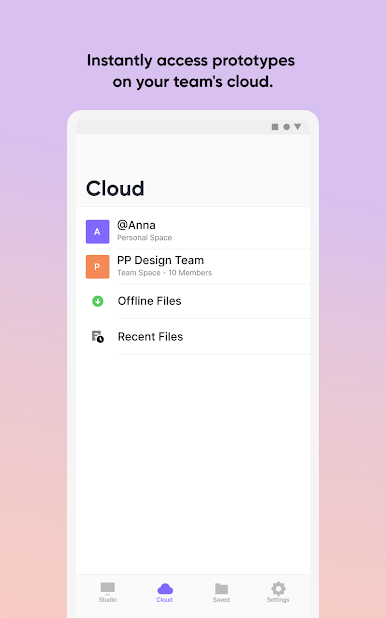
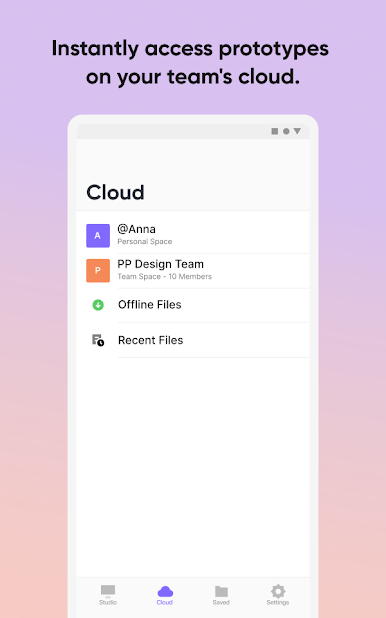
Got a file from a teammate via email or Google Drive? Open it in ProtoPie Player with just a couple taps. Super handy for quick feedback and remote collabs. -
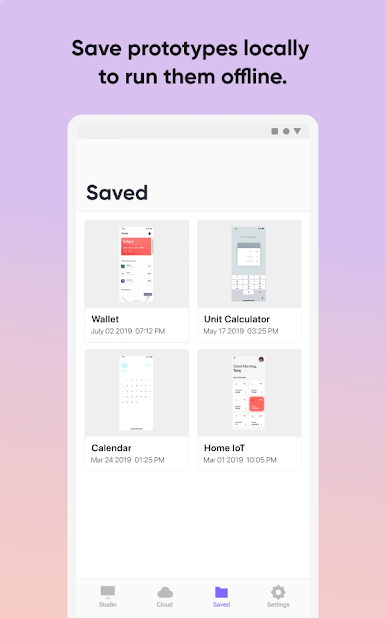
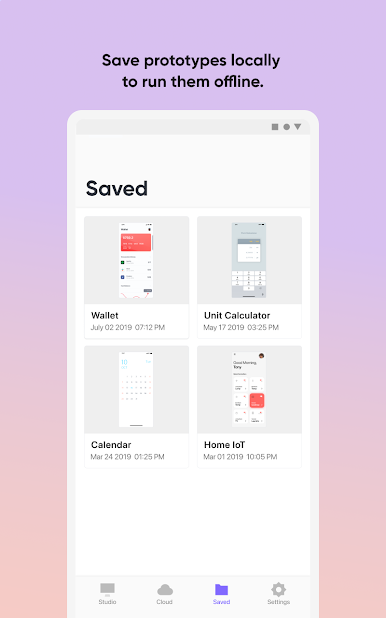
Offline Access
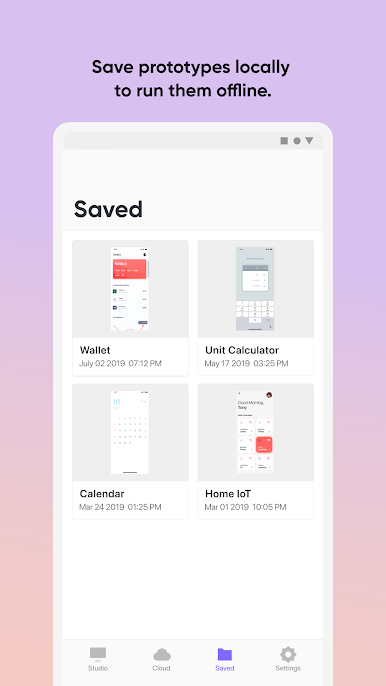
Copy prototypes directly to your device so you can test them anytime, anywhere—even when there’s no internet connection. -
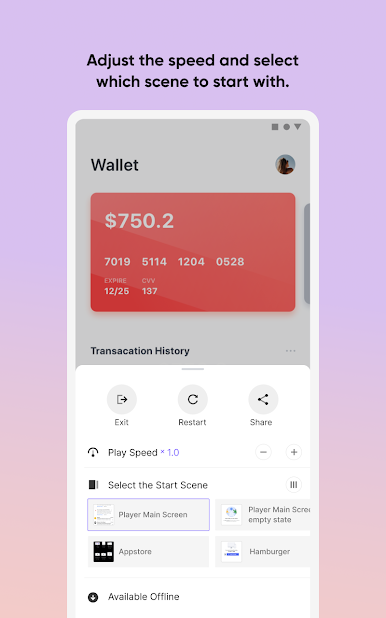
Playback Controls
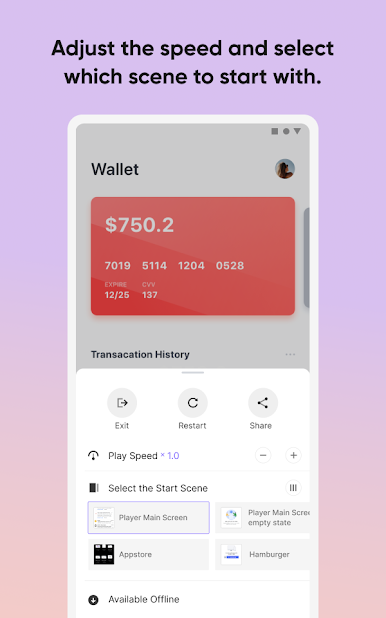
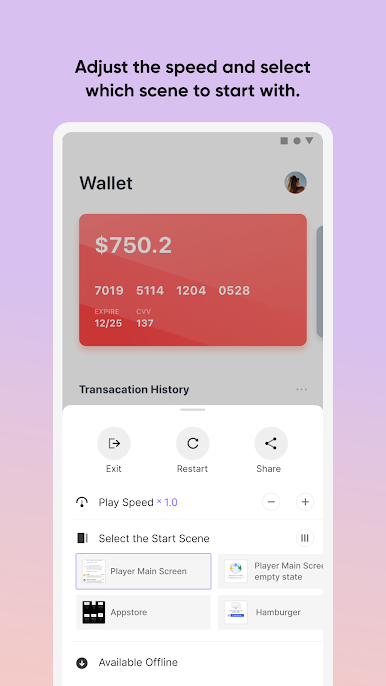
Want to see exactly how an animation works? Slow things down and watch each detail frame by frame, perfect for catching little things you might miss at full speed.
And if you’re the type who prefers big screens for your workflow, ProtoPie Player works great with BlueStacks too.
Big screen. Bigger performance. Use BlueStacks on your PC or Mac to run your favorite apps.

Play ProtoPie Player — Prototyping on PC. It’s easy to get started.
-
Download and install BlueStacks on your PC
-
Complete Google sign-in to access the Play Store, or do it later
-
Look for ProtoPie Player — Prototyping in the search bar at the top right corner
-
Click to install ProtoPie Player — Prototyping from the search results
-
Complete Google sign-in (if you skipped step 2) to install ProtoPie Player — Prototyping
-
Click the ProtoPie Player — Prototyping icon on the home screen to start playing

