

WaveEditor Record & Edit Audio
Play on PC with BlueStacks – the Android Gaming Platform, trusted by 500M+ gamers.

Page Modified on: Feb 7, 2026
Run WaveEditor Record & Edit Audio on PC or Mac
Let BlueStacks turn your PC, Mac, or laptop into the perfect home for WaveEditor Record & Edit Audio, a fun Music & Audio app from Sound-Base Audio, LLC.
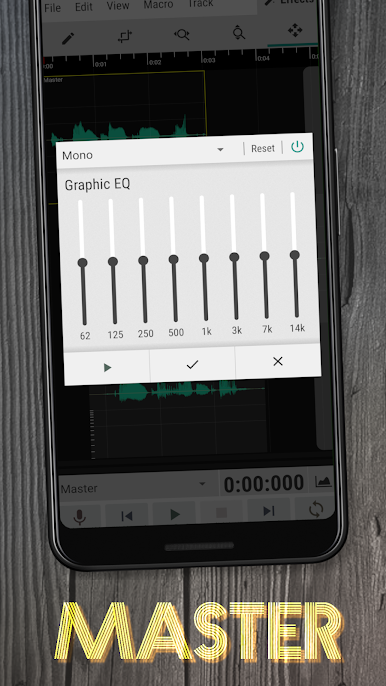
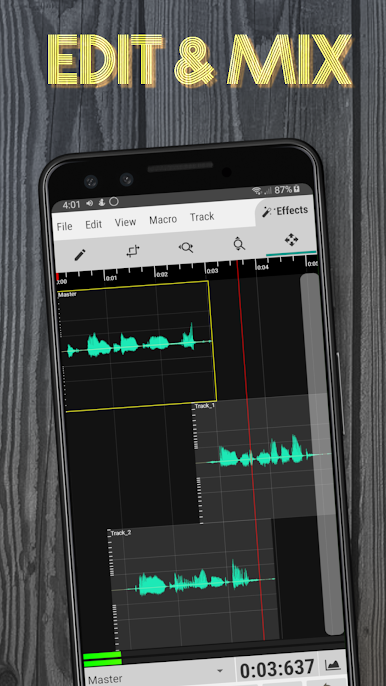
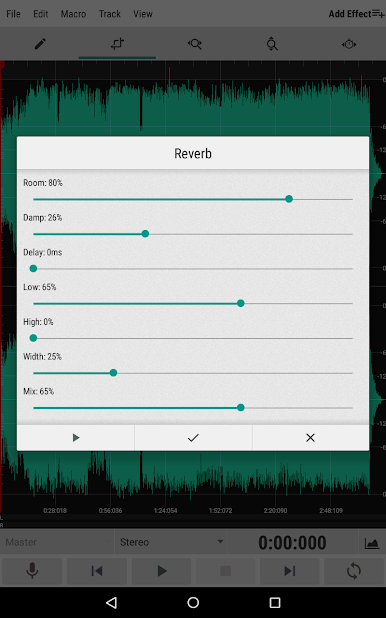
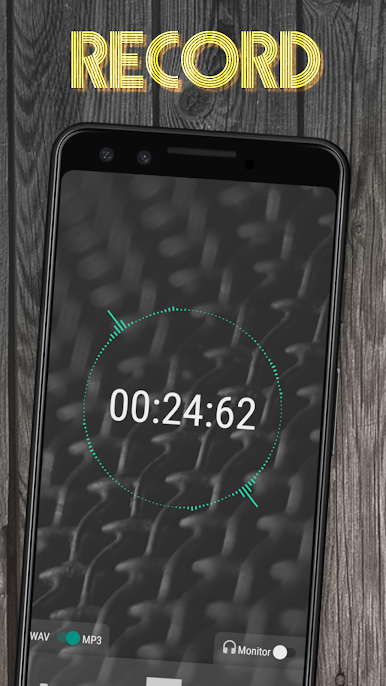
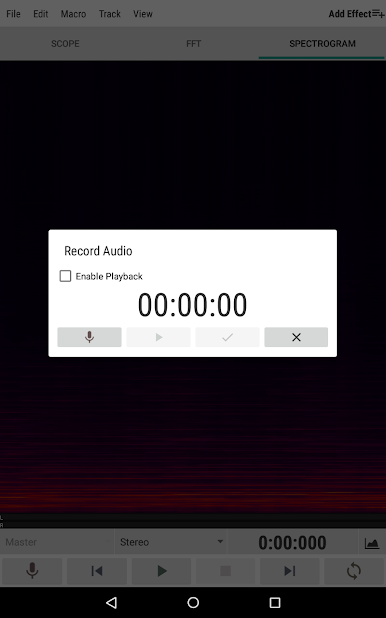
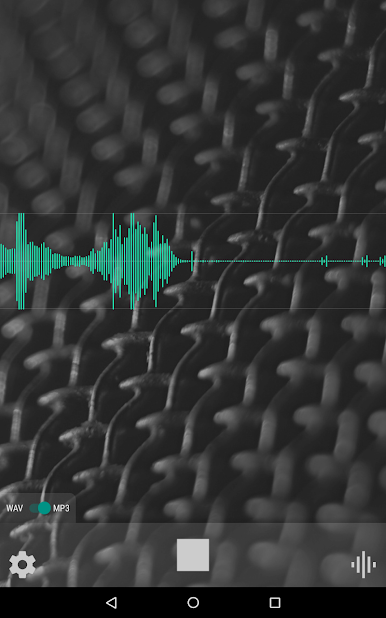
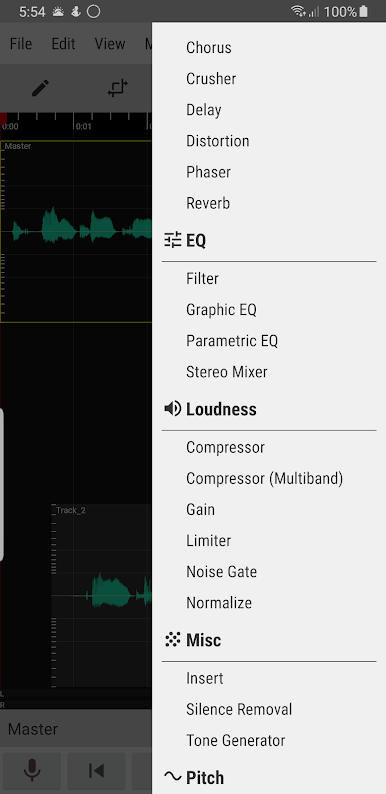
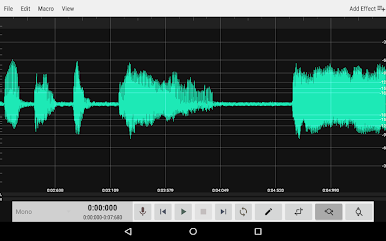
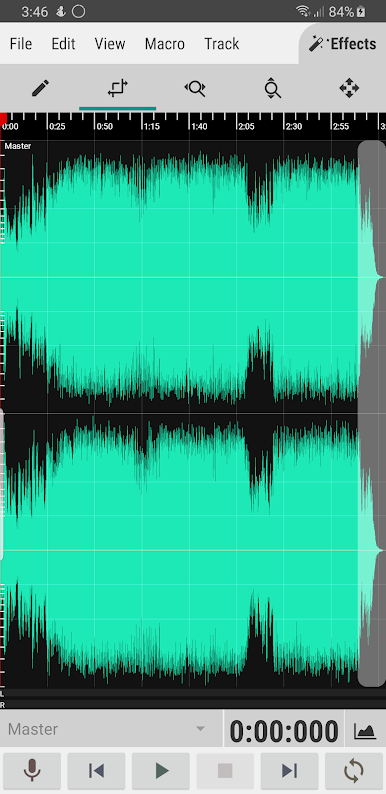
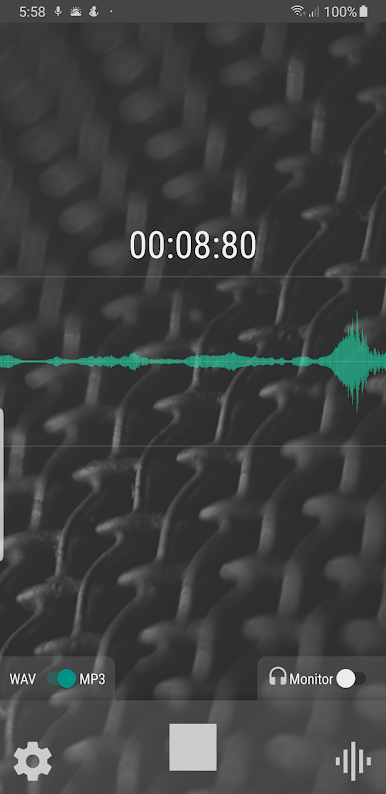
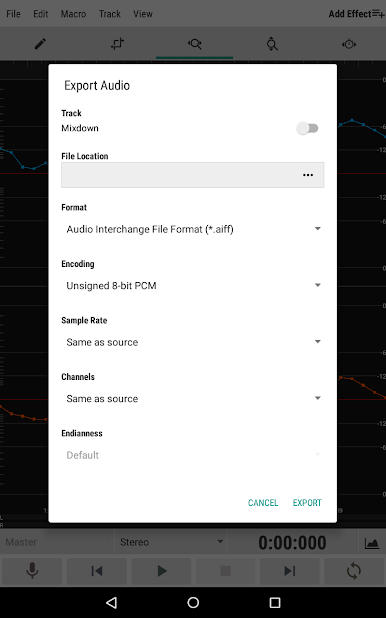
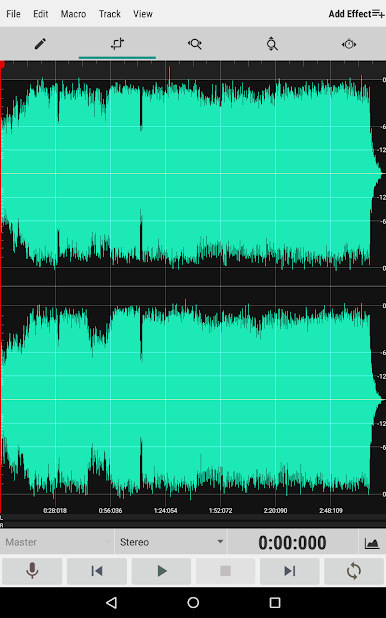
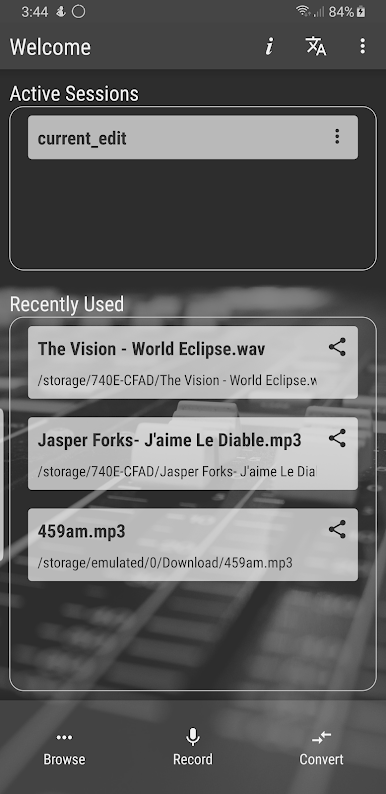
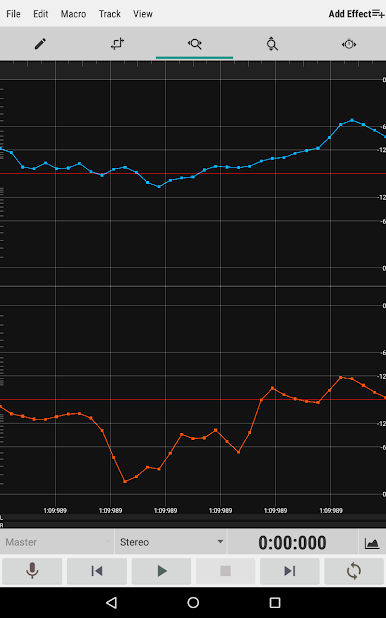
WaveEditor is kind of the tool people end up reaching for when they want to actually get hands-on with audio, and not just hit record and hope for the best. Right when it opens, it feels simple, but there’s a lot packed in. Users can record new tracks (WAV or MP3), mess with multi-track editing, or dive into all the effects and tools—even if the idea of amplitude meters and spectrograms seems intimidating at first. It covers all sorts of file types, so bringing in old voice memos, music, or random sound bites is pretty seamless. There’s even a built-in file browser, so digging around for stuff is smooth and doesn’t break up the process much.
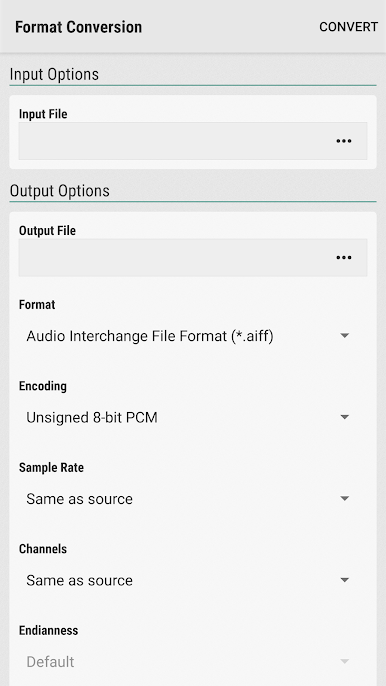
What stands out is how much control it gives, whether it’s chopping up clips right down to single samples, stretching or pitching audio, cleaning up background noise, or using macros like fade and reverse. Undo and redo are always nearby, which definitely takes the stress out of making mistakes. For anyone who wants to batch convert a whole bunch of files or save project sessions for later, those options are right there too. Using it on a PC with BlueStacks is pretty nice since the bigger display makes editing less cramped and more precise. The app does show off a bunch of pro features (extra effects, widgets, ad-free), but the free tools cover a lot of ground and don’t block out the core editing experience. Even plugging in a USB mic works, so it’s a step up from basic recorders without getting overwhelming. For people working on podcasts, music, or just fixing up recordings, it sorts a lot of the fiddly stuff without needing expensive gear or extra programs.
Eager to take your app experience to the next level? Start right away by downloading BlueStacks on your PC or Mac.
Play WaveEditor Record & Edit Audio on PC. It’s easy to get started.
-
Download and install BlueStacks on your PC
-
Complete Google sign-in to access the Play Store, or do it later
-
Look for WaveEditor Record & Edit Audio in the search bar at the top right corner
-
Click to install WaveEditor Record & Edit Audio from the search results
-
Complete Google sign-in (if you skipped step 2) to install WaveEditor Record & Edit Audio
-
Click the WaveEditor Record & Edit Audio icon on the home screen to start playing

