


Blizzard Kitchen
Play on PC with BlueStacks – the Android Gaming Platform, trusted by 500M+ gamers.

Page Modified on: Nov 5, 2026
Play Blizzard Kitchen on PC
Do you love the satisfying feel of a clean harvest and cooking up something warm with your own hands?
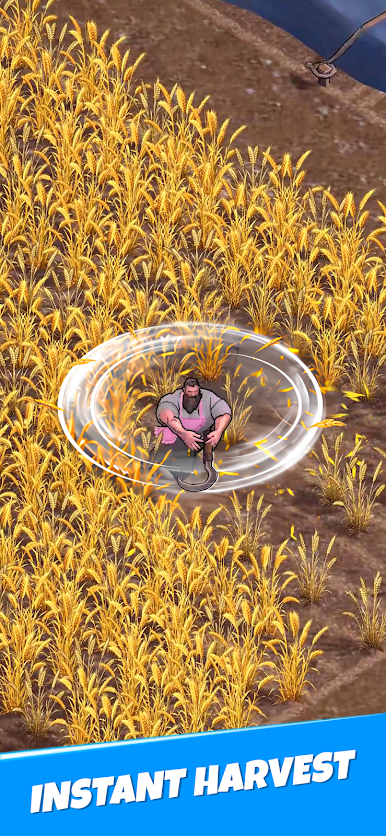
Welcome to Blizzard Kitchen, the arcade idle game where you spin your scythe like a windmill, grind through crops, and cook them into hearty soup to save a frozen world!
🌾 Spin, Grind & Harvest Like Never Before
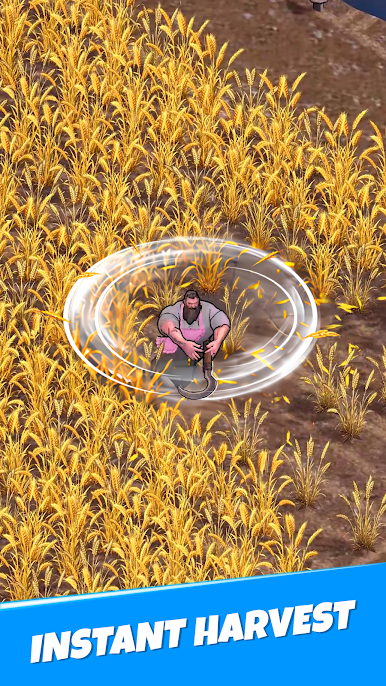
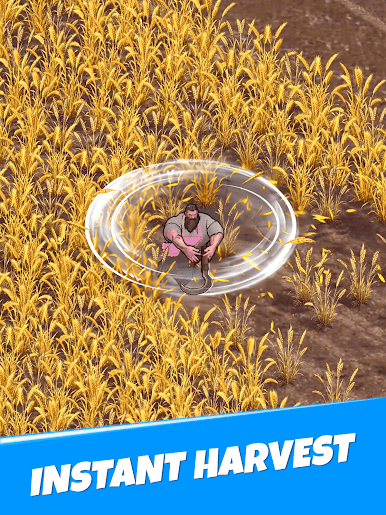
This isn't your average farming game. Feel the satisfying rush of spinning with your scythe, mowing down rows of crops in one smooth, sweeping motion.
Spin like a windmill to grind through crops in one satisfying sweep
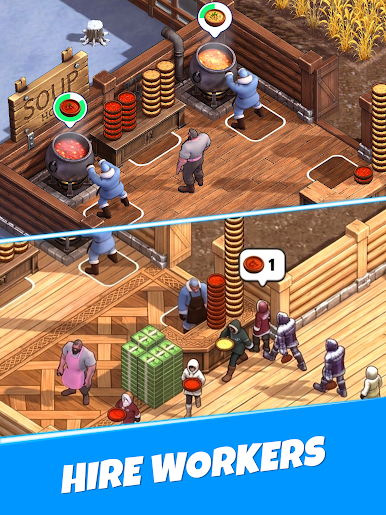
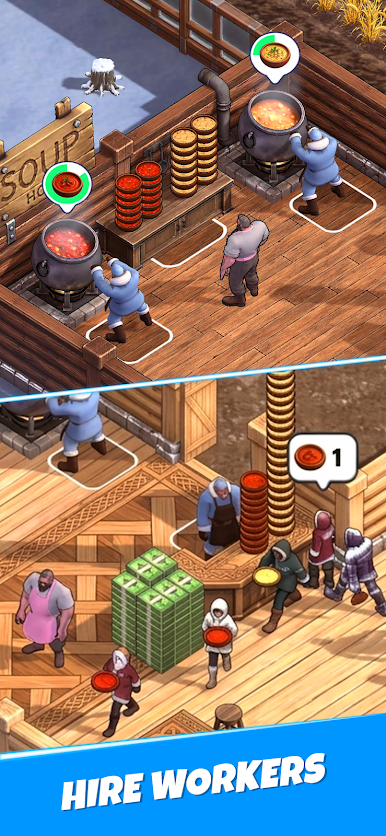
Cook your harvest in the pot with your own hands, batch by batch
Unlock new crops and recipes as you progress
Every bowl of soup you cook can save a freezing, starving survivor
▶ A Big Man in a Pink Apron, Keeping a Promise
Following his late grandmother's dying wish, our hulking hero throws on her pink apron and turns his strength toward something new: cooking soup with his own hands to save lives, one bowl at a time.
Uncover a heartfelt story through unlockable narrative chapters
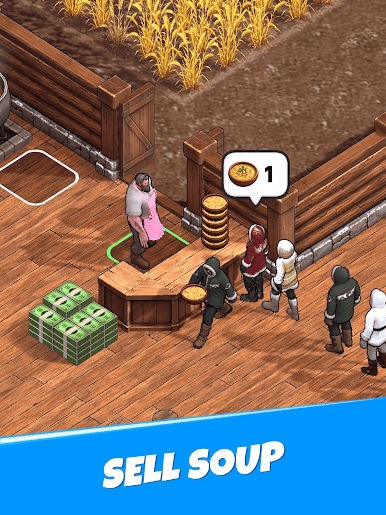
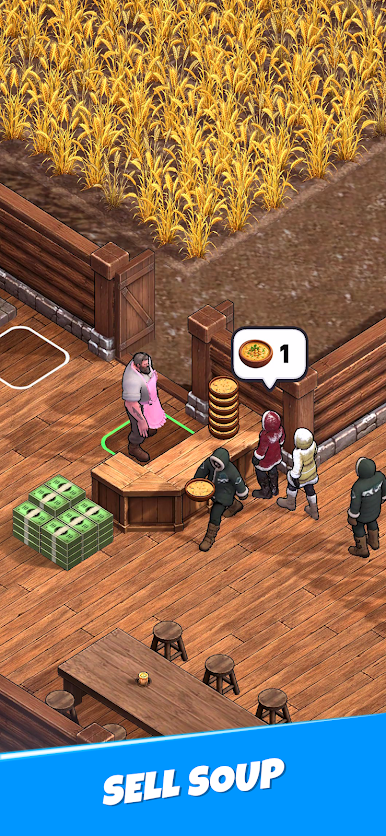
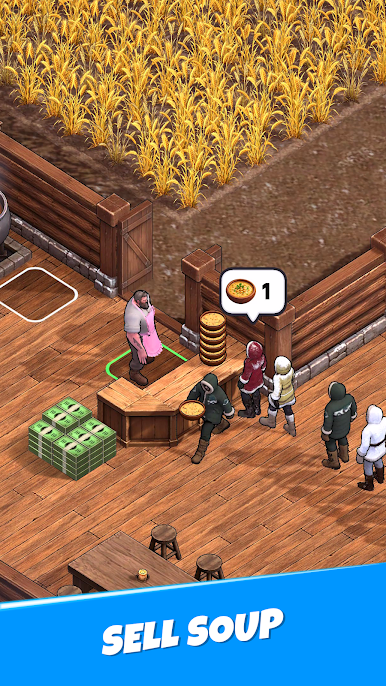
Sell soup to freezing, starving survivors and watch your impact grow
🧑🍳 Expand Your Fields, Grow Your Harvest
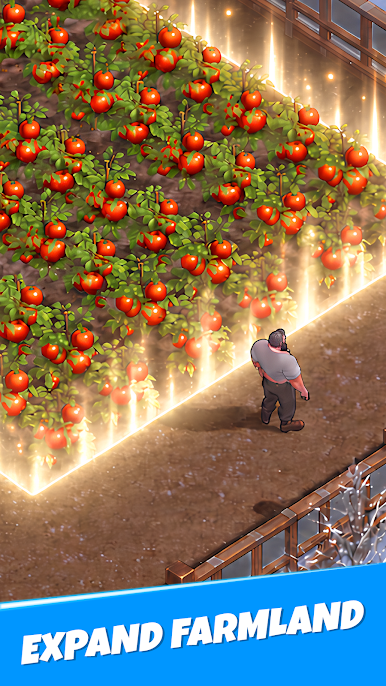
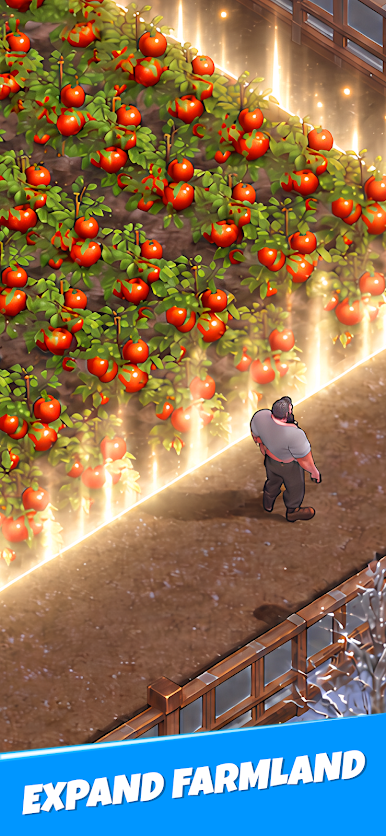
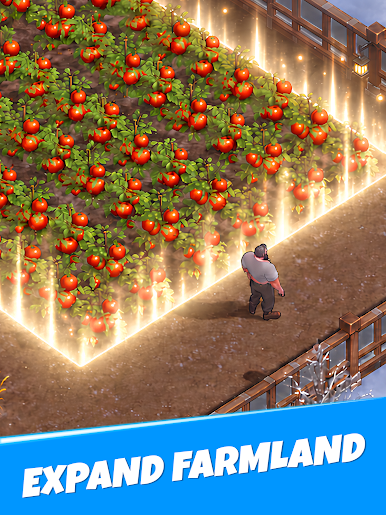
Start with a single wheat field and keep expanding — unlock tomato fields and beyond as your greenhouse grows into a thriving farm.
Expand from wheat fields to tomato fields and more
Upgrade stacking capacity and harvest efficiency
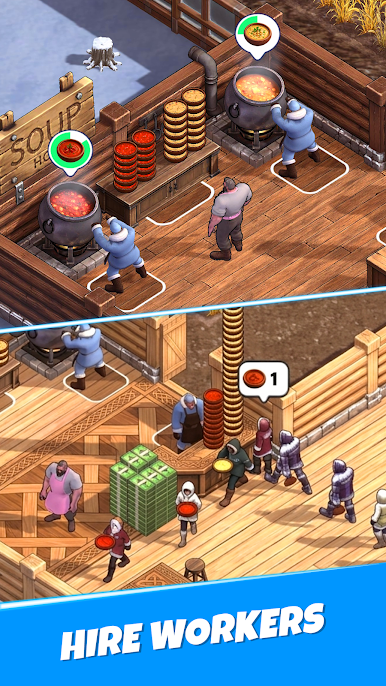
Unlock staff to automate farming and cooking
Build the last greenhouse into a lifeline for the frozen world
▶ Jump In Anytime
Satisfying arcade action, charming visuals, and a story worth finishing — all ready whenever you are.
Ready to cook up a warm bowl of soup, whenever you have the time?"
Play Blizzard Kitchen on PC. It’s easy to get started.
-
Download and install BlueStacks on your PC
-
Complete Google sign-in to access the Play Store, or do it later
-
Look for Blizzard Kitchen in the search bar at the top right corner
-
Click to install Blizzard Kitchen from the search results
-
Complete Google sign-in (if you skipped step 2) to install Blizzard Kitchen
-
Click the Blizzard Kitchen icon on the home screen to start playing

