

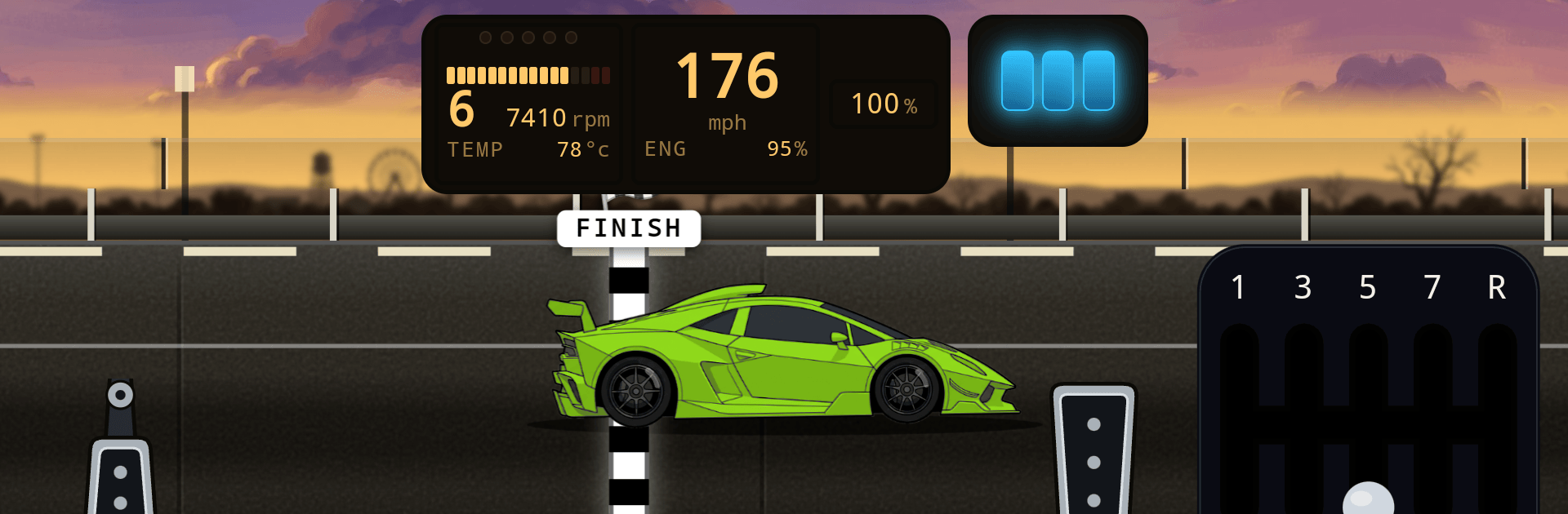
the strip - drag racing game
Play on PC with BlueStacks – the Android Gaming Platform, trusted by 500M+ gamers.

Page Modified on: Sep 30, 2026
Play the strip - drag racing game on PC or Mac
Explore a whole new adventure with the strip – drag racing game, a Racing game created by Zero Format Games. Experience great gameplay with BlueStacks, the most popular gaming platform to play Android games on your PC or Mac.
About the Game
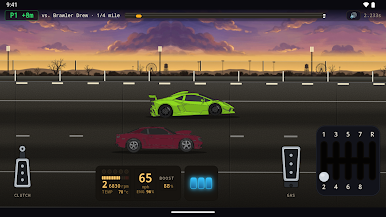
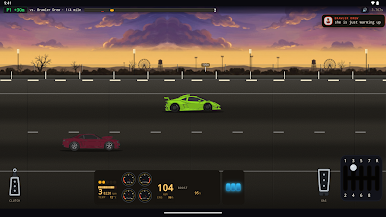
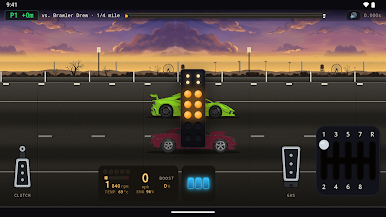
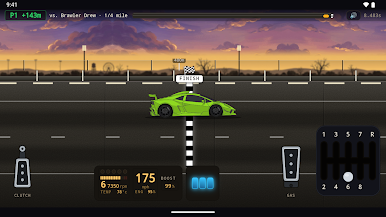
the strip – drag racing game is all about that tense breath you hold before the lights go green. It’s a gritty, timing-obsessed Racing experience where you build, tune, and blast through quarter-mile runs to squeeze out every last tenth. Prefer a bigger screen and tighter controls? It also runs great on BlueStacks.
Game Features
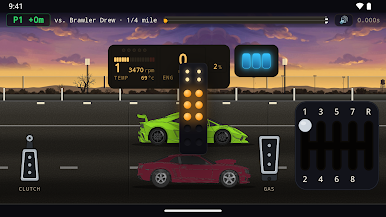
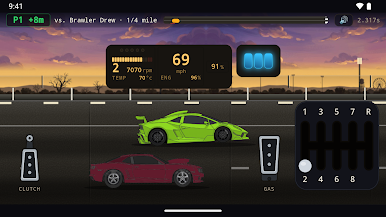
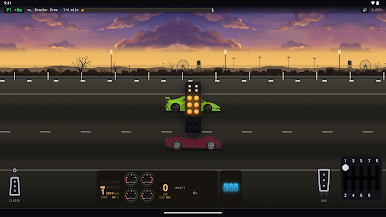
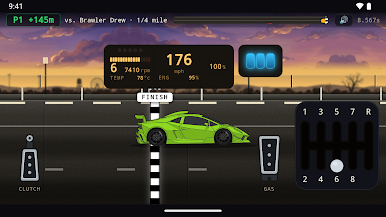
- Real Launch Controls: Work a proper clutch, gear shift, and throttle to hook up clean or burn it away—your footwork actually matters.
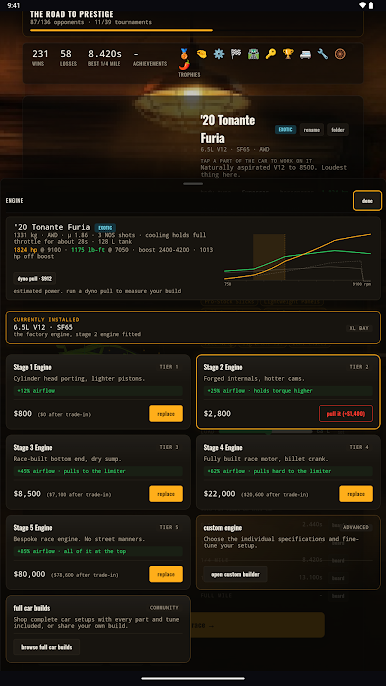
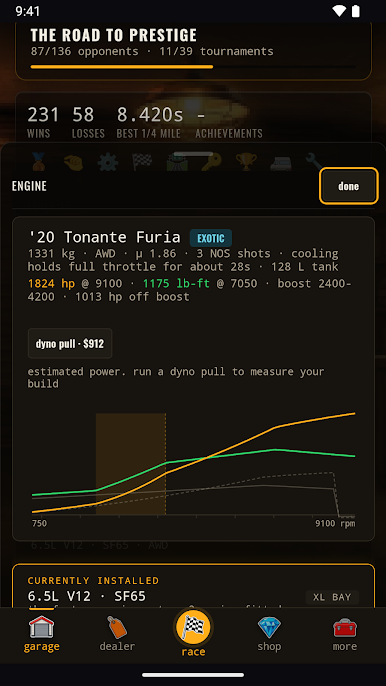
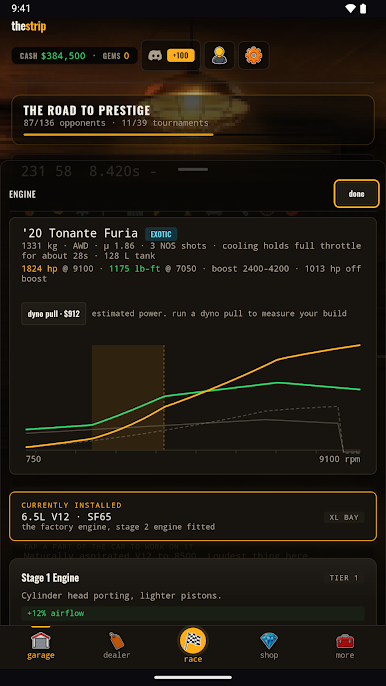
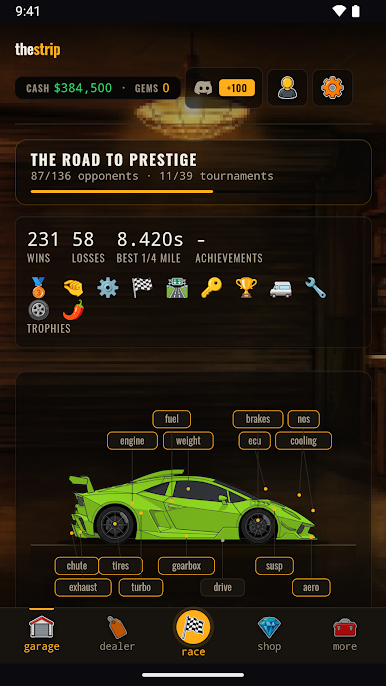
- Deep Tuning: Dial in gear ratios, final drive, tires, boost, NOS, suspension, and ECU maps—tweak one setting and feel it on the very next pass.
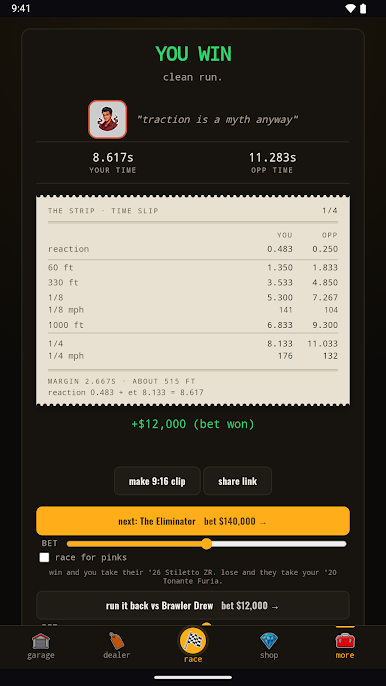
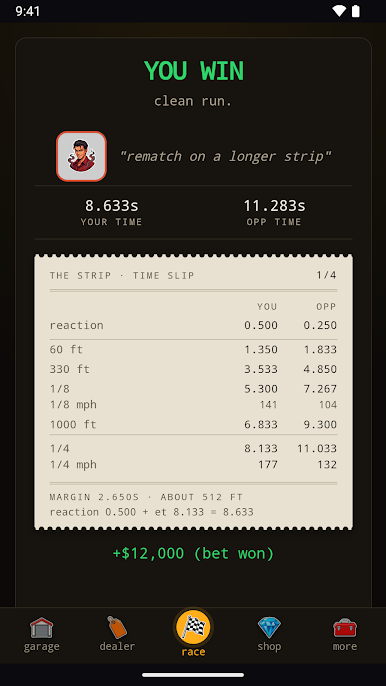
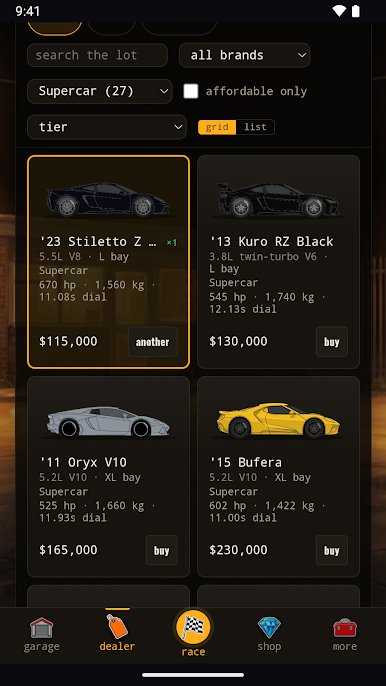
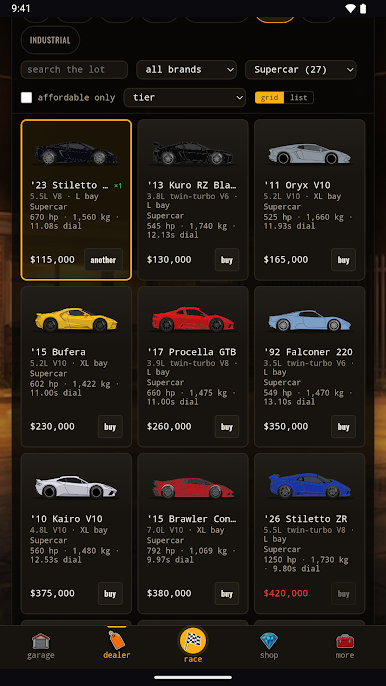
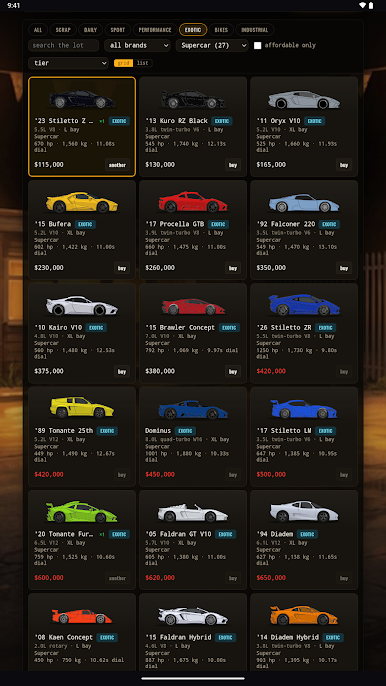
- 300+ Cars, Six Tiers: Start with rough beaters and climb to wild exotics and industrial bruisers, chasing eight-second slips if you’ve got the chops.
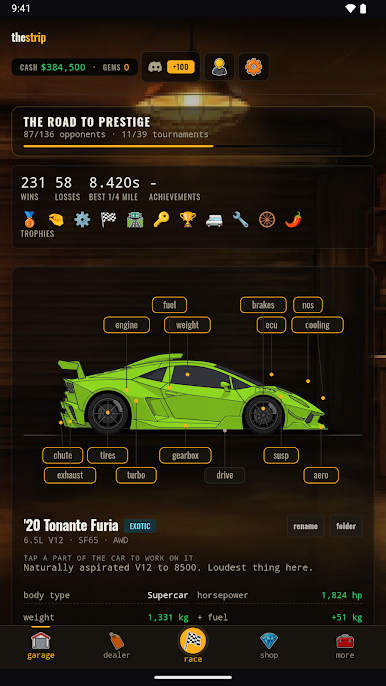
- Persistent Garage: Track fuel level, weight, oil, wear, and damage—roll up hurt, and your times will tell on the strip.
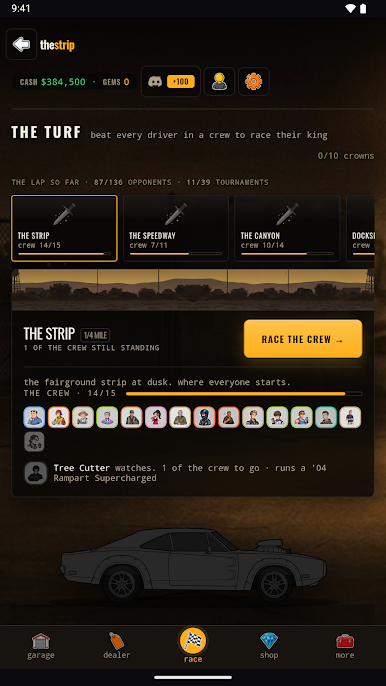
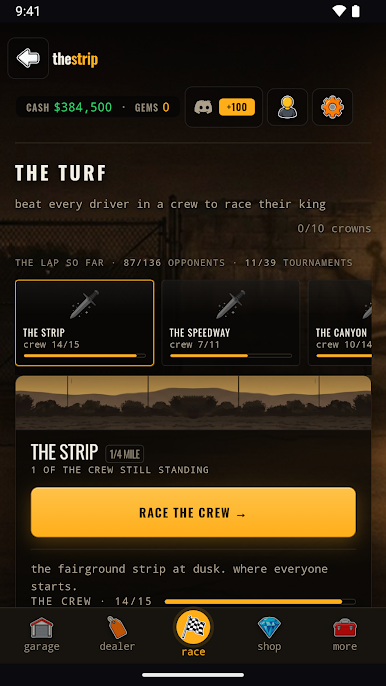
- Story Campaign: Climb through local bosses one territory at a time, earning respect, cash, and the parts to back it up.
- The Lockup: Hunt for wrecks, restore them piece by piece, then take your resurrected builds to the lanes.
- Competitive Play: Jump into ranked ladders, head-to-head duels, ghosts, call-outs, tournaments, and chill car meets.
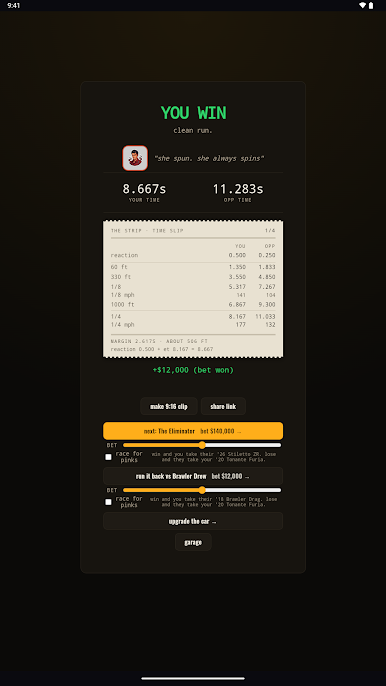
- Leaderboards: Post your best for the quarter mile, 0-60, and drift, then stalk the top spots like it’s personal.
- Shareable Replays: Export any run as a clean video with full audio—no screen recording fuss—perfect for content creation.
- Free to Play, No Ads: Make passes without paywalls or banner clutter getting in the way.
Ready to top the leaderboard? We bet you do. Let precise controls and sharp visuals optimized on BlueStacks lead you to victory.
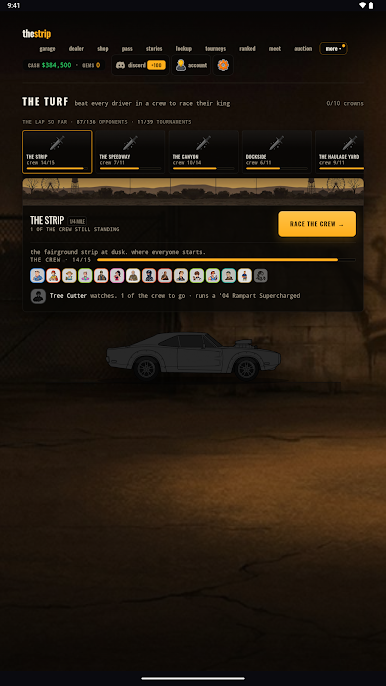
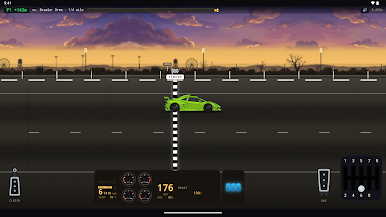
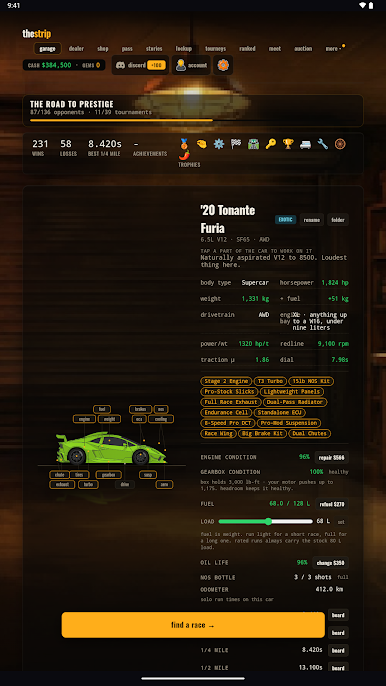
Play the strip - drag racing game on PC. It’s easy to get started.
-
Download and install BlueStacks on your PC
-
Complete Google sign-in to access the Play Store, or do it later
-
Look for the strip - drag racing game in the search bar at the top right corner
-
Click to install the strip - drag racing game from the search results
-
Complete Google sign-in (if you skipped step 2) to install the strip - drag racing game
-
Click the the strip - drag racing game icon on the home screen to start playing

