


Dominoes Board Game
Play on PC with BlueStacks – the Android Gaming Platform, trusted by 500M+ gamers.

Page Modified on: Dec 7, 2025
Play Dominoes Board Game on PC
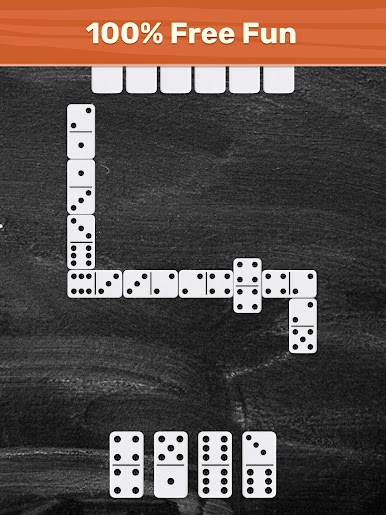
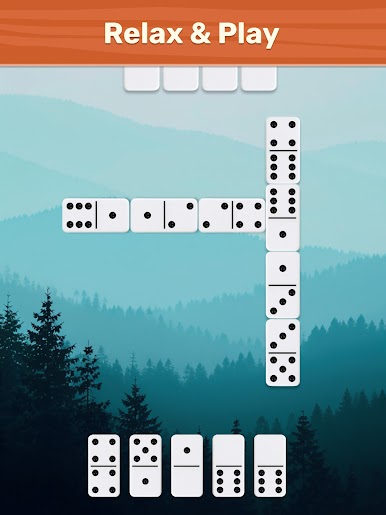
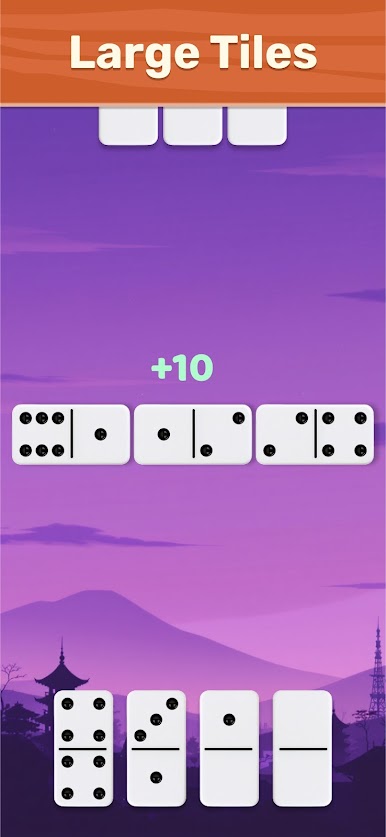
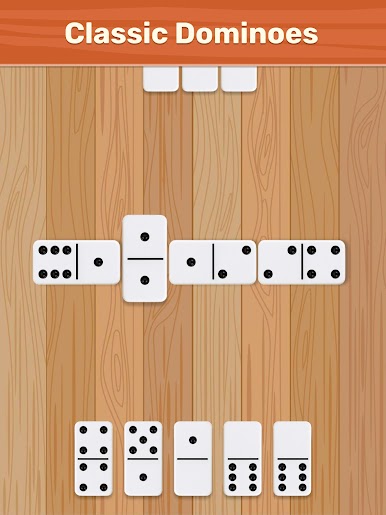
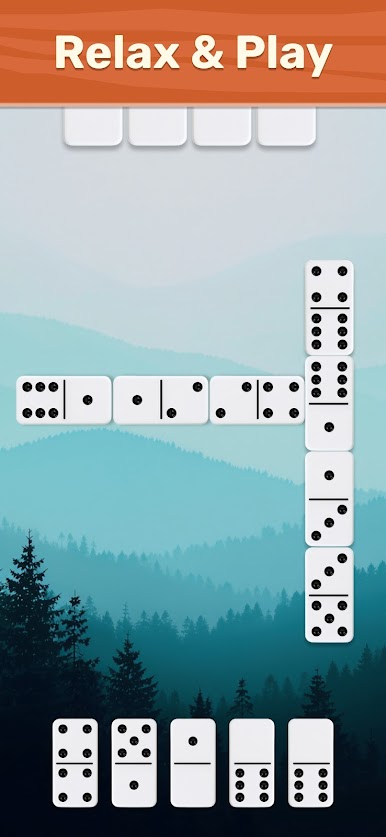
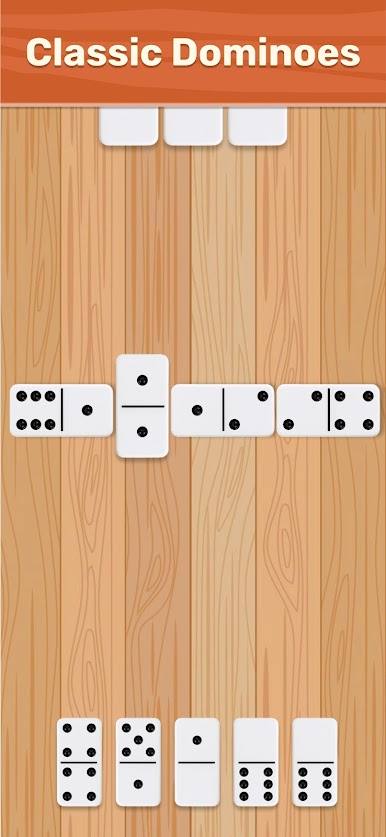
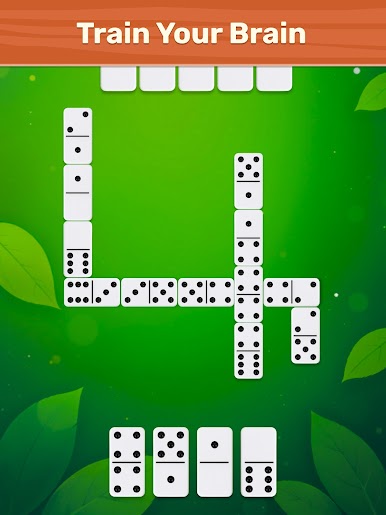
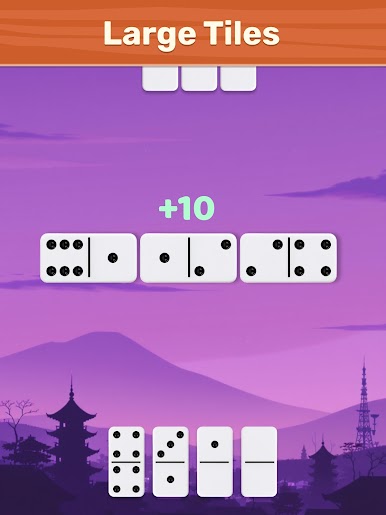
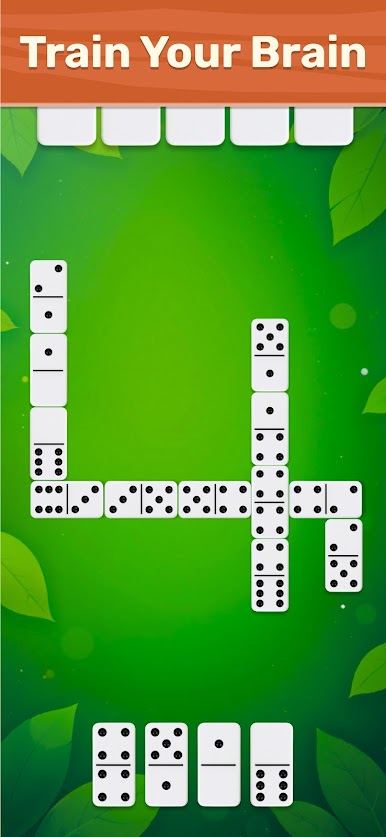
The single piece in a domino set is known as tile. Each tile has a face with two pips with dice values. The rules are simple. Each player starts with seven tiles. You throw tiles that matches one end of a pip to another open end of any tile on the board. First player to reach 100 points wins the game.
Draw Mode
Draw mode is played using boneyard. If a player cannot match a tile, s/he must draw from the boneyard until s/he picks a tile that can be played.
Block Mode
Block mode is played by matching tiles until all the tiles are thrown. The player must pass his/her turn if tiles cannot be played.
The game is simple to play with lots of possibilities to offer players looking for something new while still retaining enough tricks that will keep you entertaining.
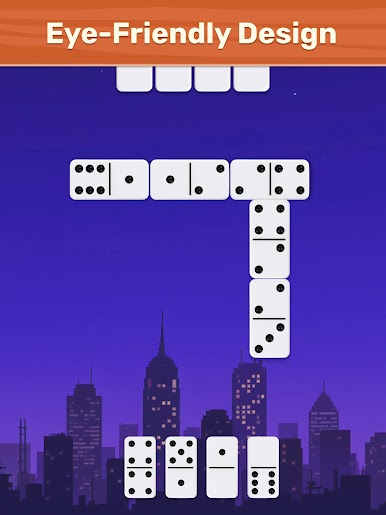
This game uses simple, intuitive and engaging interface featuring two most popular game modes Draw and Block which can be played without any internet connection.
Download the game now to try it out and see if it's right up to your strategy!


Play Dominoes Board Game on PC. It’s easy to get started.
-
Download and install BlueStacks on your PC
-
Complete Google sign-in to access the Play Store, or do it later
-
Look for Dominoes Board Game in the search bar at the top right corner
-
Click to install Dominoes Board Game from the search results
-
Complete Google sign-in (if you skipped step 2) to install Dominoes Board Game
-
Click the Dominoes Board Game icon on the home screen to start playing

