


VPN Client Pro
Play on PC with BlueStacks – the Android Gaming Platform, trusted by 500M+ gamers.

Page Modified on: Nov 18, 2025
Play VPN Client Pro on PC
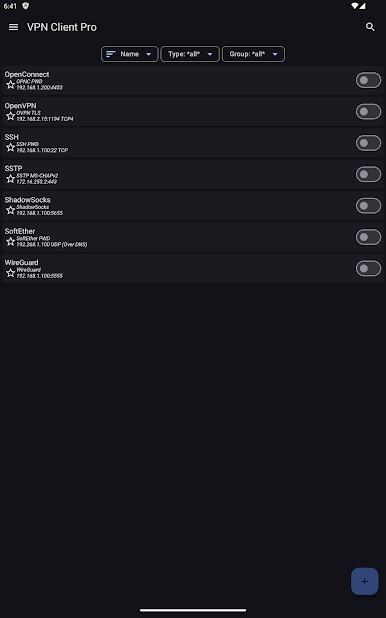
The basic OpenVPN feature is free for all. To use other protocols and features you need to buy a license.
The requested permissions are used for these purposes:
* Storage permission is used to import VPN configurations and export logs/backups/etc. (Android < 10)
* Location permission is used to get the current WiFi SSID. The SSID is required for the auto connect function. The location of the device is not read. (Android >= 8.1)
* Camera permission is used to import VPN from QR codes
* Bluetooth (nearby devices) permission is used to disconnect the VPN when the device is connected to user-selected Bluetooth devices
* The QUERY_ALL_PACKAGES permission is used to allow the user to select which apps are allowed/not allowed to use the VPN.
App features:
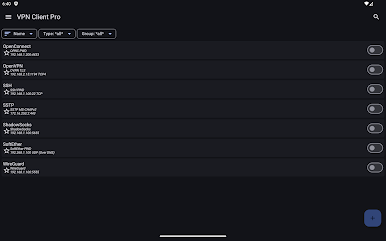
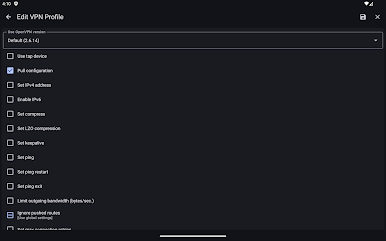
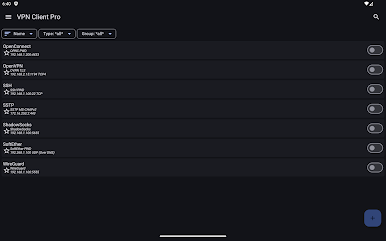
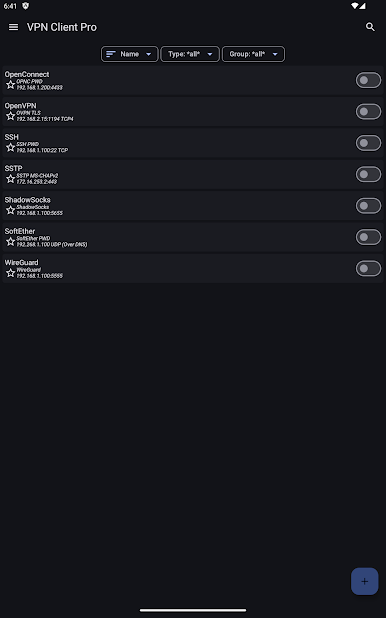
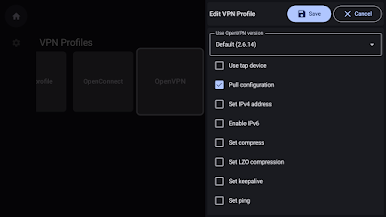
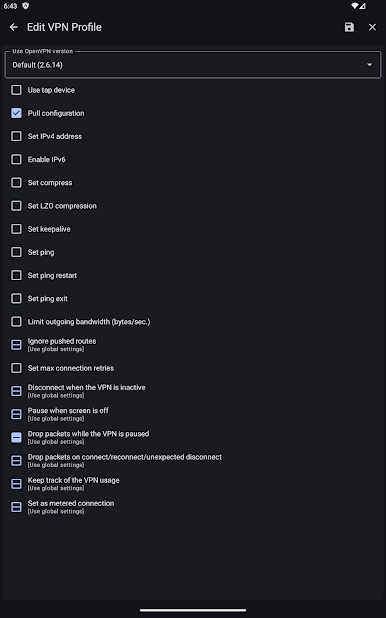
* OpenVPN TAP device support without root permission
* OpenVPN VLAN 802.1Q support
* OpenVPN Obfsproxy support (obfs2/obfs3)
* OpenVPN scramble options support
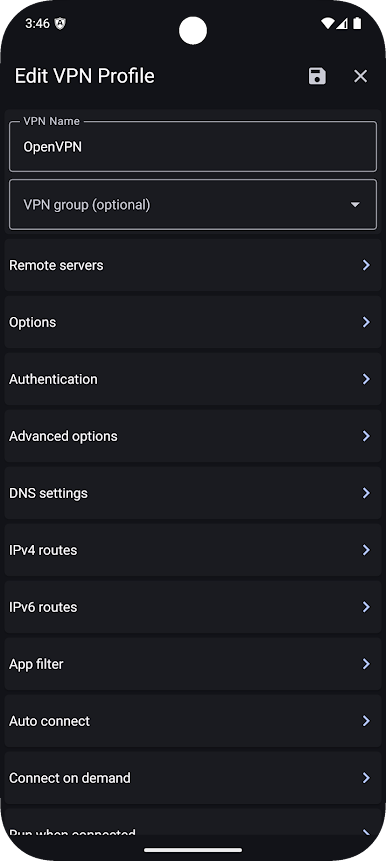
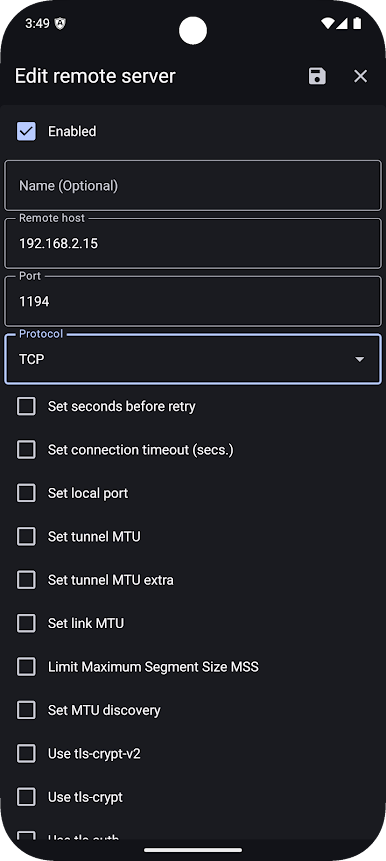
* Import/export OpenVPN configuration
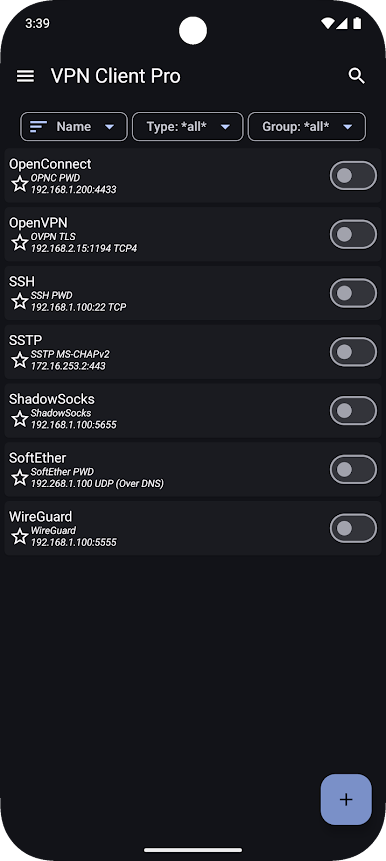
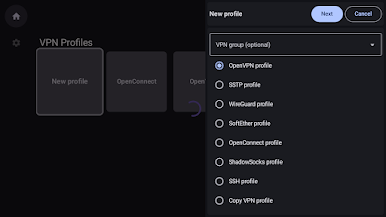
* SSTP EAP-TLS support (Authentication with certificates)
* SSTP EAP-MS-CHAPv2 support
* SSTP MS-CHAPv2/CHAP/PAP support
* SoftEther TCP
* SoftEther UDP over DNS / NAT-T
* WireGuard protocol
* AmneziaWG obfuscation
* ShadowSocks protocol (AEAD, AEAD-2022, Stream)
* SSH Tun (TUN/TAP)
* OpenConnect protocol
* Cisco AnyConnect SSL protocol
* Biometric authentication
* Port knocking (udp, tcp, fwknop, url, ping)
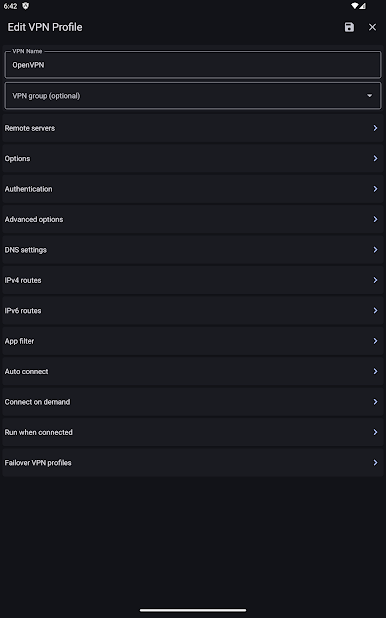
* Connect on demand
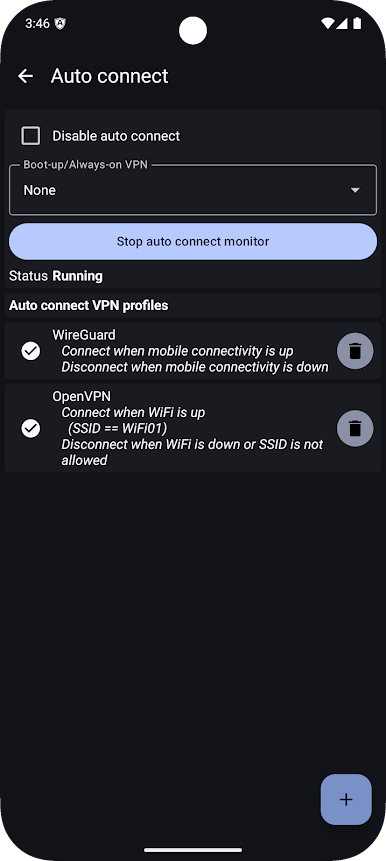
* Auto connect on boot
* Auto connect/pause/disconnect on WiFi/Mobile/WiMAX
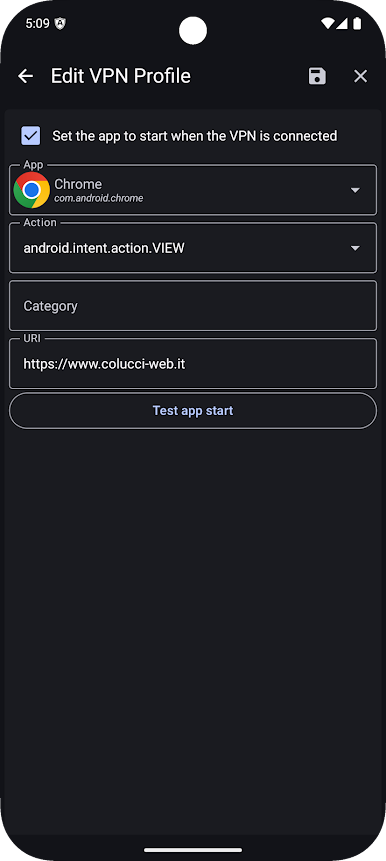
* App filter
* DNS over HTTPS
* DNS over TLS
* Split DNS by domain
* Local hosts mapping to override DNS requests
* Failover VPN profiles
* Tasker/Locale plugin
* Widgets
* Quick settings tiles (Smartphone/Tablet)
* Dynamic shortcuts
* Import pem, der, pkcs12 certificate formats
* Support for certificates in KeyChain
* IPv6 support
* Support for HTTP/SOCKS proxies
* Support for customized HTTP headers
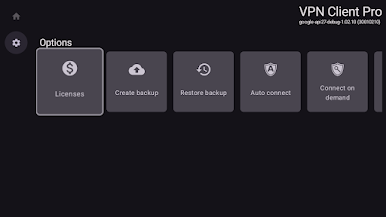
* Backup/restore configuration
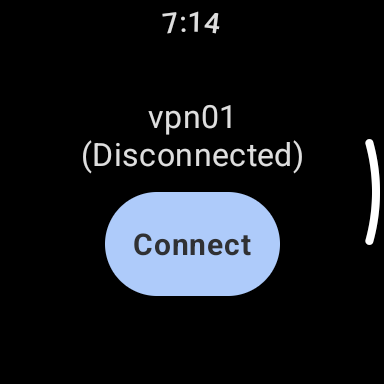
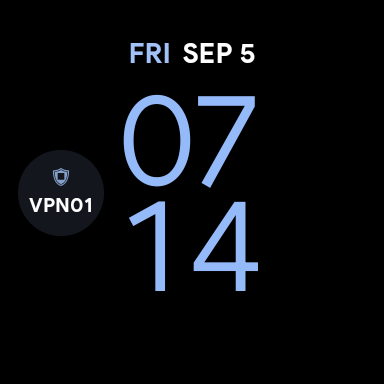
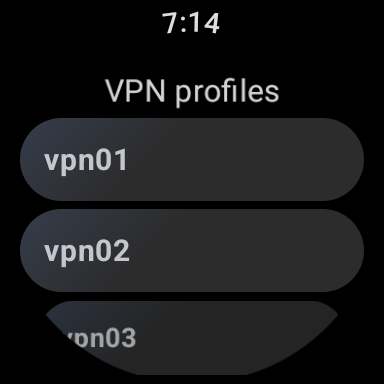
* Wear OS companion app to connect/disconnect VPN from your watch (require Android >= 8.0)
* Wear OS complication for fast access to your favorite VPN (require Android >= 8.0)
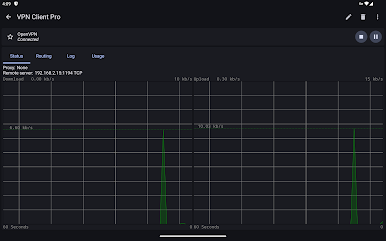
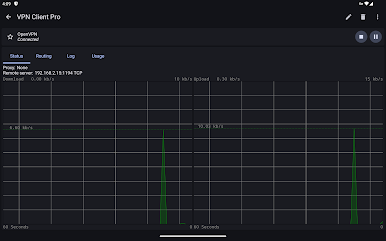
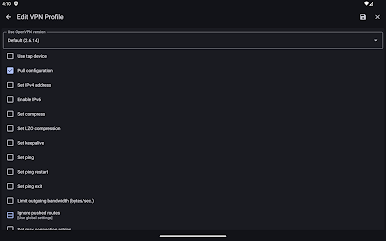
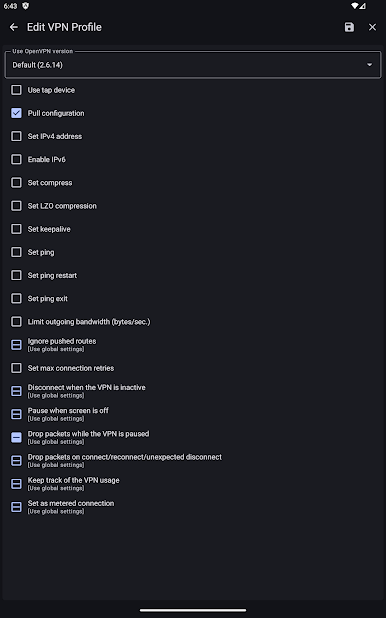
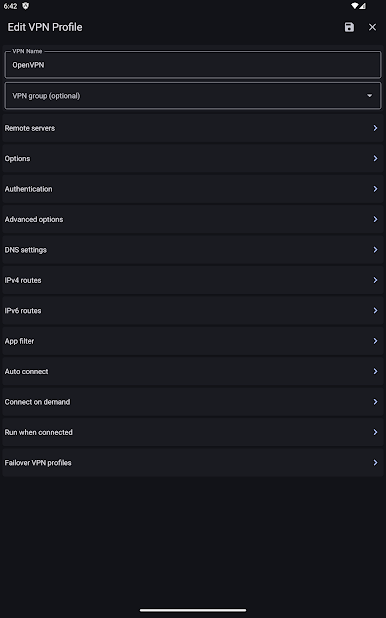
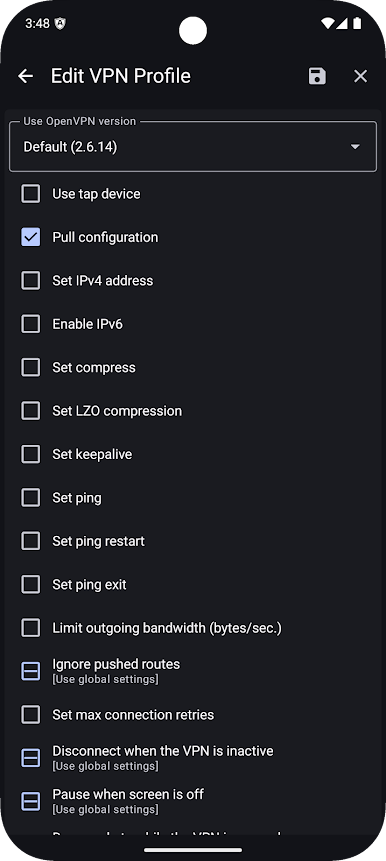
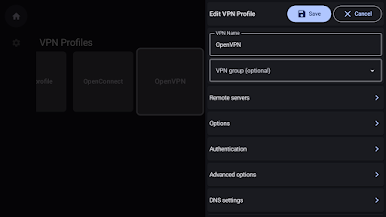
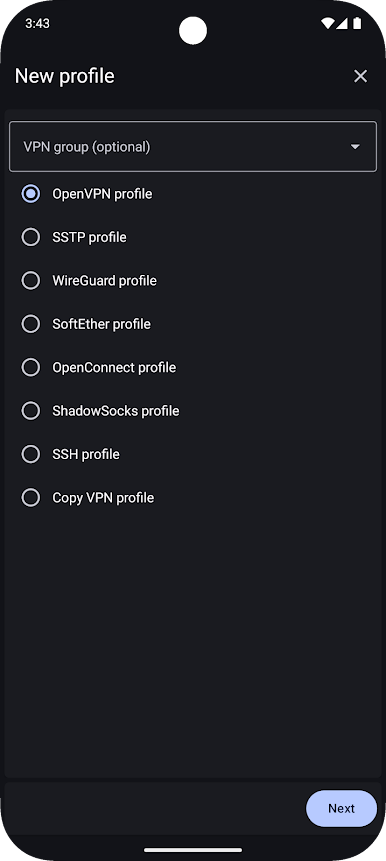
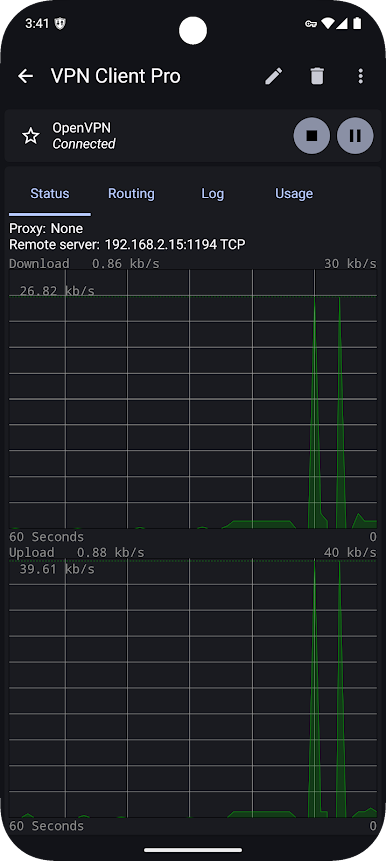
Play VPN Client Pro on PC. It’s easy to get started.
-
Download and install BlueStacks on your PC
-
Complete Google sign-in to access the Play Store, or do it later
-
Look for VPN Client Pro in the search bar at the top right corner
-
Click to install VPN Client Pro from the search results
-
Complete Google sign-in (if you skipped step 2) to install VPN Client Pro
-
Click the VPN Client Pro icon on the home screen to start playing

