


RFS - Real Flight Simulator
Play on PC with BlueStacks – the Android Gaming Platform, trusted by 500M+ gamers.

Page Modified on: May 12, 2026
Main RFS - Real Flight Simulator on PC
Discover the thrill of aviation with RFS - Real Flight Simulator, the most advanced flight simulation for mobile.
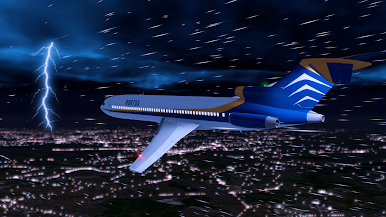
Pilot iconic aircraft, access global flights in real time, and explore ultra-realistic airports with live weather and advanced flight systems.
Fly Anywhere in the World!
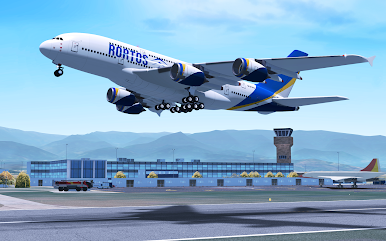
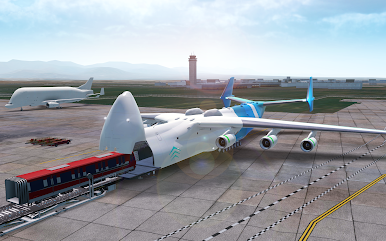
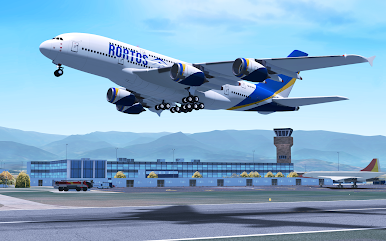
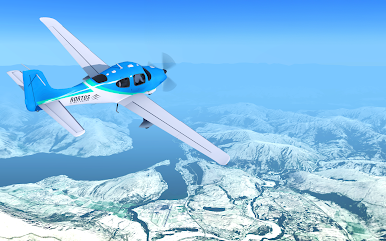
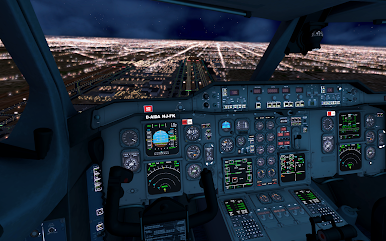
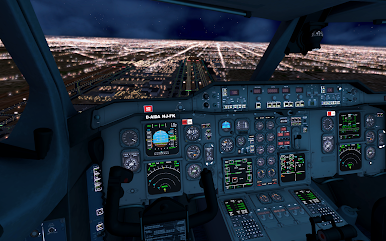
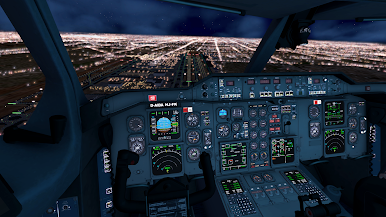
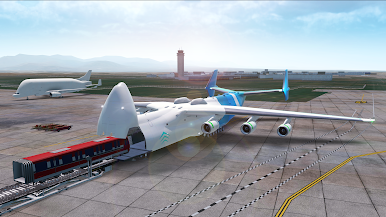
60+ Aircraft Models – Take control of commercial, cargo, and military jets with working instruments, and realistic lighting. New models arriving soon!
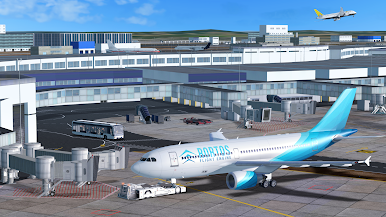
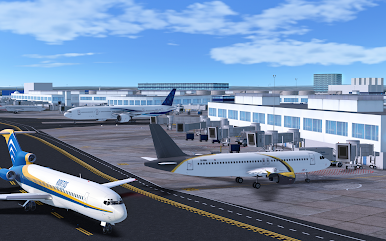
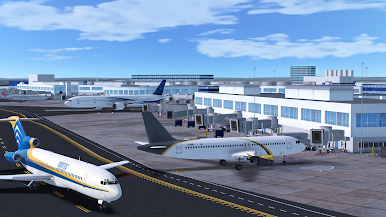
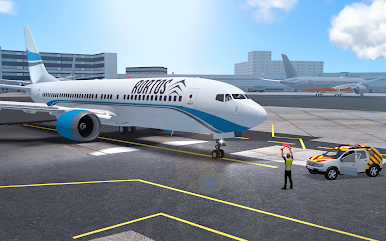
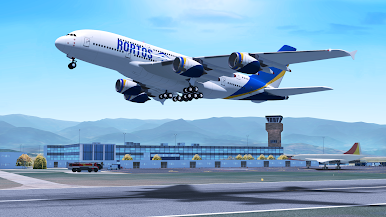
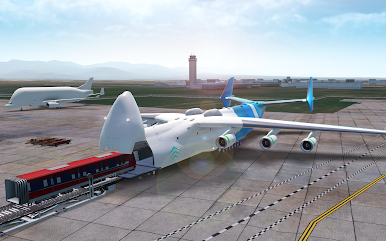
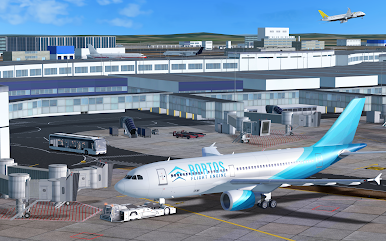
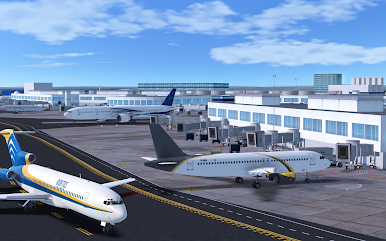
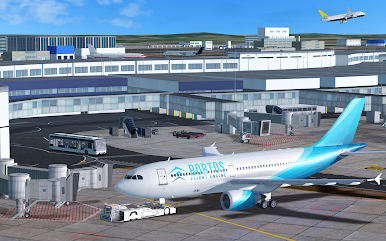
1900+ HD Airports – Land at highly detailed 3D airports with jetways, ground services, and authentic taxiway procedures. More airports coming soon!
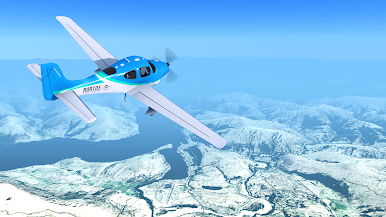
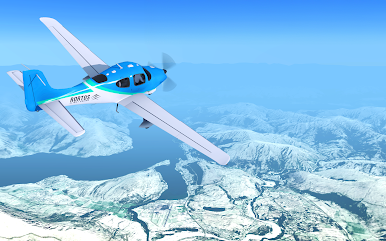
Realistic Satellite Terrain & Height Maps – Fly over high-fidelity global landscapes with accurate topography and elevation data.
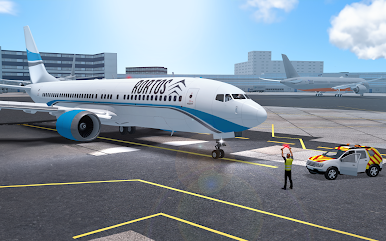
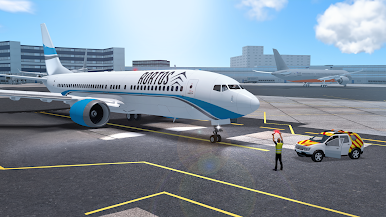
Ground Services – Interact with passenger vehicles, refueling trucks, emergency teams, follow-me cars, and more at major airports.
Autopilot & Assisted Landing – Plan long-haul flights with precise autopilot and landing assistance.
Real Pilot Checklists – Follow authentic takeoff and landing procedures for full immersion.
Advanced Flight Planning – Customize weather, failures, and navigation routes, then share your flight plans with the community.
Live Global Flights – Track over 40,000 real-time flights daily at major hubs worldwide.
Join a Global Aviation Community in Multiplayer!
Fly with aviators from around the world in a real-time multiplayer environment.
Chat with fellow pilots, participate in weekly events, and join Virtual Airlines (VA) to compete in the global Flight Points leaderboard.
ATC Mode: Take Control of the Skies!
Become an Air Traffic Controller and manage live air traffic.
Issue flight instructions, guide pilots, and ensure safe navigation.
Experience high-fidelity multi-voice ATC communications.
Create and Share Your Passion for Aviation!
Design custom aircraft liveries and make them available to aviators worldwide.
Build your own HD airport and watch aircraft take off from your creation.
Become a plane spotter – Capture breathtaking moments with advanced in-game cameras.
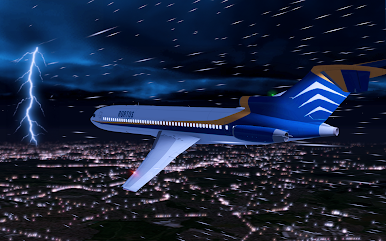
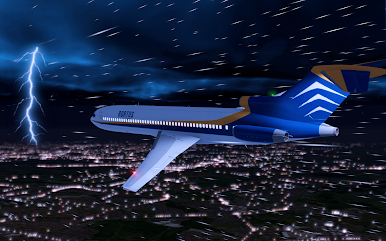
Enjoy stunning visuals – Fly through breathtaking sunrises, mesmerizing sunsets, and glowing cityscapes at night.
Share your most epic flight moments on RFS’s official social channels.
An Internet connection is required to unlock all real-time simulation features.
Some features require a subscription.
Get Ready to Soar Through the Skies!
Buckle up, push the throttle, and become a Real Pilot in RFS - Real Flight Simulator!
Support: rfs@rortos.com

Play RFS - Real Flight Simulator on PC. It’s easy to get started.
-
Download and install BlueStacks on your PC
-
Complete Google sign-in to access the Play Store, or do it later
-
Look for RFS - Real Flight Simulator in the search bar at the top right corner
-
Click to install RFS - Real Flight Simulator from the search results
-
Complete Google sign-in (if you skipped step 2) to install RFS - Real Flight Simulator
-
Click the RFS - Real Flight Simulator icon on the home screen to start playing

