


Shadowverse EVOLVE Supporter
Play on PC with BlueStacks – the Android Gaming Platform, trusted by 500M+ gamers.

Page Modified on: Jan 21, 2026
Play Shadowverse EVOLVE Supporter on PC or Mac
Bring your A-game to Shadowverse EVOLVE Supporter, the Card game sensation from Cygames, Inc.. Give your gameplay the much-needed boost with precise game controls, high FPS graphics, and top-tier features on your PC or Mac with BlueStacks.
About the Game
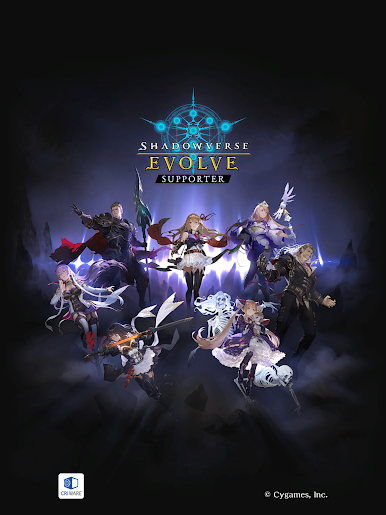
Shadowverse EVOLVE Supporter from Cygames, Inc. is like your trusty sidekick for enjoying the Shadowverse EVOLVE card game. It’s packed with tools to help you manage your matches, from tracking your stats to displaying your favorite leader cards. Whether you’re going head-to-head with friends or just want to keep your gameplay tidy, this app’s got your back with features made especially for fans of the Card genre.
Game Features
-
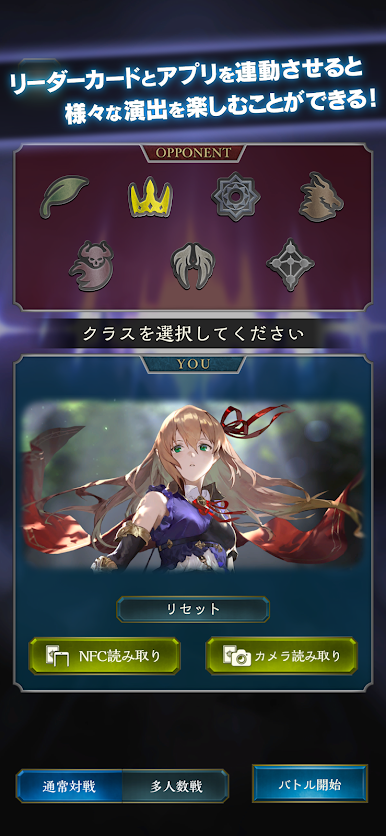
Leader Card Scanner
Show off your favorite leader! Use your phone’s camera to scan your Shadowverse EVOLVE leader card, and the app displays it right on your device. Handy for referencing your leader’s details during matches or simply sharing with friends. -
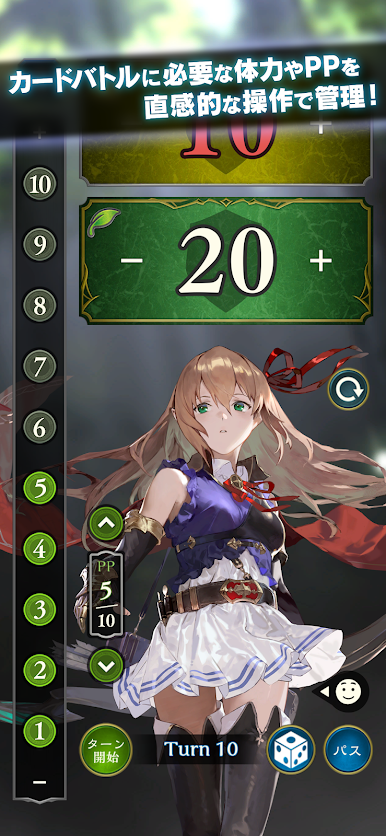
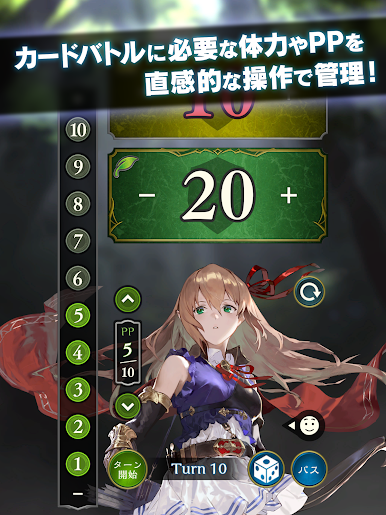
Life & PP Tracker
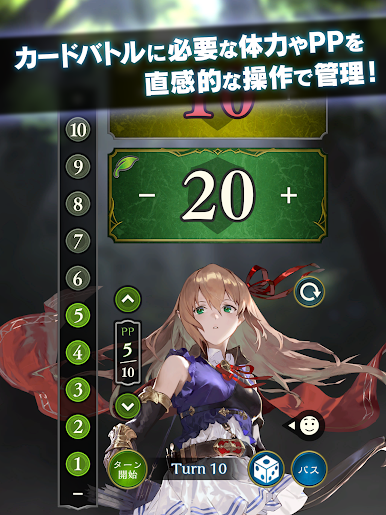
Keep tabs on your game stats without scribbling on paper. Log your life points and Play Points (PP) in real time, so you never lose track mid-match. Everything’s organized in one place—less hassle, more focus on playing. -
Emote Play
Break the ice or celebrate a winning move. When you scan in your leader card, you unlock emotes connected to that leader—perfect for adding a bit of flair (or a friendly taunt) in your battles. It’s a fun way to connect with your opponent, even if you’re new to the table.
Shadowverse EVOLVE Supporter works smoothly with BlueStacks if you want a bigger screen or easier touch controls. Use it to keep your matches smooth, organized, and maybe even a little bit more fun.
Slay your opponents with your epic moves. Play it your way on BlueStacks and dominate the battlefield.


Play Shadowverse EVOLVE Supporter on PC. It’s easy to get started.
-
Download and install BlueStacks on your PC
-
Complete Google sign-in to access the Play Store, or do it later
-
Look for Shadowverse EVOLVE Supporter in the search bar at the top right corner
-
Click to install Shadowverse EVOLVE Supporter from the search results
-
Complete Google sign-in (if you skipped step 2) to install Shadowverse EVOLVE Supporter
-
Click the Shadowverse EVOLVE Supporter icon on the home screen to start playing

