

The Battle Cats
Play on PC with BlueStacks – the Android Gaming Platform, trusted by 500M+ gamers.

Page Modified on: Sep 30, 2026
Play The Battle Cats on PC or Mac
Step into the World of The Battle Cats, a thrilling Casual game from the house of PONOS Corporation. Play this Android game on BlueStacks App Player and experience immersive gaming on PC or Mac.
About the Game
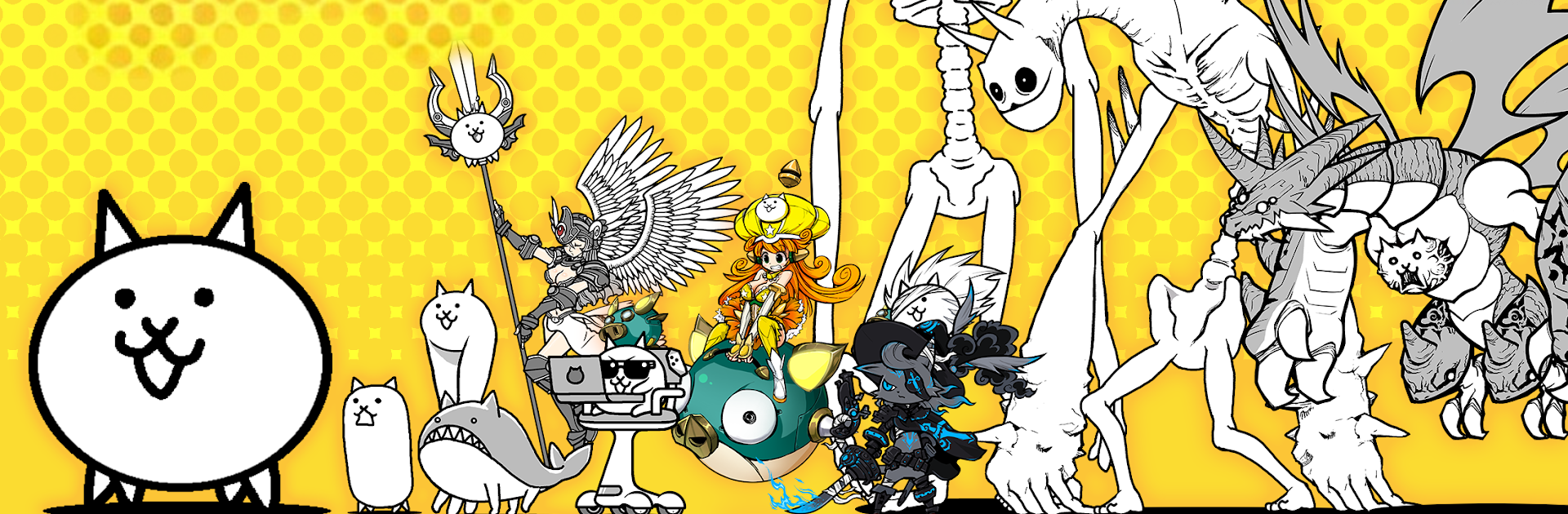
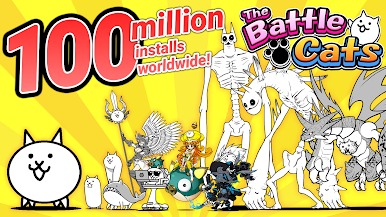
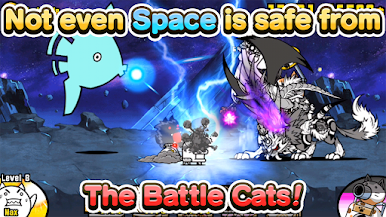
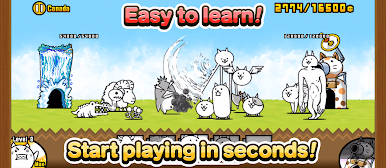
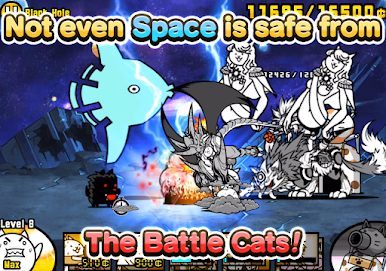
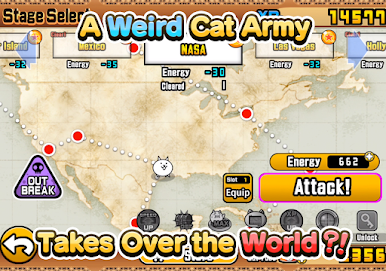
The Battle Cats is a wonderfully odd Casual strategy game where you command a squad of hilariously designed felines and push across enemy turf. Pick your favorites, send them onto the field, and watch the chaos unfold as your kitties face everything from goofy grunts to towering bosses. It’s easy to learn, unexpectedly tactical, and proudly weird in all the right ways.
Game Features
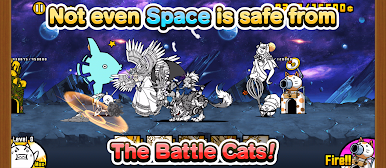
- Tap-to-Deploy Combat: Choose a cat, tap to send it into battle, and keep the pressure on the enemy base. When things get crowded, let the Cat Cannon rip to clear some space.
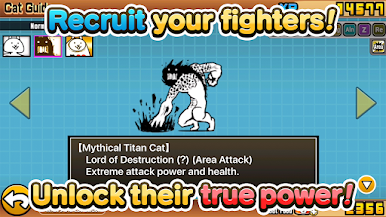
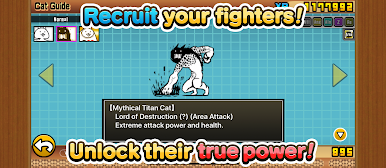
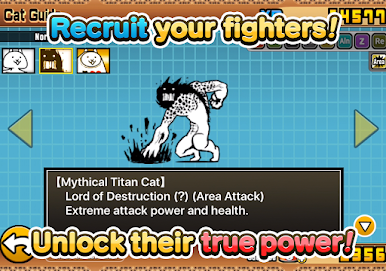
- Build Your Dream Cat Squad: Collect a wide cast of strange, adorable fighters. Mix cheap swarms with sturdy front-liners and long-range oddballs to craft a lineup that fits your style.
- Evolve and Find True Forms: Earn XP and items by clearing stages, then upgrade your cats to new looks and stats. Hunt for their True Forms to unlock even bigger power spikes.
- Treasures with Lasting Perks: Stages hide treasures that grant permanent boosts. Snagging full sets can turn tricky levels into comfortable wins.
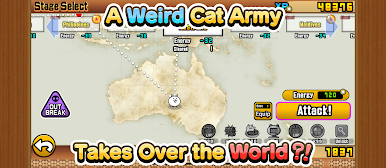
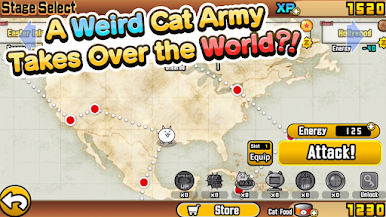
- Tons of Stages and Challenges: Work through three big story arcs packed with new enemy types, and test yourself in extra-tough Legend content when you’re feeling brave.
- Quick Sessions, Real Strategy: Hop in for a few minutes or settle in for a longer push. It’s friendly for newcomers but rewards smart timing and squad choices.
- Smooth on PC with BlueStacks: Prefer a bigger screen and steady performance? The game also plays nicely on BlueStacks, so you can keep your cat crusade going on desktop.
- Connection Notes: An online connection is needed for downloads and updates, with fresh content rolling in regularly.
Get ready for a buttery smooth, high-performance gaming action only on BlueStacks.




Play The Battle Cats on PC. It’s easy to get started.
-
Download and install BlueStacks on your PC
-
Complete Google sign-in to access the Play Store, or do it later
-
Look for The Battle Cats in the search bar at the top right corner
-
Click to install The Battle Cats from the search results
-
Complete Google sign-in (if you skipped step 2) to install The Battle Cats
-
Click the The Battle Cats icon on the home screen to start playing

