


SAKURA School Simulator
Play on PC with BlueStacks – the Android Gaming Platform, trusted by 500M+ gamers.

Page Modified on: Feb 17, 2026
Main SAKURA School Simulator on PC
*Recommended environment for smooth playing:
Over 3GB RAM and over Snapdragon 820
If your device has not over this specifications,
this game doesn't work smoothly.
"Becoming laggy", "Shut down", "Low memory problem" will occur soon.
If these trouble occur soon after you started the game,
restart the game or the device,
change setting "decrease students and people" are effective for smooth playing.
This game playing uses a lot of CPU and GPU,
close other applications as much as you can.
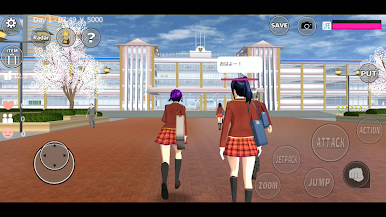
There are two ways to enjoy this game.
(1)
Make friends and lovers as you like.
Enjoy a brilliant school life!
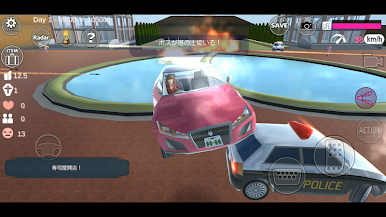
(2)
Go on the rampage as you like.
Before do that, borrow the weapons from YAKUZA office.
You can get them easily if you don't stop "flying".
Read "HELP" in the game when you have some questions for playing.
This game is a "simulator". So, there are many ways to defeat enemies.
Of course, if you want to defeat them by yourself, you can do it easily.
On the other hand, if you want to defeat them without weapons, of course you can.
There are no descriptions of blood in the game.
The people in the game world will be only "stun" but will not die.
The concept of death does not exist in this game
so that the people who were stun will wake up next day, and they will hate you.
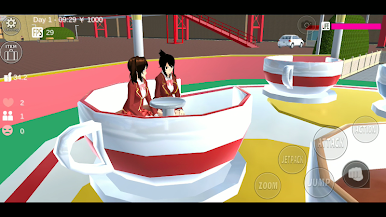
You can control and change 4 players in the same stage (The two are valid after watching ADS.).
You have some choices for talking (sentenses will change randam).
You defeat enemies through simulations.
You need not to fight to enemies.
Look for the ways.
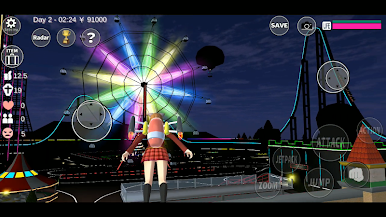
There are no end in this game.
Please make the situations as you like, and find favorite way for playing.
We hope you will enjoy the game.
The contents of this game will be added when we made the new game elements.
The additional contents will be shown as a "new" context in this page.
*NOTIFICATION
Although we used the charactor models of AOI and TAICHI in this game,
AOI is a NOT-FREE asset and TAICHI is a FREE asset.
Everyone who want to make a game contents and so on can use these assets.
Many Thanks!
Scrub-chan (C)Bijuu Mike
(C)2018 Garusoft LLC (former Garusoft Development Inc.)
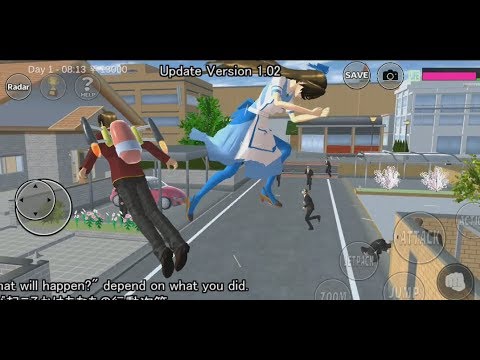
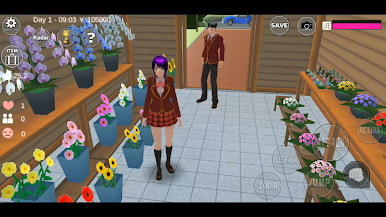
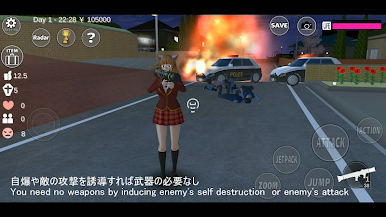
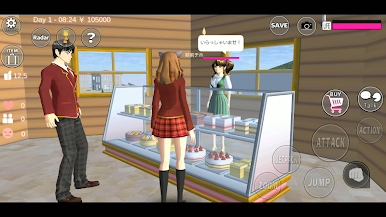
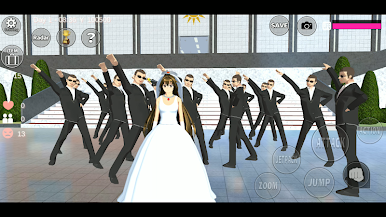
Play SAKURA School Simulator on PC. It’s easy to get started.
-
Download and install BlueStacks on your PC
-
Complete Google sign-in to access the Play Store, or do it later
-
Look for SAKURA School Simulator in the search bar at the top right corner
-
Click to install SAKURA School Simulator from the search results
-
Complete Google sign-in (if you skipped step 2) to install SAKURA School Simulator
-
Click the SAKURA School Simulator icon on the home screen to start playing

