


CHRONO MA:GIA
Play on PC with BlueStacks – the Android Gaming Platform, trusted by 500M+ gamers.

Page Modified on: Dec 01, 2025
Overview
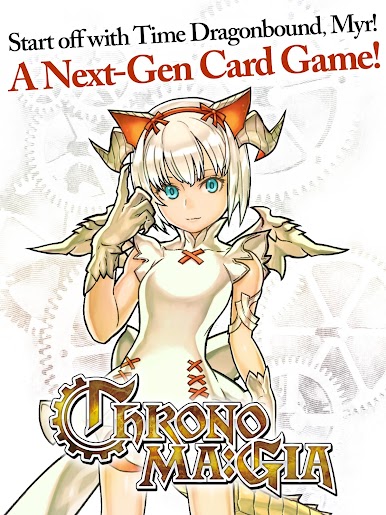
Character/Skill/Card variety delivers unparalleled strategy!
Battle your way to the top of the world ranking YOUR way!
----------------------------------------
**Game Features**
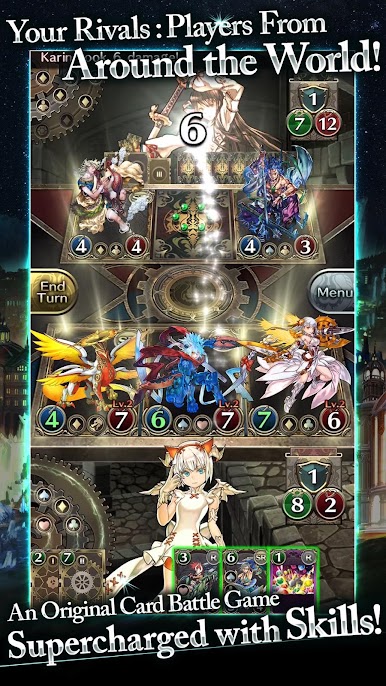
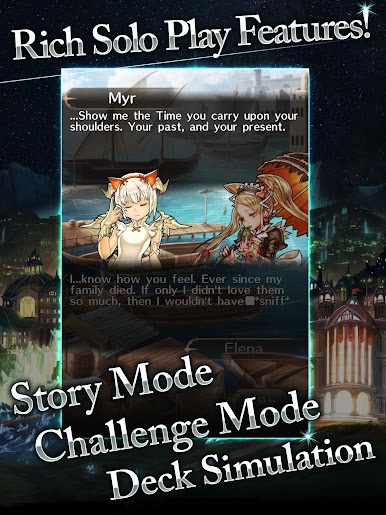
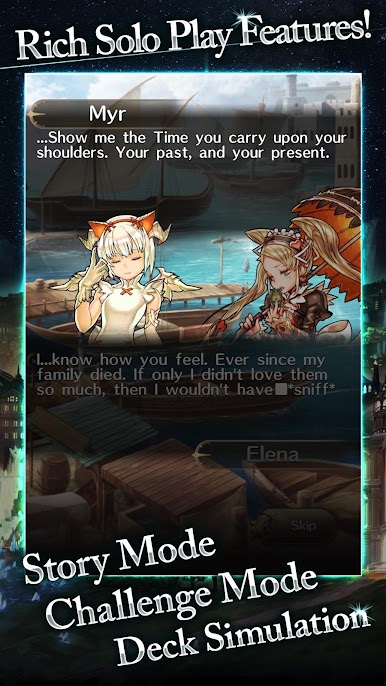
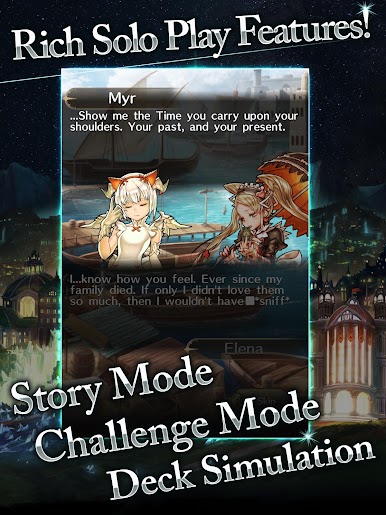
-CHRONO MA:GIA: an authentic competitive card game that balances approachability with deep strategy!
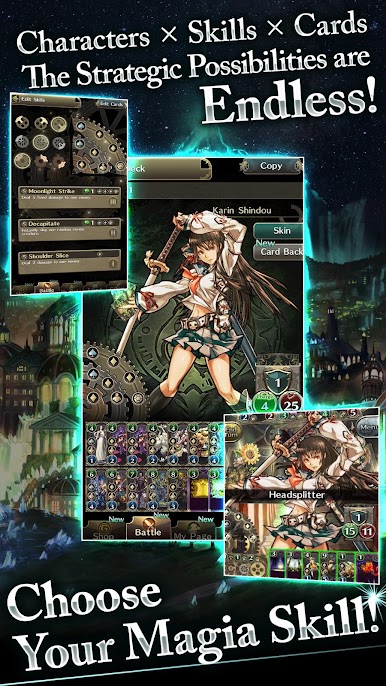
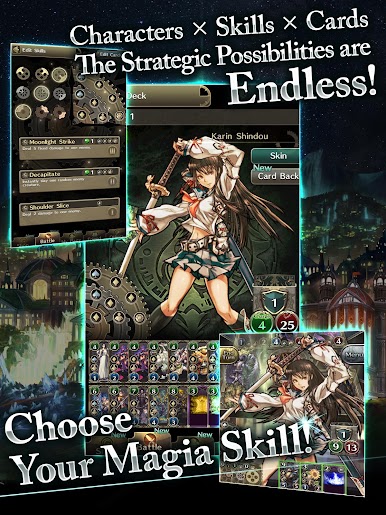
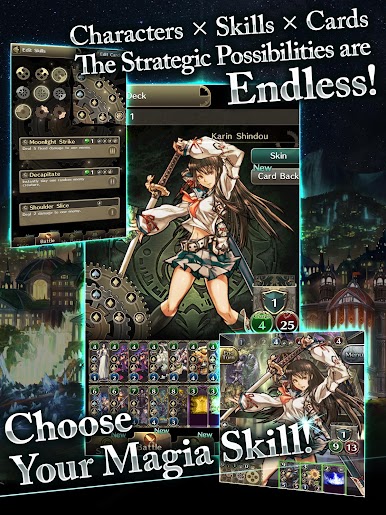
-Diverse characters, a wide selection of skills, and freedom in card selection ensure endless strategic possibilities!
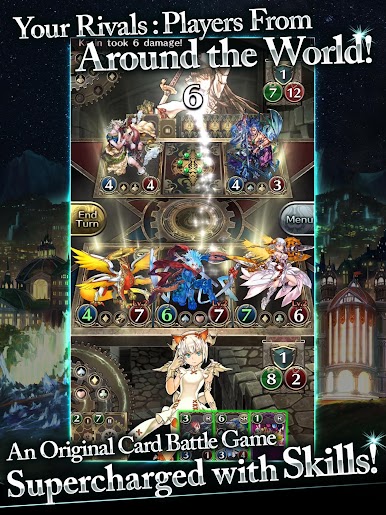
-Don’t let your guard down! Sudden reversals of fortune lead to intense card battles!
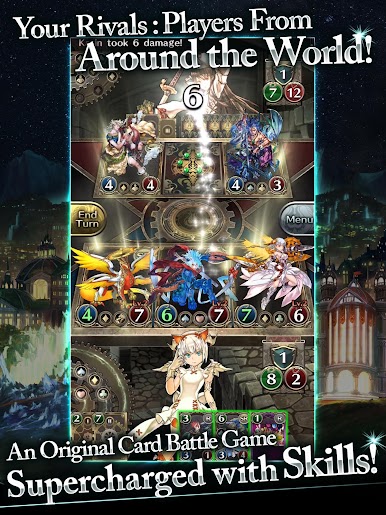
-Compete against players from around the world in online matches!
-Vertical interface specially designed for ease of use on smartphones!
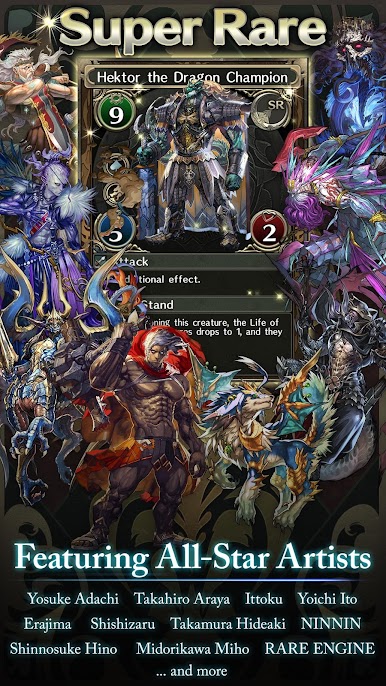
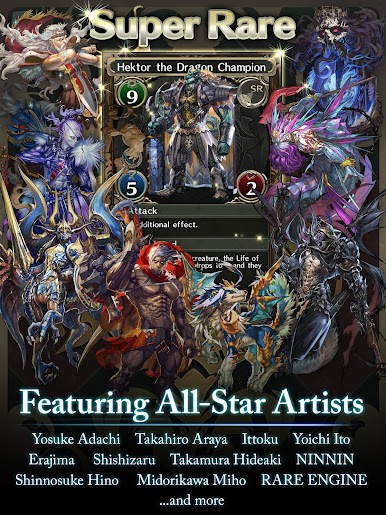
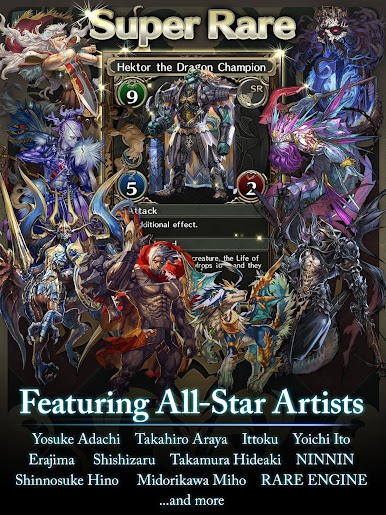
**Featuring the industry’s top card illustrators!**
-Yosuka Adachi
-Takahiro Araya
-Ittoku
-Yoichi Ito
-ERAJIMA
-Shishizaru
-Hideaki Takamura
-NINNIN
-Shinnosuke Hino
-Miho Midorikawa
-RARE ENGINE
and more...
**Deluxe Voice Cast!**
-Yumiri Hanamori
-Tetsuya Kakihara
-Soness Stevens
-Kentaro Tone
-Hiroki Takahashi
-Soma Saito
-Ayumu Murase
-Yukiyo Fujii
-Chitose Morinaga
-Shuu Uchida
-Sayaka Ohara
-Kohei Kaieda
-Urara Takane
-Douglas Kun
-Nozomi Sasaki
----------------------------------------
*Official CHRONO MA:GIA Homepage
https://chronomagia.com/en/
----------------------------------------
See the CHRONO MA:GIA homepage for the latest news.




Play CHRONO MA:GIA on PC. It’s easy to get started.
-
Download and install BlueStacks on your PC
-
Complete Google sign-in to access the Play Store, or do it later
-
Look for CHRONO MA:GIA in the search bar at the top right corner
-
Click to install CHRONO MA:GIA from the search results
-
Complete Google sign-in (if you skipped step 2) to install CHRONO MA:GIA
-
Click the CHRONO MA:GIA icon on the home screen to start playing

