


fidata Music App
Play on PC with BlueStacks – the Android Gaming Platform, trusted by 500M+ gamers.

Page Modified on: Jun 12, 2025
Run fidata Music App on PC or Mac
Let BlueStacks turn your PC, Mac, or laptop into the perfect home for fidata Music App, a fun Music & Audio app from I-O DATA DEVICE, INC..
About the App
Looking for an easy way to manage and control your music collection straight from your Android device? fidata Music App steps in to make organizing, browsing, and playing your favorite tunes on your network audio gear surprisingly simple. Whether you’re on your phone or a tablet, this app gives you a smooth, flexible experience that puts all your music right at your fingertips.
App Features
-
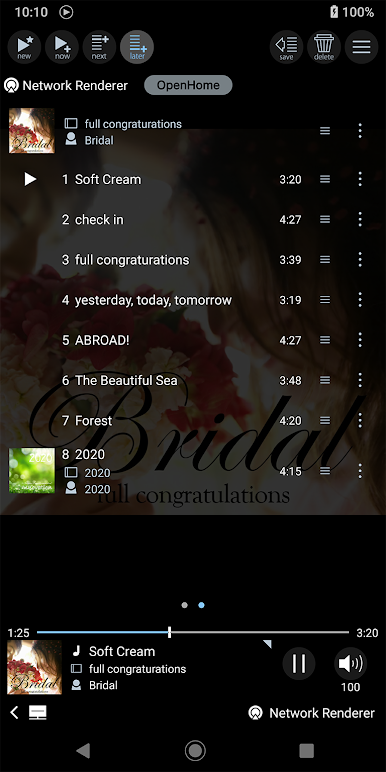
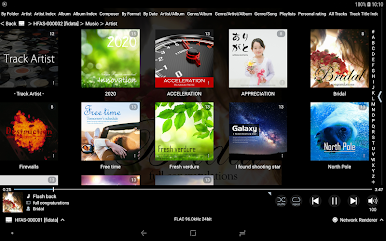
Effortless Music Browsing
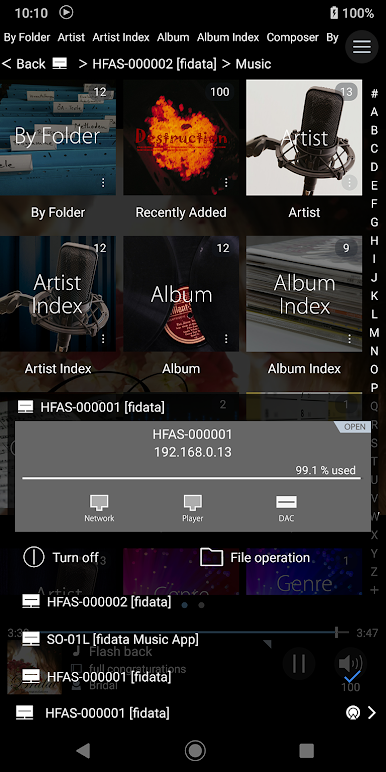
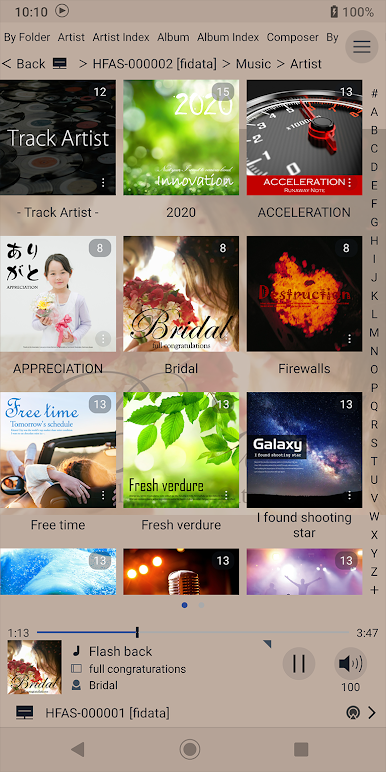
Quickly tap through your music library stored on the fidata Network Audio Server HFAS1. Whether you’re hunting down a specific song or just poking around, finding your favorites is a breeze. -
Custom Playlists
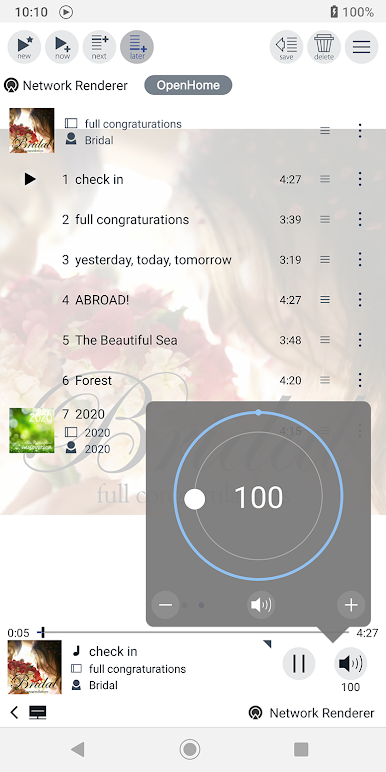
Save tracks and build your own playlists, so you’re always a tap away from the perfect music mix—no need to start from scratch every single time. -
Controls for Multiple Players
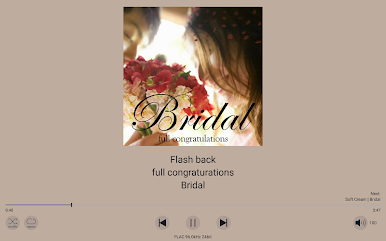
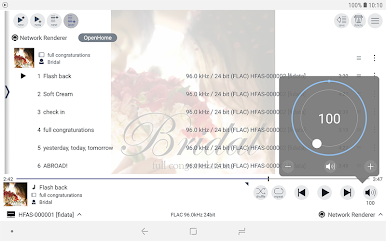
Operate various network-connected audio players that are compatible with OpenHome or DLNA. The app handles playback across your devices, making switching between rooms or setups feel pretty seamless. -
Personalized Look
Tweak the layout, colors, or artwork size to suit your style. Prefer a bigger album cover? Want everything in dark mode? Fine-tune it your way. -
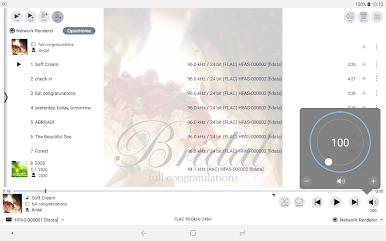
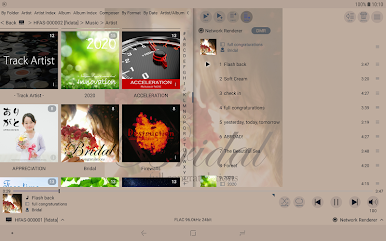
Tablet-Friendly Design
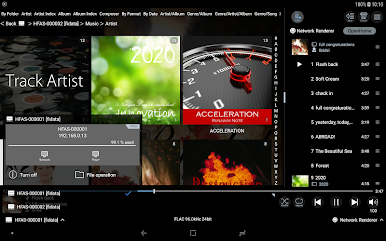
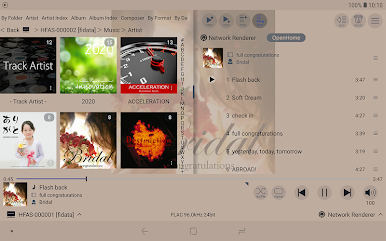
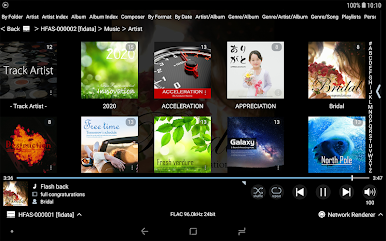
If you’re using an Android tablet, you’ll appreciate the landscape layout. See both your server and playback controls side-by-side without juggling menus. -
USB File Management
Organize, move, or copy your music files between connected USB storage and the audio server—no computer needed. Cleaning up or rearranging your library is super straightforward. -
Flexible Compatibility
Works with fidata Network Audio Server HFAS1 and HFAS1-X series, plus a range of OpenHome and DLNA-compliant audio players used with these servers.
If you fancy controlling your music setup with the convenience of your Android—especially on a bigger screen using BlueStacks—fidata Music App from I-O DATA DEVICE, INC. fits right in the Music & Audio niche.
Big screen. Bigger performance. Use BlueStacks on your PC or Mac to run your favorite apps.

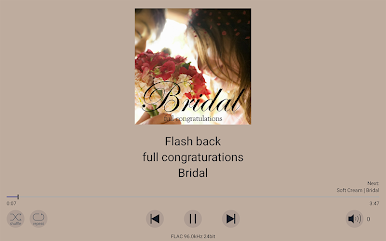
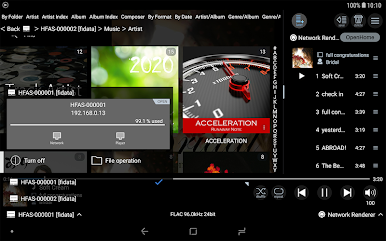
Play fidata Music App on PC. It’s easy to get started.
-
Download and install BlueStacks on your PC
-
Complete Google sign-in to access the Play Store, or do it later
-
Look for fidata Music App in the search bar at the top right corner
-
Click to install fidata Music App from the search results
-
Complete Google sign-in (if you skipped step 2) to install fidata Music App
-
Click the fidata Music App icon on the home screen to start playing

