


BLUE LOCK PWC
Play on PC with BlueStacks – the Android Gaming Platform, trusted by 500M+ gamers.

Page Modified on: Apr 7, 2026
Main BLUE LOCK PWC on PC
"You're fired as an assistant.
From now on, you'll have to coach the players."
Until recently you were part of
the Blue Lock project as an assistant,
but now must become a coach capable of
creating the new "chemical reaction" Ego's looking for.
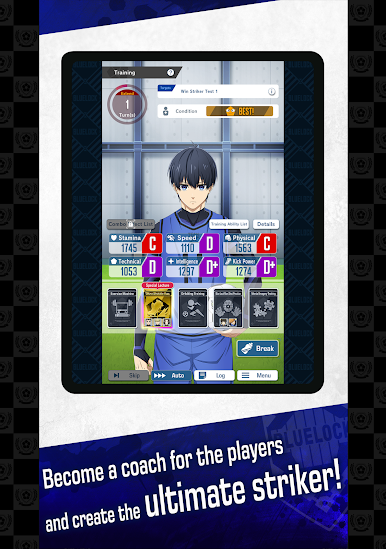
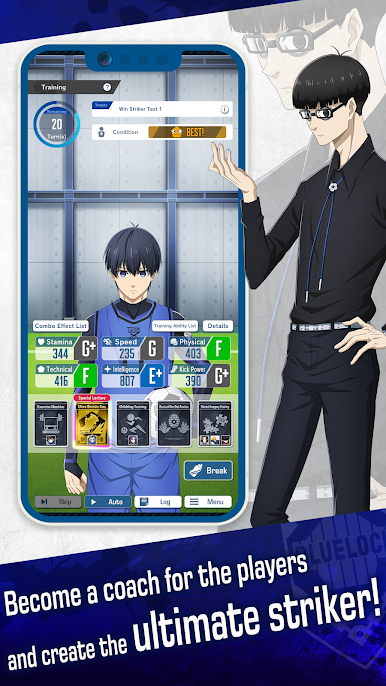
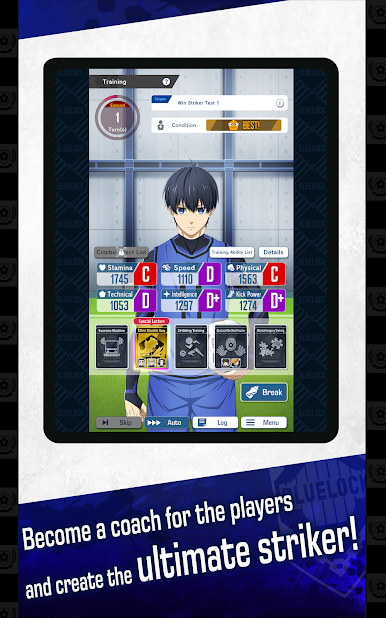
■ Develop the ultimate striker according to your own vision
In "Training," you can coach your favorite player any way you like!
Which stats will you enhance, or which skill will you teach them? Your ability as coach will decide everything!
Give birth to an ultimate striker carrying your own mark!
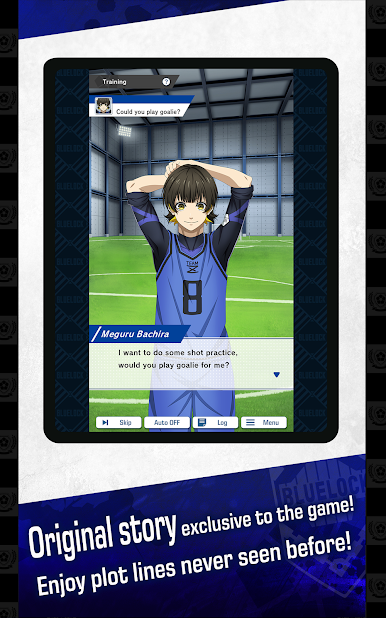
■ Exclusive storyline
In "Training," you can also see a completely original story between you and the players!
Communicate well with players during training sessions to support their growth!
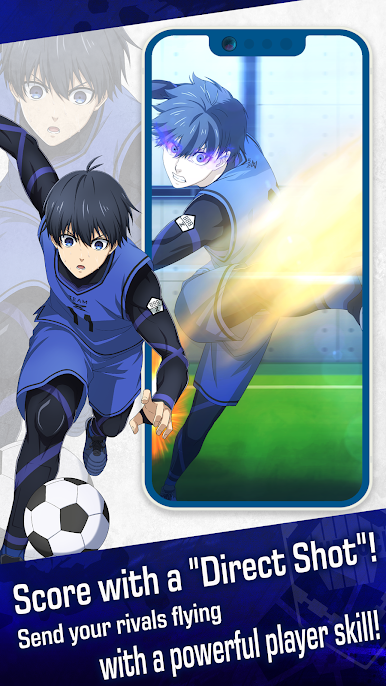
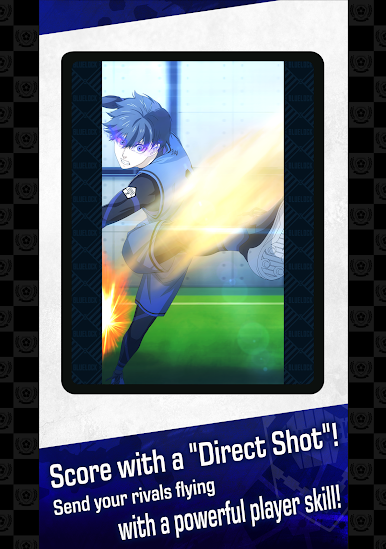
■ Conquer victory in blistering matches
Matches come with an Auto system, so that even soccer newcomers can have fun without any hassle!
Witness amazing performances by the players!
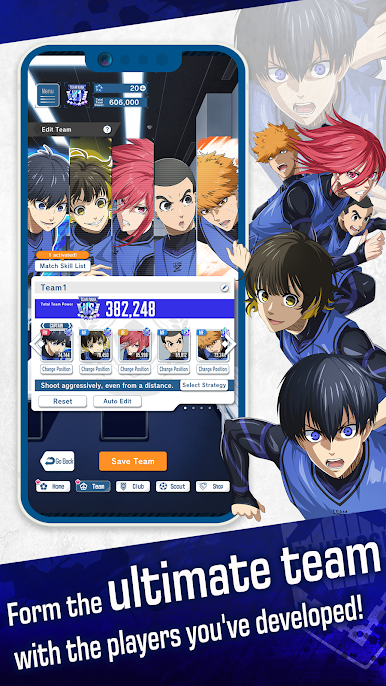
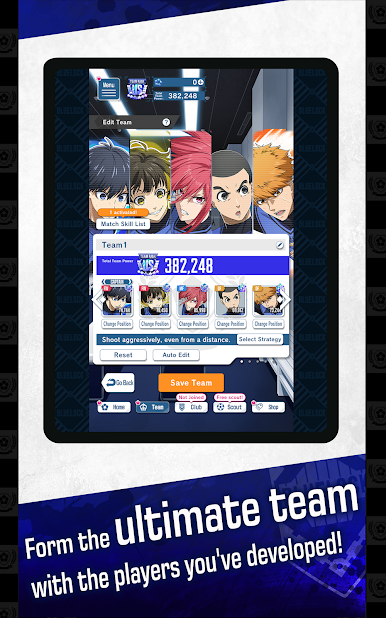
■ Take on challenges with your own all-stars team
Compete against rivals using the team you've developed yourself!
Which players will you choose, and what kind of team do you hope to build?
Give wings to your ego and your vision, and find a formula for victory!
© Muneyuki Kaneshiro, Yusuke Nomura, KODANSHA/BLUELOCK Production Committee.






Play BLUE LOCK PWC on PC. It’s easy to get started.
-
Download and install BlueStacks on your PC
-
Complete Google sign-in to access the Play Store, or do it later
-
Look for BLUE LOCK PWC in the search bar at the top right corner
-
Click to install BLUE LOCK PWC from the search results
-
Complete Google sign-in (if you skipped step 2) to install BLUE LOCK PWC
-
Click the BLUE LOCK PWC icon on the home screen to start playing

