

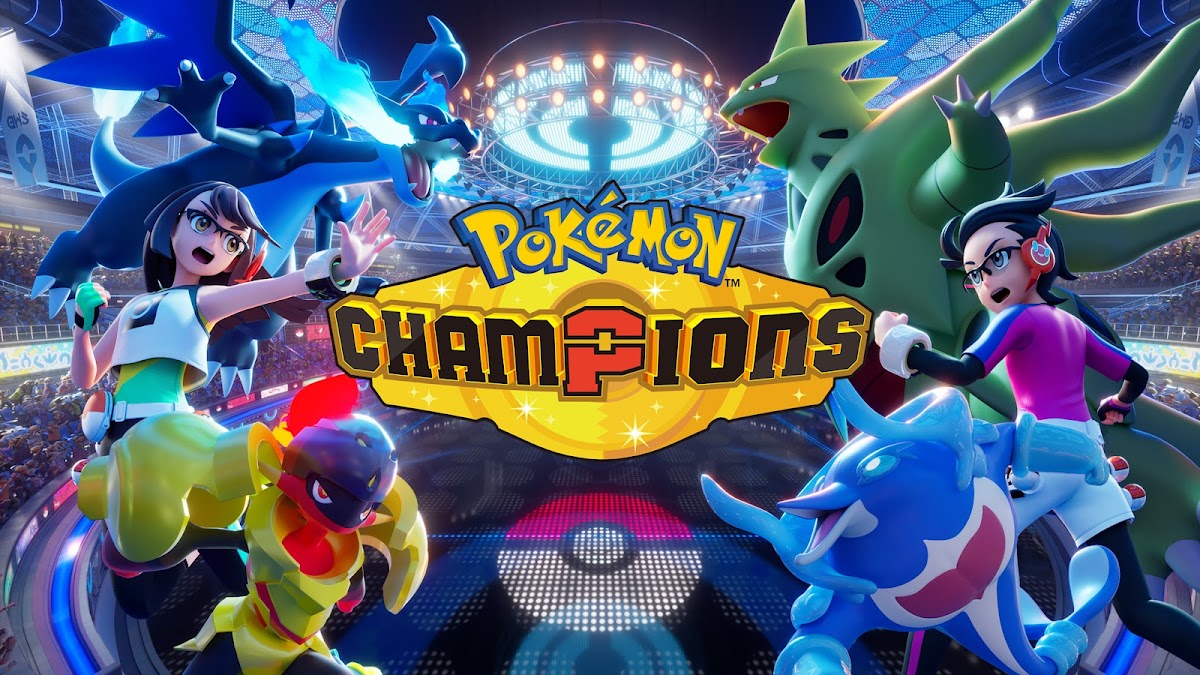
Pokémon Champions
Play on PC with BlueStacks – the Android Gaming Platform, trusted by 500M+ gamers.

Page Modified on: Sep 14, 2026
Main Pokémon Champions on PC
Have fun battling Pokémon with ease on your mobile device!
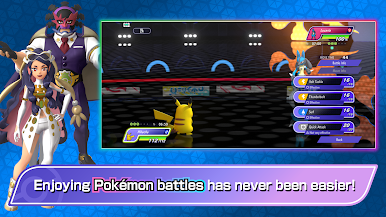
■ Battle Pokémon with Ease!
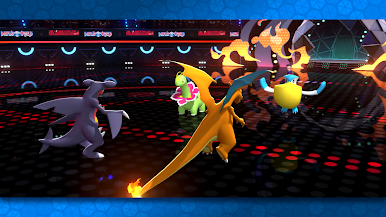
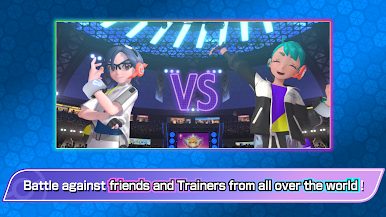
In Pokémon Champions, you can enjoy Pokémon battles against Trainers from around the world.
You can play in Ranked Battles, featuring serious matches against players across the globe, or have fun in easygoing Casual Battles.
You can also battle against your family, friends, and other Trainers in Private Battles.
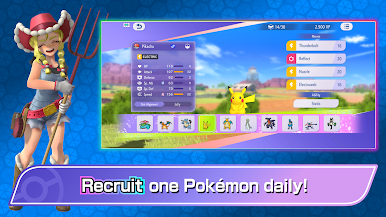
■ Get Pokémon for Your Team!
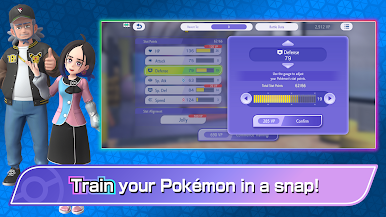
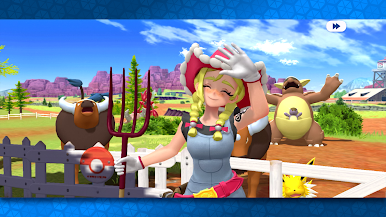
Even if you haven’t played a Pokémon series game before, you can find Pokémon to battle alongside you in Pokémon Champions. You can also link to Pokémon HOME to team up with certain Pokémon you’ve previously befriended.
Official Webpage: https://champions.pokemon.com/en-us/
Terms of Use: https://web-view.app.pokemonchampions.jp/docs/terms/index.html


Play Pokémon Champions on PC. It’s easy to get started.
-
Download and install BlueStacks on your PC
-
Complete Google sign-in to access the Play Store, or do it later
-
Look for Pokémon Champions in the search bar at the top right corner
-
Click to install Pokémon Champions from the search results
-
Complete Google sign-in (if you skipped step 2) to install Pokémon Champions
-
Click the Pokémon Champions icon on the home screen to start playing

