

Pokémon TCG Pocket - Card Game
Play on PC with BlueStacks – the Android Gaming Platform, trusted by 500M+ gamers.

Page Modified on: Nov 12, 2025
Play Pokémon TCG Pocket - Card Game on PC or Mac
From the innovators and creators at The Pokémon Company, Pokémon TCG Pocket – Card Game is another fun addition to the World of Card games. Go beyond your mobile screen and play it bigger and better on your PC or Mac. An immersive experience awaits you.
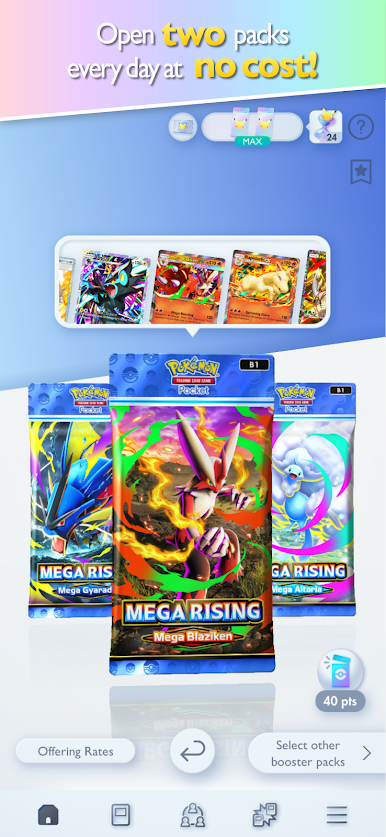
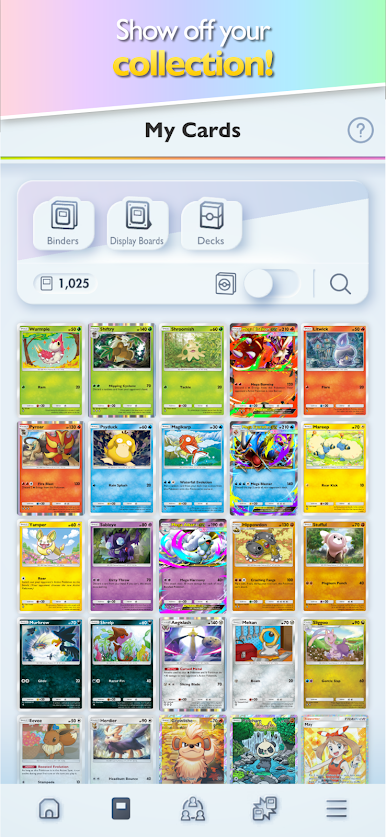
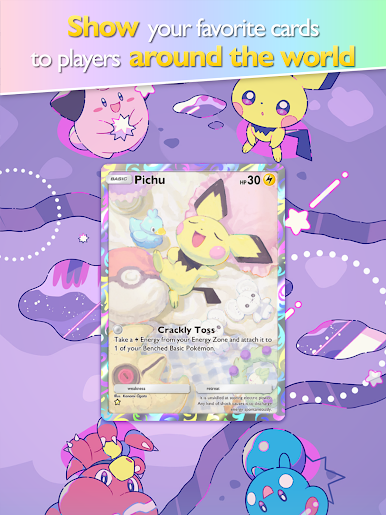
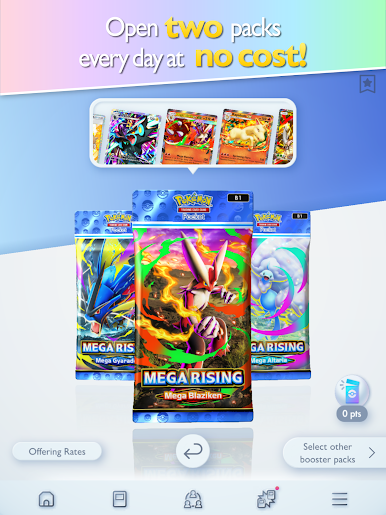
Pokémon TCG Pocket feels like opening real booster packs while hanging out at a desk. The loop is simple in a good way, open packs, admire the art, slot new finds into a deck, then jump into quick matches that do not take ages. The game hands out two free packs every day, so there is always something to crack, and the artwork ranges from old school throwbacks to brand new pieces that only show up here. Some cards have an almost 3D scene that pops off the screen, which looks great on a monitor. On PC through BlueStacks it runs smooth, mouse drag for playing cards feels natural, and the bigger view makes the tiny details alot easier to enjoy.
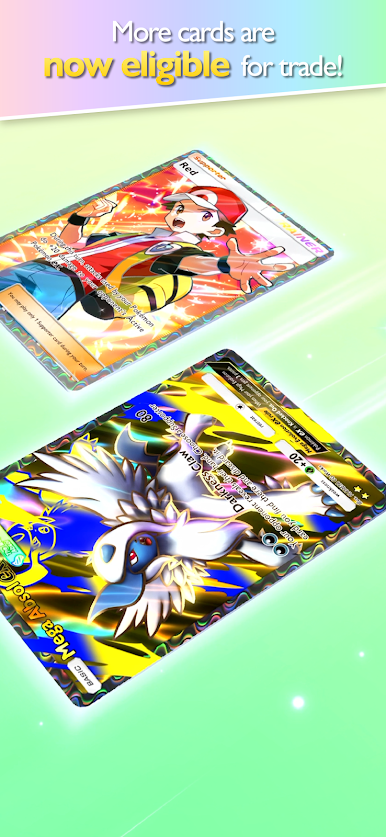
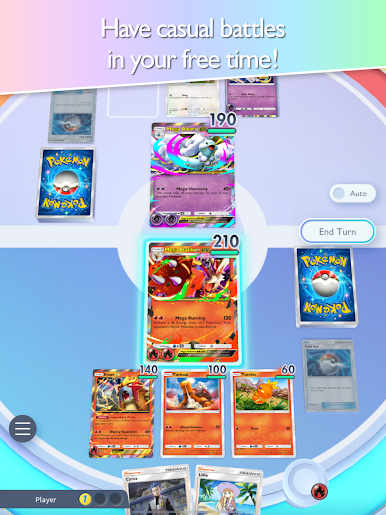
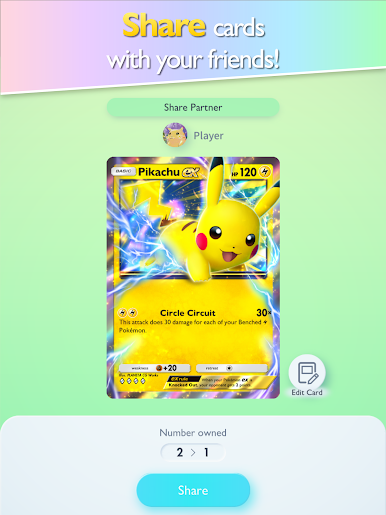
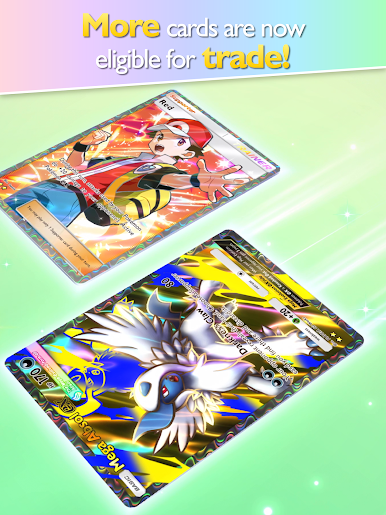
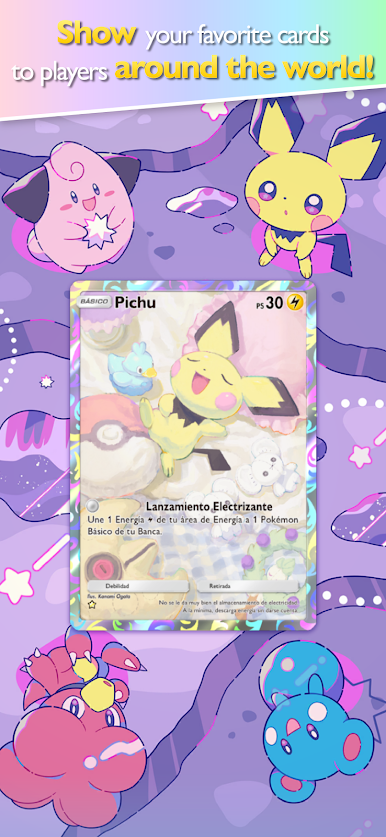
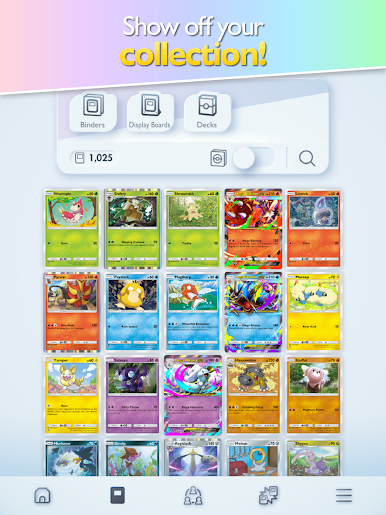
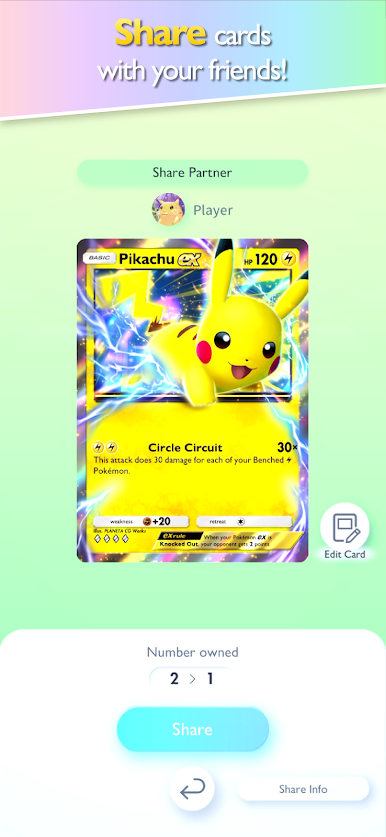
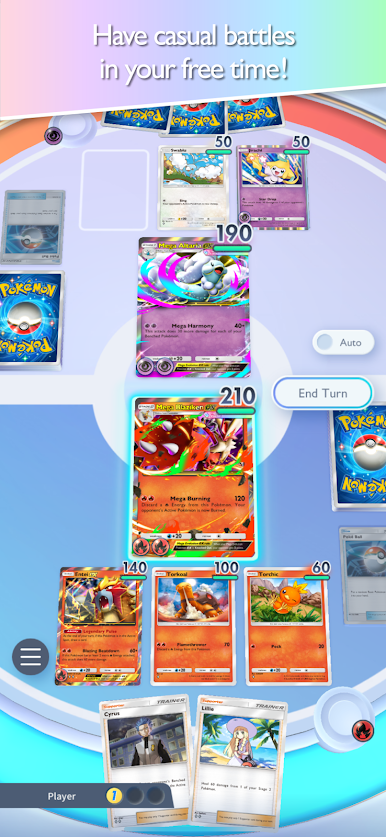
The social stuff actually matters too. There is a share feature that lets players gift a 1 to 4 diamond rarity card to a friend and get one back, which is a nice way to fill gaps without grinding. Trading is built into the game, including cards from the most recent packs, and even 2 star, Shiny 1, and Shiny 2 rarities are tradable, so collections do not feel stuck. Binders and display boards are there for anyone who cares about arranging a showcase and letting other players see it. Battles are quick and readable, good for a casual round, and there is ranked if someone wants to test a build for real. The playerbase is spread across a ton of regions, so finding a match usually takes a moment, not minutes.
Slay your opponents with your epic moves. Play it your way on BlueStacks and dominate the battlefield.

Play Pokémon TCG Pocket - Card Game on PC. It’s easy to get started.
-
Download and install BlueStacks on your PC
-
Complete Google sign-in to access the Play Store, or do it later
-
Look for Pokémon TCG Pocket - Card Game in the search bar at the top right corner
-
Click to install Pokémon TCG Pocket - Card Game from the search results
-
Complete Google sign-in (if you skipped step 2) to install Pokémon TCG Pocket - Card Game
-
Click the Pokémon TCG Pocket - Card Game icon on the home screen to start playing

