


Pokémon TCG Pocket
Play on PC with BlueStacks – the Android Gaming Platform, trusted by 500M+ gamers.

Page Modified on: Dec 24, 2025
Main Pokémon TCG Pocket on PC
Use your mobile devices to enjoy collecting and battling with Pokémon cards anytime, anywhere!
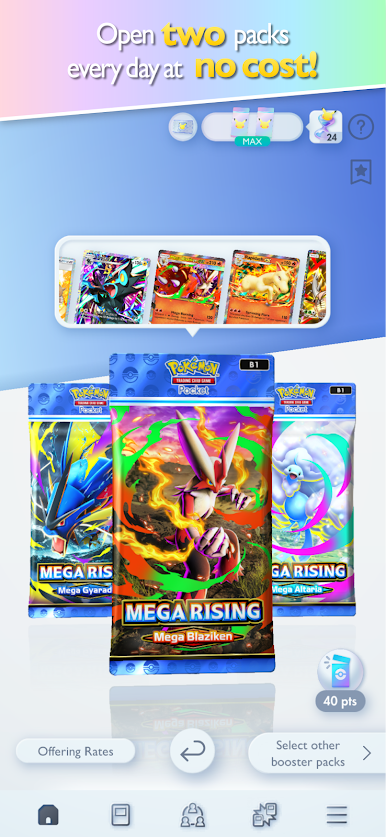
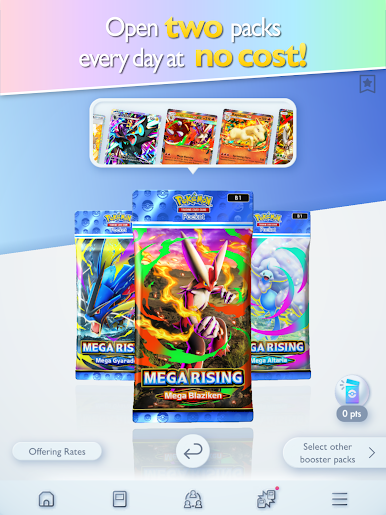
■ Open packs every day to collect cards!
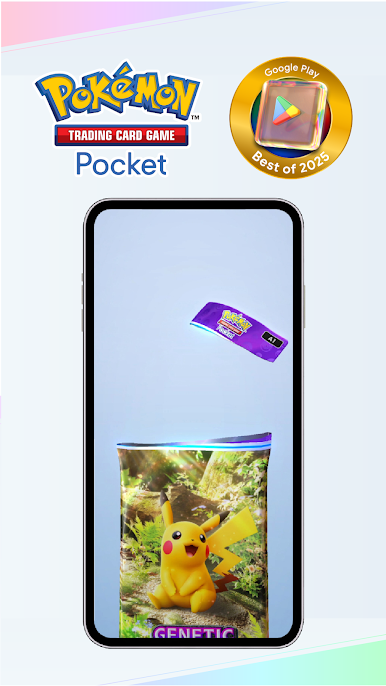
Players can enjoy the experience of collecting, with two booster packs available to open every day at no cost. Collect different kinds of Pokémon cards, like those with nostalgic illustrations from the past, as well as completely new cards exclusive to this game!
■ Experience a new kind of Pokémon card!
The app features new immersive cards with illustrations that have a “3D feel.” Players can feel like they’ve leapt into the world of the card’s illustration!
■ A new way to collect with the share feature!
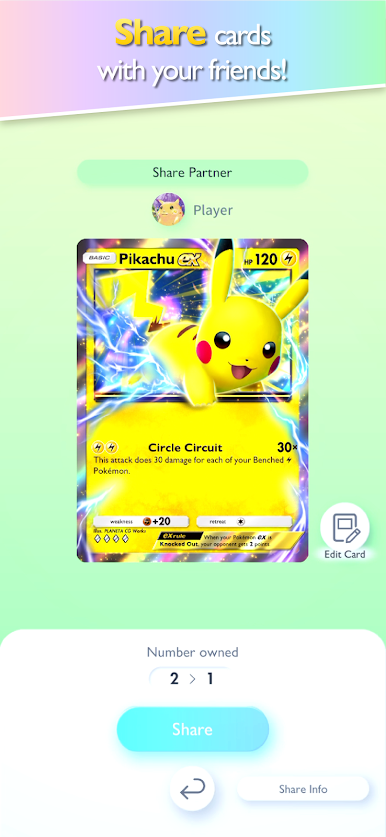
Sharing has just been added.
It’s a feature that lets you give one 1-4-diamond rarity card to your in-game friends—and receive one in return!
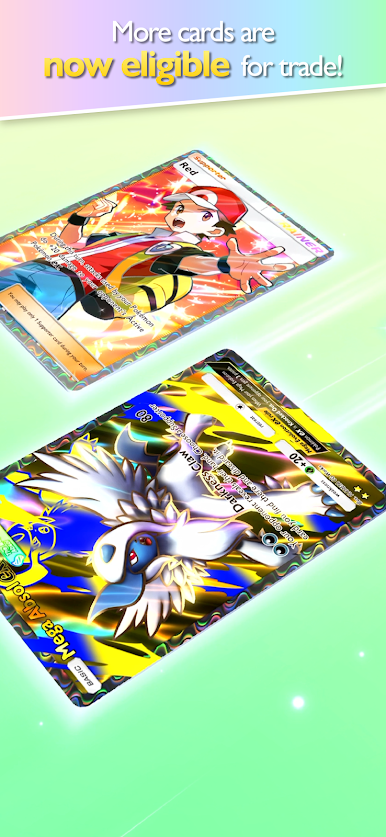
■ Trade cards with friends!
Use the trade feature to collect even more cards!
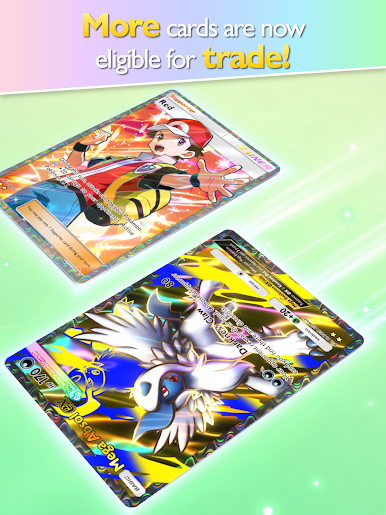
Certain cards can be traded with friends.
You can now trade cards from even the most recent booster packs. In addition, cards of 2-star rarity, Shiny 1, and Shiny 2 rarities can also be traded.
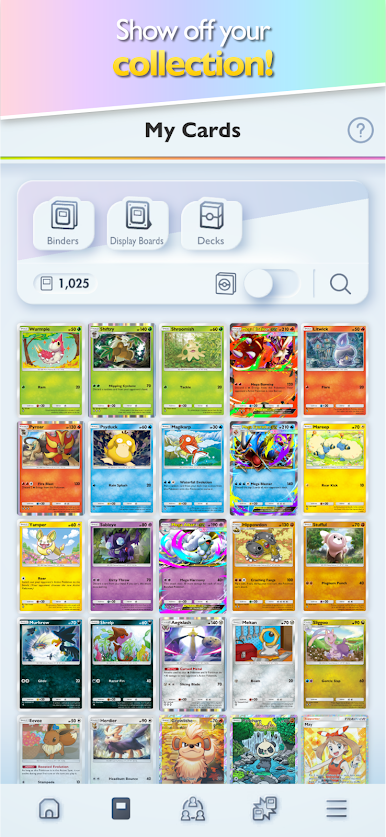
■ Show off your collection!
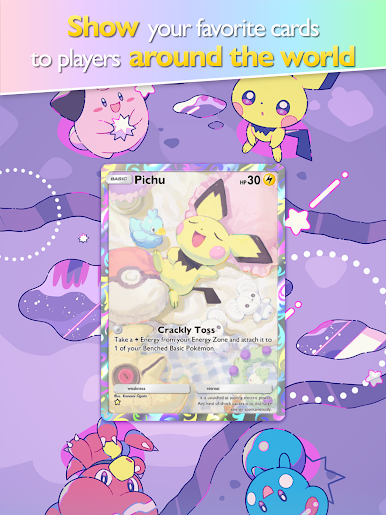
Display your cards with binders or display boards, and showcase them to players around the world! Try building a collection that you’re proud to show off!
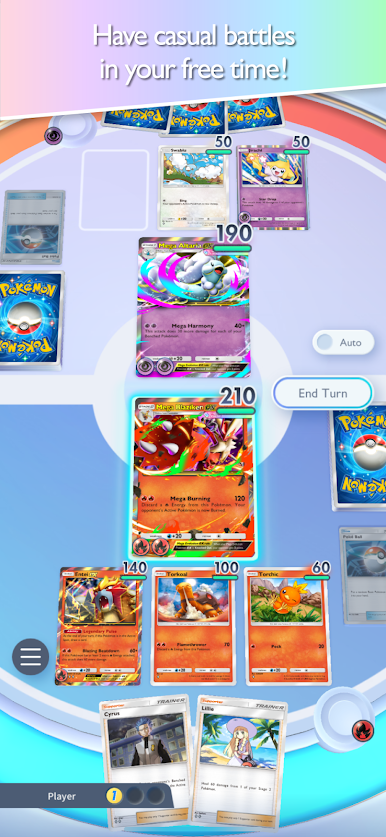
■ Enjoy casual battles!
You can enjoy quick and exciting battles with your cards!
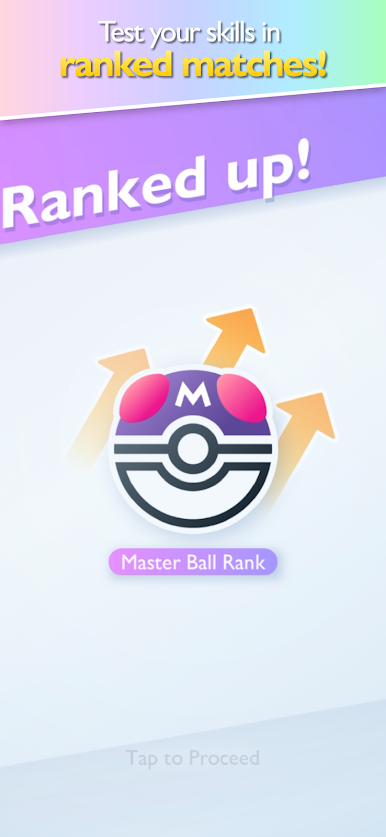
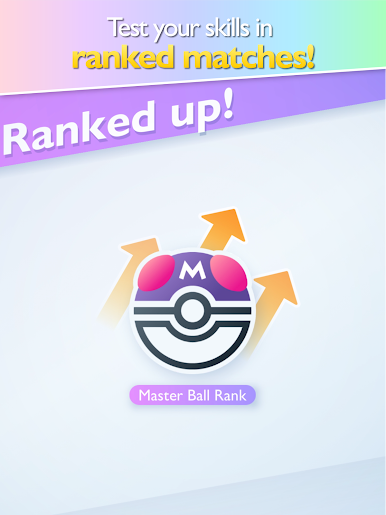
Players who want to test their skills even more can take on ranked matches.
Terms of Use: https://www.apppokemon.com/tcgp/kiyaku/kiyaku001/rule/






Play Pokémon TCG Pocket on PC. It’s easy to get started.
-
Download and install BlueStacks on your PC
-
Complete Google sign-in to access the Play Store, or do it later
-
Look for Pokémon TCG Pocket in the search bar at the top right corner
-
Click to install Pokémon TCG Pocket from the search results
-
Complete Google sign-in (if you skipped step 2) to install Pokémon TCG Pocket
-
Click the Pokémon TCG Pocket icon on the home screen to start playing

