


Raygraze
Play on PC with BlueStacks – the Android Gaming Platform, trusted by 500M+ gamers.

Page Modified on: Apr 21, 2020
Play Raygraze on PC
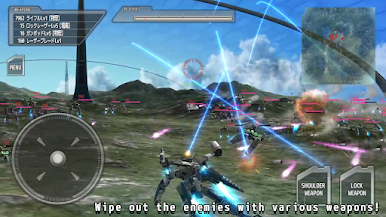
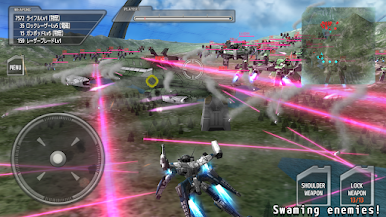
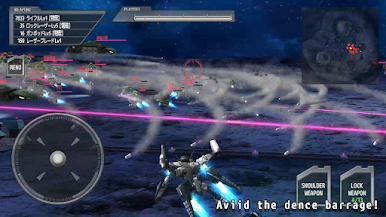
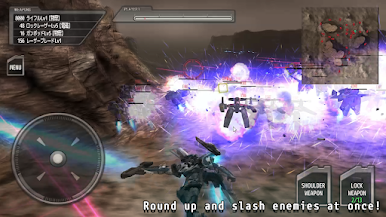
You can wipe out a ton of enemies!
A total of 22 stages can be played by combining the hard mode.
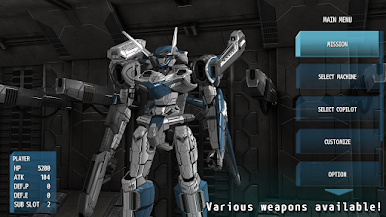
Various weapons available! Eliminate enemies as you wish.
Compact application made without middleware.
Application will never squeeze your smartphone storage!
Gameplay and Loading is also smooth!
We plan to increase the number of robots and stages in the future!
Co-pilots are now printing!
Program: Altet
Design: Sn50
Play Raygraze on PC. It’s easy to get started.
-
Download and install BlueStacks on your PC
-
Complete Google sign-in to access the Play Store, or do it later
-
Look for Raygraze in the search bar at the top right corner
-
Click to install Raygraze from the search results
-
Complete Google sign-in (if you skipped step 2) to install Raygraze
-
Click the Raygraze icon on the home screen to start playing

