


Video Enhancer Pro
Play on PC with BlueStacks – the Android Gaming Platform, trusted by 500M+ gamers.

Page Modified on: Sep 2, 2025
Run Video Enhancer Pro - Display photos vividly. on PC or Mac
Why limit yourself to your small screen on the phone? Run Video Enhancer Pro – Display photos vividly., an app by HDM Dev Team, best experienced on your PC or Mac with BlueStacks, the world’s #1 Android emulator.
About the App
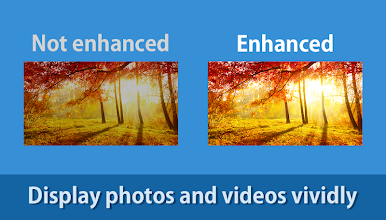
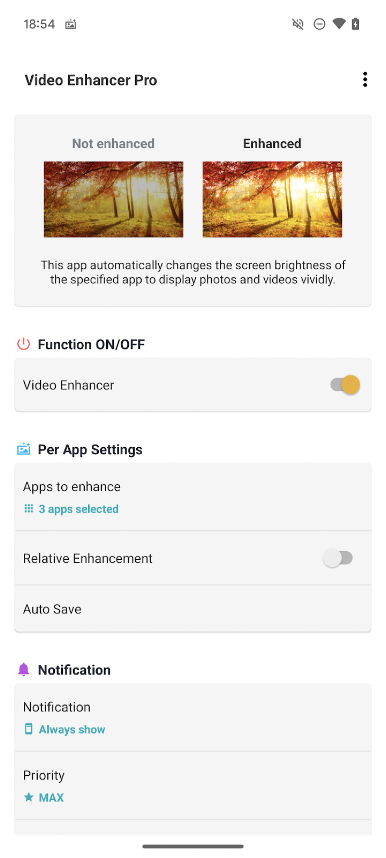
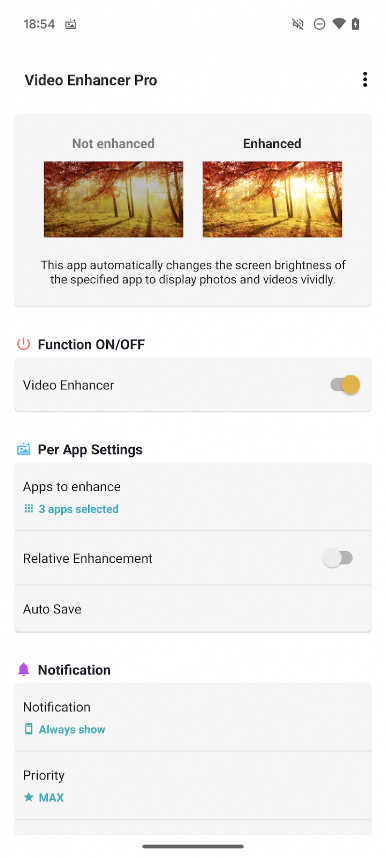
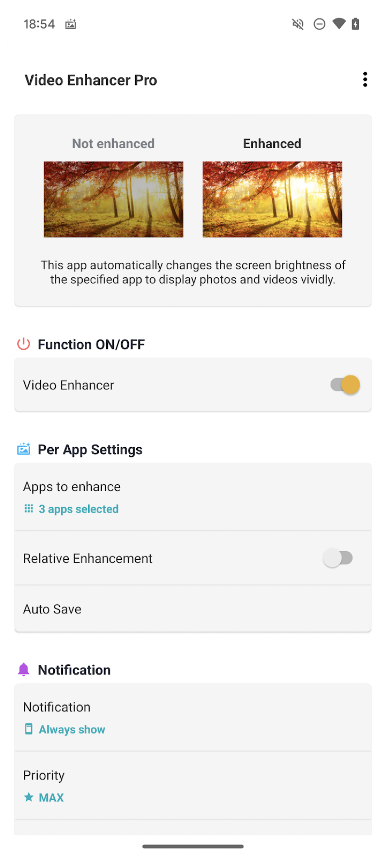
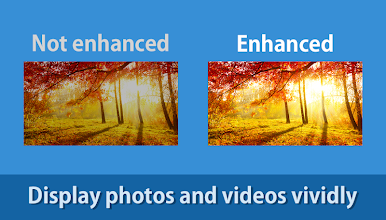
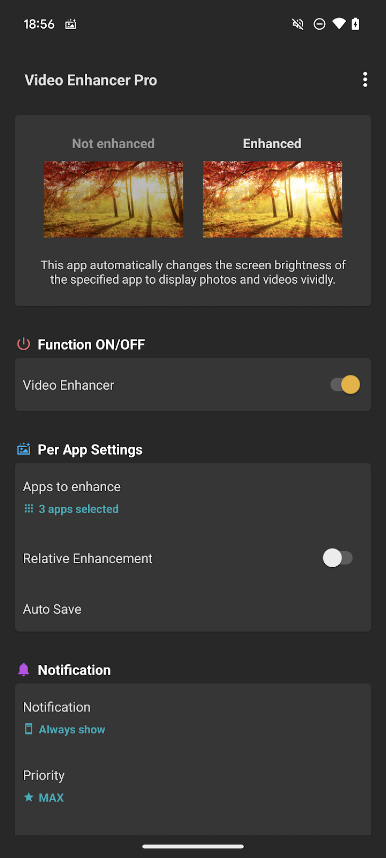
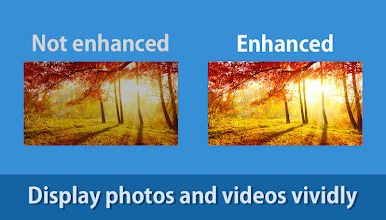
Ever get frustrated when your favorite videos or photos don’t look as crisp as you expected? Video Enhancer Pro – Display photos vividly. by HDM Dev Team steps in to handle that for you. This handy little tool makes sure your phone’s brightness is always just right when you’re watching movies, browsing your gallery, or checking out photo albums. You’ll notice your visuals popping more—no more fumbling around with sliders every time you open a different app.
App Features
-
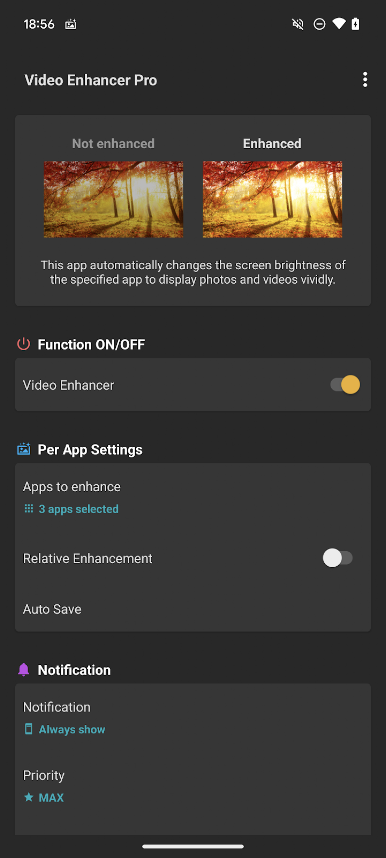
Automatic Brightness Adjust
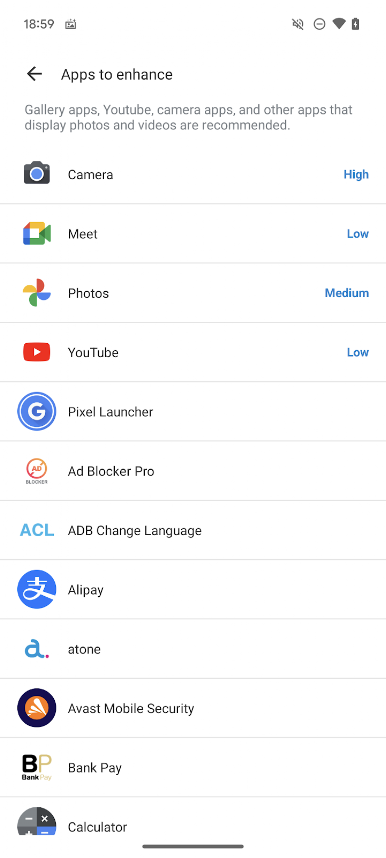
Let the app do the thinking. As soon as you open a chosen app—think gallery, YouTube, Netflix, or similar—Video Enhancer Pro detects it and automatically tweaks your screen brightness for the best possible view. -
App-by-App Control
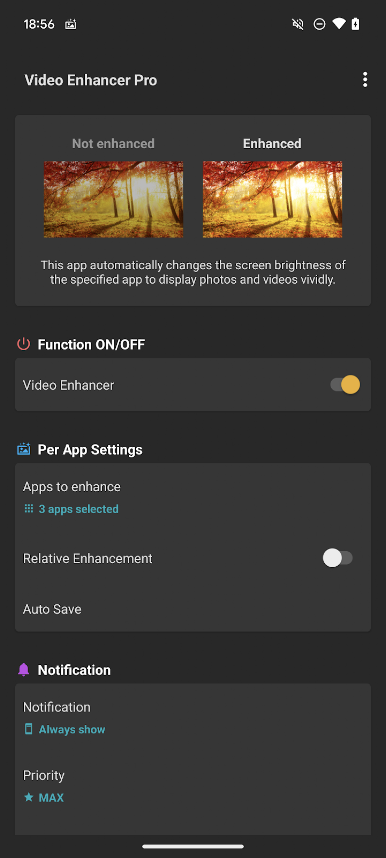
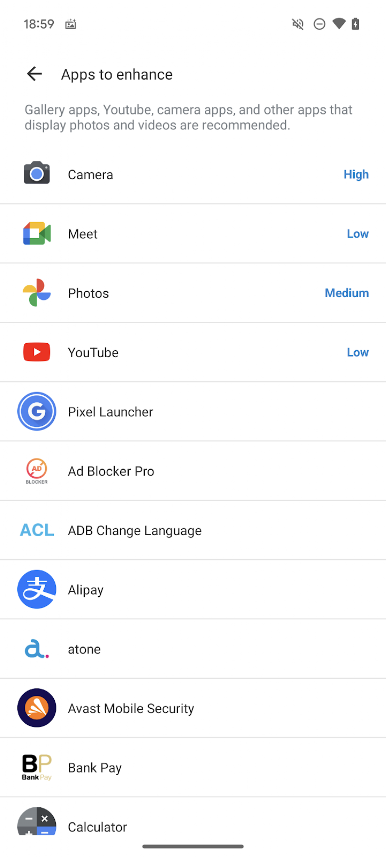
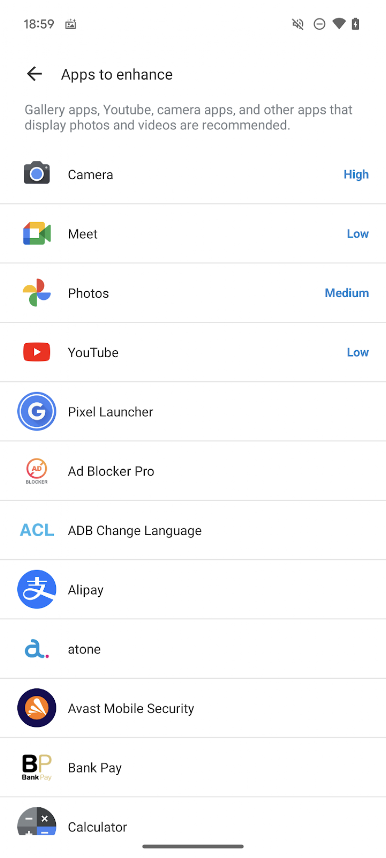
Got different preferences for certain apps? You can set up custom brightness levels for each one. Perfect for users who want things extra vivid for streaming but toned down for regular browsing. -
Quick Access Shortcuts
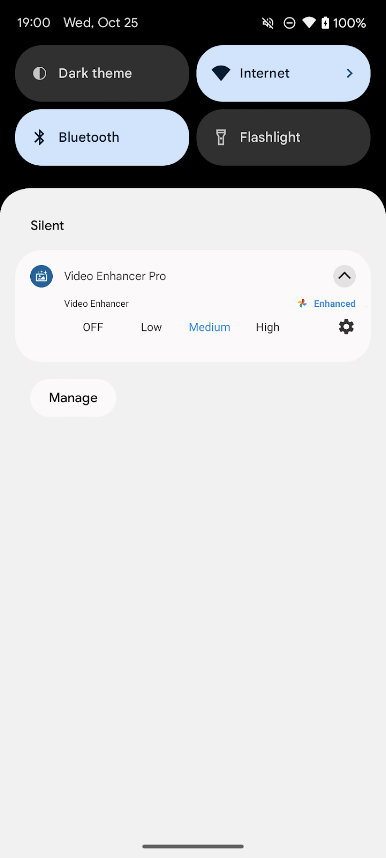
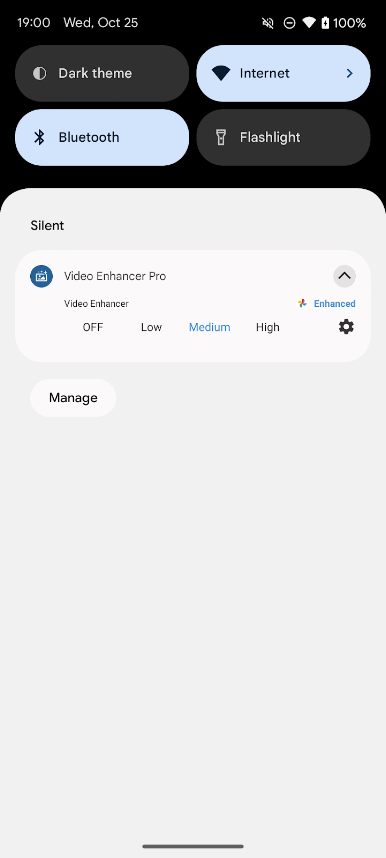
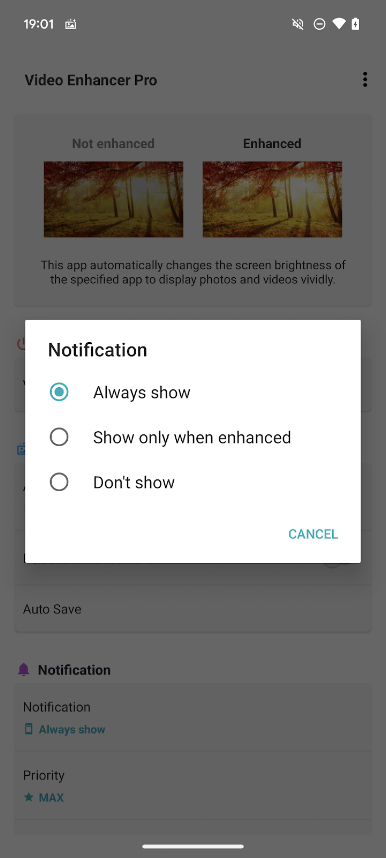
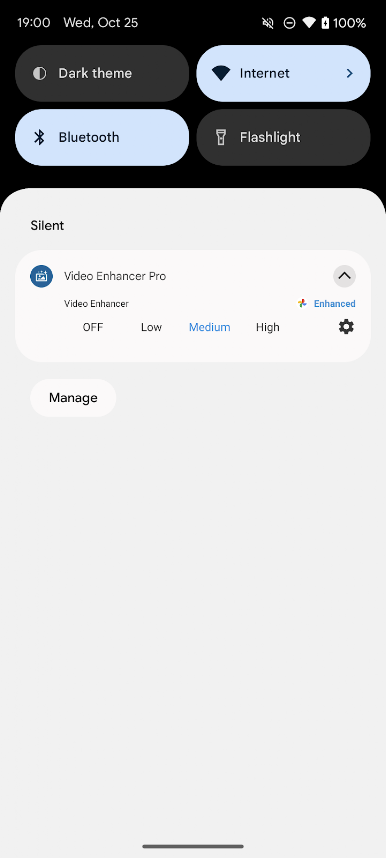
Don’t want to dig through menus? Turn this app on or off with one tap using simple shortcuts, widgets, or quick panel toggles—really handy when you’re in a hurry. -
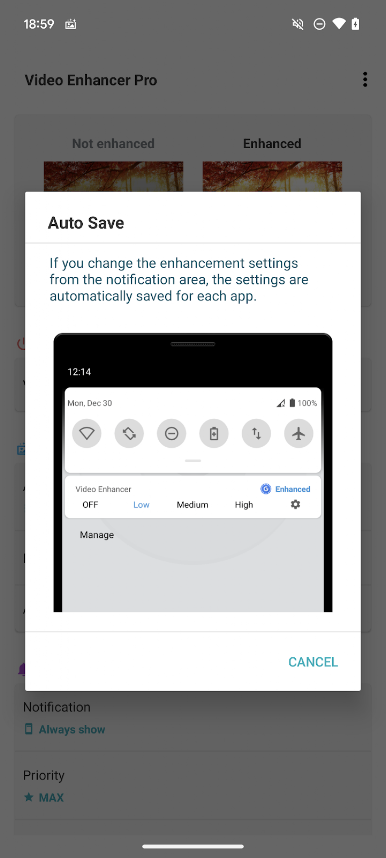
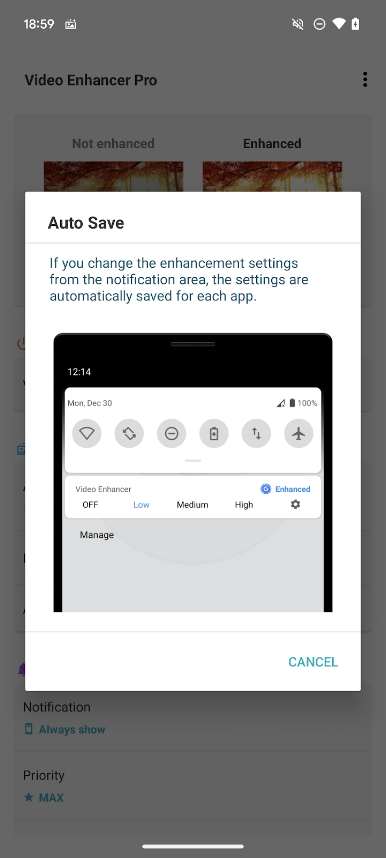
Automatic Settings Save
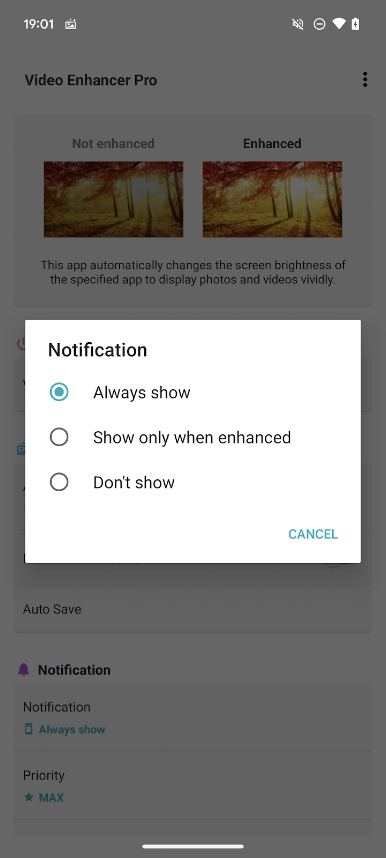
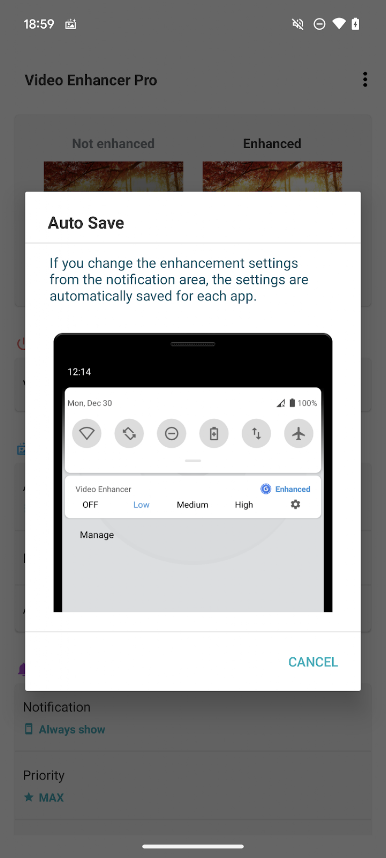
Made a tweak in the notification area? The app remembers your choices for every individual app, so you don’t have to reset things every time.
For those who want to get the most out of their experience, using Video Enhancer Pro – Display photos vividly. on a larger screen with BlueStacks can really show off what sharper, more colorful images look like.
If you’re tired of squinting at your favorite content or adjusting brightness every few minutes, this is one tools app that quietly gets the job done.
BlueStacks gives you the much-needed freedom to experience your favorite apps on a bigger screen. Get it now.
Play Video Enhancer Pro on PC. It’s easy to get started.
-
Download and install BlueStacks on your PC
-
Complete Google sign-in to access the Play Store, or do it later
-
Look for Video Enhancer Pro in the search bar at the top right corner
-
Click to install Video Enhancer Pro from the search results
-
Complete Google sign-in (if you skipped step 2) to install Video Enhancer Pro
-
Click the Video Enhancer Pro icon on the home screen to start playing

