


K.O Arcade Fight Emulator 2002
Play on PC with BlueStacks – the Android Gaming Platform, trusted by 500M+ gamers.

Page Modified on: Aug 3, 2026
Play K.O Arcade Fight Emulator 2002 on PC or Mac
Step into the World of K.O Arcade Fight Emulator 2002, a thrilling Arcade game from the house of Emulator mame. Play this Android game on BlueStacks App Player and experience immersive gaming on PC or Mac.
About the Game
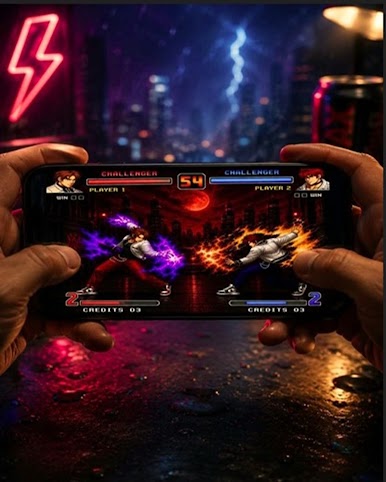
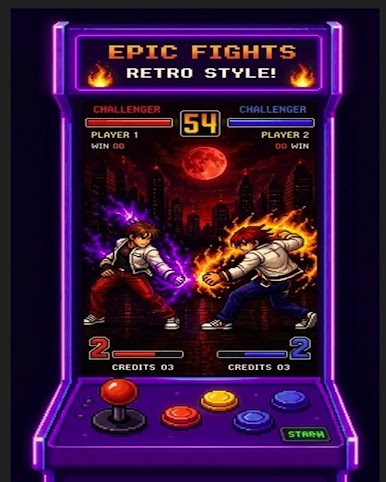
K.O Arcade Fight Emulator 2002 brings back that gritty, quarter-munching era with a slick toolkit for classic brawlers and a surprise built-in mini-quest. It’s an Arcade experience that lets you jump into a retro maze game right away or boot up your own 2D fighters for a proper throwdown. The inputs feel sharp, customization runs deep, and if you’d rather kick back with a keyboard or gamepad, it plays nicely on BlueStacks.
Game Features
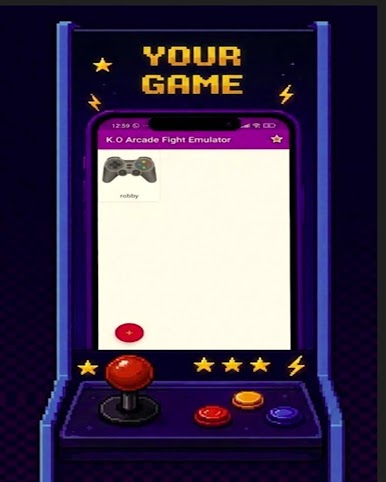
- Dual play options: Tap the “robby” tile for an instant retro maze run, or hit the red “+” to load your legally owned backups and jump into classic fighters.
- Combat-tuned performance: Enjoy low-latency inputs and smooth 2D action built for tight combos, cancels, and clean K.O.s.
- Custom controls that click: Remap the virtual D-pad and buttons, tweak layouts, and dial in joystick sensitivity to match your style.
- Save states on demand: Pause mid-tournament, bookmark the moment, and resume exactly where you left off.
- Display your way: Adjust screen scaling to get the look you want without sacrificing responsiveness.
- File manager integration: Browse and load your game files fast through the built-in picker connected to the “+” button.
- Classic feel, modern comfort: Old-school mechanics get a quality-of-life lift with quick setup, reliable inputs, and handy options throughout.
- Independent engine, BYO content: The app doesn’t include commercial ROMs or characters; bring your own legally obtained files and play them through the engine.
Ready to top the leaderboard? We bet you do. Let precise controls and sharp visuals optimized on BlueStacks lead you to victory.
Play K.O Arcade Fight Emulator 2002 on PC. It’s easy to get started.
-
Download and install BlueStacks on your PC
-
Complete Google sign-in to access the Play Store, or do it later
-
Look for K.O Arcade Fight Emulator 2002 in the search bar at the top right corner
-
Click to install K.O Arcade Fight Emulator 2002 from the search results
-
Complete Google sign-in (if you skipped step 2) to install K.O Arcade Fight Emulator 2002
-
Click the K.O Arcade Fight Emulator 2002 icon on the home screen to start playing

