


Smart Compass Pro
Play on PC with BlueStacks – the Android Gaming Platform, trusted by 500M+ gamers.

Page Modified on: Mar 18, 2026
Play Smart Compass Pro on PC
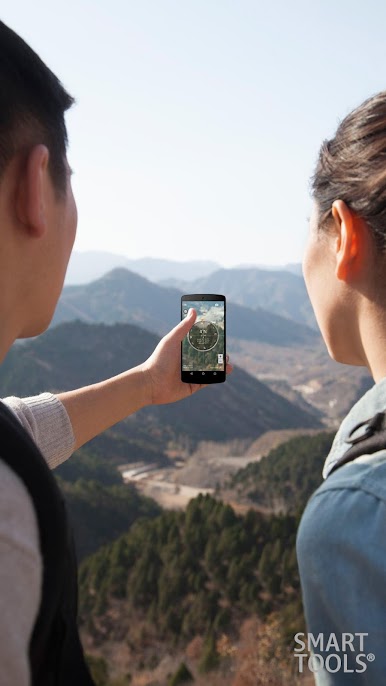
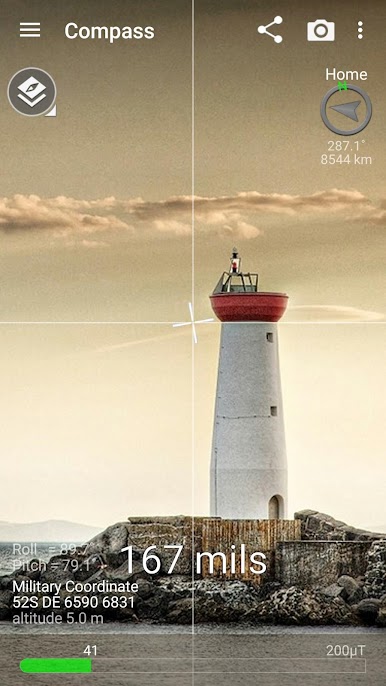
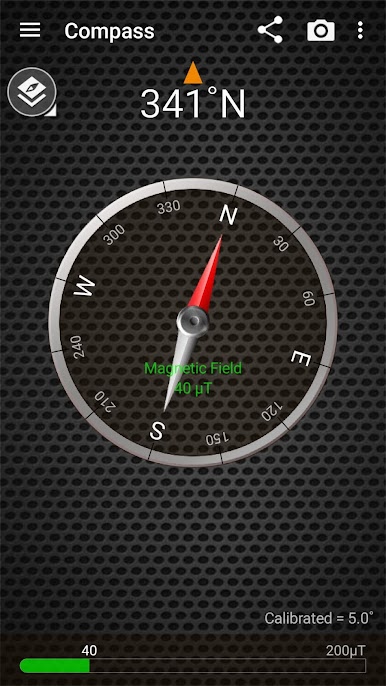
This online compass is a tool to search bearings (azimuth, directions) with embedded magnetic sensors. It has 4 significant features below.
1. Although you may turn your phone into portrait or landscape mode, the heading is fixed.
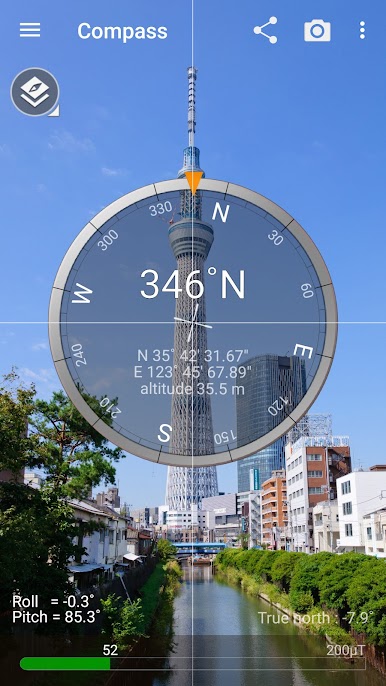
2. Camera view is used for reality.
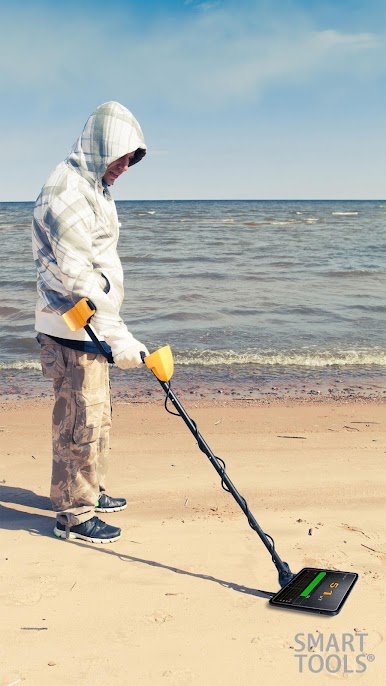
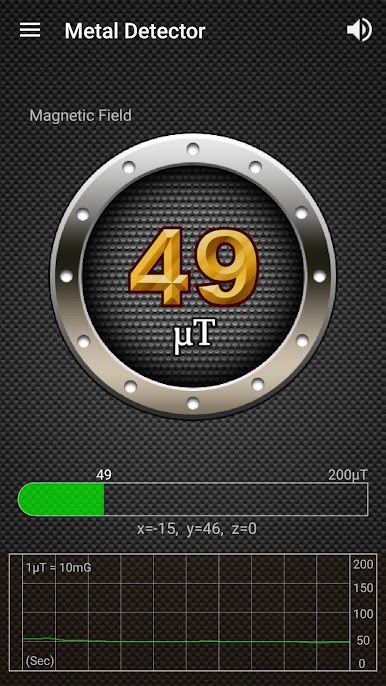
3. Metal detector is included to verify magnetic sensor.
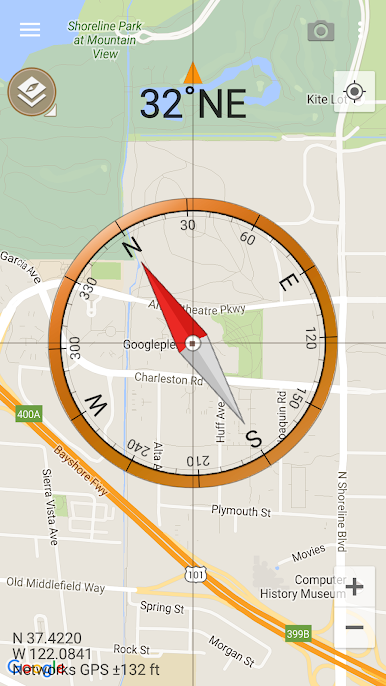
4. GPS and map are supported.
The compass app depends on the performance of your device exactly. If the compass works perfectly, it means that your sensors are perfect, too.
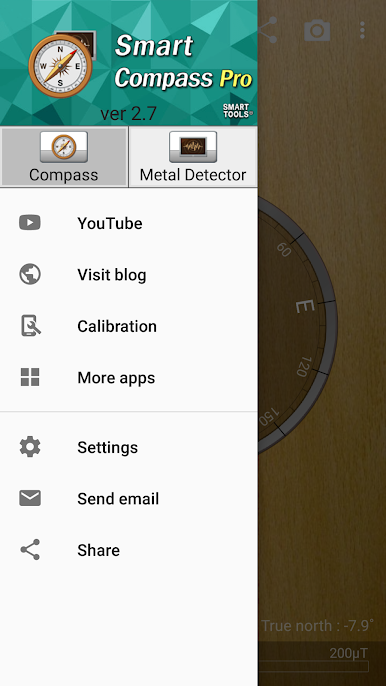
If it is inaccurate, please check that yours aren't being affected by a magnetic field. This app have several options to calibrate your device.
Metal detector app measures magnetic field with an embedded magnetic sensor.
The magnetic field level (EMF) in nature is about 49μT(micro tesla) or 490mG(milli gauss); 1μT = 10mG. When any metal(steel, iron) is near, magnetic field level will increase.
* Pro version added features:
- No ads
- Sharing GPS location
- Qibla finder, Car locator
- Full metal detector
* Do you want more tools? Get [Smart Tools 2] package.
For more information, watch YouTube and visit the blog. Thank you.
★ android.permission.INTERNET: Used by the API to download map tiles from servers.
* It is a one-time payment. The app price is charged only once.
** The view-cover with a magnet can make the compass inaccurate.
** No internet support: You can open this app without any connection. After installation, open the app 1-2 times with your device connect to WI-FI or 3G/4G.

Play Smart Compass Pro on PC. It’s easy to get started.
-
Download and install BlueStacks on your PC
-
Complete Google sign-in to access the Play Store, or do it later
-
Look for Smart Compass Pro in the search bar at the top right corner
-
Click to install Smart Compass Pro from the search results
-
Complete Google sign-in (if you skipped step 2) to install Smart Compass Pro
-
Click the Smart Compass Pro icon on the home screen to start playing

