


Unicorn Blocker:Adblocker, Fas
Play on PC with BlueStacks – the Android Gaming Platform, trusted by 500M+ gamers.

Page Modified on: Feb 17, 2025
Run Unicorn Blocker:Adblocker, Fas on PC or Mac
Multitask effortlessly on your PC or Mac as you try out Unicorn Blocker:Adblocker, Fas, a Productivity app by Unicorn Soft, Inc. on BlueStacks.
About the App
Unicorn Blocker:Adblocker, Fas is built for folks who want smoother, quicker browsing without all the junk. Ads slow you down and eat up your data plan—this app cuts them out, so webpages load fast and your phone keeps its charge a little longer. Developed by Unicorn Soft, Inc., it’s a simple way to clean up your web experience, especially if you use Samsung Internet or Yandex Browser. Plus, you can run it on BlueStacks when you feel like browsing from your computer.
App Features
-
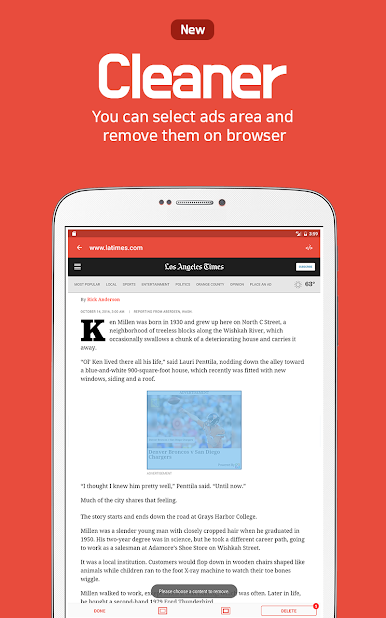
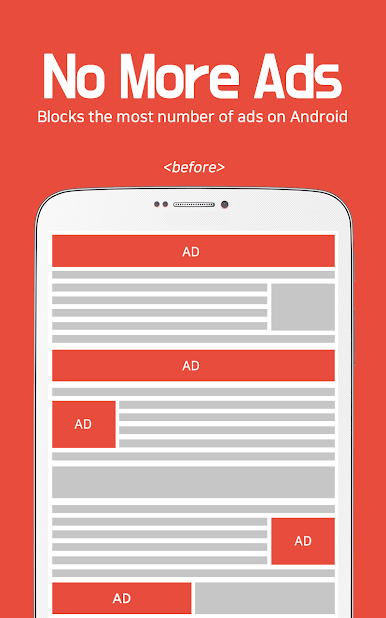
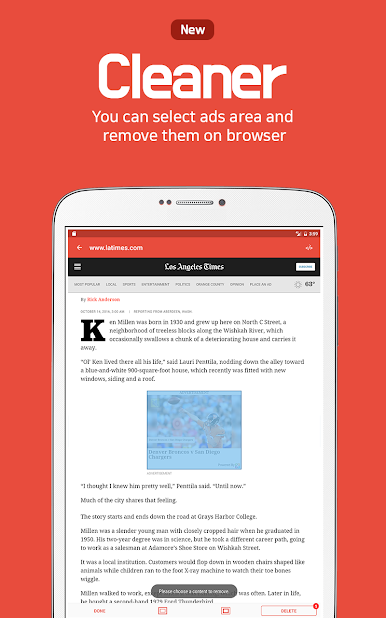
Ad-Free Browsing
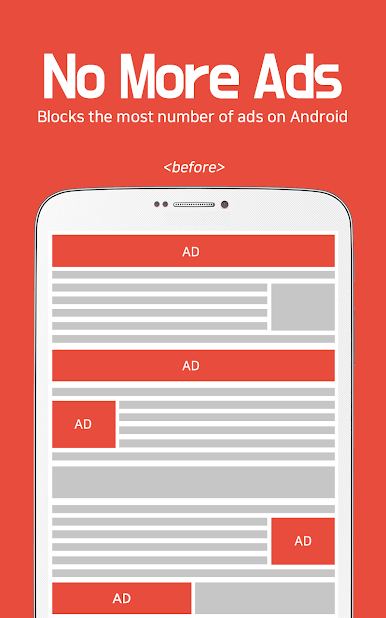
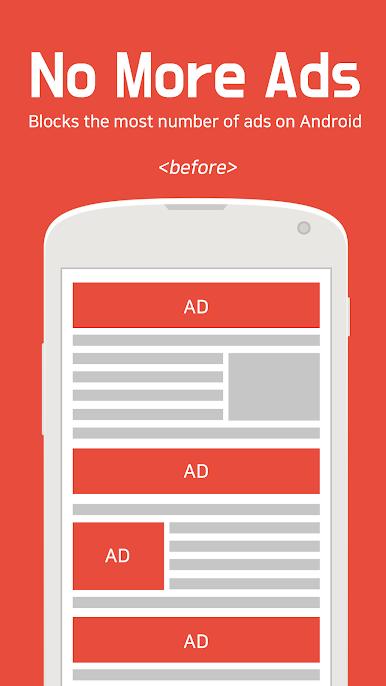
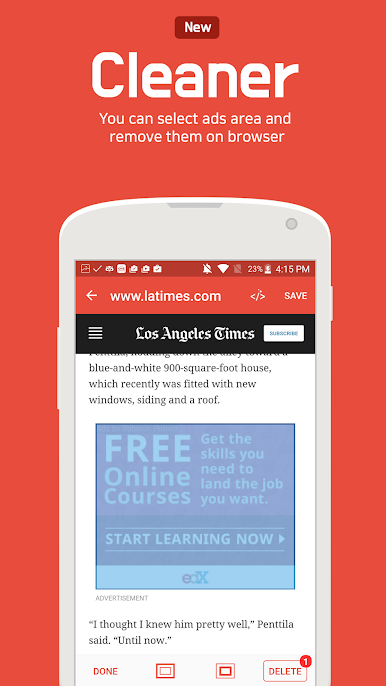
No more pop-up ads, sneaky banners, or sudden video interruptions—just the content you want. It even blocks those not-so-family-friendly ads and clever ones that hide before popping up. -
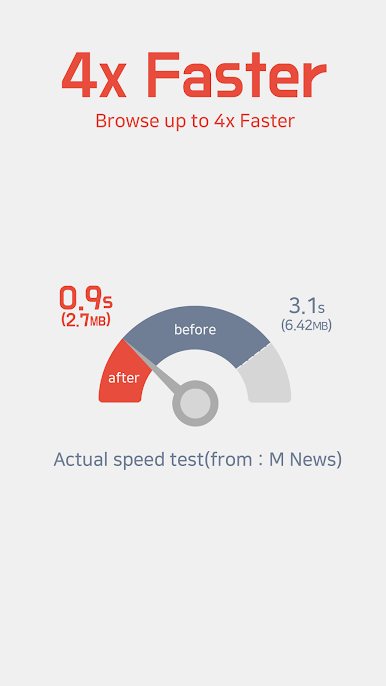
Speed Boost
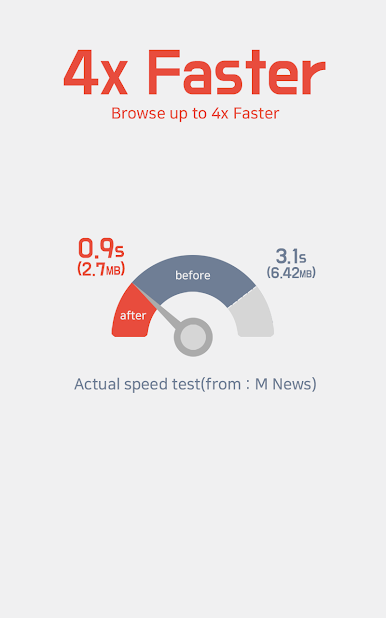
Webpages load up to three times faster—seriously, you’ll notice the difference, especially if you’re used to sluggish sites filled with ads. -
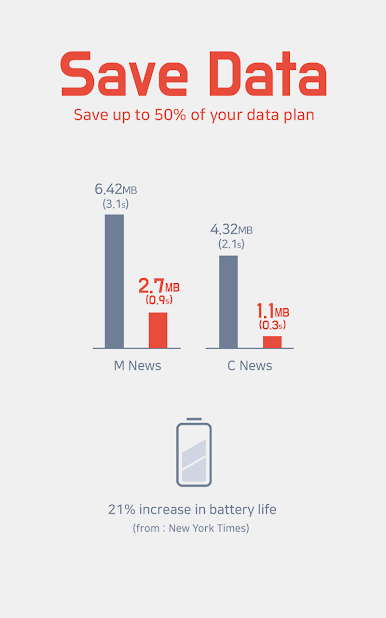
Data Saver
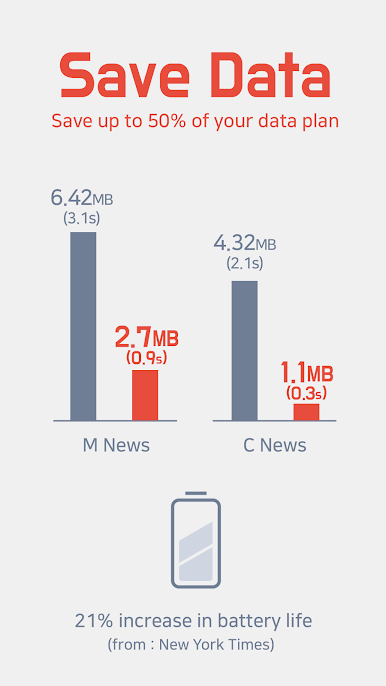
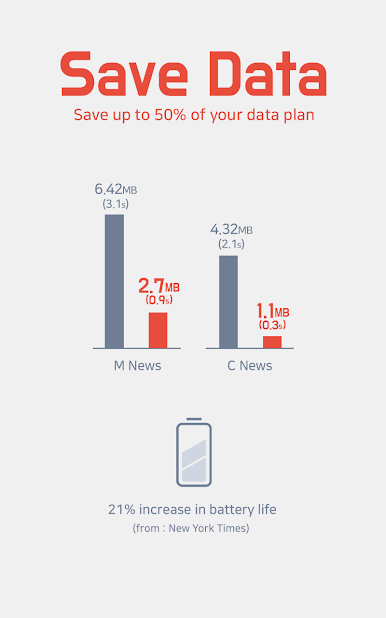
Ads might be using way more of your data than you think. Unicorn Blocker:Adblocker, Fas cuts out those data-hogging ads, helping you make your monthly plan last. -
Battery-Friendly
With less junk to load, your device works less and saves more battery—some users see up to 21% longer battery life. -
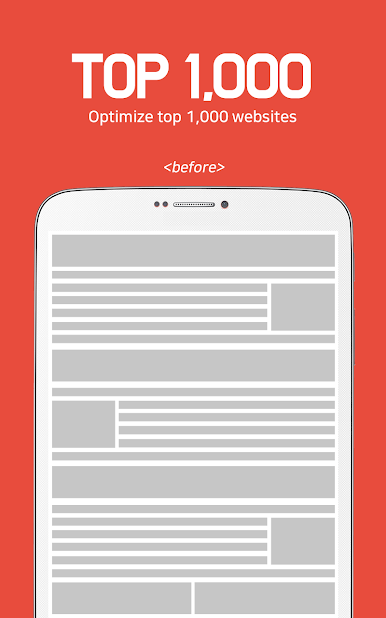
Supports Top Sites
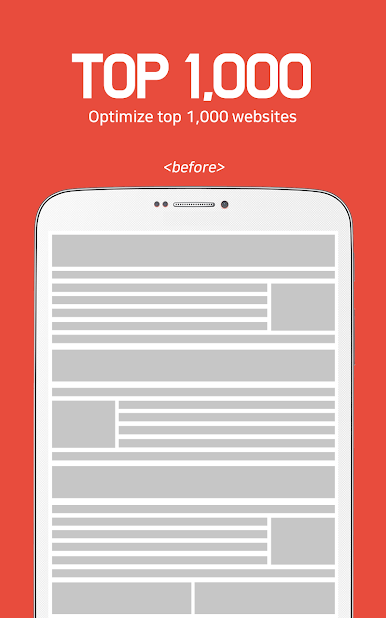
Whether you’re on big-name blogs, community forums, online press, or even ad-heavy portals, this app helps keep your browsing clutter-free. -
Privacy Protection
Blocks tracking scripts and sniffs out forced redirects, so your online footprint stays a bit lighter. -
Easy to Use on Samsung & Yandex Browsers
Just install on Samsung Internet (version 4.0+) or Yandex Browser, pick your settings, and you’re good to go. Works fine even when your device is in power-saving mode. -
Runs Seamlessly on BlueStacks
If you prefer using apps from your computer, Unicorn Blocker:Adblocker, Fas is compatible with BlueStacks.
Enjoy lighter, faster, and cleaner web browsing without extra fuss.
Ready to experience Unicorn Blocker:Adblocker, Fas on a bigger screen, in all its glory? Download BlueStacks now.

Play Unicorn Blocker:Adblocker, Fas on PC. It’s easy to get started.
-
Download and install BlueStacks on your PC
-
Complete Google sign-in to access the Play Store, or do it later
-
Look for Unicorn Blocker:Adblocker, Fas in the search bar at the top right corner
-
Click to install Unicorn Blocker:Adblocker, Fas from the search results
-
Complete Google sign-in (if you skipped step 2) to install Unicorn Blocker:Adblocker, Fas
-
Click the Unicorn Blocker:Adblocker, Fas icon on the home screen to start playing

