

Smart Compass
Play on PC with BlueStacks – the Android Gaming Platform, trusted by 500M+ gamers.

Page Modified on: Oct 1, 2025
Run Smart Compass on PC or Mac
Get freedom from your phone’s obvious limitations. Use Smart Compass, made by Smart Tools co., a Tools app on your PC or Mac with BlueStacks, and level up your experience.
About the App
Smart Compass from Smart Tools co. is a straightforward, reliable way to find your direction wherever you are. It taps into your phone’s magnetometer to show bearings and azimuth with a clean, easy-to-read interface that stays steady even when you rotate your device. Prefer a bigger view? You can also run it on your computer with BlueStacks.
App Features
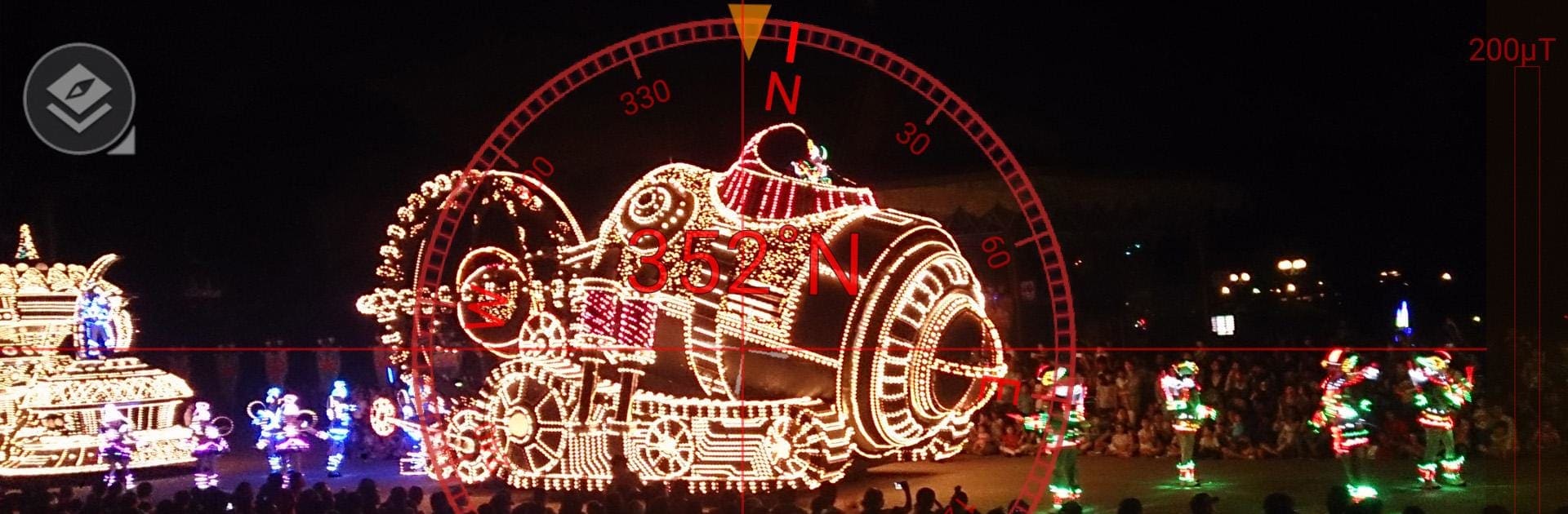
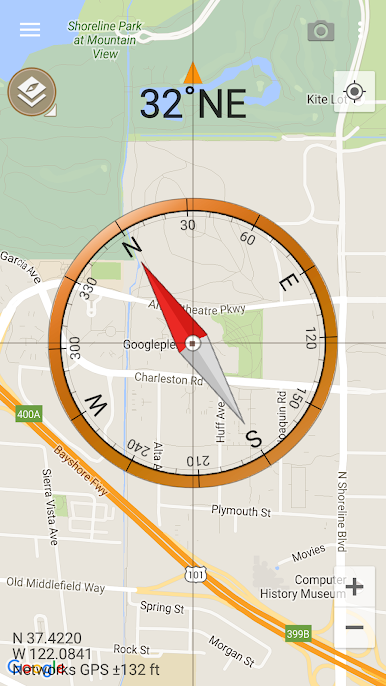
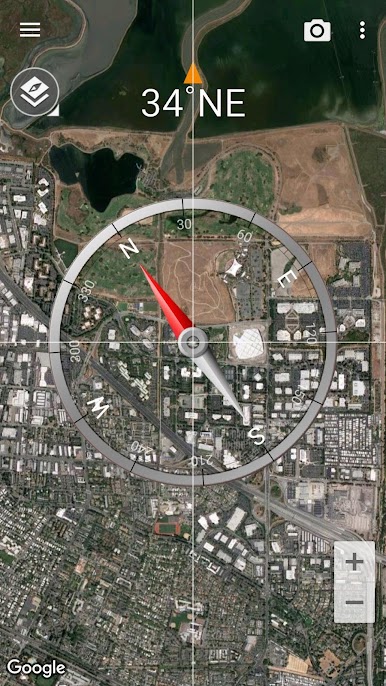
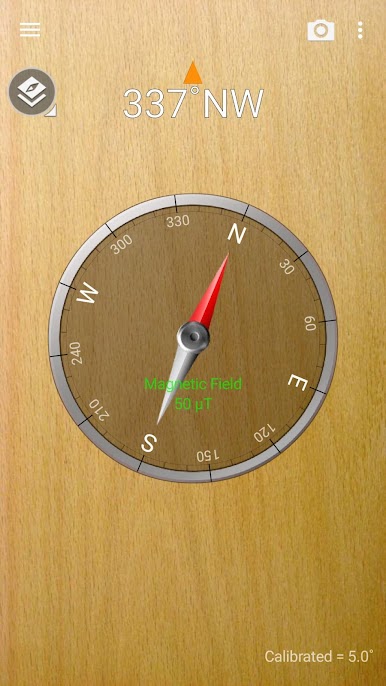
- Multiple views: Switch between Standard, Telescope, Night, Digital, Map, and Satellite modes—or use your own background. The heading stays locked and readable in both portrait and landscape.
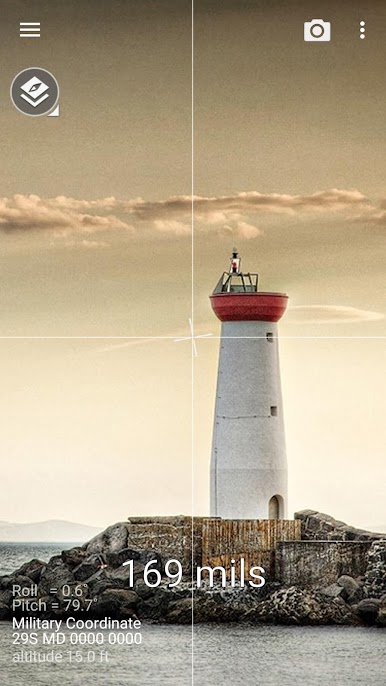
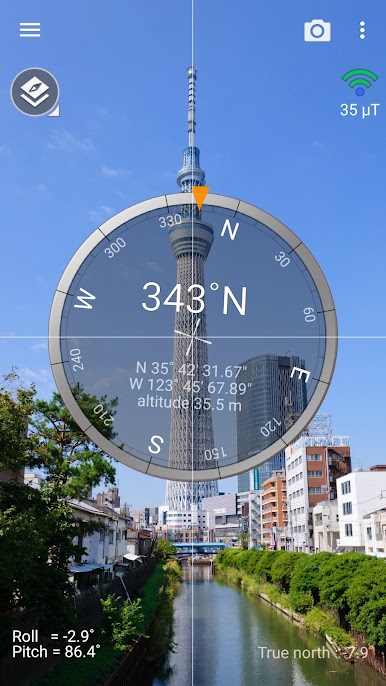
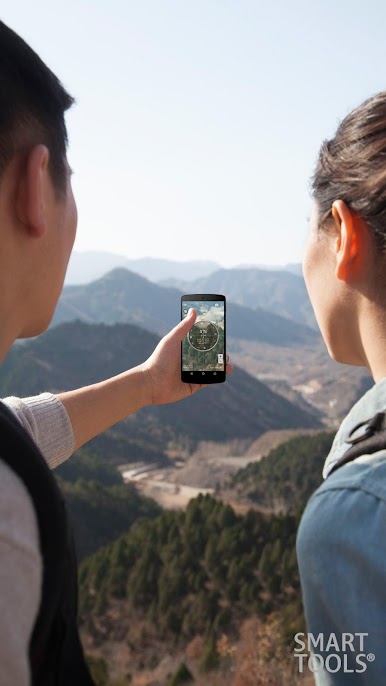
- Camera overlay: Turn on the live camera view to line up landmarks and sight bearings in real time.
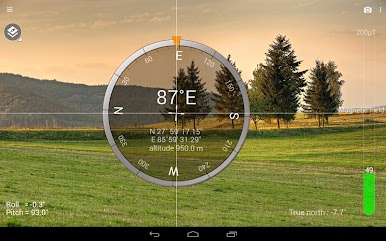
- True north and guides: Choose true north, use the vertical reference line, and read azimuth in degrees, mils, quadrants, or back azimuth—whichever you’re comfortable with.
- Coordinates your way: See your location in decimal, degrees, UTM, or MGRS, and pair it with built-in GPS and map support for quick orientation.
- Speed and snapshots: A GPS speedometer shows your current speed, and screen capture lets you save your direction and coordinates.
- Metal detector check: A handy metal detector helps verify the magnetometer and spot nearby interference that could throw off accuracy.
- Calibration help: Noticed odd readings? The app includes calibration options and tips. Magnetic phone covers or mounts can skew results—pop them off for a clean reading.
- Pro extras (optional): Go ad-free, share your GPS location, use the Qibla finder and car locator, and access a standalone metal detector.
- Hardware note: Smart Compass needs a working magnetic sensor (magnetometer). Performance depends on your device, so readings improve with proper calibration and a sensor free from magnetic interference.
Switch to BlueStacks and make the most of your apps on your PC or Mac.


Play Smart Compass on PC. It’s easy to get started.
-
Download and install BlueStacks on your PC
-
Complete Google sign-in to access the Play Store, or do it later
-
Look for Smart Compass in the search bar at the top right corner
-
Click to install Smart Compass from the search results
-
Complete Google sign-in (if you skipped step 2) to install Smart Compass
-
Click the Smart Compass icon on the home screen to start playing

