


West Game II
Play on PC with BlueStacks – the Android Gaming Platform, trusted by 500M+ gamers.

Page Modified on: Jun 11, 2026
Main West Game II on PC
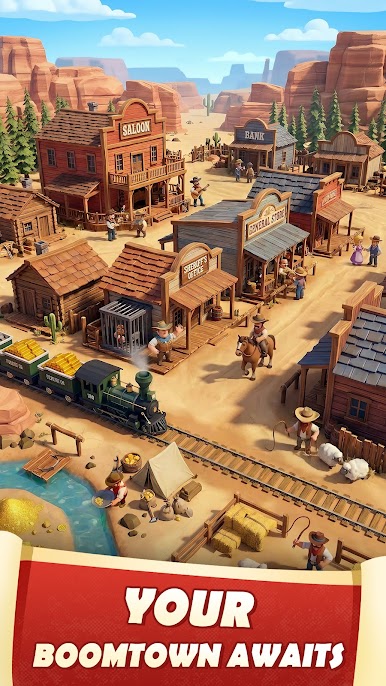
In 1865, the Civil War had ended, but the struggle for survival in the lawless West had just begun. Dreamers and fortune-seekers flood the Frontier, each fighting for their share of glory and gold. In this ruthless land where deception and betrayal are common currency, your leadership and strategic prowess will determine whether your town flourishes or falls.
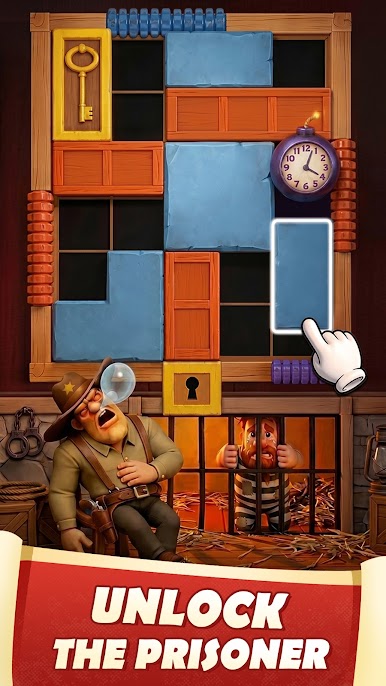
West Game II is a game of ambition, strategy, and cunning. Every decision shapes your town's destiny and your reputation in the Wild West. Will you focus on developing a prosperous economy through your loyal townsfolk, or will you build an unstoppable force of outlaws and gunslingers? The frontier awaits your command—do you have what it takes to become a legend of the West?
GAME FEATURES
Rescue and Take in Townsfolk: Defeat Rebels and rescue refugees throughout the dangerous frontier. Convert these grateful survivors into loyal Townsfolk who will help your settlement grow and prosper.
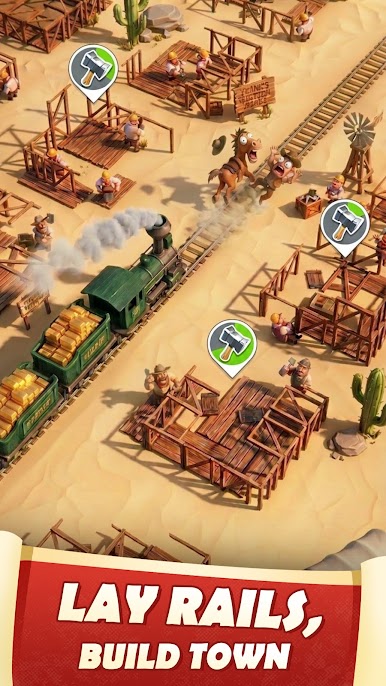
Dynamic Town Building: Construct and upgrade a variety of Western buildings to create a thriving frontier settlement that reflects your vision of the ideal Western community.
Recruit Powerful Heroes: Recruit infamous Heroes and Outlaws to fight under your banner. Promote and equip them with legendary equipment to create an unstoppable force.
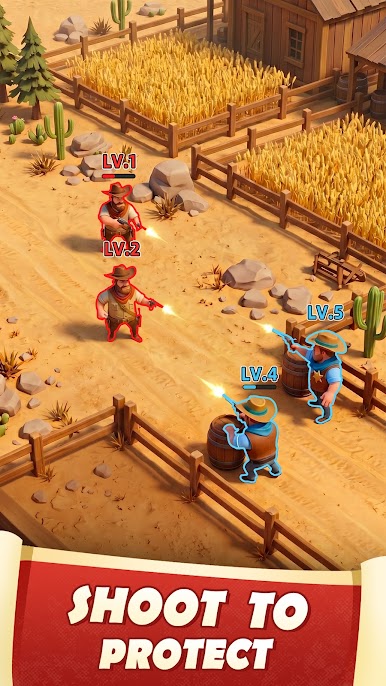
Epic Real-Time Battles: Lead your Sheriff and Heroes into battle against rebels, rival players, and anyone who dares challenge your authority. Experience the thrill of combat as you expand your territory across the Wild West.
Forge Formidable Alliances: Team up with other players to create powerful coalitions. Share resources, coordinate attacks, and defend each other's territories against common enemies.
SPECIAL NOTES
· Network connection is required.
· Privacy Policy: https://www.leyinetwork.com/en/privacy/
· Terms of Use: https://www.leyinetwork.com/en/privacy/terms_of_use
Play West Game II on PC. It’s easy to get started.
-
Download and install BlueStacks on your PC
-
Complete Google sign-in to access the Play Store, or do it later
-
Look for West Game II in the search bar at the top right corner
-
Click to install West Game II from the search results
-
Complete Google sign-in (if you skipped step 2) to install West Game II
-
Click the West Game II icon on the home screen to start playing

