


Ice Haven
Play on PC with BlueStacks – the Android Gaming Platform, trusted by 500M+ gamers.

Page Modified on: Mar 5, 2026
Main Ice Haven on PC
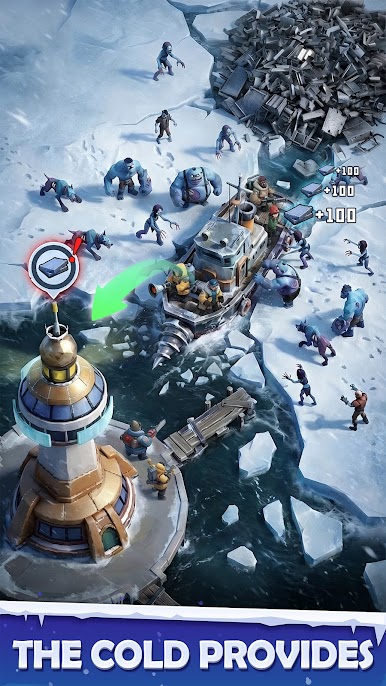
As the leader of a small settlement adrift on a floating ice platform, you must rescue survivors, recruit powerful heroes, and build a stronghold capable of withstanding both the relentless cold and the zombie hordes that threaten to consume everything.
Ice Haven is a game of survival, strategy, and determination. Every decision shapes your settlement's fate and your people's hope for the future. Will you focus on fortifying your defenses against the zombie sieges, or will you venture into the frozen wilderness to uncover the secrets behind the apocalypse? Do you have what it takes to become humanity's last hope?
GAME FEATURES
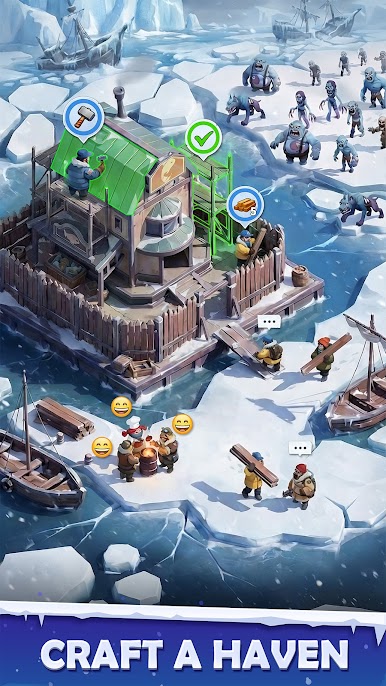
Build a Floating Ice Fortress: Construct and upgrade a variety of survival facilities on your drifting ice platform. Manage resources, maintain warmth, and create a thriving refuge that stands as a beacon of hope in the apocalypse.
Rescue and House Survivors: Venture into the frozen wasteland to rescue stranded survivors. Bring them back to your settlement, where they will contribute their skills to help your community grow and prosper against all odds.
Recruit Legendary Heroes: Gather a roster of powerful heroes among the hardened soldiers, resourceful scouts, brilliant engineers, and more. Promote and equip them with specialized equipment to lead your forces to victory.
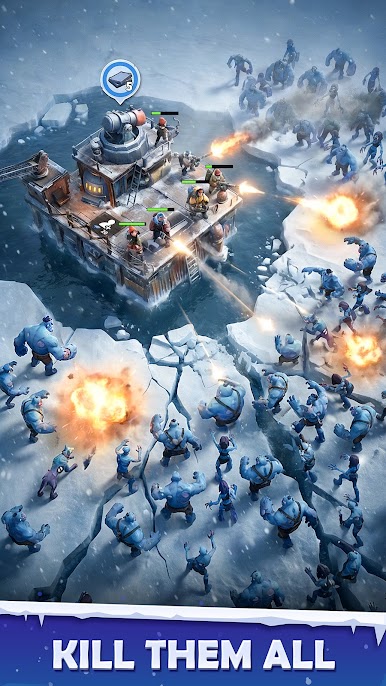
Defend Against the Undead: Fortify your defenses and repel waves of zombie attacks. Deploy defensive structures, plan tactical formations, and protect your people from the endless hordes that emerge from the blizzard.
Forge Powerful Alliances: Team up with players worldwide to form unbreakable coalitions. Share resources, coordinate large-scale attacks, and defend each other's territories in epic real-time PvP warfare.
SPECIAL NOTES
· Network connection is required.
· Privacy Policy: https://www.leyinetwork.com/en/privacy/
· Terms of Use: https://www.leyinetwork.com/en/privacy/terms_of_use


Play Ice Haven on PC. It’s easy to get started.
-
Download and install BlueStacks on your PC
-
Complete Google sign-in to access the Play Store, or do it later
-
Look for Ice Haven in the search bar at the top right corner
-
Click to install Ice Haven from the search results
-
Complete Google sign-in (if you skipped step 2) to install Ice Haven
-
Click the Ice Haven icon on the home screen to start playing

