


Mecha Fire
Play on PC with BlueStacks – the Android Gaming Platform, trusted by 500M+ gamers.

Page Modified on: Mar 12, 2026
Main Mecha Fire on PC
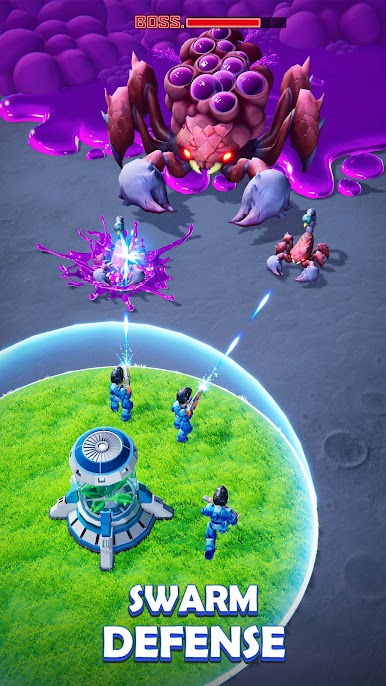
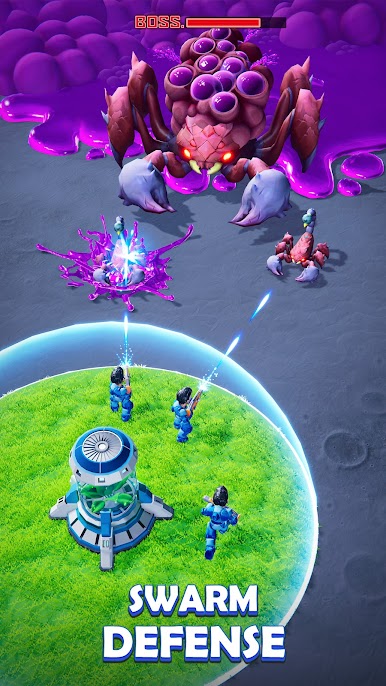
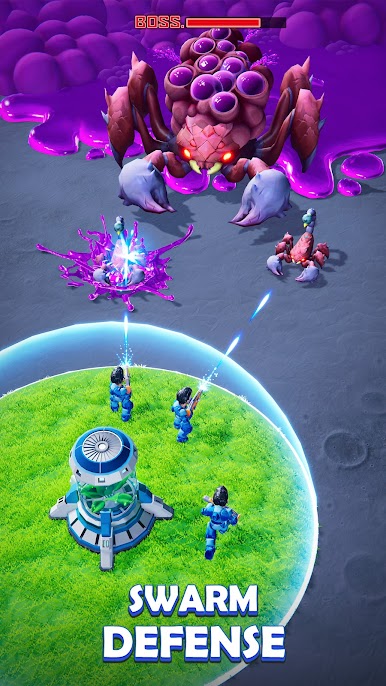
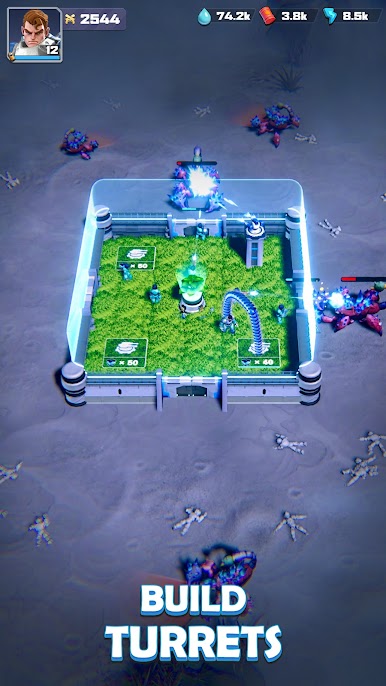
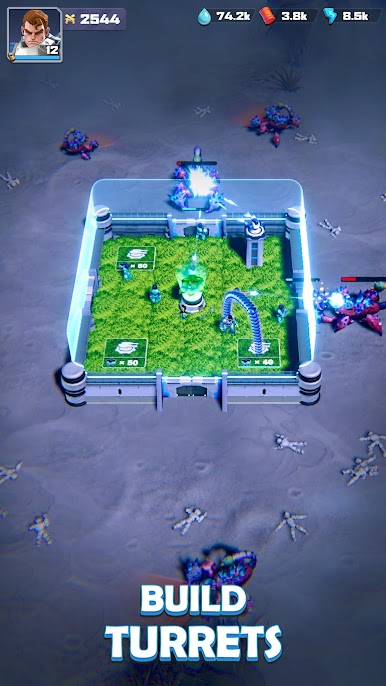
As commander, you must harness the unique abilities of your Heroes to protect your base and ensure the survival of your people. Develop advanced technologies, construct fortified structures, and manage resources wisely to withstand the onslaught of the Swarm and other potential threats.
Embark on a heroic journey in the Martian Warfront and prove your prowess as the ultimate commander on Mars. Your leadership will determine the fate of the colony. Will you prioritize strengthening your defenses or focus on expanding your territory? Collaborate with other players, devise cunning strategies, and fight for humanity's future on Mars!
GAME FEATURES
Command Powerful Heroes: Lead an army of diverse Heroes, each with unique skills and abilities. Upgrade and equip your Heroes to enhance their combat effectiveness and unlock special powers that can turn the tide of battle.
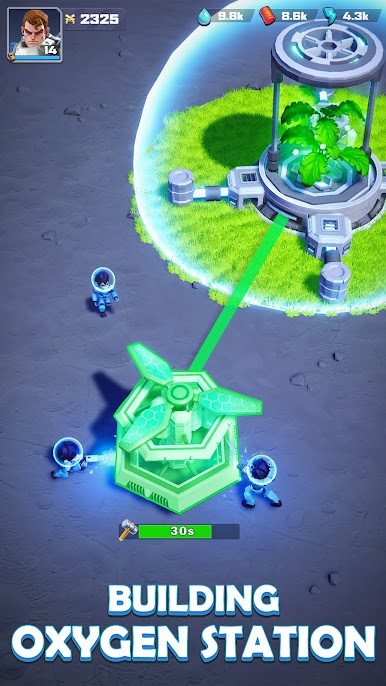
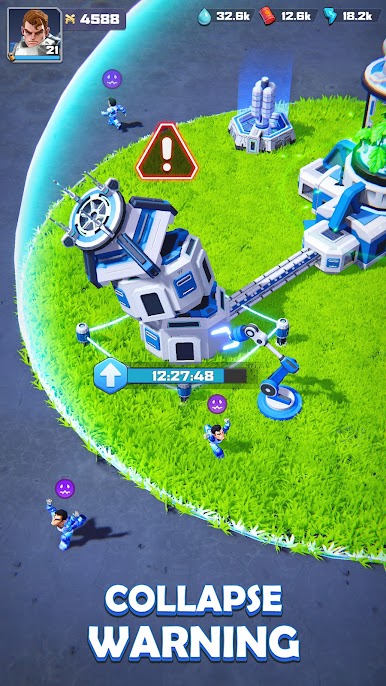
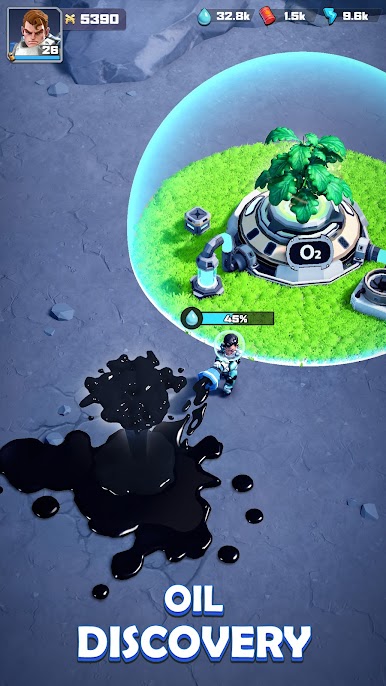
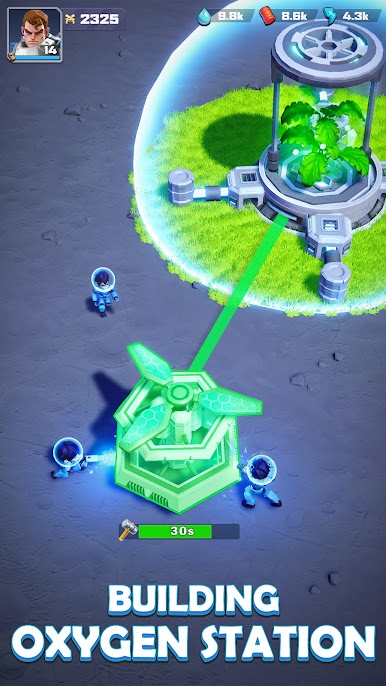
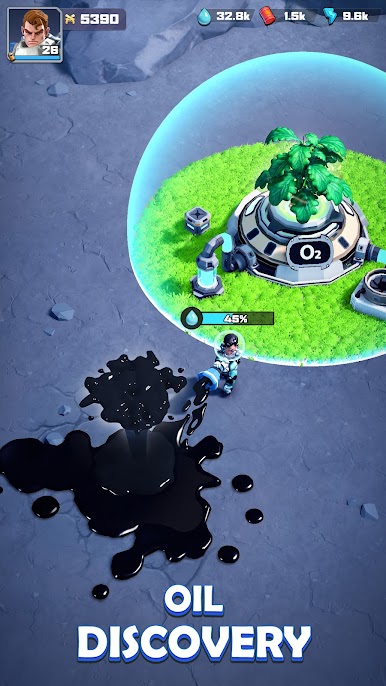
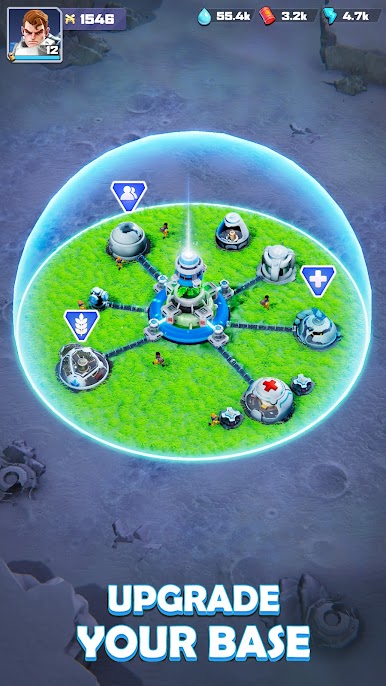
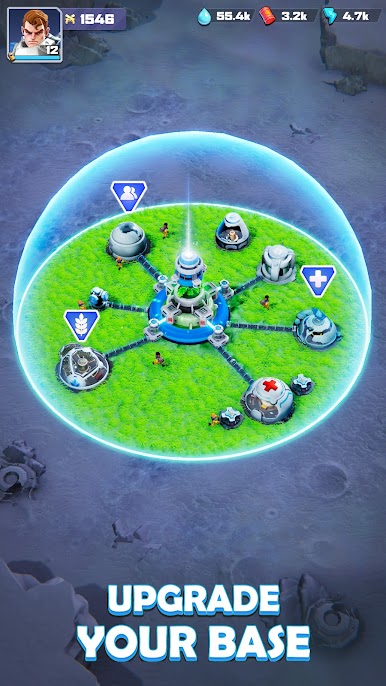
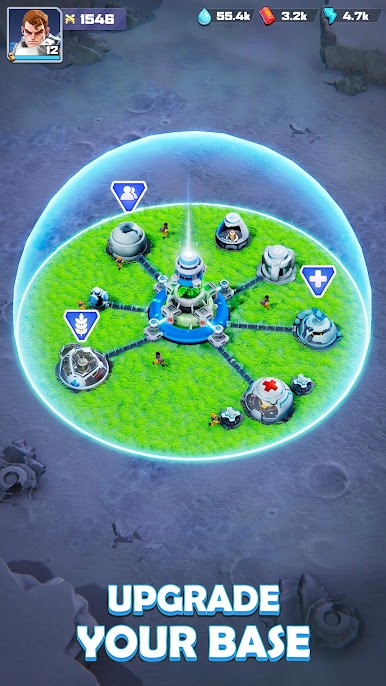
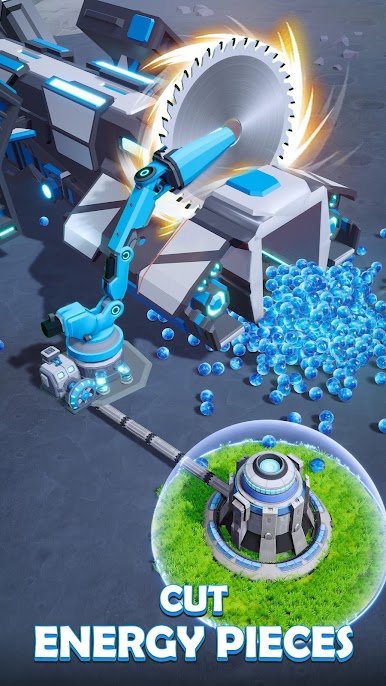
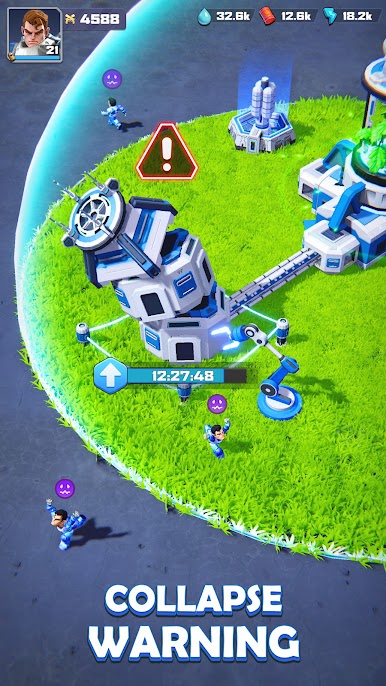
Base Development: Build and upgrade essential structures to support your colony's growth. Research advanced technologies to improve your defenses, resource management, and military capabilities. Balance your resources to ensure the prosperity and safety of your colony.
Army Training and Strategy: Recruit and train a variety of Mecha units to form a formidable army. Develop strategies that leverage the strengths of your Heroes and Mecha Warriors. Upgrade your forces to increase their resilience against the Swarm.
Collaborative Defense: Team up with other players to form alliances. Share resources, coordinate defense strategies, and protect each other's colonies. Engage in alliance missions to earn rewards and strengthen your position on Mars.
SPECIAL NOTES
· Network connection is required.
· Privacy Policy: https://www.leyinetwork.com/en/privacy/
· Terms of Use: https://www.leyinetwork.com/en/privacy/terms_of_use
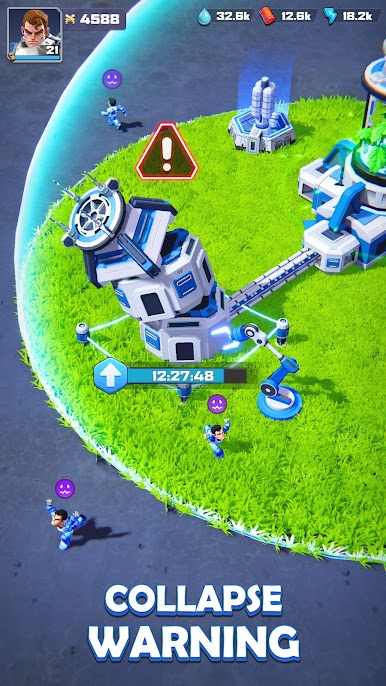
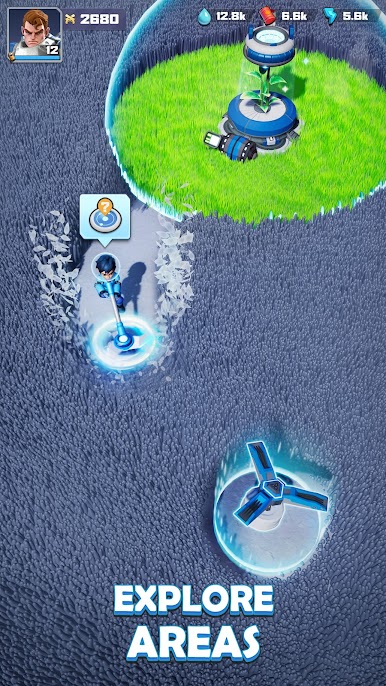
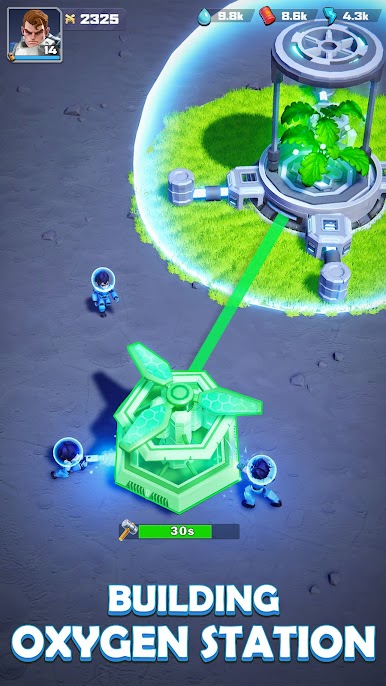
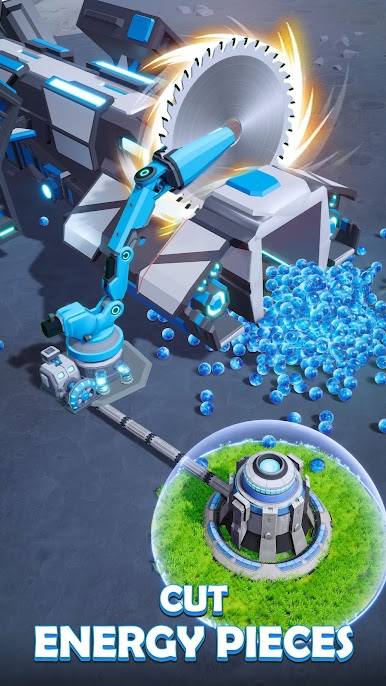
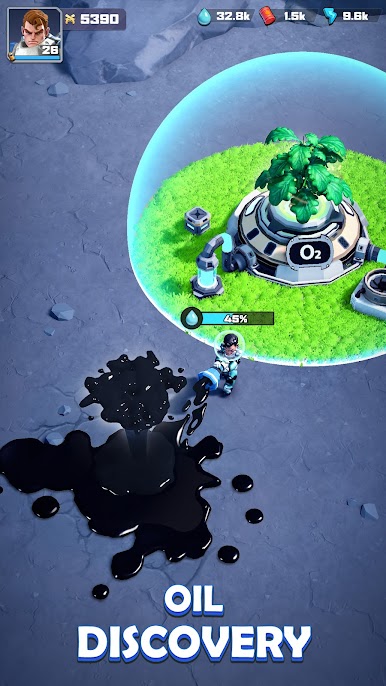
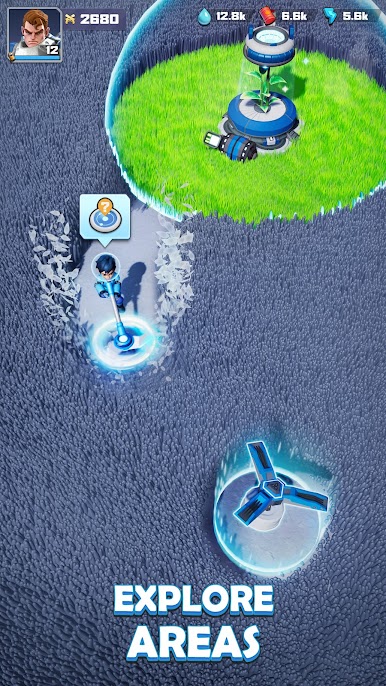
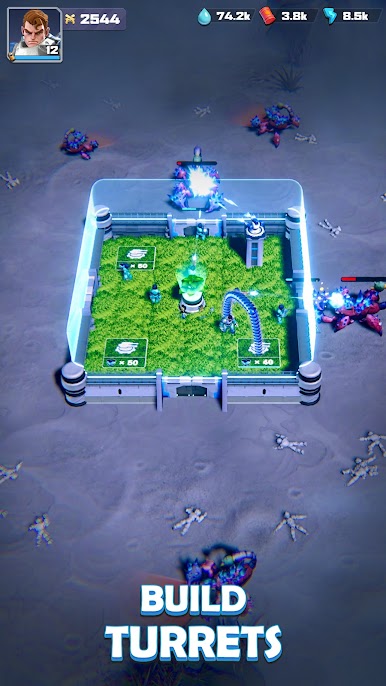
Play Mecha Fire on PC. It’s easy to get started.
-
Download and install BlueStacks on your PC
-
Complete Google sign-in to access the Play Store, or do it later
-
Look for Mecha Fire in the search bar at the top right corner
-
Click to install Mecha Fire from the search results
-
Complete Google sign-in (if you skipped step 2) to install Mecha Fire
-
Click the Mecha Fire icon on the home screen to start playing

