


Unlinked - Download manager
Play on PC with BlueStacks – the Android Gaming Platform, trusted by 500M+ gamers.

Page Modified on: Sep 16, 2026
Overview
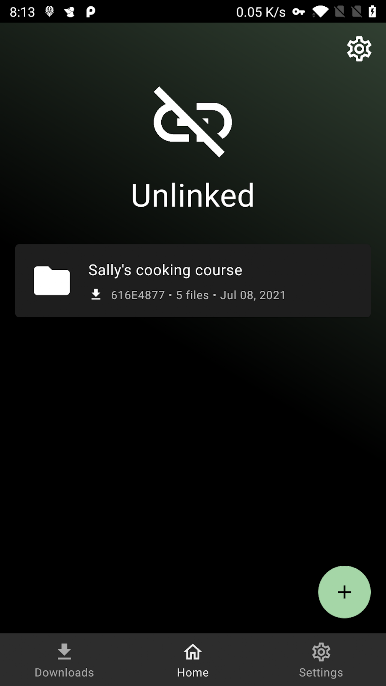
In built download manager - Start/pause/resume/cancel/retry/delete multiple downloads with simultaneous connections.
End to end Zero knowledge encryption - Every library you create is end to end encrypted using AES-256. Unlinked was built with privacy first.
Password protection - Password protect your libraries.
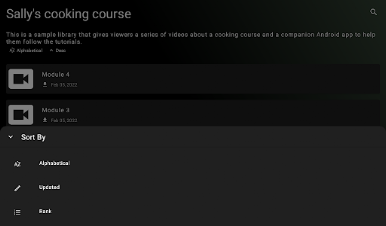
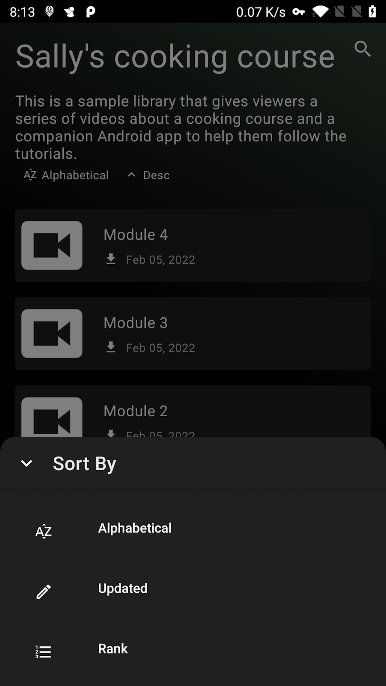
Enhanced library browsing experience - Browse by category, search sort library contents to your need.
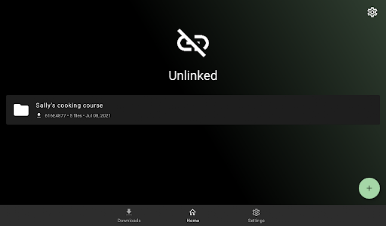
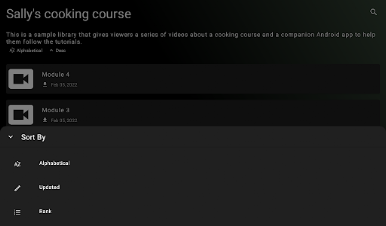
Play Unlinked - Download manager on PC. It’s easy to get started.
-
Download and install BlueStacks on your PC
-
Complete Google sign-in to access the Play Store, or do it later
-
Look for Unlinked - Download manager in the search bar at the top right corner
-
Click to install Unlinked - Download manager from the search results
-
Complete Google sign-in (if you skipped step 2) to install Unlinked - Download manager
-
Click the Unlinked - Download manager icon on the home screen to start playing

