


PLayer Pro
Play on PC with BlueStacks – the Android Gaming Platform, trusted by 500M+ gamers.

Page Modified on: Jan 3, 2025
Overview
This app is your new ally for playing videos without complications. Designed for demanding users, it offers you a fluid and reliable playback experience, compatible with the most modern formats and codecs, including those difficult to find in other applications.
Highlighted Features:
Extensive Compatibility: From the most common formats to the most advanced codecs, this app ensures that you do not miss watching that important or special video. It includes support for the latest compression standards, providing compatibility with a wide variety of files.
Smooth and High Quality Playback: Optimized for uninterrupted viewing, supporting high resolutions so you can enjoy every detail in your videos without performance issues.
Intuitive Interface: Clean, accessible interface with smart controls that make it easy to view your content.
Custom Organization: Keep all your videos organized the way you prefer. With customizable viewing options, you can access your files easily.
Why choose this app? Not only does this app offer a high-quality playback experience, it's designed with every detail in mind to make your video experience as enjoyable as possible. Its up-to-date support for modern formats makes it ideal for those looking for versatility and reliability in one place.
Transform the way you watch your videos and make every playback a top-notch experience. Download the app and take your video experience to the next level!
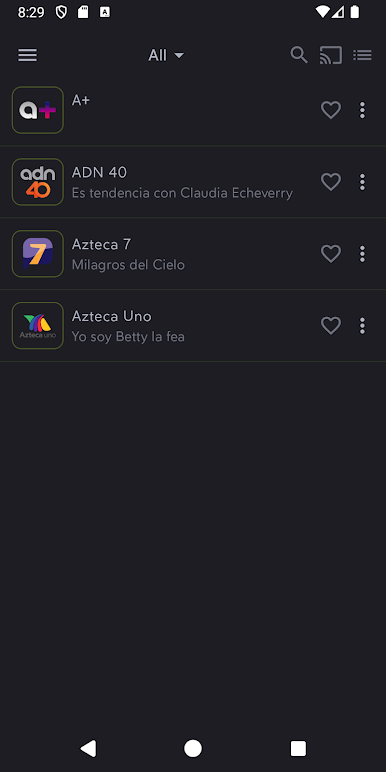
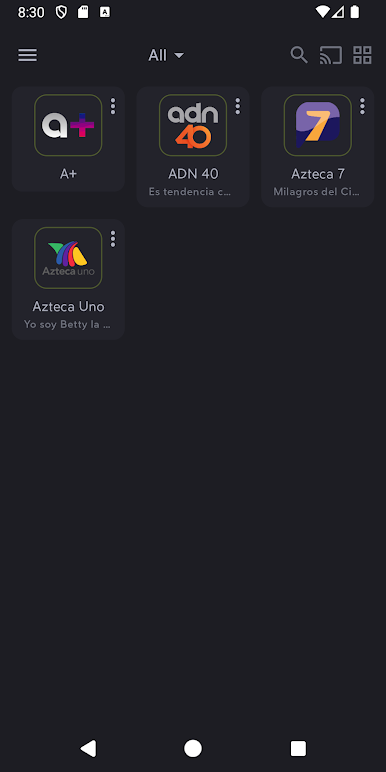
Play PLayer Pro on PC. It’s easy to get started.
-
Download and install BlueStacks on your PC
-
Complete Google sign-in to access the Play Store, or do it later
-
Look for PLayer Pro in the search bar at the top right corner
-
Click to install PLayer Pro from the search results
-
Complete Google sign-in (if you skipped step 2) to install PLayer Pro
-
Click the PLayer Pro icon on the home screen to start playing

