


Angland: Fishing & Craft
Play on PC with BlueStacks – the Android Gaming Platform, trusted by 500M+ gamers.

Page Modified on: Jun 5, 2026
Main Angland: Fishing & Craft on PC
Angland is a relaxing fishing game anyone can pick up and play! Explore the world's oceans, catch rare fish, craft powerful tackle, and build your dream fishing setup. Whether you're a casual angler or a hardcore collector, there's always something new to discover beneath the waves.
◆ Easy to Play, Hard to Put Down
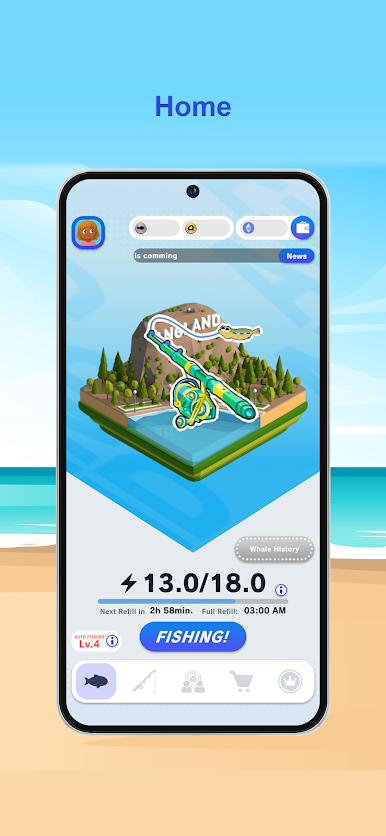
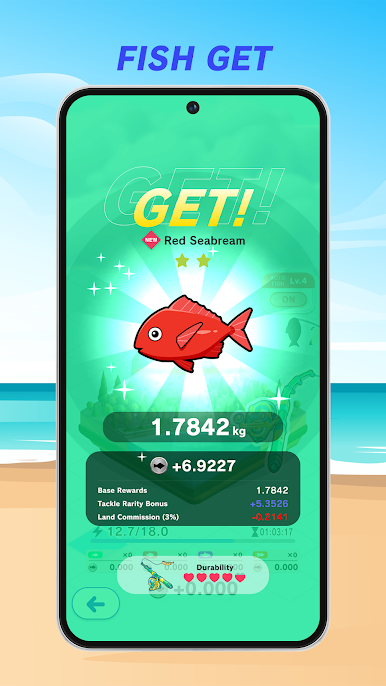
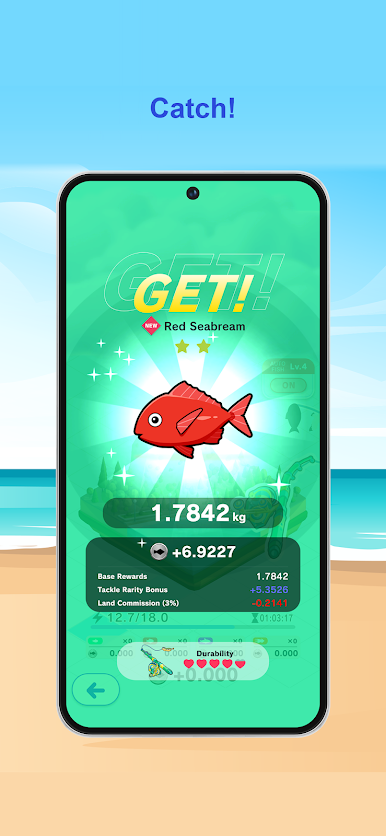
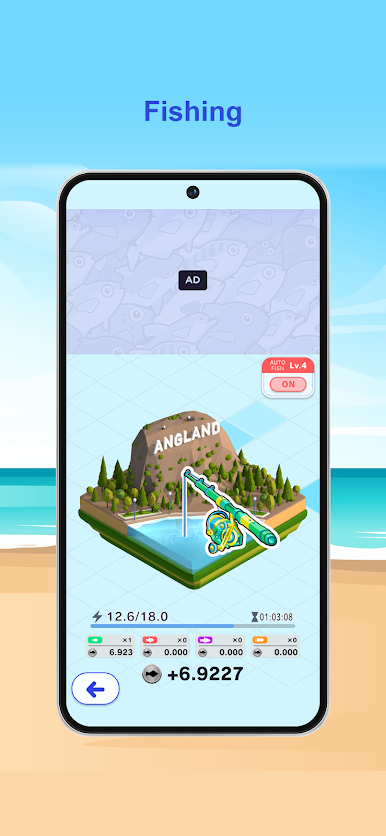
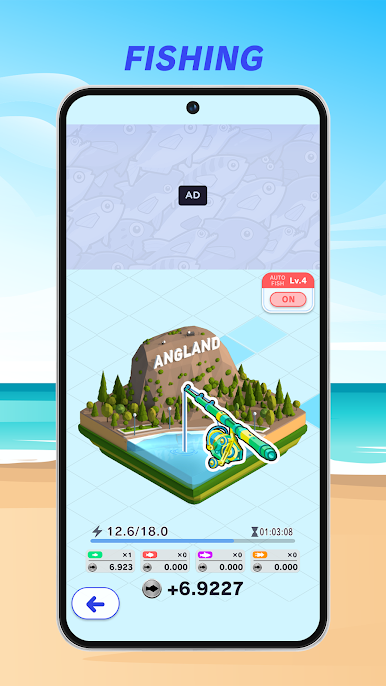
Tap to cast your rod and start fishing! Got a bite? Reel it in! Every fish you catch becomes valuable crafting material for your journey.
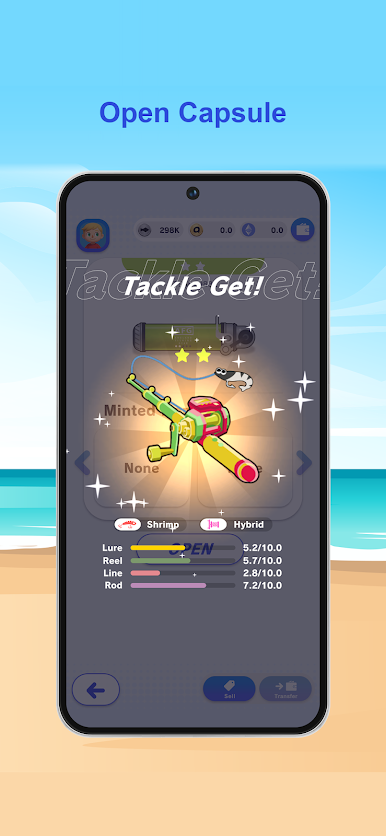
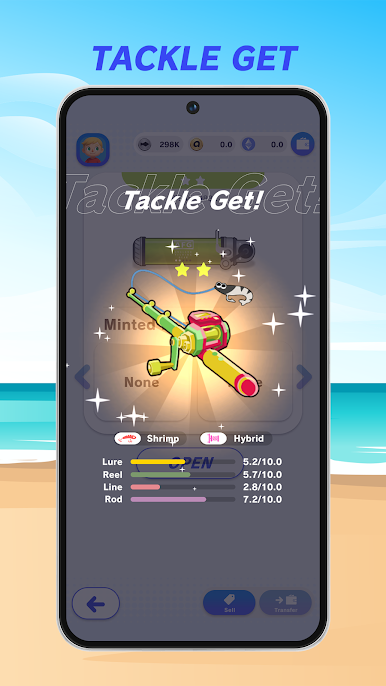
◆ Open Capsules for Tackle
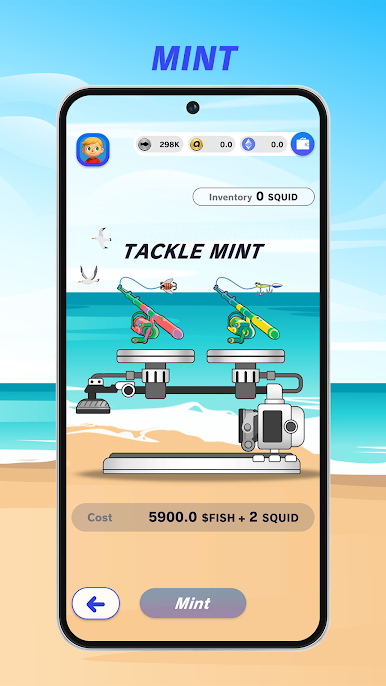
Earn tackle by cracking open capsules! Some come with special abilities — hello, rare finds! And sometimes… a rarity WAY above what you expected drops!? 😱
◆ Fuse New Capsules
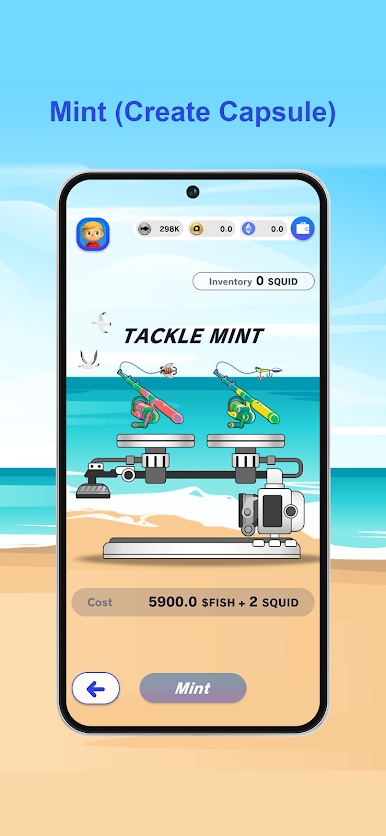
Combine 2 raised tackle to fuse a brand-new capsule! The offspring might inherit seriously powerful traits! If you're lucky, you might even get twins!?
◆ Craft Sea Creatures
Use your caught fish to craft sea creatures like starfish and jellyfish! Each creature has unique abilities — bring them on your fishing trips to activate their powers! Match creatures with your tackle for the perfect synergy!
◆ Simple Yet Surprisingly Deep
Tackle abilities, sea creature synergies, fuse combinations, rod upgrades… Once you start theory-crafting your ideal loadout, you just can't stop!
🎯 Why Angland?
• Relaxing fishing simulator with cozy ocean vibes
• Hundreds of fish, tackle, and sea creatures to collect
• Deep crafting and fuse system for endless combos
• Free to play — no internet required
• Perfect for quick sessions or long fishing adventures
Ready to become the ultimate angler? Cast your first line now! 🎣


Play Angland: Fishing & Craft on PC. It’s easy to get started.
-
Download and install BlueStacks on your PC
-
Complete Google sign-in to access the Play Store, or do it later
-
Look for Angland: Fishing & Craft in the search bar at the top right corner
-
Click to install Angland: Fishing & Craft from the search results
-
Complete Google sign-in (if you skipped step 2) to install Angland: Fishing & Craft
-
Click the Angland: Fishing & Craft icon on the home screen to start playing

