

Shadow Stick Warrior
Play on PC with BlueStacks – the Android Gaming Platform, trusted by 500M+ gamers.

Page Modified on: Oct 7, 2025
Play Shadow Stick Warrior on PC or Mac
From the innovators and creators at KTND Family, Shadow Stick Warrior is another fun addition to the World of Action games. Go beyond your mobile screen and play it bigger and better on your PC or Mac. An immersive experience awaits you.
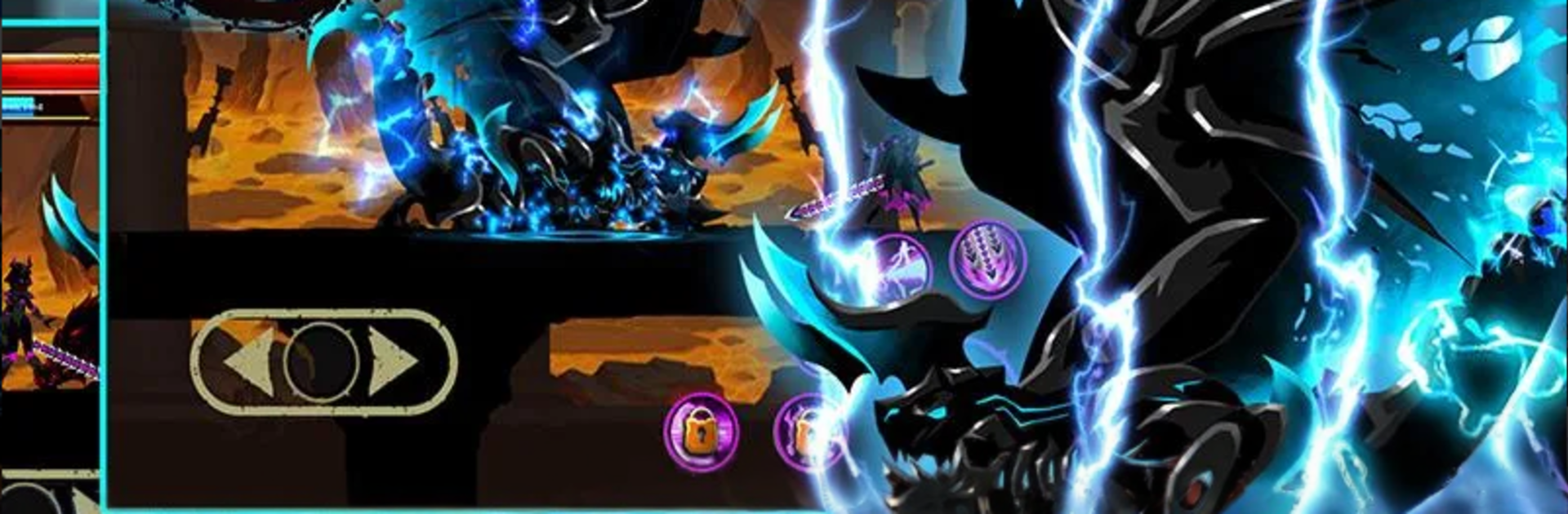
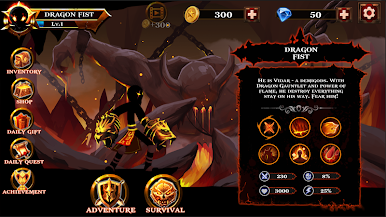
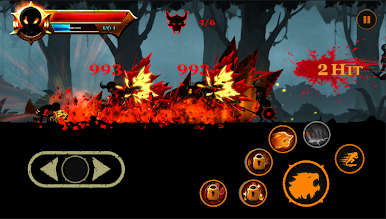
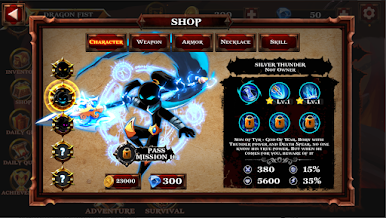
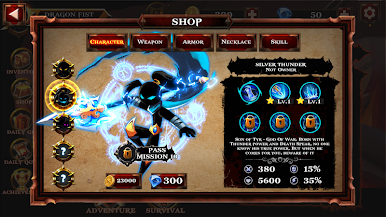
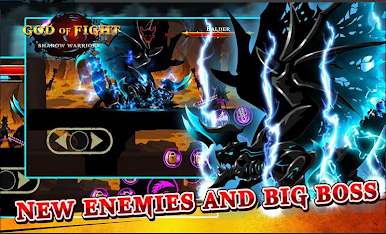
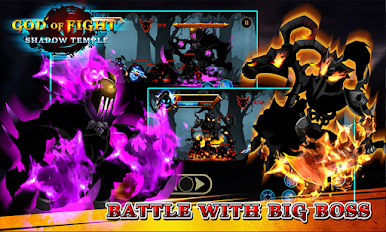
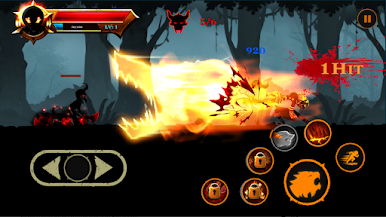
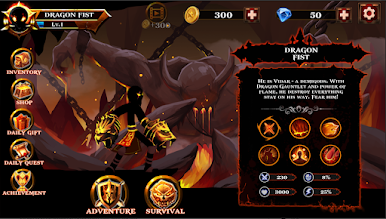
Shadow Stick Warrior plays like a fast side-scrolling brawler with that clean shadow silhouette look, bright hits, and a lot of flashy skill effects. The setup is simple enough, a cursed land, stolen magic stone, people in trouble, so the focus stays on combat. Pick one of four fighters and learn their move sets, then string combos while timing skills to keep crowds under control. Enemies are not just punching bags either. Different monster types come in with odd tricks, shields, jumps, or ranged pokes, so fights turn into a pattern-reading thing rather than button mashing. Bosses have heavier swings and long windups that punish greed, which feels fair when the dodge lands just right.
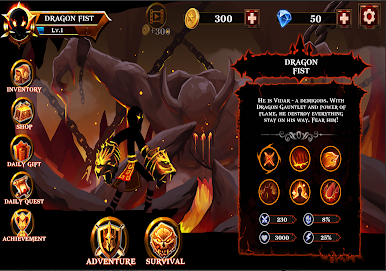
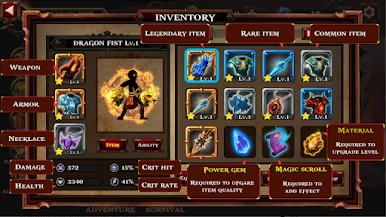
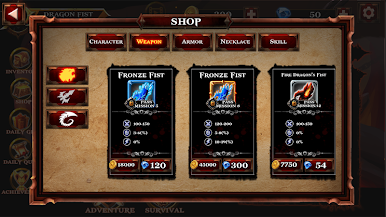
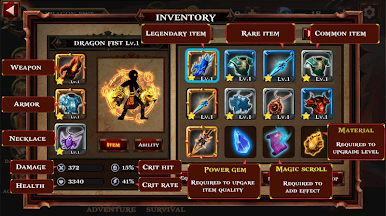
There is a ton of gear to collect. Weapons, armor, and little jewels slot in to push damage or defense, and swapping builds to handle a tough stage actually matters. The game spreads out across four areas with plenty of bite-sized stages and survival rooms, so it is easy to say one more run and then it is suddenly an hour. The sound is punchy, the effects are loud in a good way, and the rhythm of hit, juggle, and dash feels smooth. On PC with BlueStacks, keyboard mapping makes skill rotations easier and the bigger screen helps read enemy telegraphs, so grinding gear hurts the hands less. It is light on story but heavy on that arcade feel, with regular little updates and a share button if someone likes throwing clips on Facebook.
Get ready for a buttery smooth, high-performance gaming action only on BlueStacks.
Play Shadow Stick Warrior on PC. It’s easy to get started.
-
Download and install BlueStacks on your PC
-
Complete Google sign-in to access the Play Store, or do it later
-
Look for Shadow Stick Warrior in the search bar at the top right corner
-
Click to install Shadow Stick Warrior from the search results
-
Complete Google sign-in (if you skipped step 2) to install Shadow Stick Warrior
-
Click the Shadow Stick Warrior icon on the home screen to start playing

