

Speedometer GPS Pro
Play on PC with BlueStacks – the Android Gaming Platform, trusted by 500M+ gamers.

Page Modified on: Jul 16, 2024
Run Speedometer GPS Pro on PC or Mac
Upgrade your experience. Try Speedometer GPS Pro, the fantastic Tools app from luozirui, from the comfort of your laptop, PC, or Mac, only on BlueStacks.
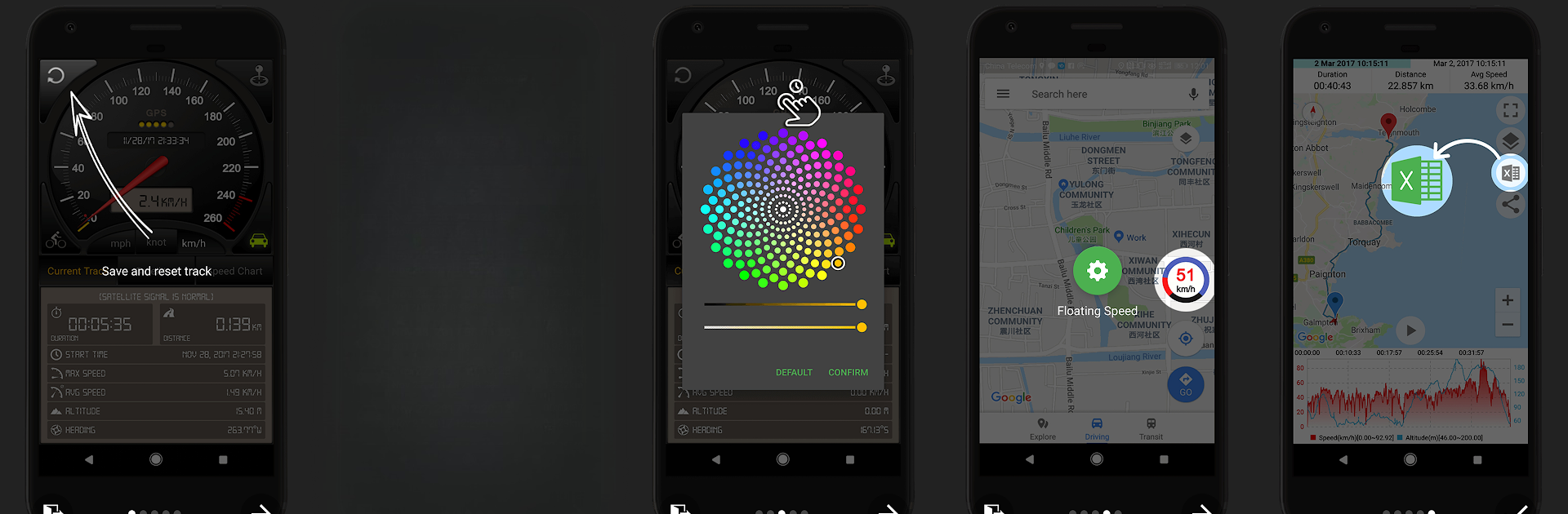
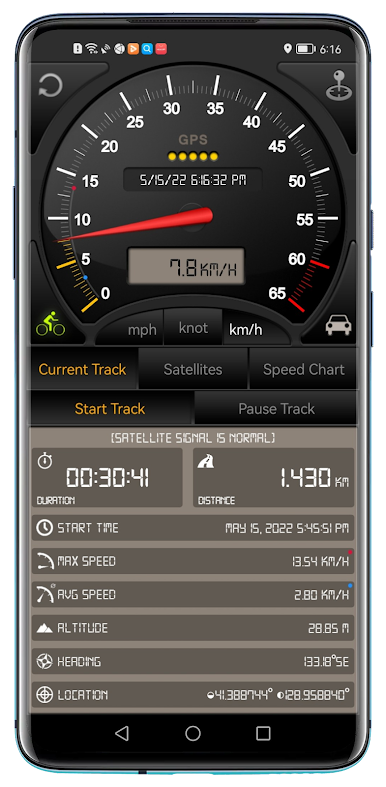
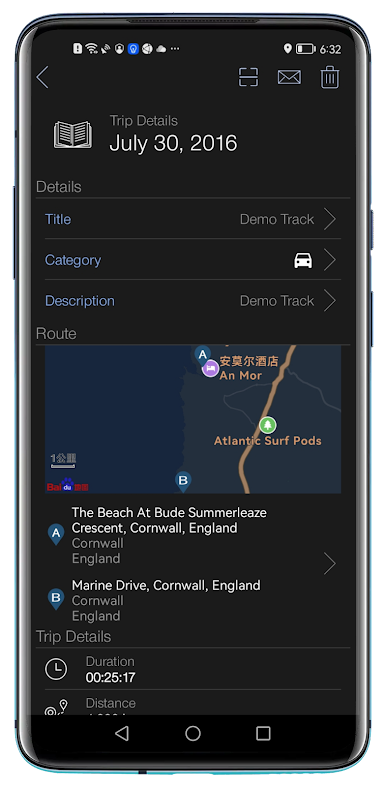
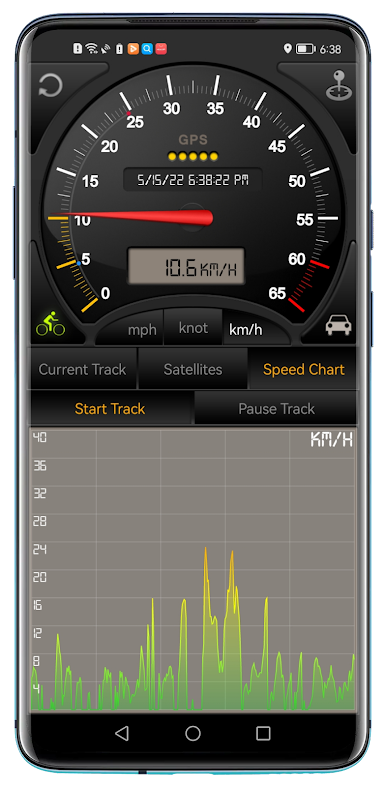
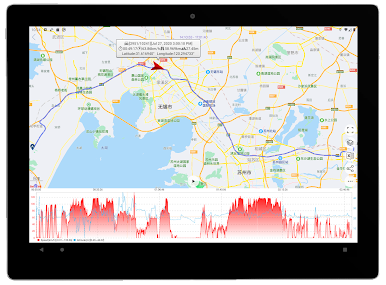
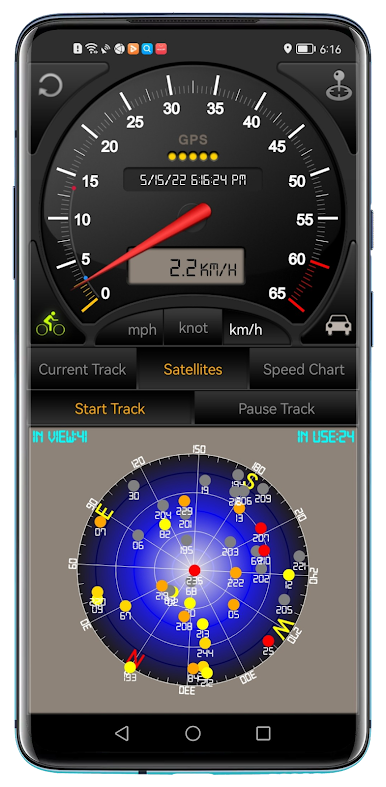
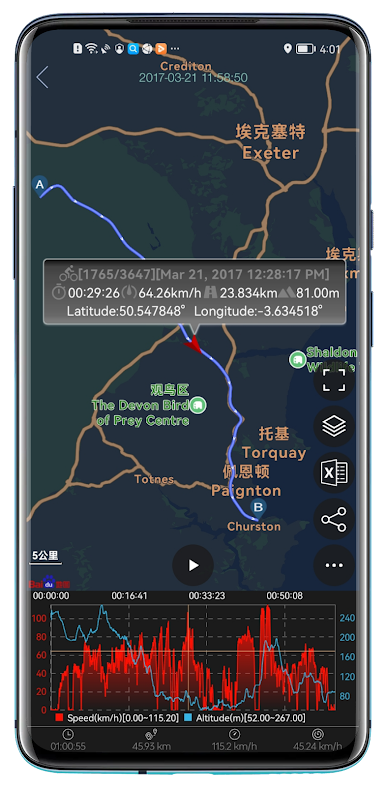
So, Speedometer GPS Pro is one of those apps that feels way more interesting on a bigger screen, thanks to stuff like BlueStacks. Basically, it does exactly what the name says — it turns your device into a proper speedometer, but there’s more to it than just showing how fast you’re going. It brings up your current speed, keeps track of distance you’ve traveled, your overall time, and even instantly shows things like your start time, how long you’ve been moving, average speed, and max speed. There’s a readout for altitude, too, which is a neat touch.
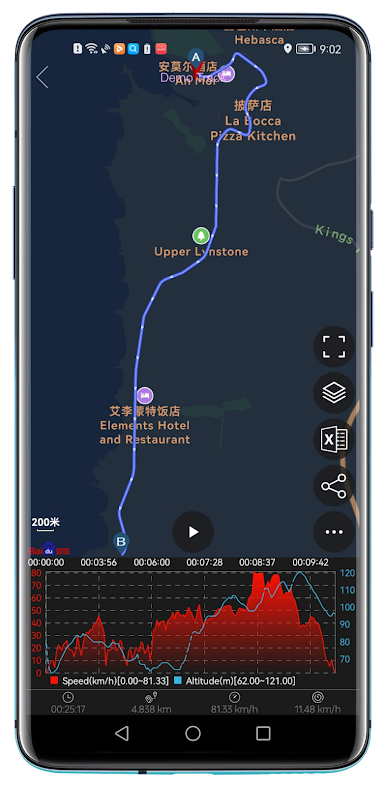
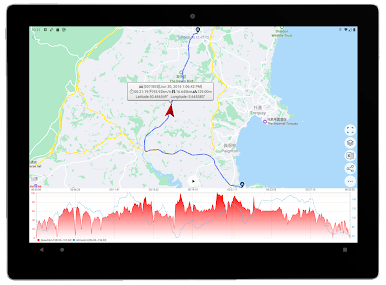
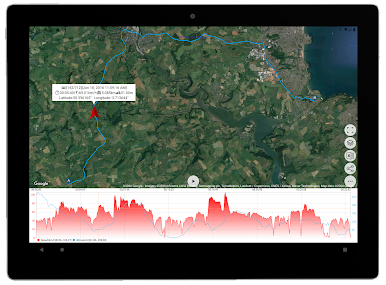
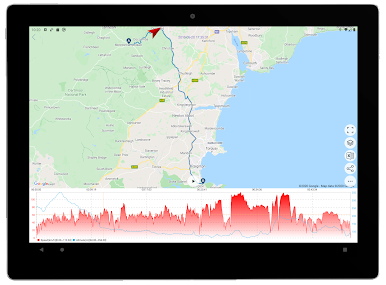
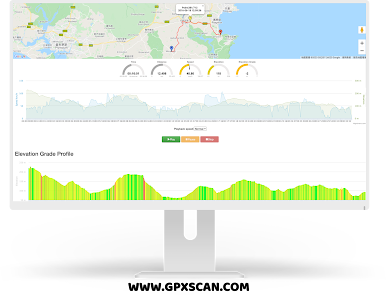
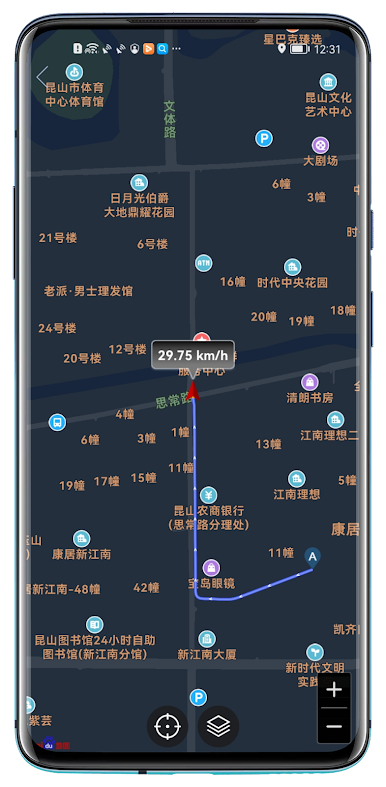
One fun bit is you can swap between different modes, like car speedometer and bike cyclometer, so it’s handy whether someone’s looking to keep tabs on their commute or out riding for fun. The units can switch between mph, knots, or kilometers per hour — that’s great for road trips or even if you’re trying out a scooter or something random. Seeing the live satellite status on-screen is kind of cool, and the app also throws in a real-time speed chart so your whole session is right there, stats and all. There’s map integration, so it pins your route and location, which actually makes the tracking feel more real than just a number. Tracks get saved too, so you can go back and check old info later. It’s simple but covers all the main things someone would want for keeping an eye on their speed or trip details, and on PC it’s super clear and easy to mess with everything at once without juggling your phone.
Ready to experience Speedometer GPS Pro on a bigger screen, in all its glory? Download BlueStacks now.

Play Speedometer GPS Pro on PC. It’s easy to get started.
-
Download and install BlueStacks on your PC
-
Complete Google sign-in to access the Play Store, or do it later
-
Look for Speedometer GPS Pro in the search bar at the top right corner
-
Click to install Speedometer GPS Pro from the search results
-
Complete Google sign-in (if you skipped step 2) to install Speedometer GPS Pro
-
Click the Speedometer GPS Pro icon on the home screen to start playing

