


Find Your Nickname
Play on PC with BlueStacks – the Android Gaming Platform, trusted by 500M+ gamers.

Page Modified on: Oct 16, 2025
Play Find Your Nickname on PC or Mac
Join millions to experience Find Your Nickname, an exciting Trivia game from KDR Games. With BlueStacks App Player, you are always a step ahead of your opponent, ready to outplay them with faster gameplay and better control with the mouse and keyboard on your PC or Mac.
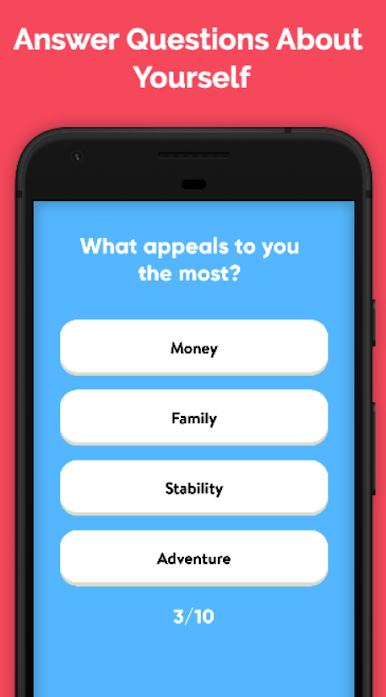
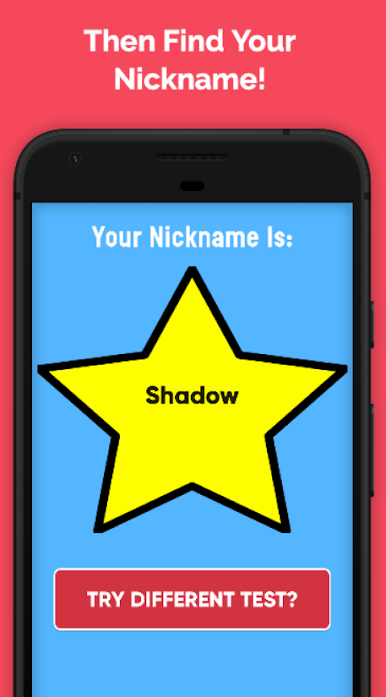
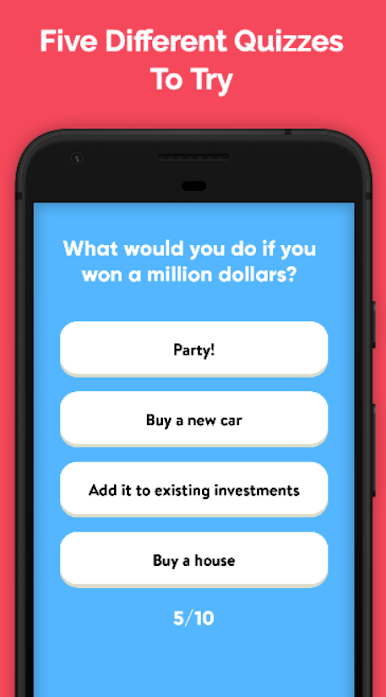
Find Your Nickname is one of those light little quiz games that does exactly what it says. A player jumps in, answers ten quick questions about tastes and personality, and it spits out a fresh nickname at the end. There are twenty six short quizzes in total, some tagged for girls, some for boys, though it feels fine for anyone to try any of them. The whole thing is simple and playful, more like a party toy than a deep game, which makes it nice for a break between other stuff or when a group wants a quick laugh. Results swing from cute to silly, sometimes weird on purpose, and the app makes it clear it is only for fun, nothing serious.
On PC with BlueStacks the flow is fast, just click through answers, no fuss, and the bigger screen makes the question cards easy to read. It works well for passing time on voice chat too, since a player can run a few quizzes back to back and compare names with friends. The generator leans on a little number based algorithm, so results are essentially random but lightly flavored by the answers. If a nickname misses the mark, trying another quiz or rerolling takes seconds. There is no pressure, no long grind, just short rounds that keep people curious about what the next goofy tag will be.
Start your journey now. Download the game on BlueStacks, invite your friends, and march on a new adventure.
Play Find Your Nickname on PC. It’s easy to get started.
-
Download and install BlueStacks on your PC
-
Complete Google sign-in to access the Play Store, or do it later
-
Look for Find Your Nickname in the search bar at the top right corner
-
Click to install Find Your Nickname from the search results
-
Complete Google sign-in (if you skipped step 2) to install Find Your Nickname
-
Click the Find Your Nickname icon on the home screen to start playing

