


Vistalgy® Rolling Dice
Play on PC with BlueStacks – the Android Gaming Platform, trusted by 500M+ gamers.

Page Modified on: Jul 5, 2025
Play Vistalgy® Rolling Dice on PC
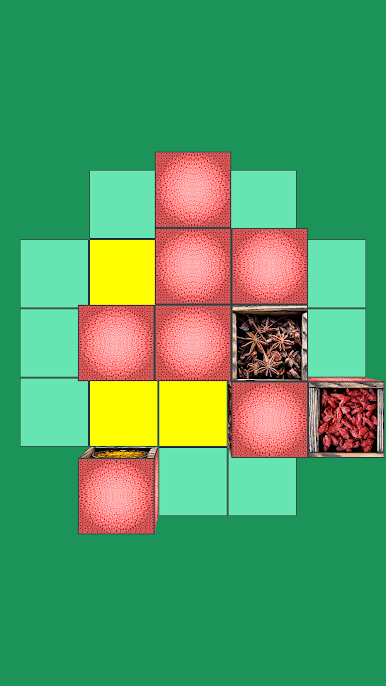
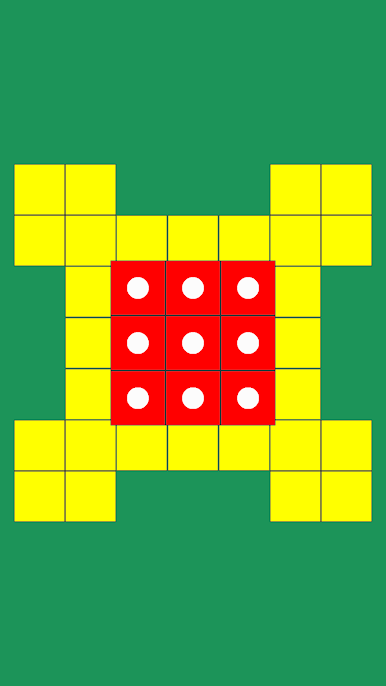
After that, they are randomly mixed on the board.
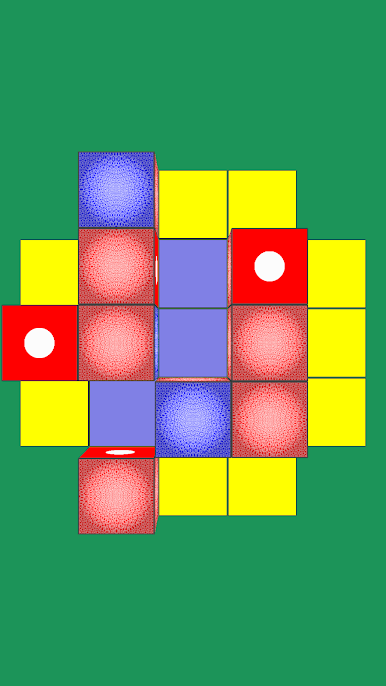
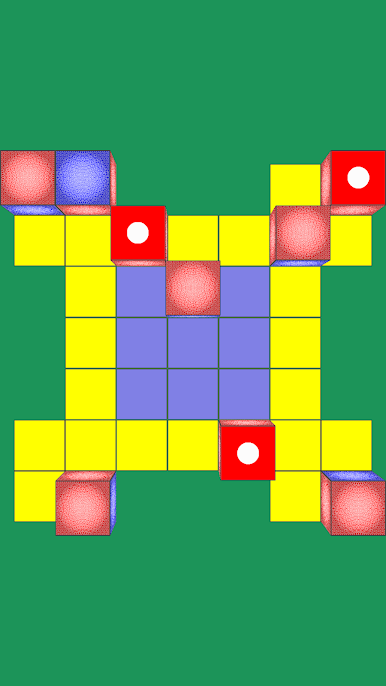
Your goal is to return the cubes to their original position by rolling them from side to side.
There are several difficulty levels:
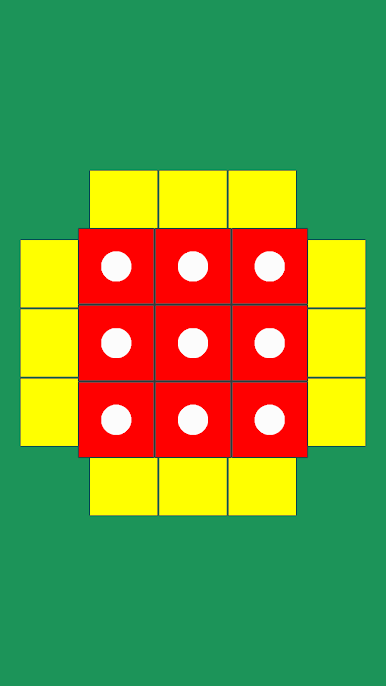
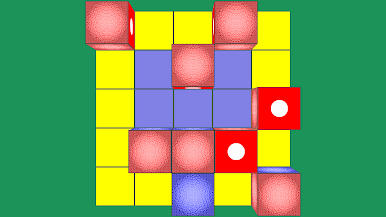
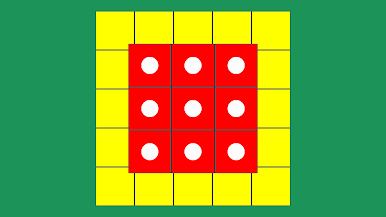
- Faces with dots (the simplest): the order and orientation of the cubes is not important
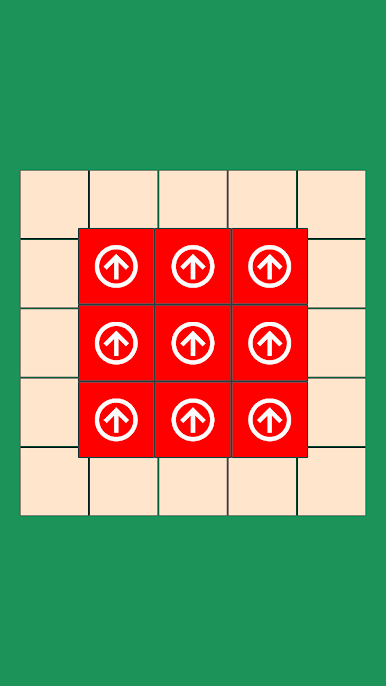
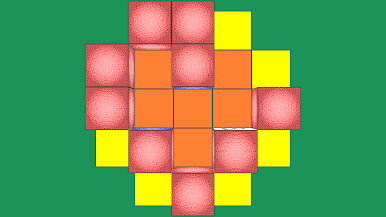
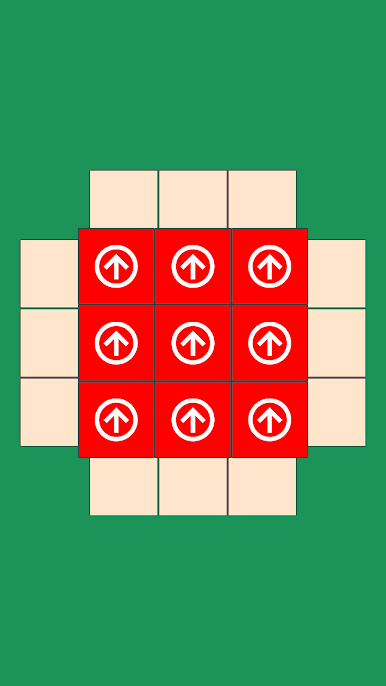
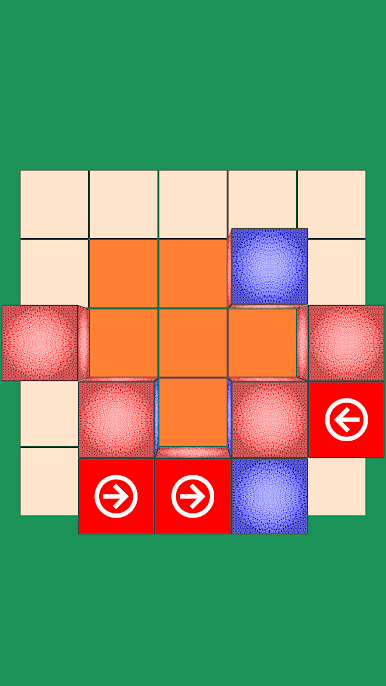
- Faces with arrows (harder): the order of the cubes is not important
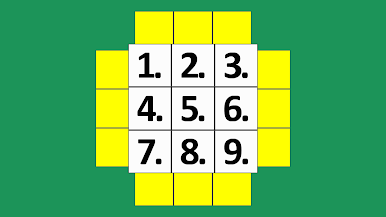
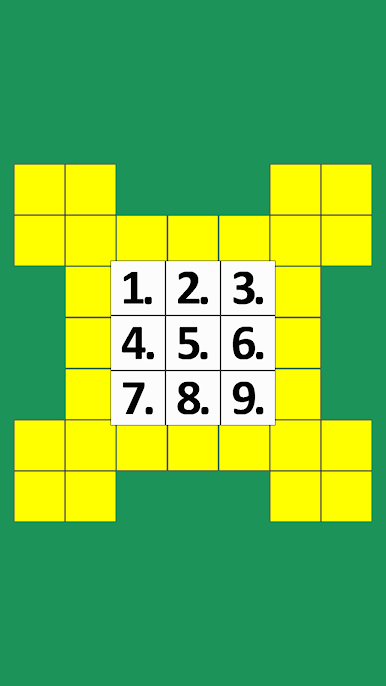
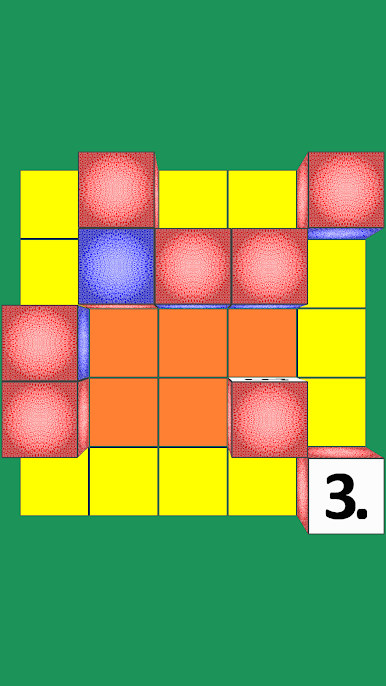
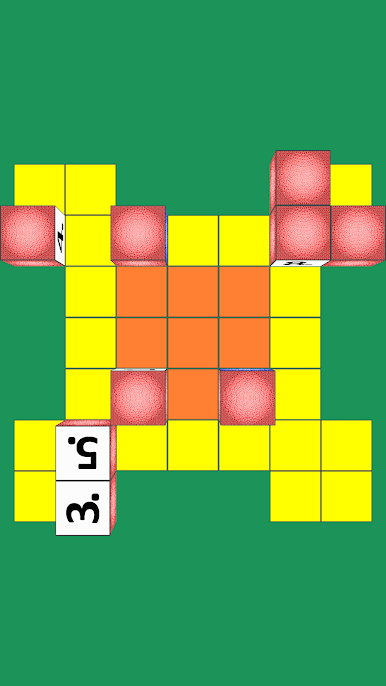
- Number faces (very difficult): The order and orientation of the cubes must be correct.
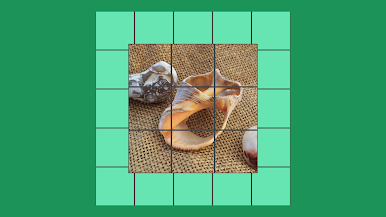
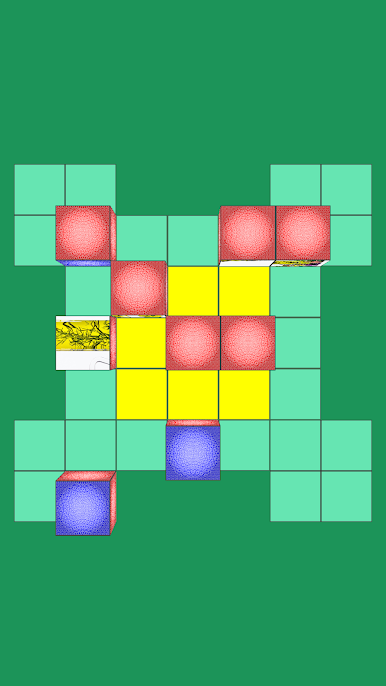
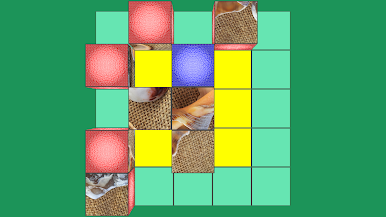
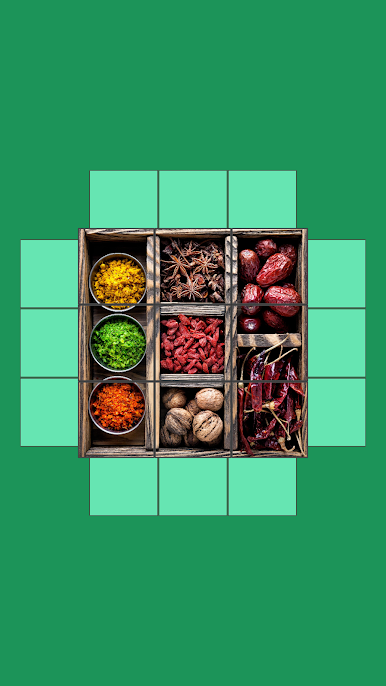
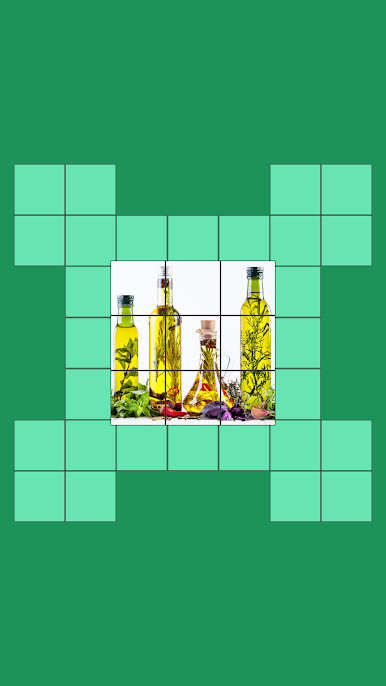
- Faces with pictures or moving images (not possible): You need to adjust part of the image in the correct order and orientation.

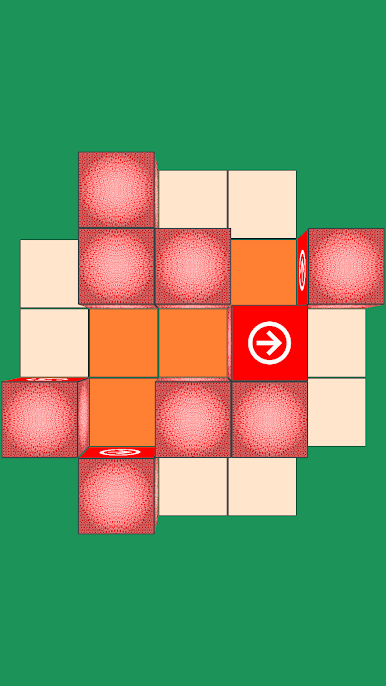
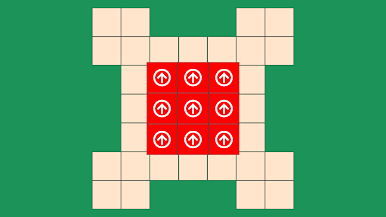

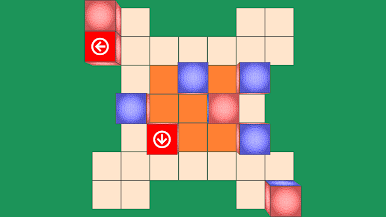
Play Vistalgy® Rolling Dice on PC. It’s easy to get started.
-
Download and install BlueStacks on your PC
-
Complete Google sign-in to access the Play Store, or do it later
-
Look for Vistalgy® Rolling Dice in the search bar at the top right corner
-
Click to install Vistalgy® Rolling Dice from the search results
-
Complete Google sign-in (if you skipped step 2) to install Vistalgy® Rolling Dice
-
Click the Vistalgy® Rolling Dice icon on the home screen to start playing

