


Mahjong Solitaire
Play on PC with BlueStacks – the Android Gaming Platform, trusted by 500M+ gamers.

Page Modified on: Nov 7, 2025
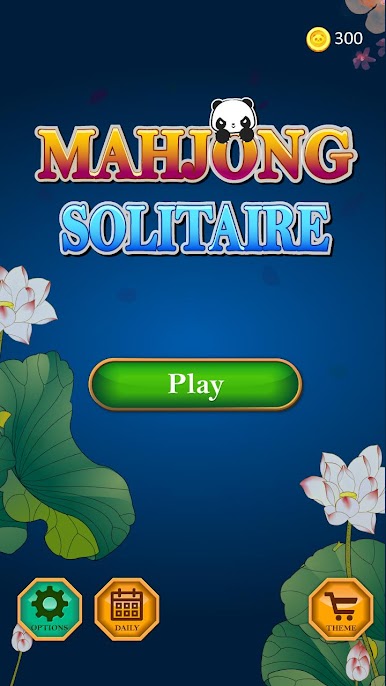
Play Mahjong Panda on PC or Mac
Bring your A-game to Mahjong Panda, the Puzzle game sensation from Arcade Game Maker. Give your gameplay the much-needed boost with precise game controls, high FPS graphics, and top-tier features on your PC or Mac with BlueStacks.
About the Game
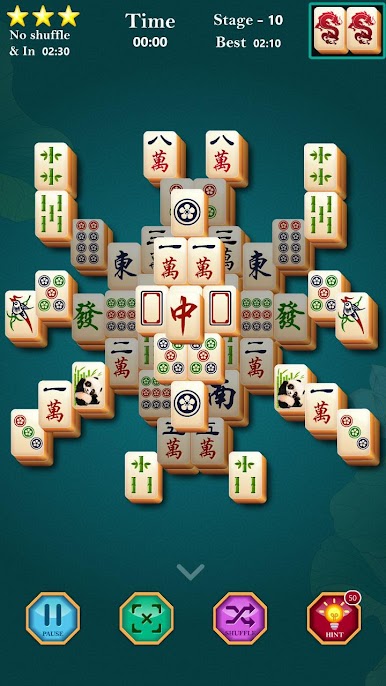
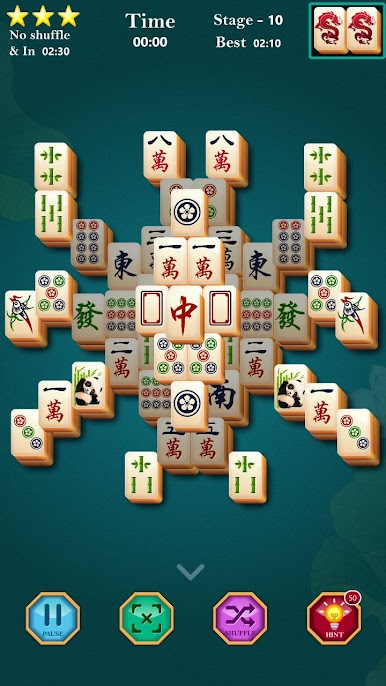
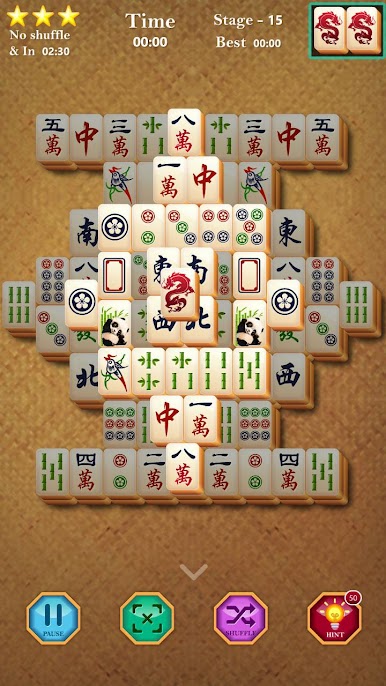
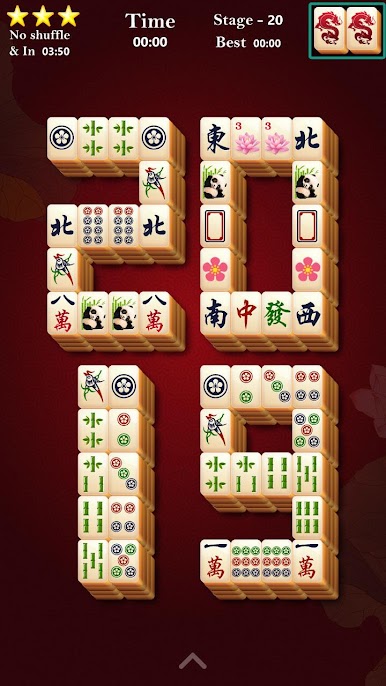
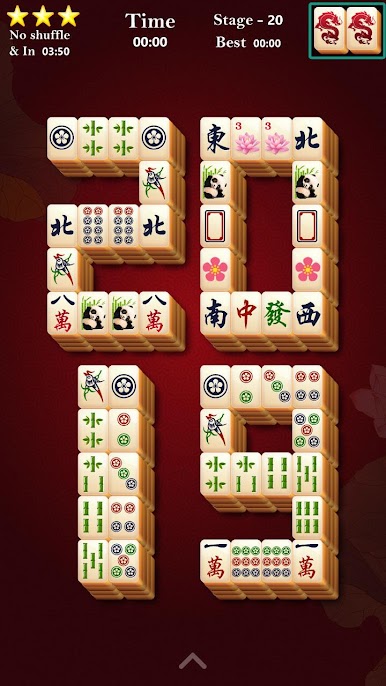
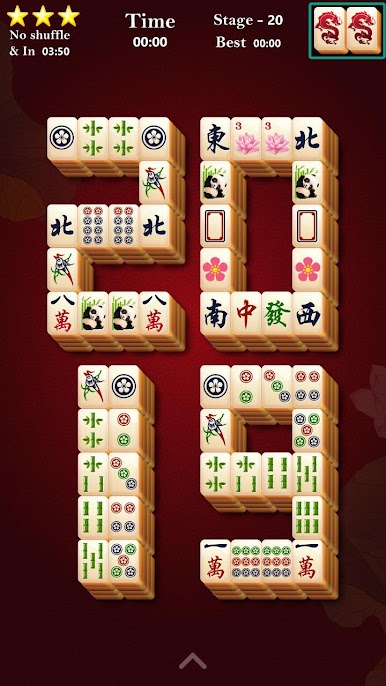
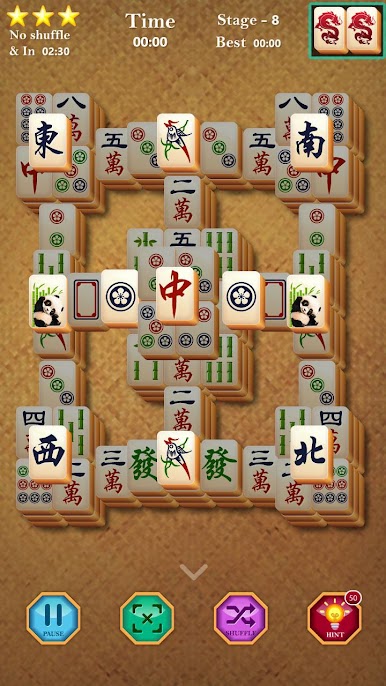
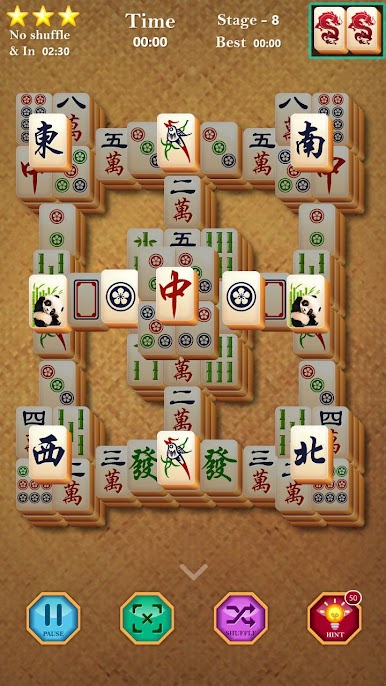
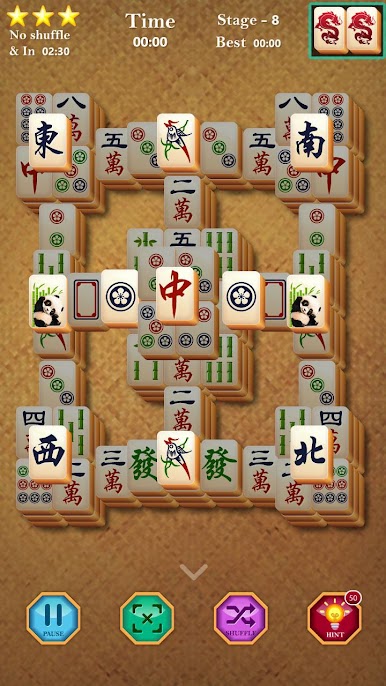
Mahjong Panda brings a relaxed yet seriously fun twist to the classic puzzle genre. If you like matching games—or just want something that’ll give your brain a light workout without stressing you out—this is one that’s easy to pick up and set down whenever you want. Expect loads of boards, fresh daily challenges, and plenty of reasons to keep coming back, whether you’re on-the-go or lounging around using BlueStacks on your PC.
Game Features
-
Tons of Boards
With over 1,500 unique layouts to explore, you’ll always have something new waiting for you—perfect for quick breaks or longer puzzle sessions. -
Straightforward Gameplay
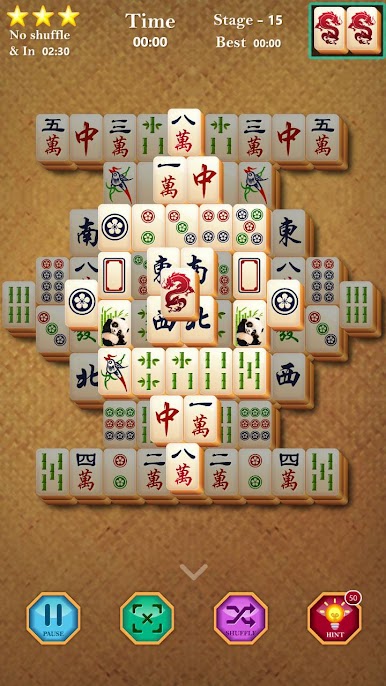
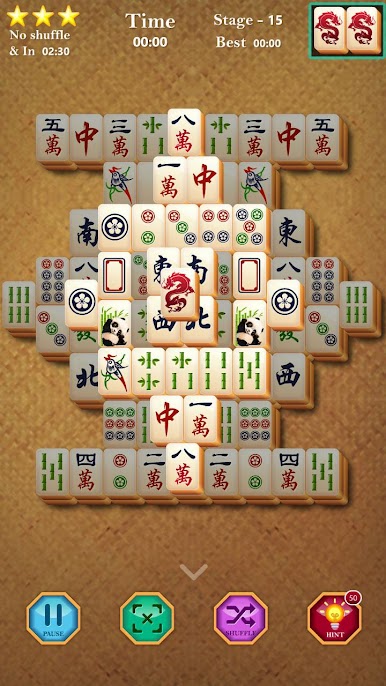
Just tap to match up identical tiles! It’s all about finding pairs and clearing the board. Anyone can jump in and start playing right away. -
Daily New Boards
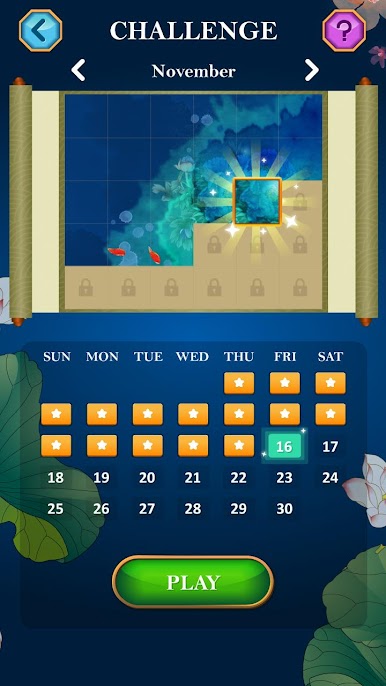
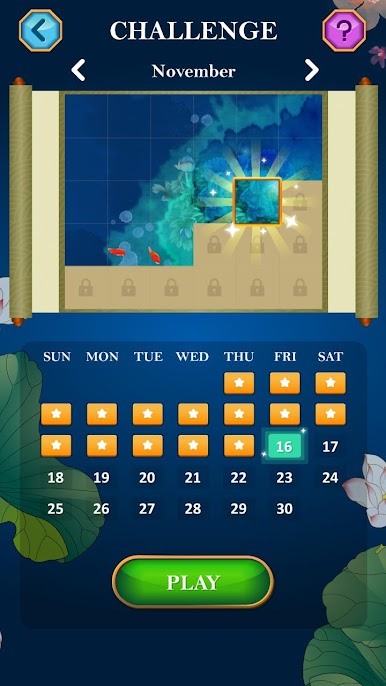
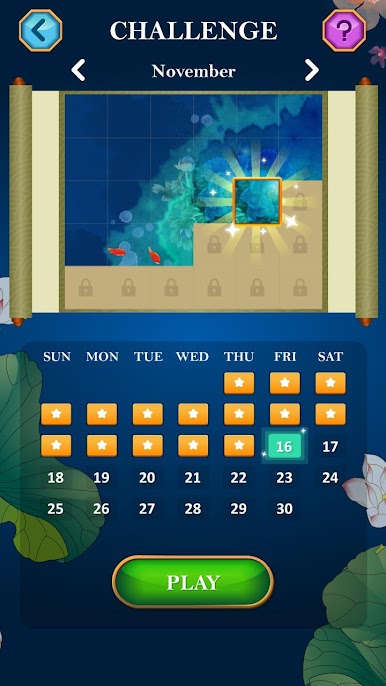
Every day, there’s a fresh board for you to solve. It’s a great reason to pop in for a quick game and keep that brain buzzing. -
Play With Family
Designed for all ages, Mahjong Panda is casual, inviting, and ideal for family fun or solo snackable sessions. -
Thousands of Levels
Loads of puzzles and new challenges mean you’re not running out of content anytime soon. -
Helpful Hints
Stuck? No worries. The free hint feature will nudge you in the right direction so the game always feels fun, not frustrating. -
Daily Missions & Rewards
Complete little missions, snag rewards—just a nice bonus for playing. -
Free Themes
Every style is unlocked from the start, so you can change up the look without paying a dime. -
One-Hand Friendly
Optimized for portrait mode, Mahjong Panda is super easy to play even if you’ve only got one hand free. -
Crisp HD Graphics
Clean, sharp visuals make it easy on the eyes no matter what device you’re using.
Ready to top the leaderboard? We bet you do. Let precise controls and sharp visuals optimized on BlueStacks lead you to victory.






Play Mahjong Solitaire on PC. It’s easy to get started.
-
Download and install BlueStacks on your PC
-
Complete Google sign-in to access the Play Store, or do it later
-
Look for Mahjong Solitaire in the search bar at the top right corner
-
Click to install Mahjong Solitaire from the search results
-
Complete Google sign-in (if you skipped step 2) to install Mahjong Solitaire
-
Click the Mahjong Solitaire icon on the home screen to start playing

