


Mahjong Spirit: Match Game
Play on PC with BlueStacks – the Android Gaming Platform, trusted by 500M+ gamers.

Page Modified on: Mar 5, 2026
Main Mahjong Spirit: Match Game on PC
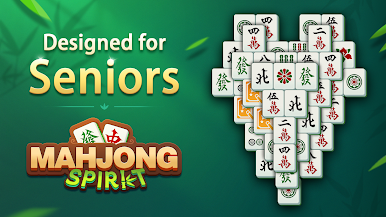
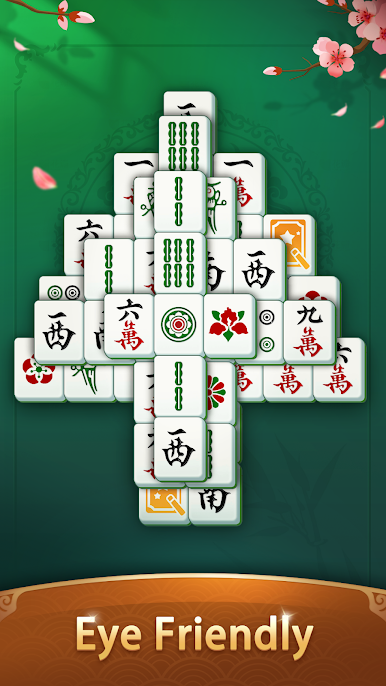
Designed with clear tiles, gentle pacing, and simple controls, it offers a comfortable and stress-free Mahjong experience for all ages, especially seniors.
🎮 How to Play
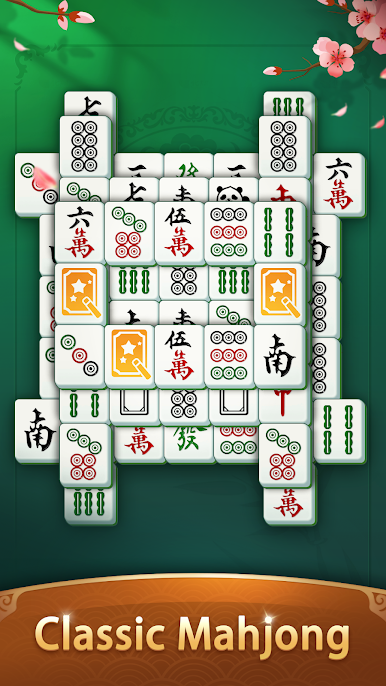
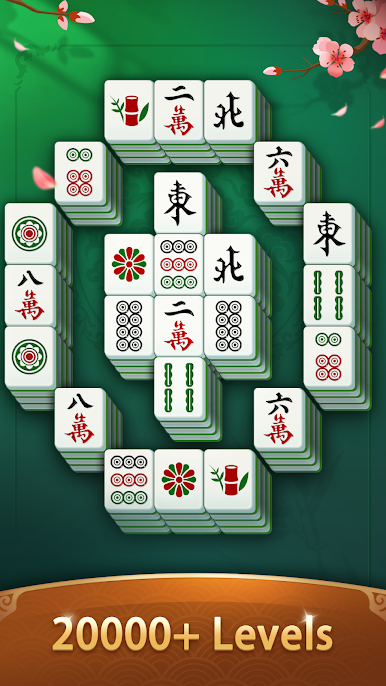
Match two identical, available tiles to clear the board. Simple and classic Mahjong rules.
🧩 Highlights
😌 Relaxing & Senior-Friendly Gameplay
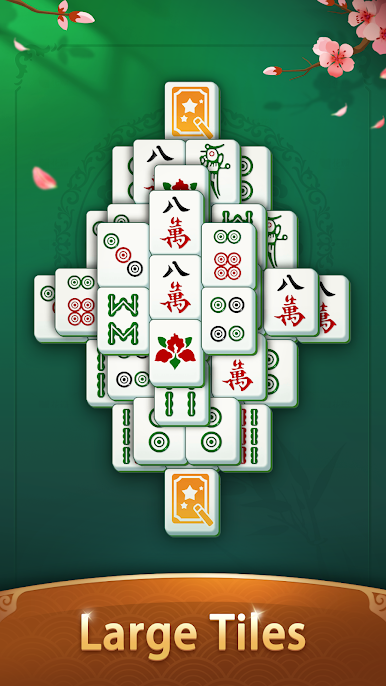
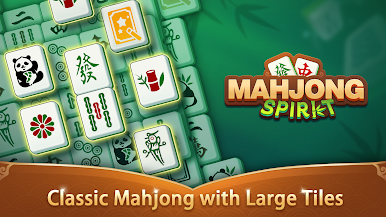
Enjoy classic Mahjong with no timers and no pressure. Large, clear tiles, clean layouts, and balanced difficulty make it ideal for seniors, beginners, and casual players.
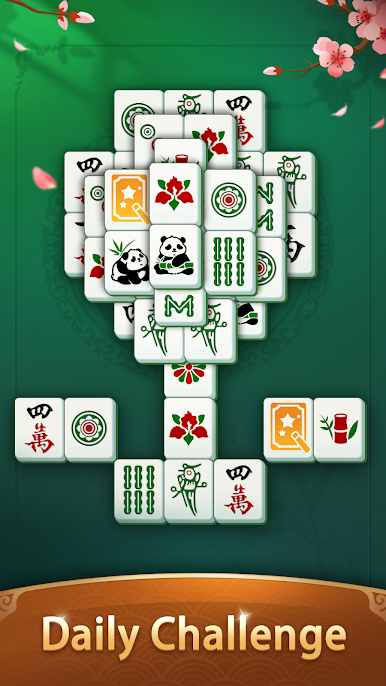
🎯 Daily Challenges
Complete gentle daily goals to earn rewards and build a relaxed, enjoyable routine. No rush, no stress.
🏆 Leaderboard Events
Collect golden-themed Mahjong tiles and climb the rankings, showing steady progress at your own pace.
🗺️ Journey Events & Beautiful Themes
Unlock elegant image collections and explore fresh visual themes, adding variety and discovery to classic Mahjong.
📴 Play Anytime, Even Offline
Fully playable offline with helpful tools like hints and shuffle.Perfect for relaxed play anywhere, anytime.
Looking for a classic Mahjong puzzle that’s easy on the eyes, gentle on the mind, and rewarding over time?
🥰Mahjong Spirit: Match Game is made for you.
📩 Feedback & Support
blockpuzzleonlinestudio@gmail.com

Play Mahjong Spirit: Match Game on PC. It’s easy to get started.
-
Download and install BlueStacks on your PC
-
Complete Google sign-in to access the Play Store, or do it later
-
Look for Mahjong Spirit: Match Game in the search bar at the top right corner
-
Click to install Mahjong Spirit: Match Game from the search results
-
Complete Google sign-in (if you skipped step 2) to install Mahjong Spirit: Match Game
-
Click the Mahjong Spirit: Match Game icon on the home screen to start playing

