


Ice Fishing Catch
Play on PC with BlueStacks – the Android Gaming Platform, trusted by 500M+ gamers.

Page Modified on: Jan 9, 2026
Main Ice Fishing Catch on PC
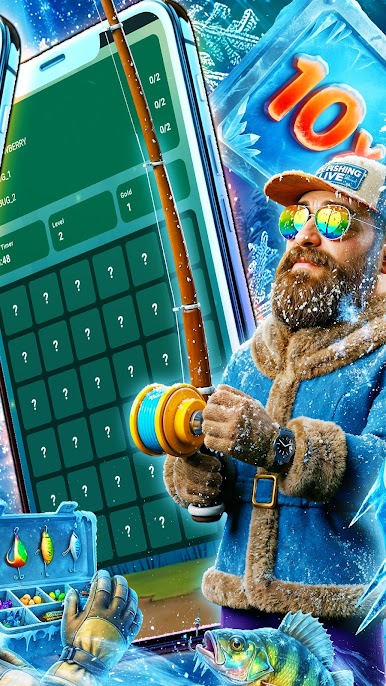
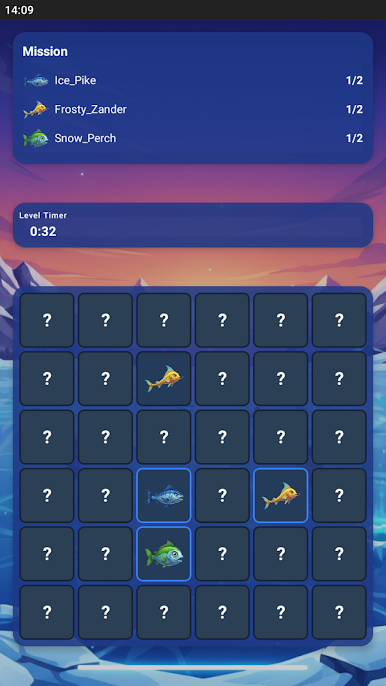
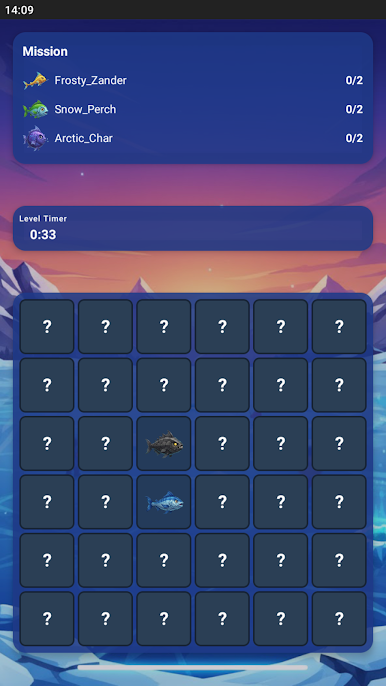
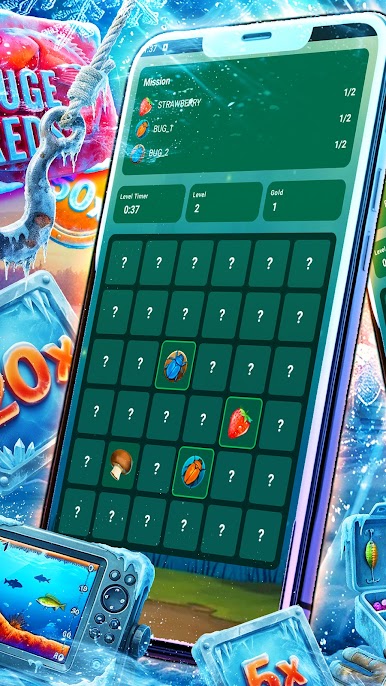
Dive into an adventure focused on collecting target elements. In each level, you face a hidden 6×6 grid covered by stones. Tap tiles to reveal them and discover berries, mushrooms, and other nature-themed creatures required to complete the mission.
Every level has a clear objective displayed on the Mission Panel. Your goal is to collect all required elements before time runs out. If the timer expires or the board becomes overcrowded with non-target revealed items, the level ends.
As you progress, the challenge increases: available time decreases, and mistakes become more costly. To handle difficult situations, you can use special boosters:
• Toadstool Bomb — clears part of the board
• Web Freeze — temporarily stops the timer
• Badger Claw — removes unnecessary revealed elements
The game features a rich visual style inspired by a deep woodland theme, creating a tense yet immersive experience.
Ice Fishing Catch is ideal for short play sessions and for players who enjoy quick puzzles with simple controls and gradually increasing difficulty.
Can you collect everything you need before time runs out?

Play Ice Fishing Catch on PC. It’s easy to get started.
-
Download and install BlueStacks on your PC
-
Complete Google sign-in to access the Play Store, or do it later
-
Look for Ice Fishing Catch in the search bar at the top right corner
-
Click to install Ice Fishing Catch from the search results
-
Complete Google sign-in (if you skipped step 2) to install Ice Fishing Catch
-
Click the Ice Fishing Catch icon on the home screen to start playing

