


McLaren Racing
Play on PC with BlueStacks – the Android Gaming Platform, trusted by 500M+ gamers.

Page Modified on: Dec 9, 2025
Play McLaren Racing on PC or Mac
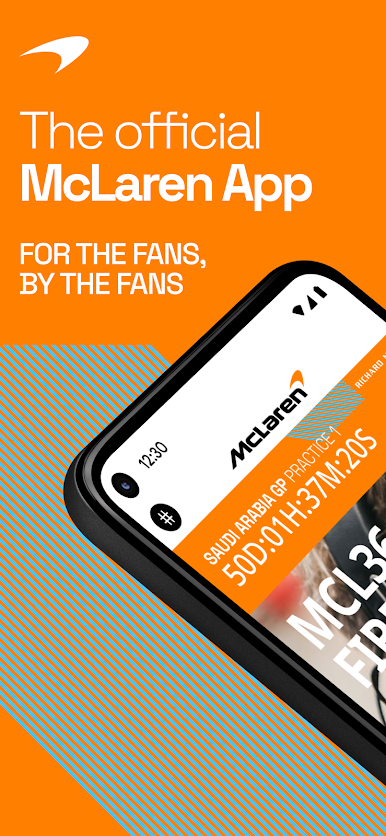
Step into the World of McLaren Racing, a thrilling Sports game from the house of McLaren F1. Play this Android game on BlueStacks App Player and experience immersive gaming on PC or Mac.
About the Game
Want to feel like a real part of the McLaren Racing team? This isn’t just another Sports app—it’s a whole backstage pass to the world of McLaren F1. You’ll get a mix of inside scoops, live team interactions, and even special opportunities just for fans. Downloading McLaren Racing means you’re not just watching—you’re participating, chatting, and maybe even winning something awesome.
Game Features
-
All-Access Driver Content
Ever wondered what the drivers do off the track? Peek behind the curtain with exclusive footage, stories, and moments right from their daily lives and race weekends. -
Latest Team Updates & Insights
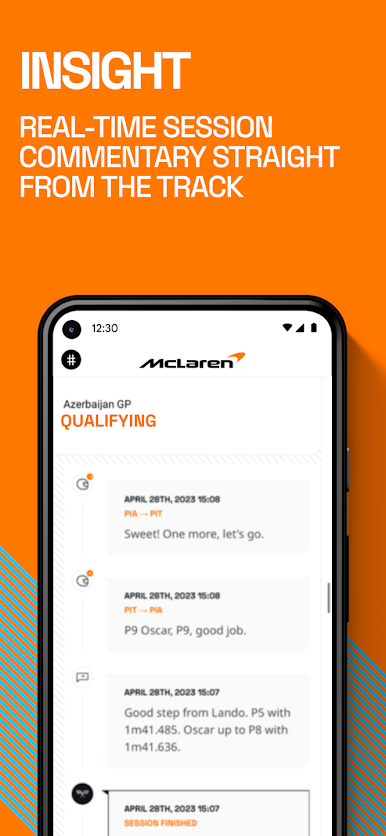
Get all the buzz as it happens: live race updates, fresh driver insights, breakdowns you won’t find on TV, and interactive social chats to join in during races. -
Live Q&As and Team Chats
Chat directly with the folks who make the magic happen—drivers, managers, pit crew, and others. These regular live sessions let you throw in your questions or just check out team banter. -
Fans-Only Perks & Competitions
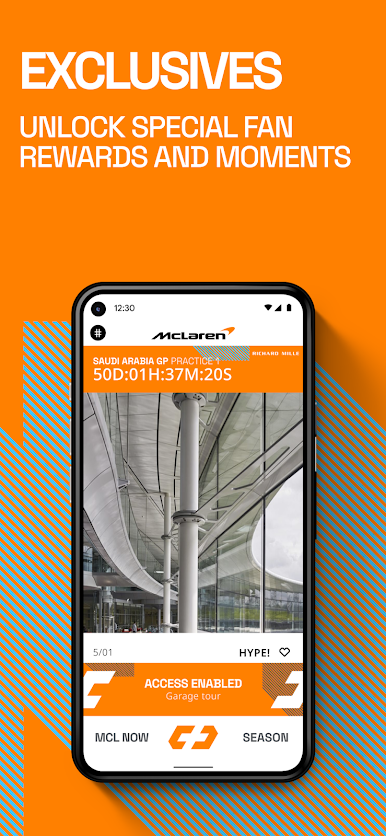
Feeling lucky? There are exclusive contests with real prizes: chances to visit the McLaren Technology Centre, win signed merch, and more. Sometimes being a fan really pays off. -
Built with Fan Input
This app isn’t just for you—it’s made with you. McLaren has actually worked with diehard fans to shape the experience so it hits all the right notes.
And if you want to check out McLaren Racing on your PC, BlueStacks makes it a breeze to keep up with all the action, chats, and giveaways from your desktop.
Start your journey now. Download the game on BlueStacks, invite your friends, and march on a new adventure.

Play McLaren Racing on PC. It’s easy to get started.
-
Download and install BlueStacks on your PC
-
Complete Google sign-in to access the Play Store, or do it later
-
Look for McLaren Racing in the search bar at the top right corner
-
Click to install McLaren Racing from the search results
-
Complete Google sign-in (if you skipped step 2) to install McLaren Racing
-
Click the McLaren Racing icon on the home screen to start playing

