


DeFlock.me
Play on PC with BlueStacks – the Android Gaming Platform, trusted by 500M+ gamers.

Page Modified on: Sep 5, 2026
Play DeFlock.me on PC
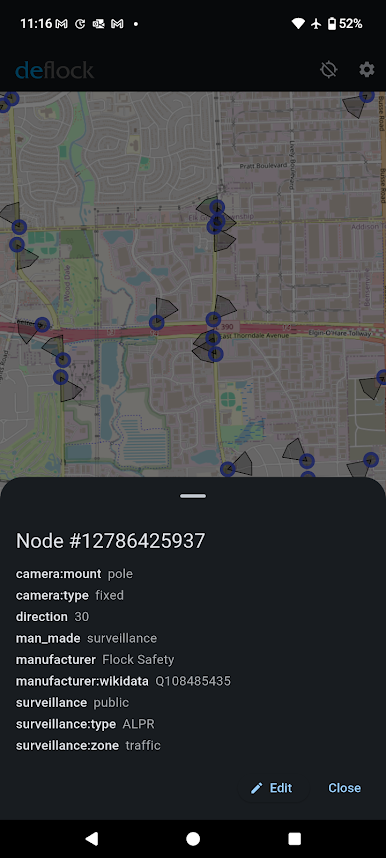
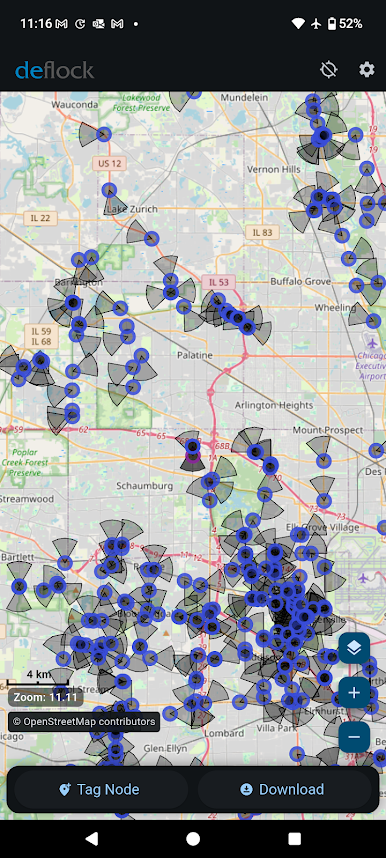
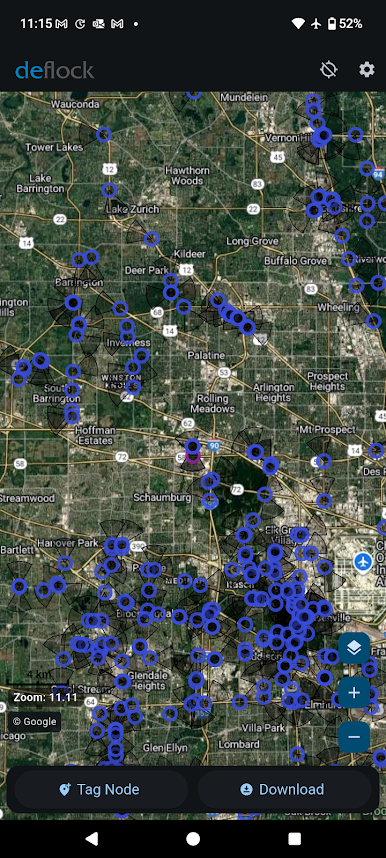
This app makes it easy to view and report AI powered surveillance cameras, automatic license plate readers (ALPRs), and other surveillance infrastructure near you.
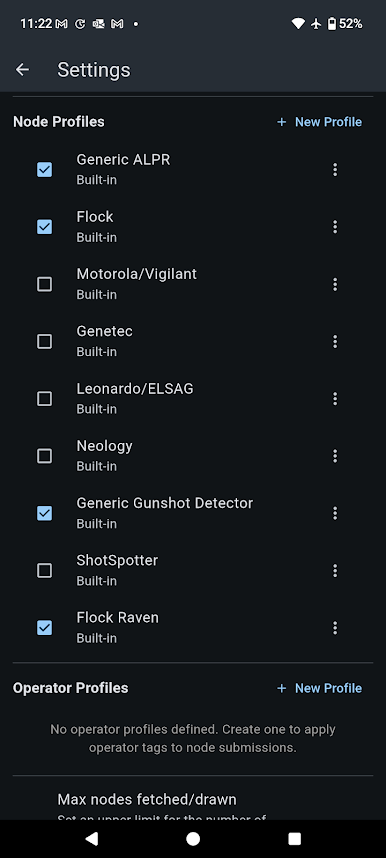
🔍 Discover AI surveillance cameras, ALPRs, Gunshot detectors, and more
📍 Easily report new devices you find
🗺️ Community-driven - powered by OpenStreetMap
🔒 Privacy-first - no data collection, tracking, analytics, or ads
Take control of surveillance awareness in your neighborhood. Free, open source, and built to protect your privacy.
Whether you're concerned about privacy, researching your community, or just curious about surveillance infrastructure around you, DeFlock gives you the tools to understand and map what's watching you.
Find out more at deflock.me
Play DeFlock.me on PC. It’s easy to get started.
-
Download and install BlueStacks on your PC
-
Complete Google sign-in to access the Play Store, or do it later
-
Look for DeFlock.me in the search bar at the top right corner
-
Click to install DeFlock.me from the search results
-
Complete Google sign-in (if you skipped step 2) to install DeFlock.me
-
Click the DeFlock.me icon on the home screen to start playing

