


Melon Smash
Play on PC with BlueStacks – the Android Gaming Platform, trusted by 500M+ gamers.

Page Modified on: Feb 3, 2026
Play Melon Smash on PC or Mac
Bring your A-game to Melon Smash, the Simulation game sensation from Kids Games LLC. Give your gameplay the much-needed boost with precise game controls, high FPS graphics, and top-tier features on your PC or Mac with BlueStacks.
About the Game
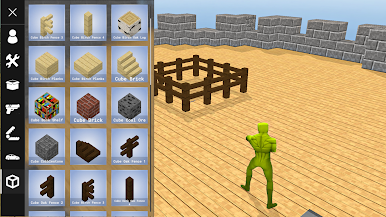
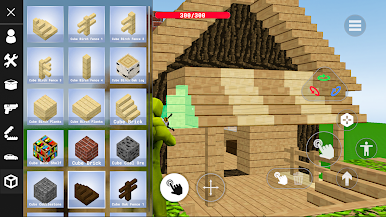
Step into the vibrant world of Melon Smash, a sandbox simulation game from Kids Games LLC that fuels your creativity, construction, and management skills. Whether you’re building a sleek city or embarking on thrilling adventures, endless freedom and possibilities are yours to explore.
Game Features
-
Construction Goods
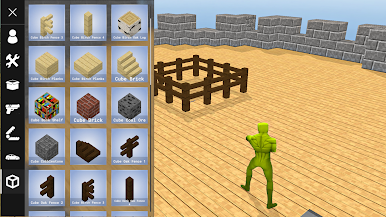
Build anything you dream up with a vast array of building elements, materials, and design tools. From cozy homes to grand castles, each creation becomes a unique testament to your imagination. -
Hero Control
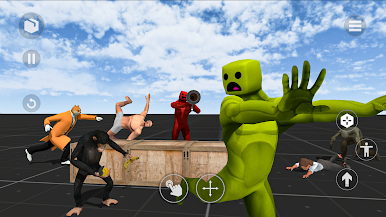
Personalize your hero with diverse skins and settings. A flexible customization system ensures your character stands out as a bold builder and intrepid explorer. -
Dynamic Challenges
Face intriguing challenges and scenarios that test your strategy and creativity. These range from bite-sized tasks to epic quests, always keeping you engaged. -
Transport Control
Explore wide-open spaces using an array of vehicles. With intuitive transport controls, navigate to new places and unearth hidden treasures efficiently. -
Epic Boss Battles
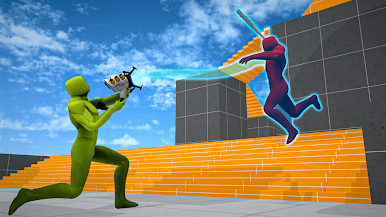
Engage in intense combat with powerful bosses, each fight demanding adaptive tactics to conquer their special abilities. -
Diverse Locations
Discover a rich variety of locations, from dense forests to bustling cities, each brimming with details to unravel and secrets to unveil. -
Endless Adventures
With no definitive goal, the game offers unparalleled freedom. Whether you’re constructing, exploring, or simply unwinding, Melon Smash evolves with your imagination.
Explore this universe with ease using BlueStacks for a larger-than-life experience.
Slay your opponents with your epic moves. Play it your way on BlueStacks and dominate the battlefield.
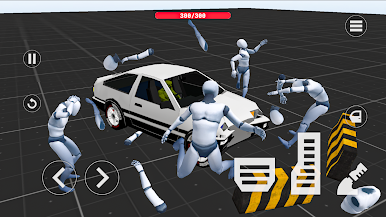
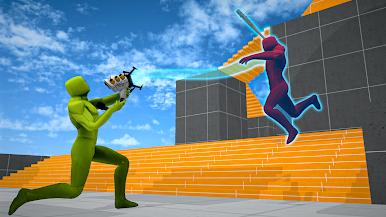

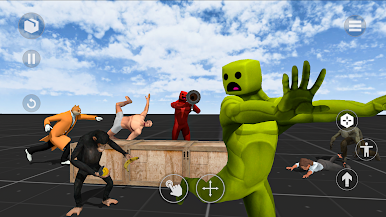
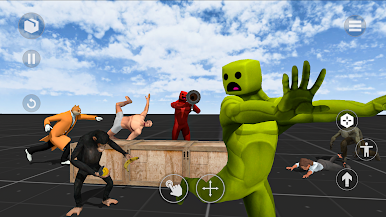
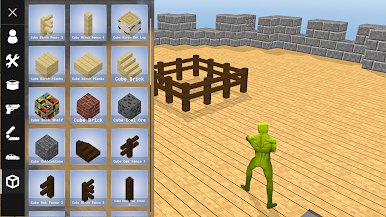
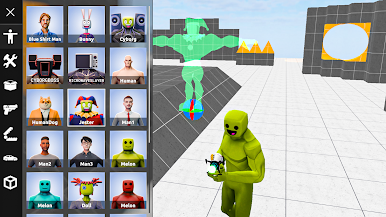

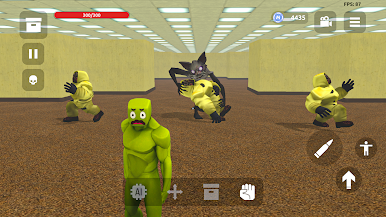
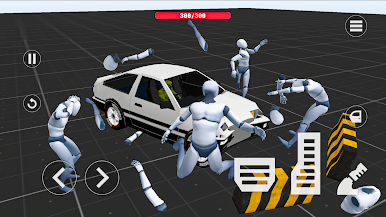
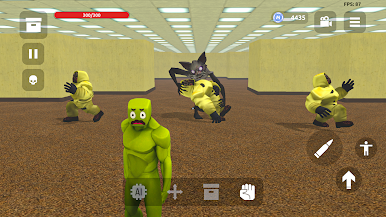
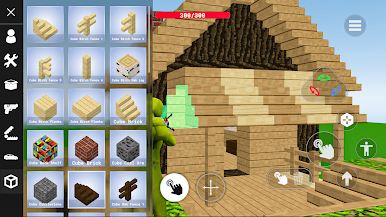
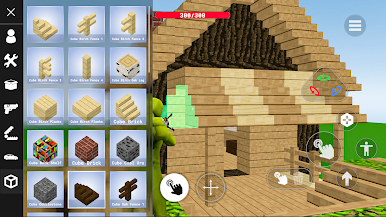
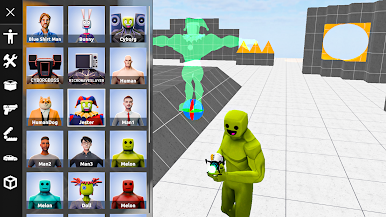
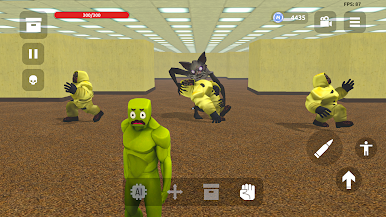

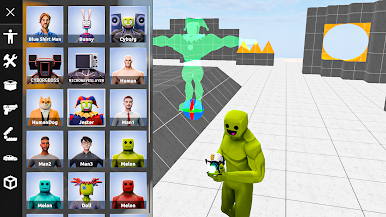
Play Melon Smash on PC. It’s easy to get started.
-
Download and install BlueStacks on your PC
-
Complete Google sign-in to access the Play Store, or do it later
-
Look for Melon Smash in the search bar at the top right corner
-
Click to install Melon Smash from the search results
-
Complete Google sign-in (if you skipped step 2) to install Melon Smash
-
Click the Melon Smash icon on the home screen to start playing

