


K Keyboard - Myanmar
Play on PC with BlueStacks – the Android Gaming Platform, trusted by 500M+ gamers.

Page Modified on: Aug 21, 2025
Run K Keyboard - Myanmar on PC or Mac
K Keyboard – Myanmar is a Tools app developed by Kyaw Su Thwe. BlueStacks app player is the best platform to play this Android game on your PC or Mac for an immersive gaming experience.
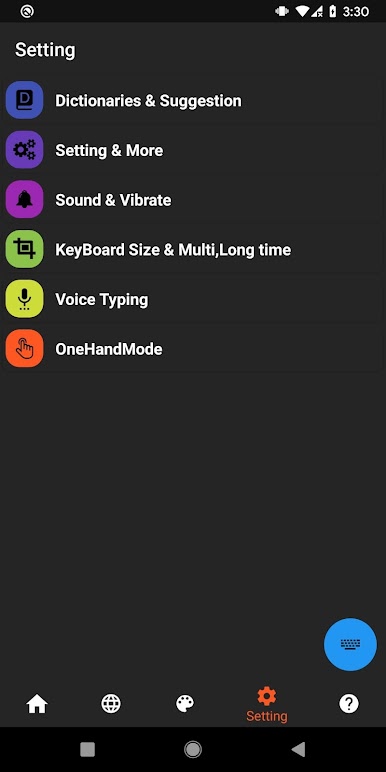
If you’re looking for a Myanmar keyboard that’s cute, smart and packed with features, K Keyboard is the app for you! Enabling the keyboard is easy and only takes a few quick steps. Once you’re set up, you’ll be able to type in Myanmar(Zg), Myanmar(Uni), Shan(Zt), Shan(Uni), Paoh(Zg), Paoh(Uni) and even Thai(10key & 12key).
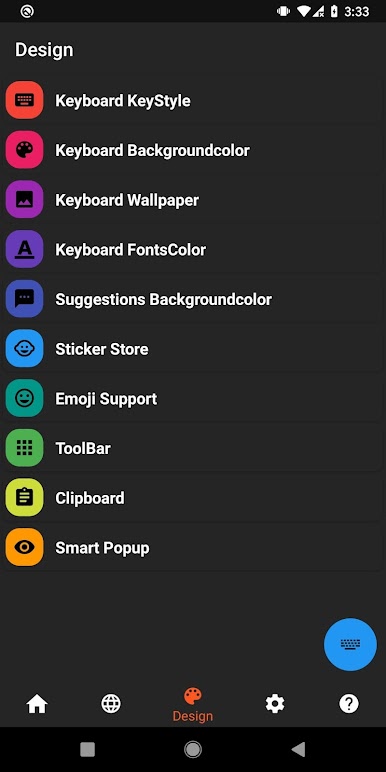
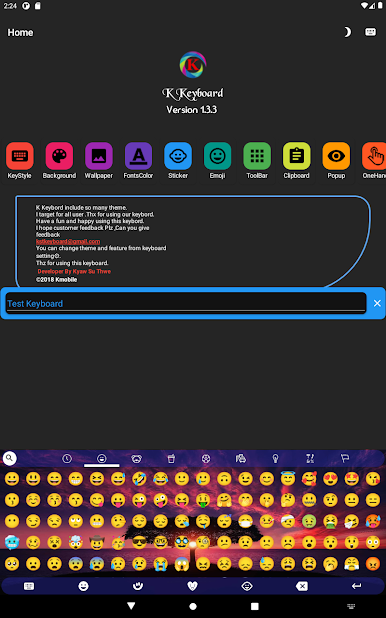
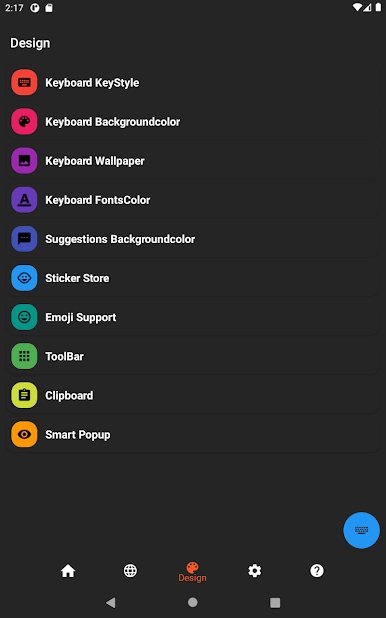
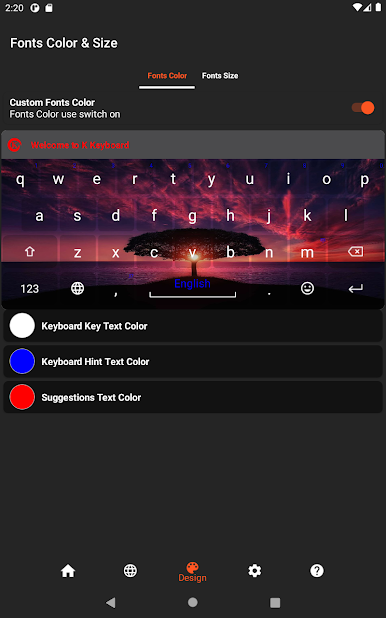
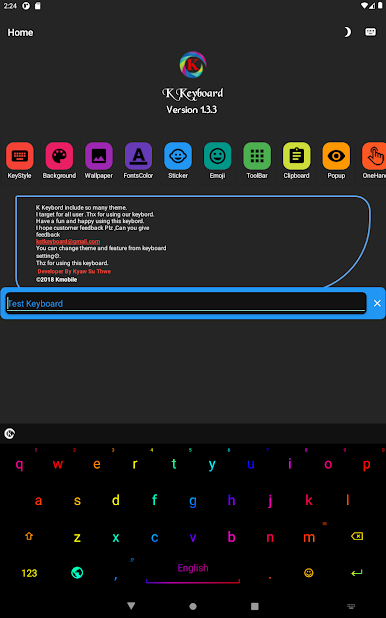
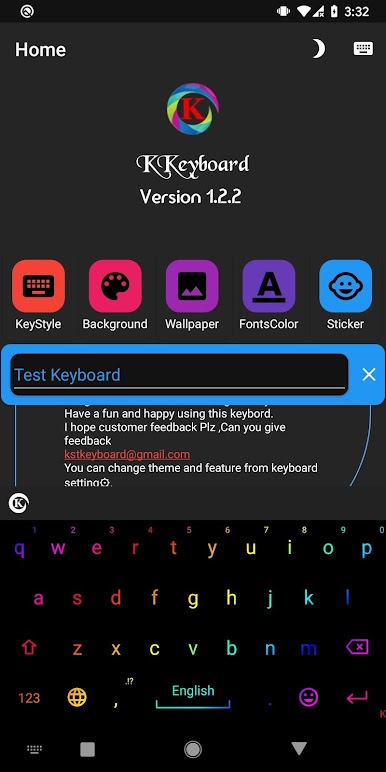
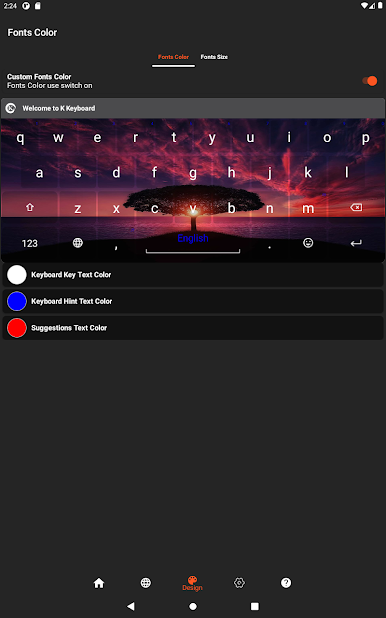
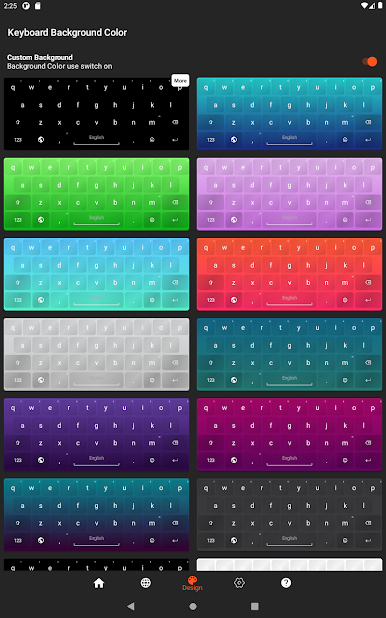
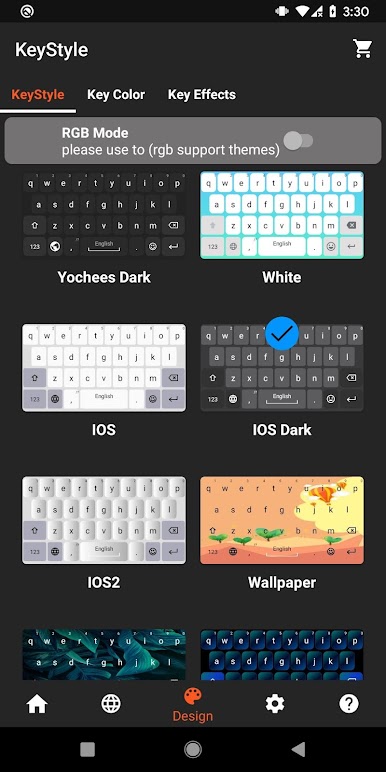
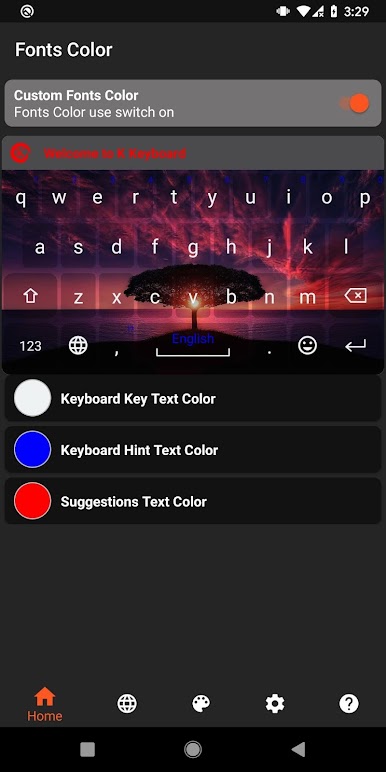
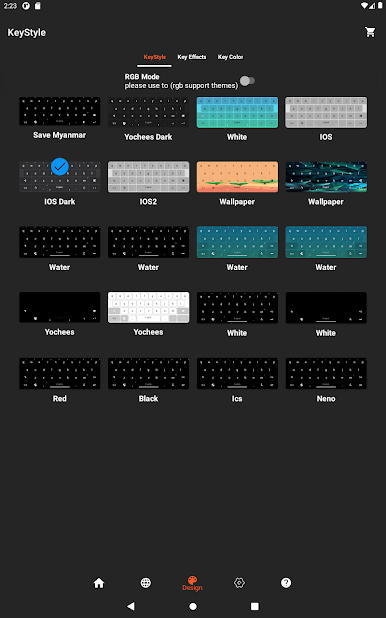
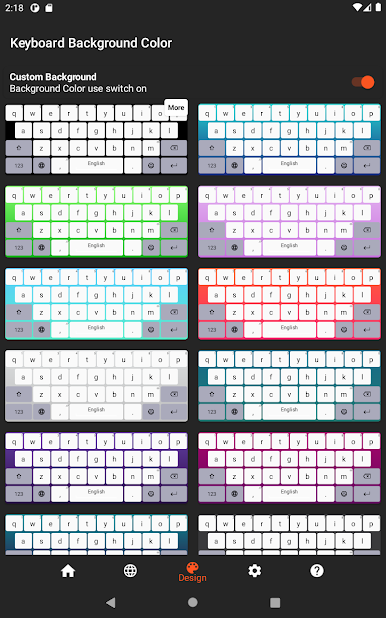
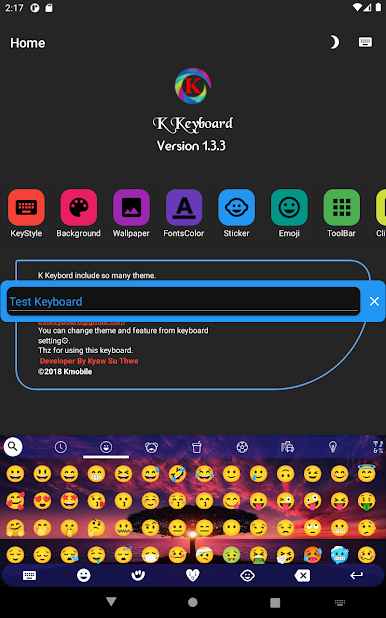
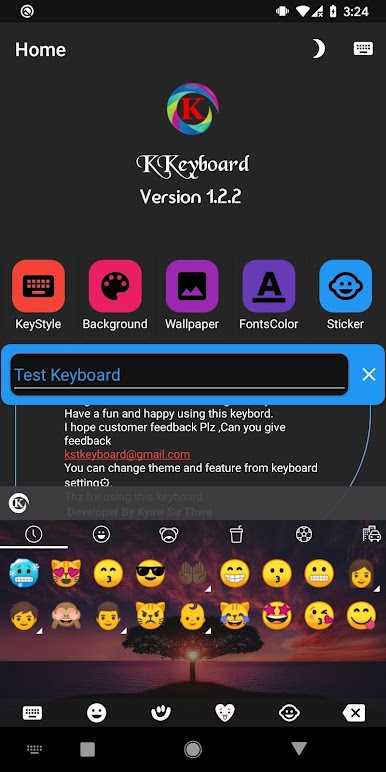
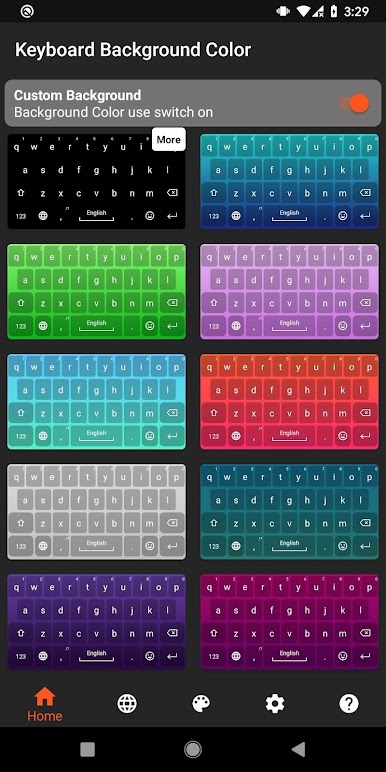
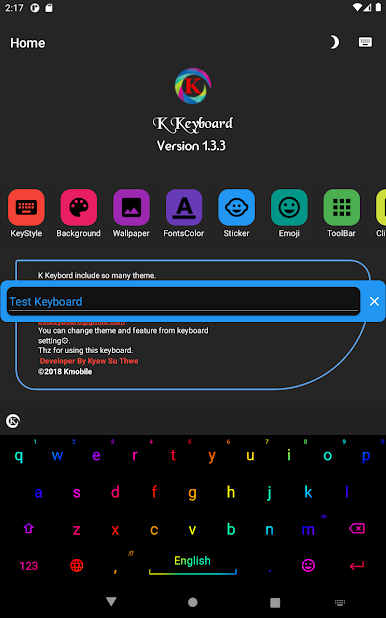
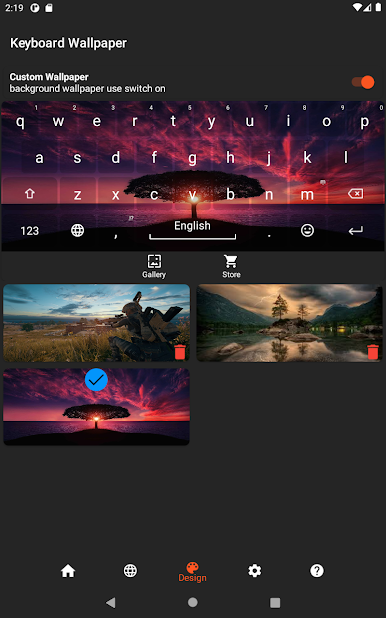
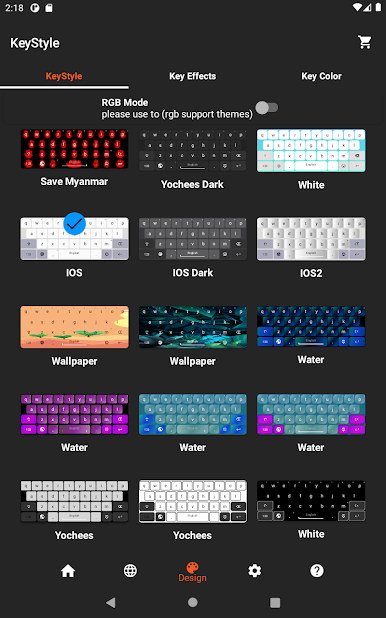
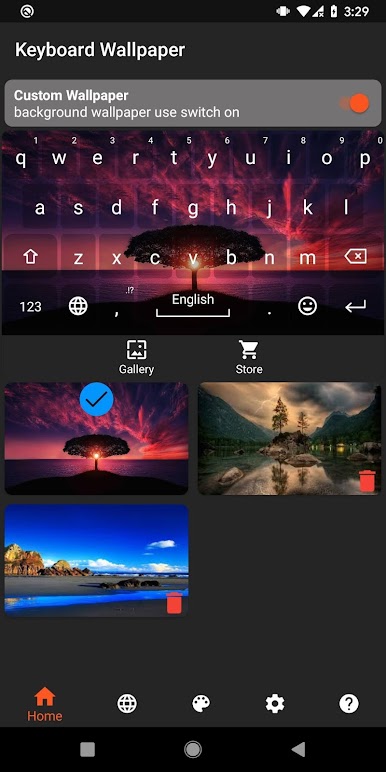
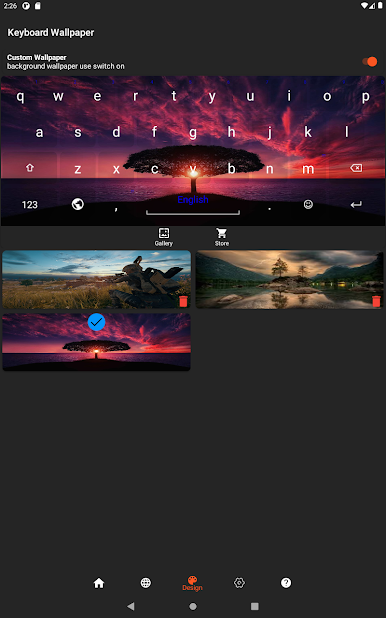
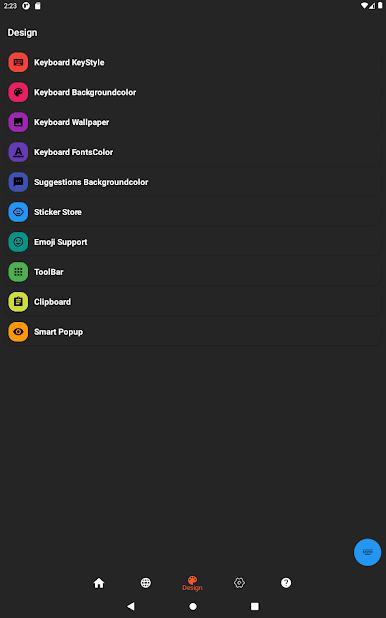
But that’s not all! K Keyboard also comes with 1000+ cute and smart emojis, emoticons and smiley faces, as well as a clipboard to auto-convert Myanmar text and a favorite feature for quick access to frequently used words. The app also features a SmartPopup Myanmar Text Auto Converter, background color and wallpaper customization, suggestion background color, key style, RGB mode support, key font color, key effects and key color.
If you prefer to type in Myanmar(Uni), K Keyboard makes it easy with its convenient and user-friendly interface. Plus, the app even has a handwriting keyboard feature for even more versatility.
Download K Keyboard – Myanmar on PC with BlueStacks and start typing with ease and style.
Play K Keyboard - Myanmar on PC. It’s easy to get started.
-
Download and install BlueStacks on your PC
-
Complete Google sign-in to access the Play Store, or do it later
-
Look for K Keyboard - Myanmar in the search bar at the top right corner
-
Click to install K Keyboard - Myanmar from the search results
-
Complete Google sign-in (if you skipped step 2) to install K Keyboard - Myanmar
-
Click the K Keyboard - Myanmar icon on the home screen to start playing

