

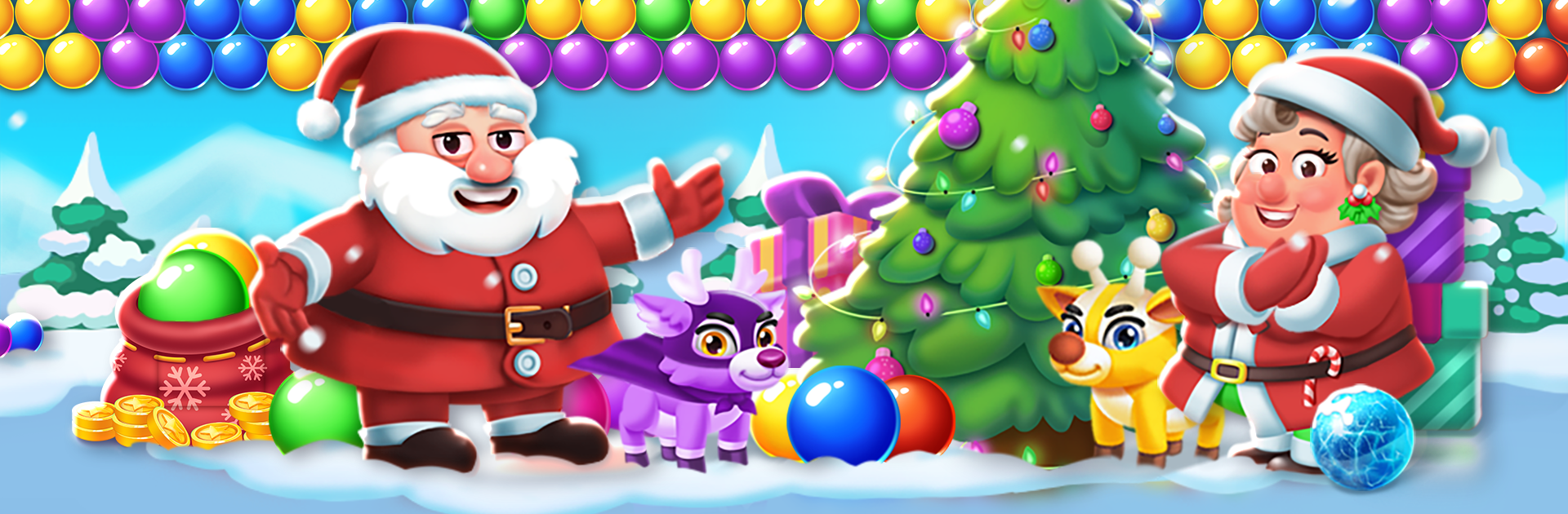
Christmas Games-Bubble Shooter
Play on PC with BlueStacks – the Android Gaming Platform, trusted by 500M+ gamers.

Page Modified on: Oct 12, 2025
Play Christmas Games-Bubble Shooter on PC or Mac
Explore a whole new adventure with Christmas Games-Bubble Shooter, a Puzzle game created by Bubble Shooter @ MadOverGames. Experience great gameplay with BlueStacks, the most popular gaming platform to play Android games on your PC or Mac.
About the Game
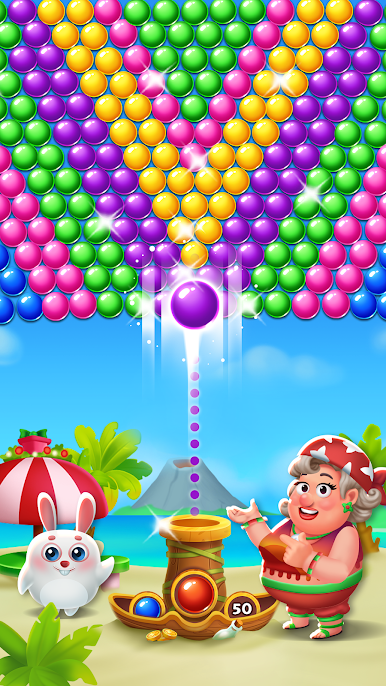
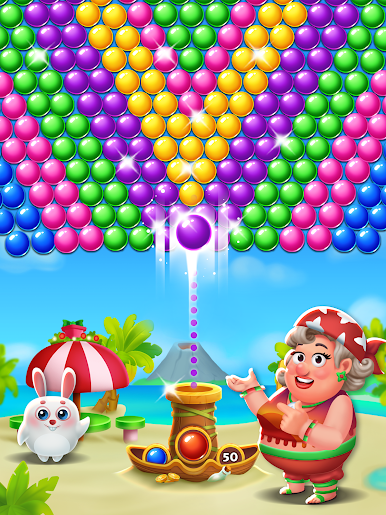
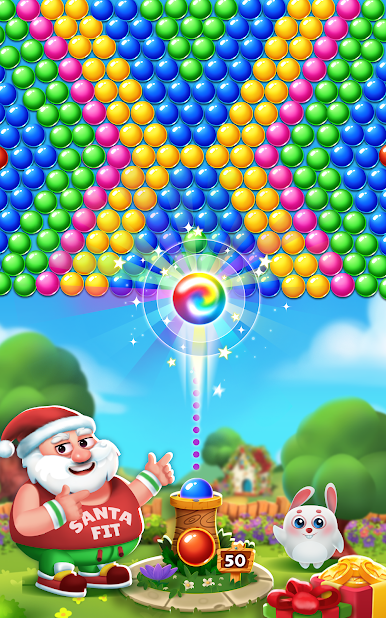
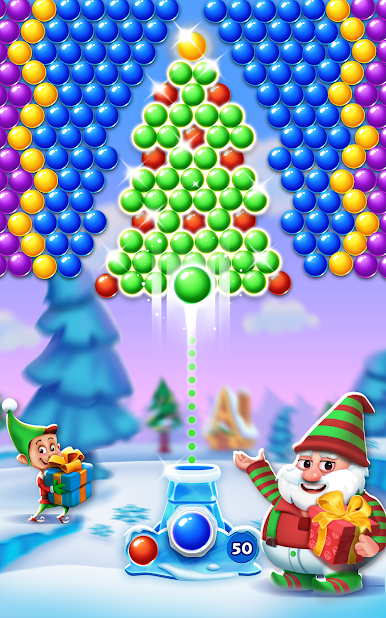
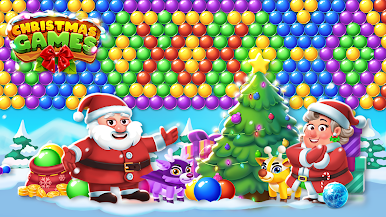
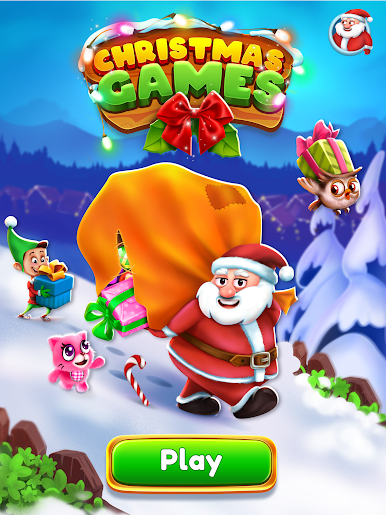
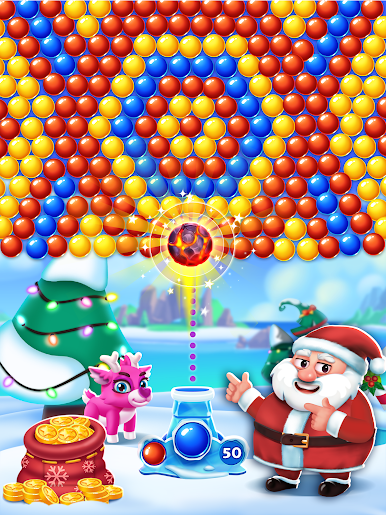
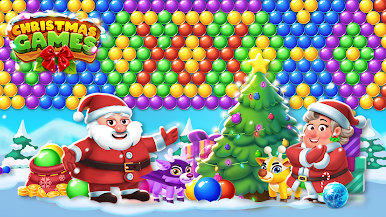
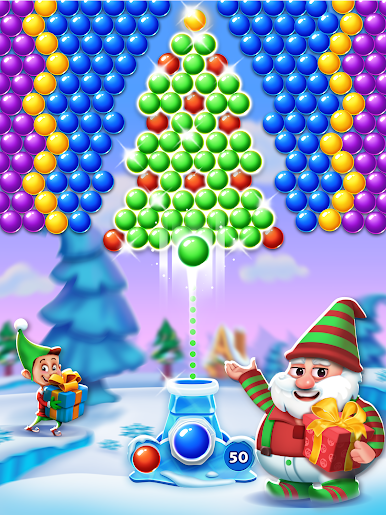
Christmas Games-Bubble Shooter from Bubble Shooter @ MadOverGames is a cozy, festive Puzzle game that’s all about smart shots and satisfying pops. You’ll match colorful bubbles, clear snowy boards, and bring a little extra cheer to your day—whether you’ve got five minutes or a whole evening. It’s easy to learn, surprisingly strategic, and packed with holiday charm.
Game Features
-
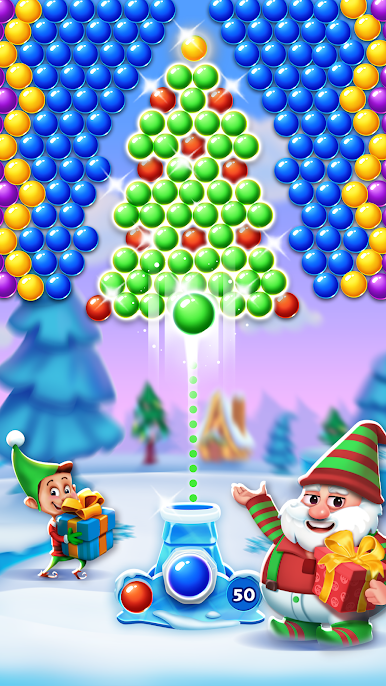
Festive bubble popping
Aim, match, and burst cheerful Christmas bubbles while snow falls and lights twinkle. It’s classic bubble-shooter fun with a holiday vibe. -
Hundreds of handcrafted levels
Work your way through loads of stages that steadily up the challenge. New twists keep things fresh without getting overwhelming. -
Make every shot count
Limited moves mean planning matters. Line up bank shots, create clusters, and snag those 3-star clears by finishing with bubbles to spare. -
Handy power-ups
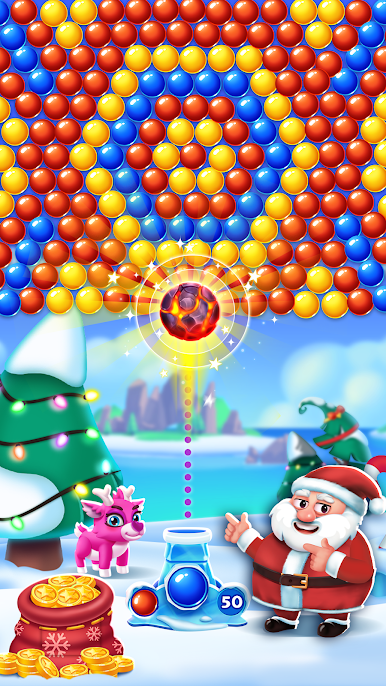
Use wild rainbow bubbles, explosive blasts, and other boosts to crack tough layouts and rescue tricky corners. -
Santa and friends
Meet festive characters on your route and follow a merry journey across wintery scenes and decorated locales. -
Relaxing sights and sounds
Gentle music and warm animations set the mood—perfect for unwinding after a busy day. -
Friendly score chasing
Go for high scores and compare stars with family or friends. Short stages make rematches quick and fun. -
Smooth on phone or PC
Touch controls feel natural on mobile, and if you prefer a bigger screen, Christmas Games-Bubble Shooter also plays comfortably on BlueStacks with precise mouse aim.
Start your journey now. Download the game on BlueStacks, invite your friends, and march on a new adventure.
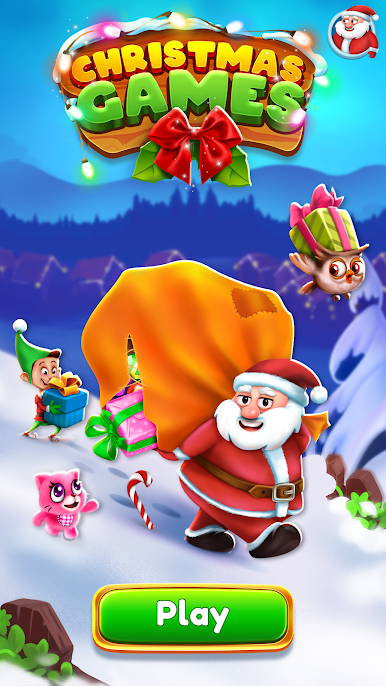
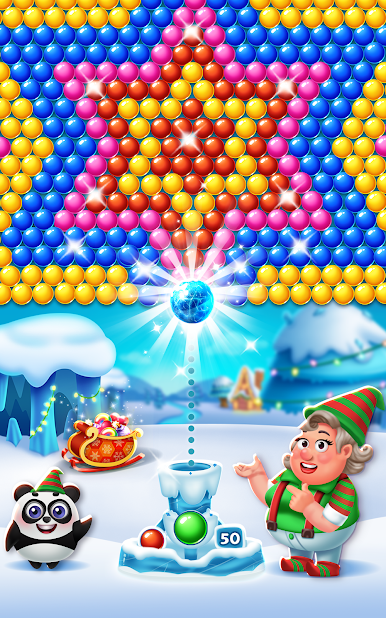
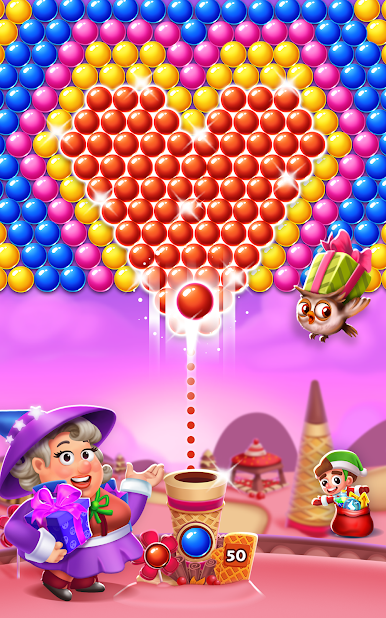

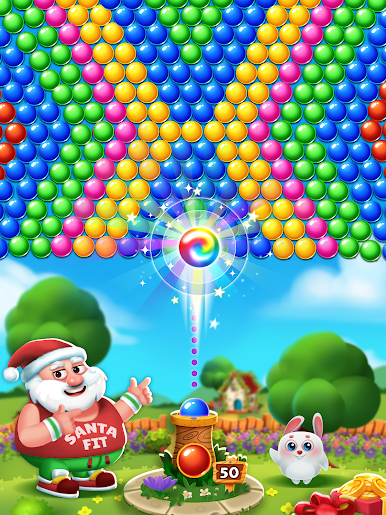
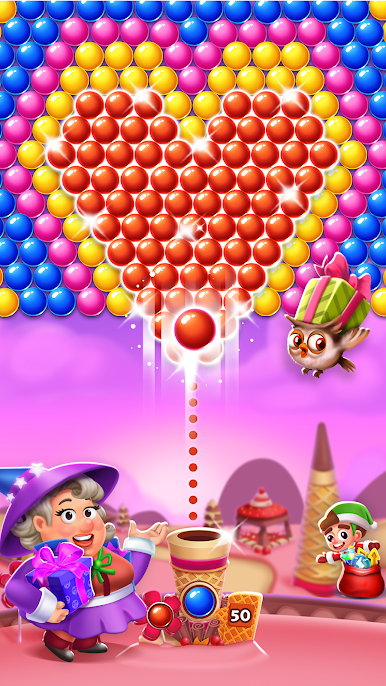
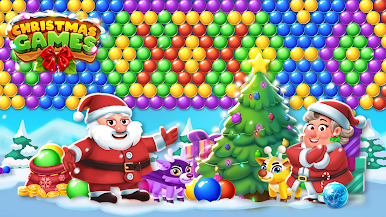
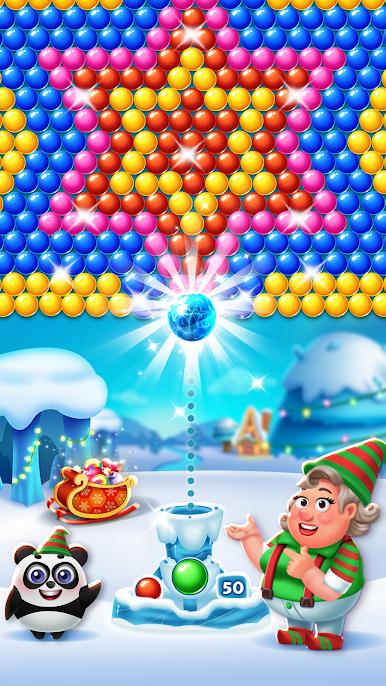
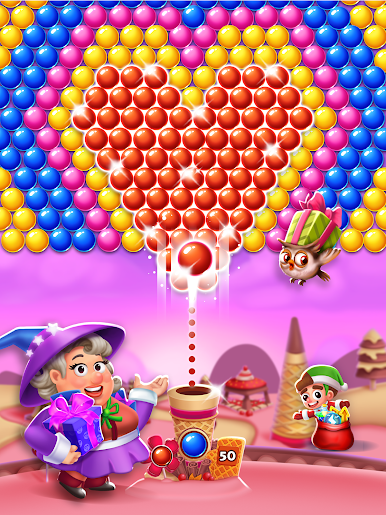

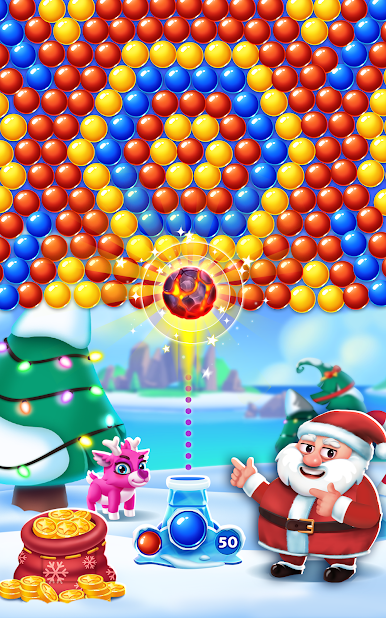
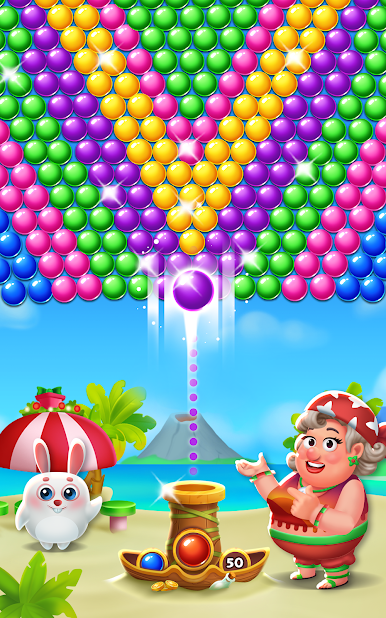
Play Christmas Games-Bubble Shooter on PC. It’s easy to get started.
-
Download and install BlueStacks on your PC
-
Complete Google sign-in to access the Play Store, or do it later
-
Look for Christmas Games-Bubble Shooter in the search bar at the top right corner
-
Click to install Christmas Games-Bubble Shooter from the search results
-
Complete Google sign-in (if you skipped step 2) to install Christmas Games-Bubble Shooter
-
Click the Christmas Games-Bubble Shooter icon on the home screen to start playing

